Use social ads to introduce your rental business locally
Show an authentic rental setup to a local audience and follow the path from an introduction to an inquiry or completed booking.
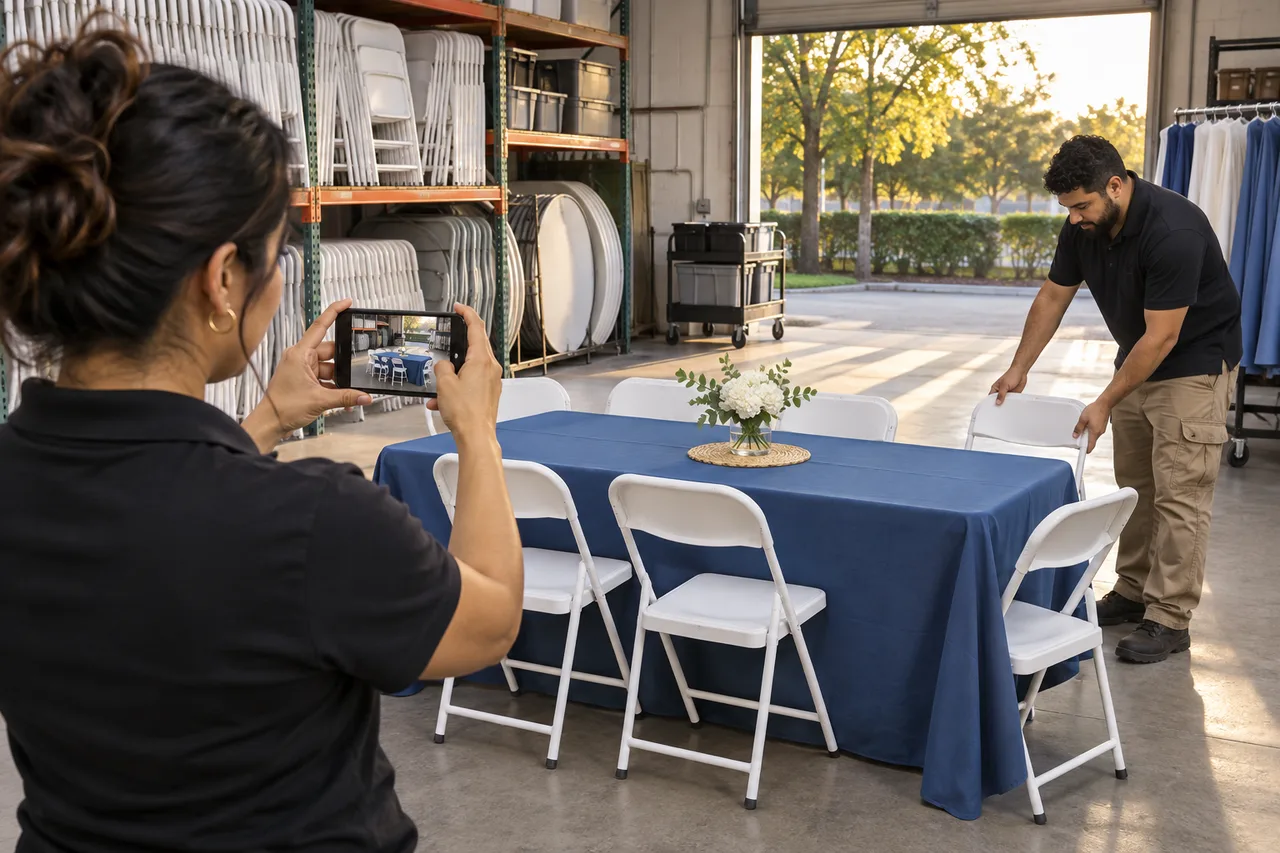
A customer sees a short video of a banquet table and folding chairs being delivered to a neighborhood hall. They don't have an event date yet. Weeks later, they are ready to compare rentals and remember the team that showed how pickup works. An introduction campaign can give nearby customers a clear idea of what your business does and where to go when they have an event. Its value depends on what a person can learn and what the team can do when they get in touch.
Start by showing one real service to a local audience you can serve. Use an example the warehouse can fulfill during the period you plan to advertise. Let a customer move from the post to useful information about equipment, service areas or how to ask for a quote. Then check whether the people who contact the business bring requests that fit. Follow those requests beyond the conversation when you can connect them to a real booking.
Choose the single thing a local customer should recognize
Decide what you want someone to remember about your shop. For example, your business might provide tables and chairs for small celebrations with a scheduled pickup at a named location. Another might deliver lounge furniture and help planners choose pieces for specific venues. Both are rental businesses, but each has a different next step. Use the service the team can explain clearly and support during the campaign.
Pick a locally useful detail. It could be the neighborhoods your delivery team serves, whether pickup is available or what kinds of events your current inventory fits. If people frequently ask how they receive large items, show the collection point and explain how they request a time. If they call because they can't tell which furniture fits a venue, show a completed setup or a sample layout. Keep the answer narrow enough to be useful to someone seeing the business for the first time.
Agree what success would look like. An introductory campaign might aim to bring questions from nearby planners, build demand for an upcoming season or help more locals know where to find the catalog. Define an observable result for the shop as well, such as a small group of inquiries that include a usable date and location. A video view can tell you someone saw the work. A request that fits helps you understand who is moving toward a possible booking.
Start with the businesses and neighborhoods the crew can serve
Review the geographic area from the operating calendar outward. For pickup, check the locations and windows the business can offer. For delivery, ask dispatch which towns and venue areas routinely fit the planned routes. Choose one reasonable area for the first test. If the crew can only serve parts of a larger region on certain days, make that clear on the destination page or in the inquiry process. Staff can then review each address and time before confirming it.
Think about the type of event connected to the service. A useful introduction might show a backyard gathering package to customers who can collect it locally or show event furnishings to people organizing receptions. Use the kind of work and place the business covers to shape the creative. Ask a local employee to read the description before launch. They can catch an ambiguous location name or recognize whether the example sounds like a delivery promise you can't make.
Test one boundary case. A person who lives beyond the shop's regular delivery area may be able to pick up. Someone who lives near the warehouse may need delivery to a venue outside the area. Work out how the shop would answer both. Let the ad introduce the business while the destination and staff explain the conditions for a specific order. That gives customers a practical next step without creating a larger service commitment.
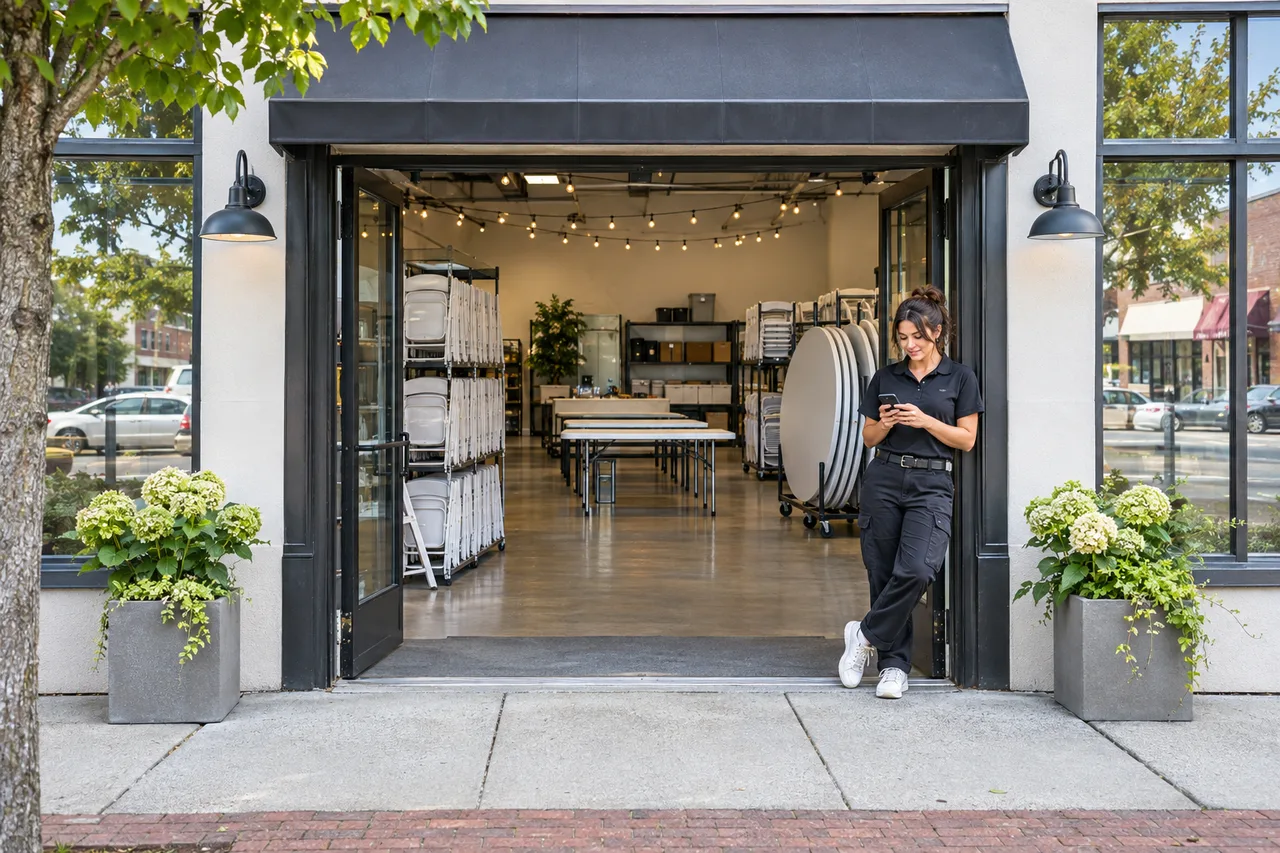
Make a short example that shows the actual rental
Choose equipment you own or can reliably offer. Prepare a clean sample at the warehouse or an appropriate venue where the business has permission to take and use pictures. Show enough of the arrangement for a person to recognize the size and use. For a small dining setup, a photo of the full table and chairs helps more than a close-up of an accessory that isn't included. Confirm the photo, caption and listing describe the same equipment.
Give the image or video a purpose. A wide shot can show a furnished room. A shorter clip can follow a cart to a pickup point and show how a worker checks the order. Avoid centering the ad on details the public can't verify later. If the image is for inspiration, explain where customers can see what is currently available. If a caption names a particular package, make sure the ordinary quote and pick list include the pieces it promises.
Keep descriptions accessible. Add descriptive alt text where the publishing workflow supports it and captions for speech in a video. Include a short written statement of the service and location so someone can understand the offer without sound. Have a colleague open the preview on a phone and read what they can see at a glance. Ask whether the service, business and next step are clear before spending time on more versions.
Give people a place to go before they know the full event plan
Send the viewer to a page that answers the next likely question. A collection page can show the available categories and a way to check dates. A service page can explain delivery and pickup arrangements. A venue-specific example can show which products your team actually offers for that type of room. Choose one entry point that connects to the reason someone clicked. Check that they can still find the rest of the store if the first items aren't right.
Use a clear action for someone who is still planning. They might browse the catalog, check a date or ask a question about delivery. If the form needs a specific date to give an accurate answer, tell them that. If they can ask an early question without the date, show them how. Avoid making a generic message look like a confirmed reservation. Read the confirmation that appears on the site and the message staff receive so the action is clear on both sides.
Have an employee open the destination from a phone without a saved session. Confirm the shop name, location information, displayed equipment and contact options. Open one listing and check a realistic date. Try a location the business cannot serve by delivery. Ask whether the page explains who can confirm a request and how to ask about alternatives. Fix the first page and reply before trying to attract more people to it.
Plan how the office will answer the first questions
Give the person answering calls or messages the exact photo, caption and destination. Decide what information they need to check stock, service area and timing. An early question might only need a short reply and a link. A customer with a date and venue may need a quote. Build the response around what the person has already told you. The best reply advances the booking without making them repeat their first question.
Consider how staff will handle a busy weekend. If the ad sends people to a form after the office closes, check what the form confirms and when someone will look at the request. Keep the response time the shop can actually offer. Decide where an inquiry lands and who reviews it. If the business also receives direct messages, tell staff how to move a relevant conversation into the same booking process without losing what was discussed.
Use one sample call to check the handoff. A caller saw a furnished room and wants to know whether the same tables can be collected for a Friday event. The office can confirm the category and choose the right pickup location, then check stock and the time window. If the items are available, staff can explain how to request or accept a quote. If they need an alternative, point to one the warehouse can supply. Try both responses before letting the campaign run.
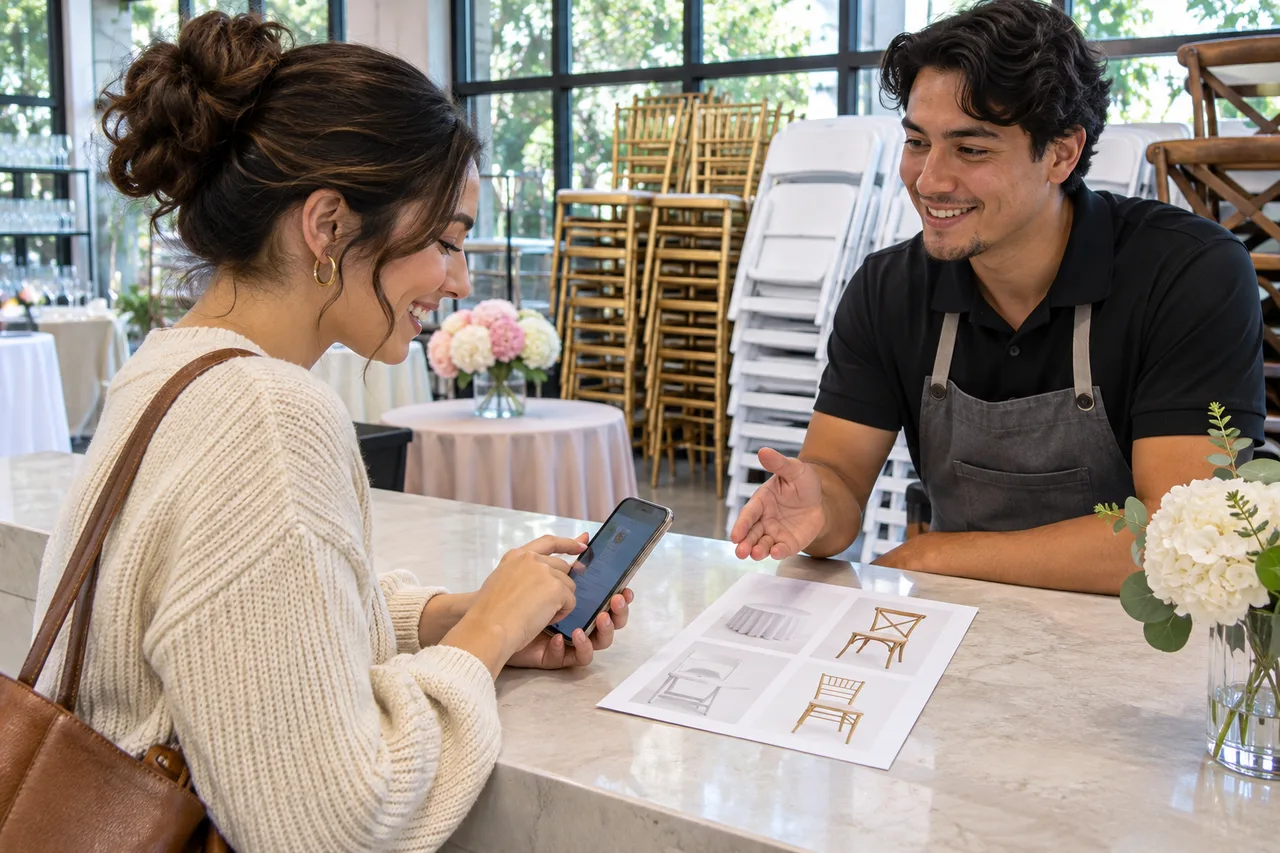
Keep the first run small enough to observe
Choose the dates, budget and area you are willing to test, then record them. Give the business enough time to see a few real inquiries while staying within its ability to answer them. Start with one main introduction and one destination. If you compare two versions, change a visible detail such as the first image or service explanation and keep the rest of the experience comparable. That makes the response easier to interpret. Check the current placement and billing options directly through the provider before committing a budget.
Watch the first contacts rather than waiting until all spending is finished. Suppose several nearby people click a photo that looks like delivery is included, but the shop offers pickup for those items. Confirm what the photo and caption led them to expect. Update the service description and check the page again. If people describe a service the business doesn't offer, ask which words or details they remember. That gives the shop a reason to change the introduction in an observable way.
Pause or narrow the run when staff cannot handle the requests it produces. A successful first version can reach enough customers to fill near-term pickup windows. Check the shop's current capacity before making the same offer to more people. A general introduction to the business can remain useful if the destination shows current options. Give the office a way to update a specific claim or direct people to later dates when the original availability has changed.
Record a source without making every customer identify an ad
Use a recognizable label for the campaign in the inquiry record where the system supports it. If the shop can capture the source when someone follows the link, check that the office can see that value on the resulting inquiry. When a person calls, ask how they heard about the business if it fits the conversation. Keep their response in plain terms. Some people will remember a platform or a photo without knowing the name of a specific campaign.
Avoid counting the same opportunity each time the person makes contact. A customer might follow a link, send a message later and then call the shop to book. Review the records before concluding that all three contacts are new demand. Keep the sources the customer mentioned and the current next action. If you can't identify a source confidently, leave it unknown. A few traceable examples are more useful than a full spreadsheet of guesses.
Give people an appropriate way to continue. A person may need an estimate now or may want a link to save for later. Keep any follow-up consistent with the way the customer agreed to be contacted. Put the current details and decision in the usual booking or inquiry location rather than leaving them in the inbox of the employee who first replied. Review one order the next week to make sure someone else can find it.
Compare what people noticed with what became rentable work
Review the period in stages. First, see whether people reached the destination and recognized the service. Then examine inquiries that give enough details for the shop to help. Follow accepted bookings as they are fulfilled. Record how many orders use the equipment and dates the business was prepared to serve. An introductory campaign can need time for people to choose dates. Keep an appropriate follow-up date for pending inquiries so they are counted when the shop knows the result.
Imagine a small run brings ten identifiable inquiries. Six are for events within the service area, four of those can be served on their requested dates and two are confirmed. One confirmed rental has already been completed. The owner can now ask why the remaining requests didn't fit. A wait for a venue date merits a different response from repeated confusion about whether delivery is available. Read a few individual inquiries alongside the counts. That can expose a change worth testing in the next version.
Record the staff time used for creative, questions and order handling. Compare that work and the spending with the bookings that follow. If the run brings customer interest the team can serve only after hiring more staff or opening a vehicle route, treat that as a separate planning decision. If inquiries match the existing catalog and schedule, look at whether the business can repeat the effort without overlooking accepted jobs. Use the results to decide how much of the original objective the run achieved.
Check how the introduction works when a partner shares it
A venue or local event organizer might want to share the post with people who already know the area. Give them the current link and the description you want customers to see. If they add their own caption, confirm it accurately describes what the rental shop can deliver or make available for pickup. Keep the rights and permission to share any venue image clear. A local connection is most useful when customers can recognize the service but still go to the business for current availability.
Review one path from a shared introduction separately from the original placement. Suppose a hall sends the post to attendees planning family reunions. They may assume the furniture shown is included with the room. Ask the person who receives those inquiries how they describe the shop's role, and update the destination if needed. If the hall can answer basic room questions, identify which rental details it should refer to the shop. Verify that comparable requests reach the usual quote process regardless of where the person first saw the example.
Use actual questions to improve the next introduction
Choose one result from the test to act on. If callers remember the equipment but can't find the pickup address, update the destination with clear instructions and check the next run. If customers ask about large delivery jobs when the shop wants small local pickups, use a more representative example. If the post brought useful inquiries for a later season, save examples the team can use to discuss the next period. Give the person revising the introduction a specific change to make and a date to review it.
Keep a copy of the version you showed. Record the photo or video, service description, destination link, dates, spending and who handled replies. Save a few anonymized examples that show the paths customers took. That gives the next employee enough information to repeat what worked and recognize whether the offer has changed. Read the public destination one more time when the run ends so people with a saved link see the current terms.
A local introduction is doing its job when someone understands what the rental business can supply, knows how to take the next step and gets a consistent answer when they contact the office. Start with a believable example of the service. Then use real questions and completed rentals to choose which story, area and timing deserve another test.