Use Instagram to answer rental questions visually
Answer rental questions on Instagram with accurate comparisons, clear package inclusions and a practical route to booking.
A planner finds a party rental business on Instagram and wants to know two things. How many chairs fit around the pictured table, and what exactly comes with the rental? The feed has attractive photographs from several events, but the captions do not name the table or distinguish the pieces the shop supplies. A post that compares the real options can answer the planner quickly and give the next customer something useful to save.
Build a visual answer around the questions people ask before booking. Show the actual equipment, identify any conditions that affect the choice and provide an appropriate next step. Use Instagram as a place to make a rental offer easier to understand. Keep the current catalog, terms and available dates at their proper destination.
Create a list from questions the shop already answers
Check common inquiries in the showroom, quote notes and public comments. Look for requests where a picture would add clarity, such as the height of a cocktail table, the difference between chair finishes or which cases accompany a small audio package. Choose questions affecting a decision the business can help with. Use a generalized version instead of quoting or showing someone’s actual inquiry without permission.
Group related questions by the step in the rental. Browsing customers may want to see size, colors or compatibility. Someone ready to reserve may want to know what is included and where to check a date. Confirmed customers may need pickup direction or an explanation of how to return a particular set. Use different posts for questions that deserve different answers. A good first piece helps the customer do one thing clearly without repeating everything the booking page already says.
Pick a starting set of three questions. One can compare products, one can explain what belongs in an ordinary order and one can show a service detail that staff regularly clarify. Assign a real item or current procedure to each. Have a coordinator confirm the facts and the exact destination. These early posts create a useful reference for measuring whether visual explanations help the customer and give staff something they can reuse.
Choose a format around the answer
Use a single photo when one image makes the distinction clear. Two chair finishes placed together in similar light can show differences more honestly than separate images from unrelated events. A carousel can show a sequence, several options or a breakdown of inclusions. Start with the customer’s question, put one useful fact on each next slide and finish with where to check the offer. A short video can show movement, fit or another detail difficult to understand in a still.
Use repeated visual conventions to make the information easier to recognize. A caption beneath each item can tell viewers which model they are looking at when colors are similar. One consistent frame can show scale across two options. For a return instruction, a clean visual can show the approved location or container while the text gives the practical detail. Keep a file of the original equipment labels, permitted photos and approved terms for future updates.
Match the length to the choice. A carousel about seating can compare three styles people can already book. A busy cover showing ten different options can make it difficult to tell which is which. Give the most important answer on the first card or in the main caption where appropriate. Some viewers will never swipe or listen. A concise overview helps them decide whether the rest of the post is relevant.
Photograph equipment as customers will recognize it
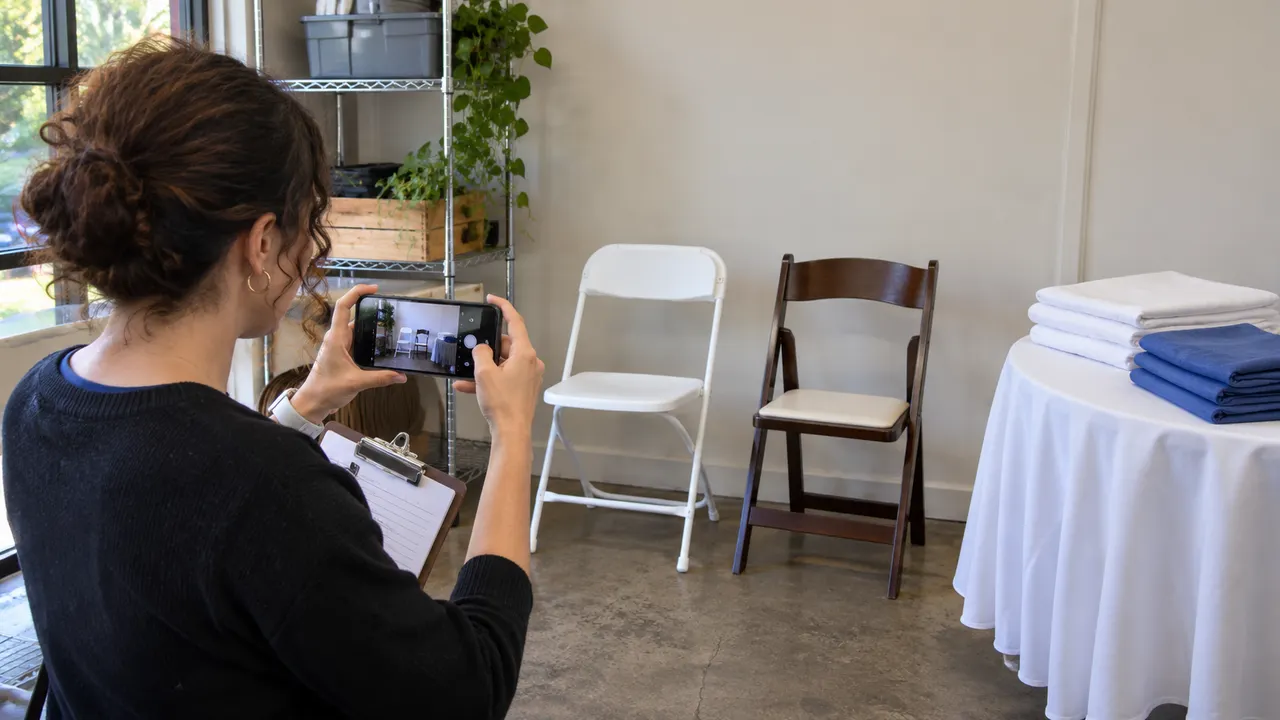
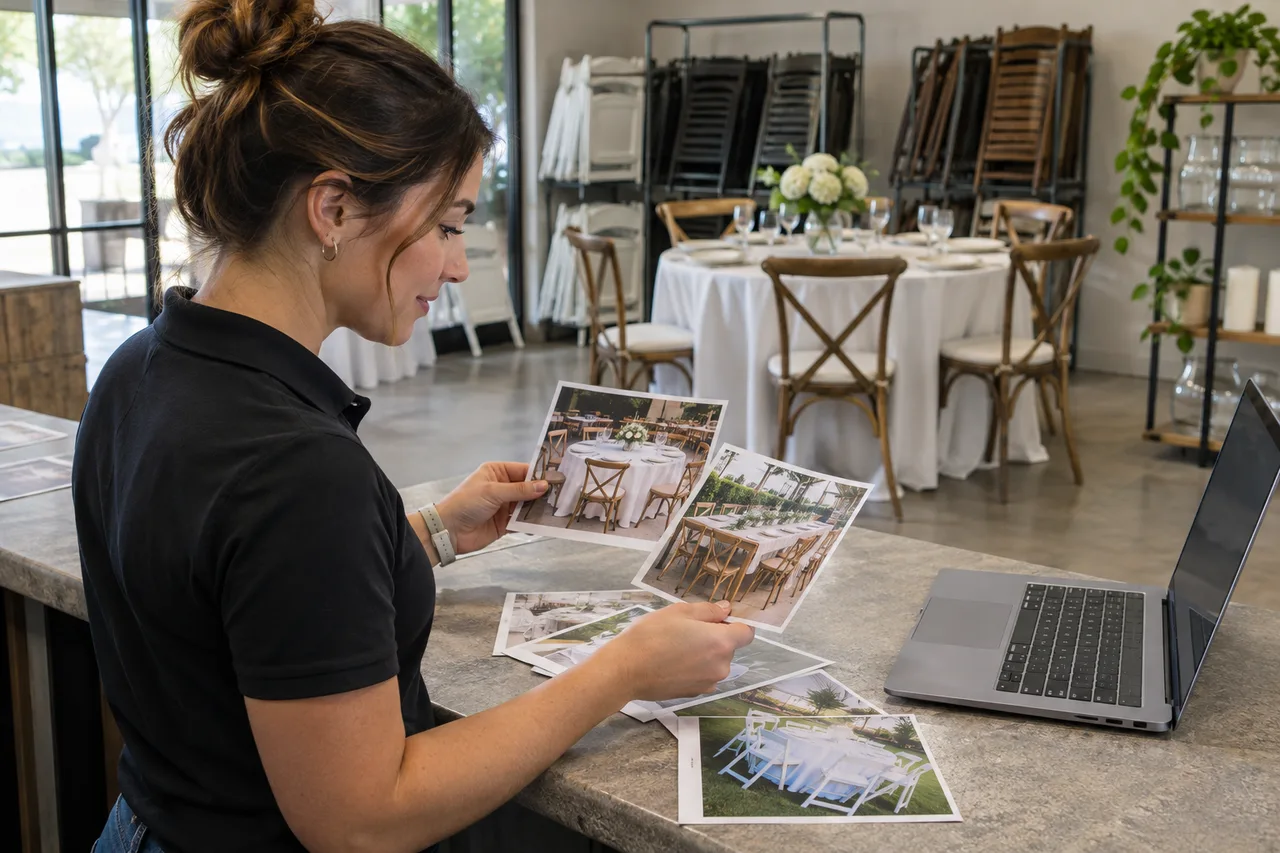
Use current equipment and relevant measurements. A folding chair next to the actual table is useful if the seat and tabletop relationship is important. If you compare two table sizes, use a consistent distance or label the dimensions clearly. Show which accessories or linens appear and whether they are included or optional. A detail view may help the customer identify a folding mechanism or color when the product looks similar in a wide photo. Confirm the factual names in the catalog before posting.
Keep image quality and expectations connected. A room styled for a venue partner may include decor the rental business does not supply. Make the featured pieces clear and label illustrative pieces where it matters. Use suitable lighting and simple arrangements so different finishes appear accurately. If you cannot photograph the exact item yet, wait or use an explicitly labeled comparison that will not suggest it is ready to rent. Make sure a reader can reach the right product when they use the information.
Use an approved setting. Check whether you may show an event or venue and get appropriate permission for identifiable participants. Crop out order papers, private screens, identifying messages and unrelated guests when possible. A practice arrangement in the showroom can demonstrate the dimensions or package cleanly. Make one photo wide enough to show scale, and another close enough to identify the detail that matters. Review both before they become part of a public answer.
Build a carousel that answers the package question
Suppose the business rents six-foot banquet tables, white folding chairs and linens available as a separate add-on. The first slide could show a real setup with its product names. A second shows the table and chairs on their own with relevant dimensions. A third shows fabric choices and labels linens as optional. A fourth gives the approved way to ask about a date and order quantity. This sequence gives people enough context to identify what they saw and what they would need to add.
Keep the facts consistent between the slides and caption. Avoid displaying a capacity claim the business has not verified. A layout that looks suitable for six people may depend on how the room is arranged or which access requirements apply. If the post illustrates one setup, tell the viewer when the circumstances might differ. State how to get help with the real event plan. Use examples that are easy to compare with the catalog and avoid common surprises.
Ask someone unfamiliar with the offer to skim it on a phone. Have them name one item that is included and one that is optional, then ask where they would check dates. See whether a label is hard to read over a bright photo and whether the cover prepares people for the next slide. A clear visual answer lets a customer identify the package and continue without leaving a comment just to learn which business supplied the table.
Give the visual answer a readable text counterpart
Include the main product distinction in the caption, particularly if the first image contains a graphic label. Use text alternatives where the current posting tool supports them. Describe the equipment and useful visual detail rather than copying a list of search terms. For a photo comparing chairs, the useful fact might be that the padded model has a white cushion and the standard model has a plain seat. Confirm that the description matches the image and that the booking information is written down elsewhere.
Keep graphic overlays simple. Put the most important few words next to the item they describe and use a background or position where they can be read. A large decorative typeface over a white tablecloth can make the main measurement hard to see. Ask an employee to check the cover and captions from a phone before relying on them. If the visual answer changes when an image is cropped, adjust which details are in the graphic and which are in the caption.
Make the answer available where the rental is sold. A customer who does not use Instagram can still benefit from guidance about comparable chairs or optional covers. Keep the essential facts accessible on the product page. The social post can show the comparison and give a straightforward route into the catalog. Check that both versions use the same product names and current conditions as staff update them.
Use short video when motion carries the answer
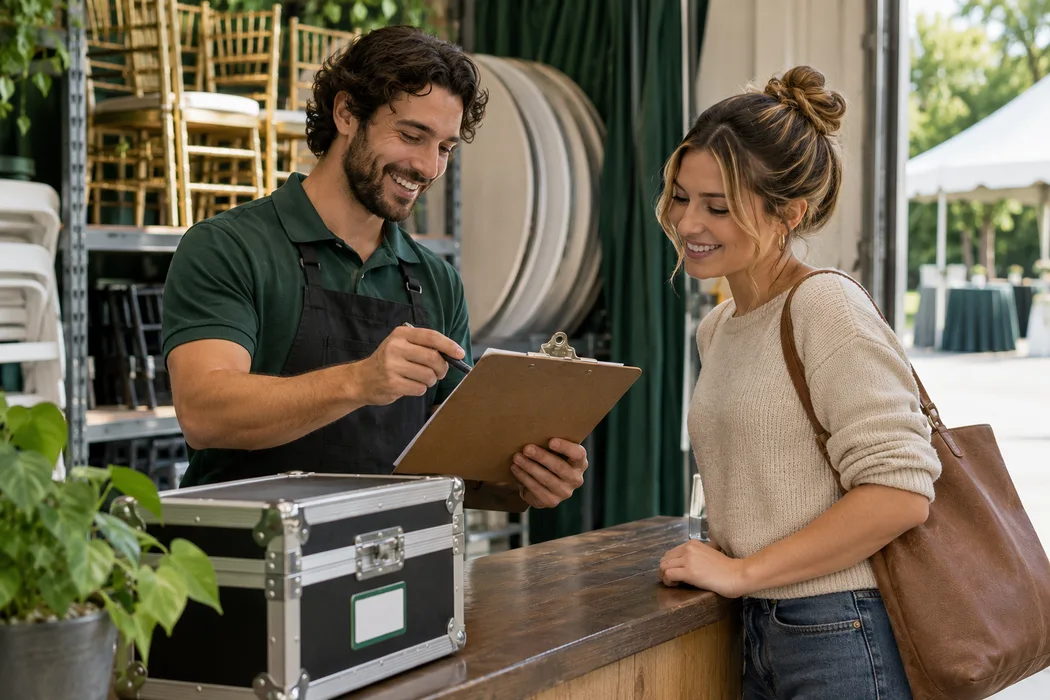
A client may be able to judge package size better from a view of chairs rolling to a pickup point than from a tight crop of the cart. At a staffed warehouse, a short approved clip can show which entrance a customer uses and what their order looks like at handoff. Put the business name and the main fact in the clip or caption. Preserve the parts of the pickup arrangement that vary by order, such as time and quantity, for the actual confirmation.
Plan any spoken words around what viewers need to understand. Use captions if the speaker says important details and verify them. Include any necessary label where people can read it on a phone. When a clip focuses on a visual distinction, name that distinction in the accompanying text. Select a cover that makes the question easy to find again. Use one shot that holds long enough for viewers to see the piece they are meant to recognize. W3C guidance on captions for accessible video.
Check which information belongs on a durable page. A short video can help a renter find the doorway. The confirmation should still state when and where to collect the equipment. A clip can show an accessory, and the catalog should still explain compatibility and availability. Use the visual answer to help people navigate useful information, while keeping anything time-sensitive or private in the appropriate place.
Give the caption and profile link a specific job
Write the first line to match the question. It might say, “Comparing our regular and padded white folding chairs,” or “Here is what comes in our basic table pickup bundle.” Use a sentence to explain the fact that was hard to see. Give people the next supported action, such as opening the product collection listed in the profile or contacting the shop with a requested date. Keep the channel’s current features in mind and preview the path from an ordinary viewer’s account.
Make the destination useful on a small screen. If the post refers to one specific product, customers should be able to find the item without working through unrelated offers. If a link menu supports several items, name the one people are looking for in the caption. Check actual dates and how the location affects service. Tell the user whether they are moving to a date check or sending an inquiry that staff will review. Make the words on the page and post agree.
Plan replies staff can use. A customer may ask whether a variant is out of stock, if delivery is available or where to book. Give the employee the direct place to verify the current information. Discuss personal booking details through the approved private path and avoid asking for addresses or payment information publicly. If one question repeats, update the primary published information to answer it sooner.
Observe which answers people actually use
Count what each post can show according to the account’s reporting tools. A save or share may suggest someone found the answer worth keeping. A profile visit or click can help you understand a next step. A booking request or fulfilled order is a separate outcome the rental team can verify where it has appropriate evidence. Review the post alongside the catalog and inquiry notes. Exact attribution can be incomplete, especially if the person follows up later by phone.
Compare posts that have the same purpose. A table comparison and a pickup reminder will naturally result in different behavior. Consider which post answered a recurring question and what staff hear afterward. Ask how often people arrive knowing what they want or send a better initial request. If a post gets strong interest and most inquiries are for the wrong quantity or an included item the package lacks, check the post and the destination before increasing its exposure.
Write down one small change. Maybe the opening slide should show labels on both chair styles. Maybe the link should lead to a smaller collection that contains the models. Maybe a staff reply can point to a clear pickup guide. Make the change and compare the next purchases or questions with the previous period. Simpler explanations sometimes reduce inquiries because people find the answer themselves. Look at request quality alongside the number of messages.
Explain a service variation without promising it to everyone
Suppose a photo shows a crew placing folding chairs in rows at a community hall. The rental includes stacking the chairs at delivery for some orders, and full placement is a separate service. Use the caption to identify what the picture shows and explain that service depends on the agreed booking. Send viewers to a page where the office can review quantities, dates and access. Check that the completed booking shows the chosen service in the same words. A picture can set a clear expectation when the ordinary options are stated plainly.
For pickup, the post might show a modest set of four tables in a cart. A larger order may require a different collection process and vehicle. Give the general visual answer and tell customers what the shop needs to confirm for their order. Include one example of a fact staff can check, such as the dimensions of the folded table or the collection appointment. Keep details for a specific customer in the private confirmation.
Let employees collect questions that remain after the post is shared. If staff repeatedly have to explain whether setup is part of the order, the picture may need a clearer label and the destination may need to show the choice more directly. Make the appropriate edit, then review the next few inquiries. A response that helps one renter can become a public explanation when it applies to future orders.
Keep frequently shared answers up to date
Maintain a simple list of posts, topics, products, linked pages and responsible staff members. Flag dates, prices and venue conditions that can change. Ask someone to review a post when the shop retires an item, changes the route or updates its pickup hours. Use the platform tools available to update the caption, replace the content or direct readers to a current answer. If the shop cannot revise an important detail in place, follow a supported approach to remove or clarify it.
Give staff an easy way to find the content worth sharing. A coordinator dealing with a chair-size question should be able to point to a current comparison from the shop’s approved sources. Keep the exact details in your catalog or guide so a person who cannot access social posts can still get them. A tidy library helps the next person check whether a new post would answer something different or simply repeat a working explanation.
Test the highest-used answer every so often. Open it, follow the current booking path and identify what information a customer can find there. Choose one traceable issue to fix. An ordinary customer should be able to recognize the correct item, see what is included and take a useful next step. Visual material earns its place when it makes a decision easier for that person and more predictable for the store.