Turn a rental setup into a useful TikTok demonstration
Film a short rental TikTok that answers one real equipment question and helps viewers find the right item or ask about dates.
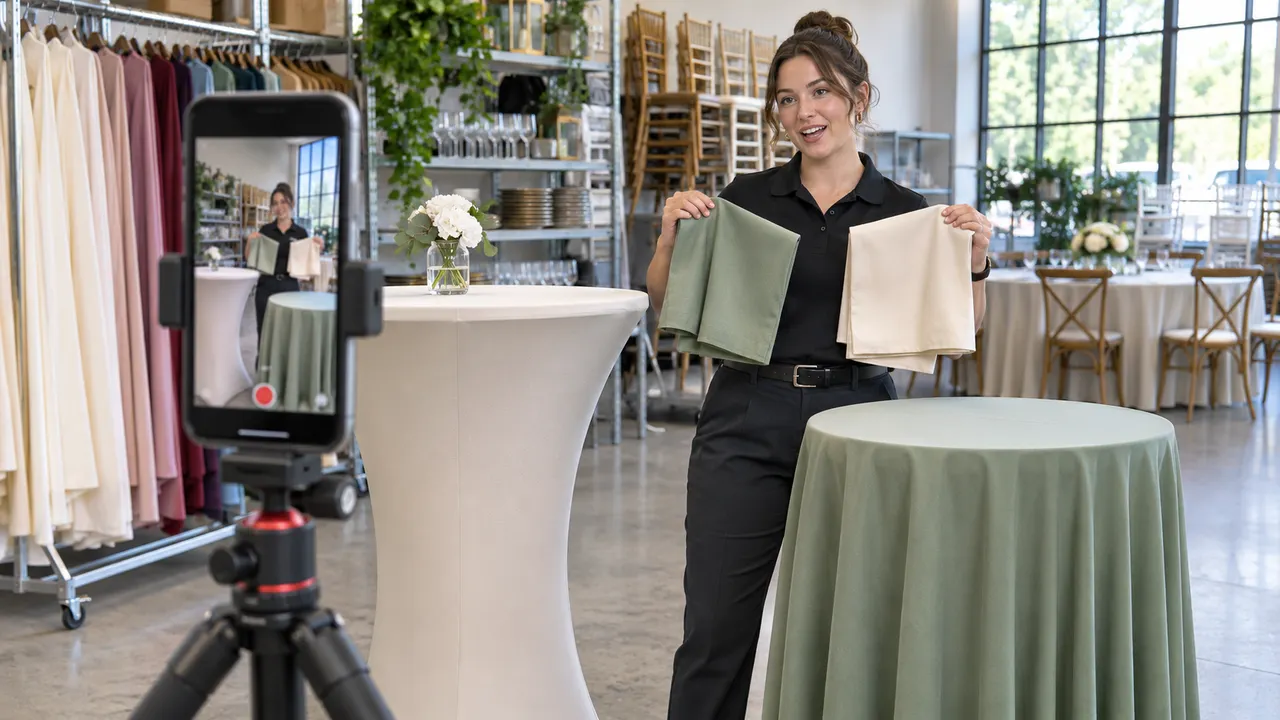
A customer asks why two cocktail tables in the catalog are shown with different covers. Each photo was taken from a different angle, and both captions describe the table as tall. A short side-by-side demonstration can do more than another beauty shot. Put the two actual items beside each other, show the height and explain which cover the shop uses with each. A viewer can bring that information to a quote or decide which question to ask next.
Use a TikTok demonstration to answer one question a renter regularly asks. Keep the real product, footage and booking path connected. Show the equipment in a realistic position and explain the important difference in plain words. A video that teaches a clear choice can also help the next staff member answer the same question in the showroom.
Choose a question that can be answered on camera
Ask employees what they regularly have to show someone after they describe it. Useful questions include how large a table looks next to a standard chair, which accessories come inside a compact audio kit, or what a customer sees at the staffed pickup point. Choose one example with a clear visual answer. Leave questions requiring a detailed compatibility review for a separate discussion or more suitable format.
Decide what the customer should be able to say or do after seeing the clip. A person comparing two tables should know which looks appropriate for standing use and where to confirm the actual dimensions. A customer picking up chairs should know what the order looks like when the shop hands it over. If a worker needs to explain all the business’s terms for the clip to make sense, choose a smaller question or point viewers to the right supporting information.
Confirm the items and relevant details before filming. Check the product record, what is actually included and which shown items are optional. Measure the item if its dimensions determine the answer. If demonstrating a current service, identify the cases in which the service applies. Use values and words a renter can match to the catalog. A useful comparison comes from equipment the shop actually offers and a condition it can explain clearly.
Set up the shot so viewers can see the difference
Film two items from a single angle when comparison is the point. Give them the same floor, lighting and camera distance. A tall table filmed closer than a second table can look artificially large. Use a relevant reference object or a clear measurement label where scale matters. Show the front edge and enough background to make the placement understandable. Check the shot on a phone before recording a long explanation.
For a single item, plan a clear start and end. An audio kit can be shown in its closed case, with the included parts lying beside it and then ready for the approved demonstration. A pickup example can show the route from a marked counter to a staged set of chairs. Use a short closer shot to show the item or label customers need to identify. Keep the handoff, dimensions and service terms consistent with what the staff actually does.
Protect the normal work. Keep filming equipment clear of loading paths and check the site’s filming permissions before recording. Keep faces, order sheets, names and other private details out of the frame when they are irrelevant. Use a practice setup or staff example where appropriate. If a process requires qualified installation, show what the finished service looks like and tell viewers where the approved setup information comes from. Let the people doing the work follow the business’s ordinary procedures.
Frame a vertical demonstration before doing the full shoot
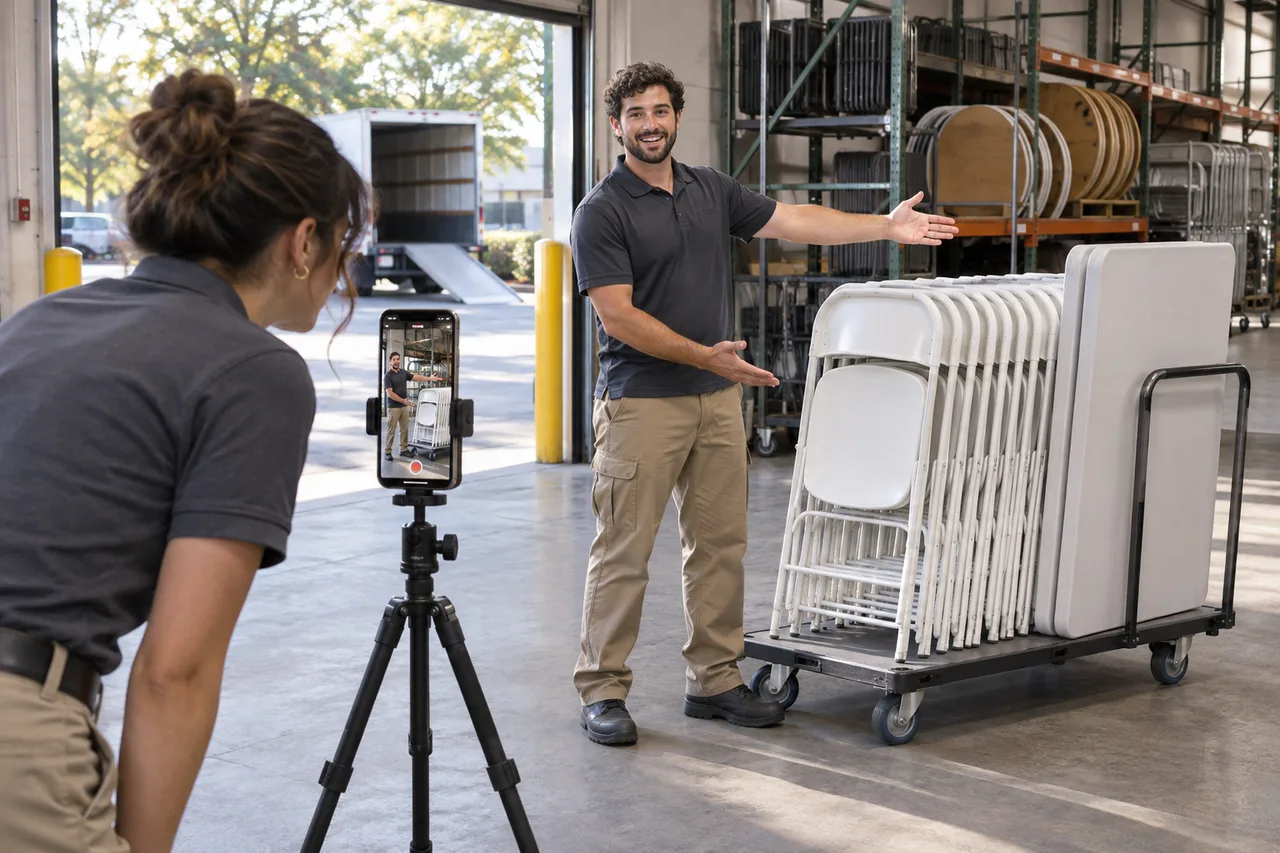
Set the phone upright and keep enough room for both objects and the person pointing to them. Check how the tables and any example covers look from the bottom of the frame. A wide aisle may look comfortable while the standing version cuts off the legs that help establish height. Move the camera back or change the arrangement rather than fixing every problem with a tighter crop. At the same time, keep enough detail visible to identify the item.
Try one rehearsal and watch it in the same orientation a customer will see. Make sure text can sit beside the product rather than over the area you want people to inspect. Keep a clean shot of the item without the employee in front of it. This gives the editor something useful to show while the explanation continues. If the two items cannot fit clearly in a single angle, use steady close views with the same reference object and label each one.
Prepare for fast changes during ordinary work. An aisle can fill with carts after a delivery starts, or a moving employee can accidentally show the back of an order sheet. Agree on when the crew needs the space and film during a clear moment. Check the frame again before saving footage. A simple showroom rehearsal can provide better detail than asking a driver to repeat an action during a real job.
Use the opening to give the viewer the actual choice
Start close to the useful moment. Say “Here are the two cocktail table heights we rent” while both pieces are visible. For an accessory clip, open with the case and say what is included before showing any optional upgrades. A question on screen can work when the picture starts answering it immediately. Avoid a long introduction that may keep the viewer from finding out what the video covers.
Show the fact in a sequence that makes sense. In the table example, show the two pieces side by side, pause for a close measurement and show the correctly matched covers. Finish by saying where to check measurements and availability. Give measurements enough time to be read. Keep the items identifiable as the view changes, especially if both are similar. A short clip has space for each fact if the opening describes a narrow decision.
Use the tone your staff would use in the showroom. Record the words plainly and leave room for a customer who has never rented the item before. Correct brand names, sizes and labels before reuse. Ask a coworker to see the clip once and tell you which item they would open in the catalog. If they point to the wrong product or cannot find it, revise the order of the shots or add a clearer identifying detail.
Make captions and the cover useful in their own right
Add clear captions where you use narration or important sounds. Compare the captions with what the speaker actually says, especially if an automated tool interprets a product name or number incorrectly. Use short phrases that fit the screen and give people time to read. Put important visual information into spoken words or accompanying text where practical. Keep overlays out of the area typically covered by the video interface and check the actual preview. W3C guidance on captions.
Choose a cover that shows the equipment choice. A still of the two different table heights or a wide shot of an opened kit can help someone recognize the answer in the profile later. A cover of a person’s face may be useful when the creator is the focus, while an equipment question often benefits from showing the actual item. TikTok documents how creators can select a cover before posting. Use the current preview to confirm the part people will see. TikTok editing and video cover guidance.
Write a short caption that names the item and provides the next appropriate step. If the clip shows one part of a larger setup, describe the exact part. Give customers an ordinary way to ask a question or find the relevant catalog destination using the options available to the account. Any date or rate mentioned should still match what the business can support. Keep the key answer readable even if the viewer never taps or listens to the full clip.
Connect the clip to a real catalog choice
Choose the destination most useful to the viewer. A comparison of two tables can send people to a collection that includes both. A pickup demonstration might direct them to the relevant pickup information and available products. A question about included pieces can link to the actual package, not a broad menu with no way to identify it. Check the route from the phone view of the profile or approved linked page. Use accurate language about where to go.
Make sure the receiving page uses the same names and options. If the video calls a table “bar height” and the listing has an internal product name, add clear wording that lets the customer match them. Show the sizes that affect the choice and what is included by default. Give the viewer a way to confirm a date or ask about compatibility at the appropriate point. A demonstration that relies on an unavailable exact item can still help explain a category if it is labeled accurately.
Prepare the staff member who sees the inquiry. A customer may call and say they saw the two tables on TikTok without remembering the names. Give the team a short link or searchable record of the clip and its featured gear. Explain which detail they should verify on the current order. When an item is replaced, update the product information and consider whether the demonstration still describes the new version. Keep old clips from sending people to a dead or misleading booking path.
Try two openings that teach the same answer
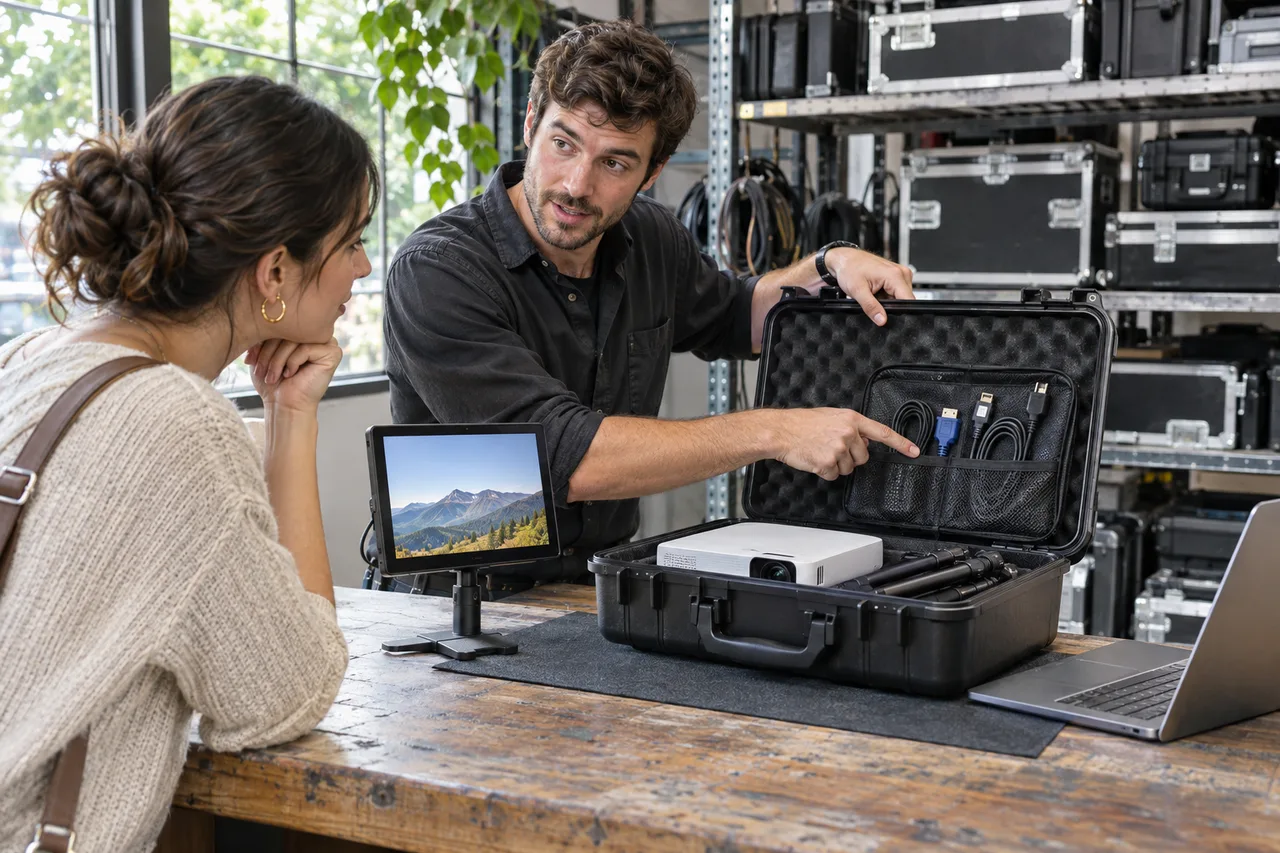
Record one version that starts with the comparison and another that opens with a recognizable customer question. Keep the actual gear, explanation and next step consistent. See which version makes the answer easier to identify. If you can share the clips with staff or a few appropriate reviewers first, ask what they would do next. That direct observation is useful even when platform engagement counts are small.
Give the comparison a narrow goal. A question about size may work well when the equipment is visible immediately. A confusing pickup step may need the viewer to see the entrance before they see the full pile of equipment. Try a sequence that answers what the viewer wants to know rather than following every step the worker does. When one version seems to work better, check whether it actually teaches the same fact and avoids leaving viewers with a mistaken expectation.
Keep the same offer while comparing. If one clip shows a stock item that is available and the other lands after that item sells out, differences in requests can reflect availability. Note what changed between versions and how much opportunity each had to be seen. Use observed questions and links as additional evidence. For small audiences, the best improvement often comes from one clear customer response rather than a percentage change across a few views.
Find out whether people use the answer
Look at the meaningful follow-up. A viewer may ask an informed question, open the appropriate product or request a date. Ask staff whether the clip helps explain the choice or still leads to repeated questions. A short video may reduce avoidable calls without getting many views. Another may get comments but mainly from people who do not rent in the area. Keep reach and rental outcomes separate in your review.
Use a specific example. Suppose the table demonstration gets several messages asking whether the pictured covers are included even though the editor thought the video explained it. Listen to the explanation again on a phone, check how the label appears and look at what the catalog shows. An extra shot of the optional cover next to a label may help. If the video works and the listing is unclear, improve the listing because that is where people choose the rental. Start from what a viewer could reasonably take away.
Record what the team changed and what signals it expects to see next. If the video shows a seasonal item, note the date and service conditions. The shop can reuse the production approach while replacing outdated facts. Keep questions people actually ask alongside the equipment list. Over time, short demonstrations can form a useful catalog of answers staff can share without asking customers to scroll through unrelated clips.
Use a follow-up question to decide what to film next
Review the comments and ordinary inquiries for questions the first clip could not answer. If viewers understand the two heights but ask how to choose between covers, confirm one common comparison that can be demonstrated accurately. A replacement clip can answer the question in its own right and refer to the earlier visual where useful. Check whether both clips point to the same current item names and booking information.
If viewers are asking about an exact event or order, move the conversation to the business’s approved channel. Ask for only the information needed to help. A public reply can give a general fact that is useful to other renters. Private details such as a delivery address belong with staff who can assess the request in the proper system. Reuse recurring public questions without exposing the records behind them.
Ask the office whether the second clip moves the conversation forward. Better inquiries might arrive with the name of the table and the cover size instead of only a screenshot of the finished scene. Keep the rule for evaluating the answer consistent. View counts can show who saw the clip, while customer questions reveal which real choice they understood.
Store the source footage with its verified facts
Save the final and the source clips using the item or question people will recognize. Keep notes on the two table dimensions and the optional products shown. Record who approved the footage and when the facts were verified. This is particularly useful if equipment photos and videos are collected across many jobs. An editor can quickly judge whether an older clip matches a new catalog page or has to be replaced.
Keep a version that can be adapted appropriately. The shop might use the same basic demonstration at a staffed counter or as a support link for customers comparing sizes. Recheck usage permissions before distributing it to other channels. The next person should be able to tell whether the original cover was selected for readability on a phone or for the way an item appears on a product page. Preserve the main answer while adjusting the presentation.
Practice a tight example with furniture that is actually rentable
Set two approved cocktail tables on the showroom floor where both are visible. Check each height, record a short wide shot, and then show the corresponding cover and what a customer can reserve. Add captions and a simple closing action. Ask a coworker to identify which is intended for standing use and where to confirm the other one. If the video is confusing without sound, add a visible label or revise the arrangement.
Review a second test from the customer’s perspective. Find the clip from the profile, open the relevant booking path and look up a suitable date or request a quote. Confirm the exact options the viewer sees. Ask an employee whether the reservation could be fulfilled as shown. Keep the most useful cut and record why it works. The best rental demonstration makes a specific decision easier on the screen and in the actual catalog.