The pages a rental customer needs before booking
Plan rental website pages around the decisions customers make, from choosing equipment to understanding delivery and confirming an order.
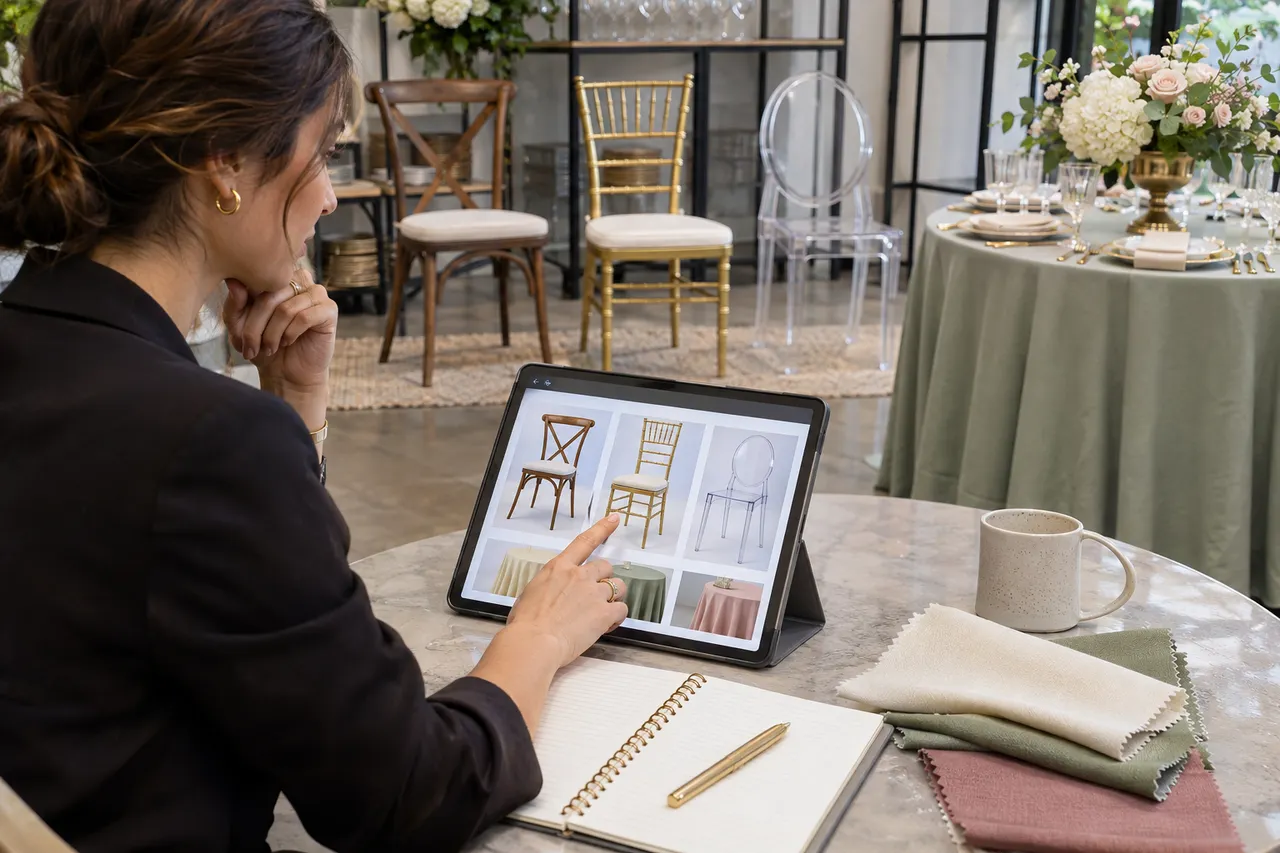
An organizer needs forty matching chairs for a school fundraiser. She already has the venue and a delivery date. Before calling, she wants to see the chair finish, figure out whether forty will fit her budget and learn whether the shop can deliver before the doors open. She finds a page full of event pictures and a contact button. When she calls, the coordinator still has to repeat the same details that could have helped her choose a product.
A rental website earns its pages by answering decisions customers make. Give shoppers somewhere to understand what you offer, compare real options, see how fulfillment works and take the next booking step. Each page should be useful to a person who arrives directly from search or a link. A small shop may only need a handful of pages. A complex operation can add more where the decisions differ enough to justify them.
Build the menu from customer decisions
List the questions people typically ask before they are ready to request equipment. For a furniture rental, the first decisions might be the quantity, style, dates and delivery area. For a package with installation, they might include venue access and the room dimensions. An employee who handles calls can identify which questions lead to another page or to an actual booking. Listen to both first-time and repeat customers.
Turn those questions into a simple page plan. The homepage introduces the business and routes people to a catalog or package. The catalog lets them narrow to suitable options. A product or package page explains exactly what they can reserve. Delivery information, policy pages and contact details answer questions that cross several rentals. The booking or inquiry page asks for the remaining details. A confirmation or customer account tells the renter what happened and what they should do next.
Use link names people recognize. “Tables & chairs,” “Delivery & pickup” and “My bookings” give the reader a good idea of what lies ahead. Check whether the labels work for a customer who already knows which item they want. Organize pages around common tasks and keep less frequent decisions within reach. If two pages answer the same question, decide which one owns the current information and use a link from the other.
Make the homepage useful to a new visitor
Show what the shop rents, where it generally operates and what a visitor can do next. A photograph of an event might help someone imagine the package, while a short sentence identifies the equipment and service. Give people a link to the catalog or lead them to the right package based on what you offer. If the business only provides custom quotes, the first action can be “Request a quote” with a brief explanation of what the shop needs.
Feature a few recognizable categories or common occasions if the business has enough choices that people need direction. A school coordinator may look for furniture without knowing which chair model is in the catalog. Someone planning a reception might start from a package. Before adding category shortcuts or occasion pages, choose names that match the way customers ask for the work. Check that every shortcut opens a relevant selection.
Let visitors judge whether they are in the right area. The homepage can mention the city and general delivery range, then link to the delivery page for details. If people regularly visit outside your region, put service information near the inquiry or booking action as well. A detailed address for collection belongs where the shopper expects to find it. Keep the website accurate when hours change for a holiday or season.
Give the catalog a job beyond showing every product
Use category cards and filters when they help shoppers narrow a meaningful set of choices. Group the chairs by style, use or finish if those characteristics affect the equipment people need. A search box can help returning customers who know a name. A date or availability control makes sense when the booking system can use it. Explain what the result represents if capacity can still change before the rental is confirmed.
Each product card needs a useful image, a name and a concise clue about what it does. If you show a starting rate, give the unit or rental period so a shopper can compare items on the same basis. A product available in multiple variants can show the choices that are counted separately. Compare the catalog against what the warehouse can actually provide. A beautiful chair that is no longer in stock sends the reader toward a choice the team may have to reverse.
Give the catalog a way to handle an empty result. A shopper who sees nothing for a date could try another date, choose an alternative or send the shop a question. If searching for a package that is quoted separately returns no items, offer the relevant route to ask about it. Test these paths from a phone and check what a customer sees when a category contains only one or two choices.
Let product and package pages answer practical questions
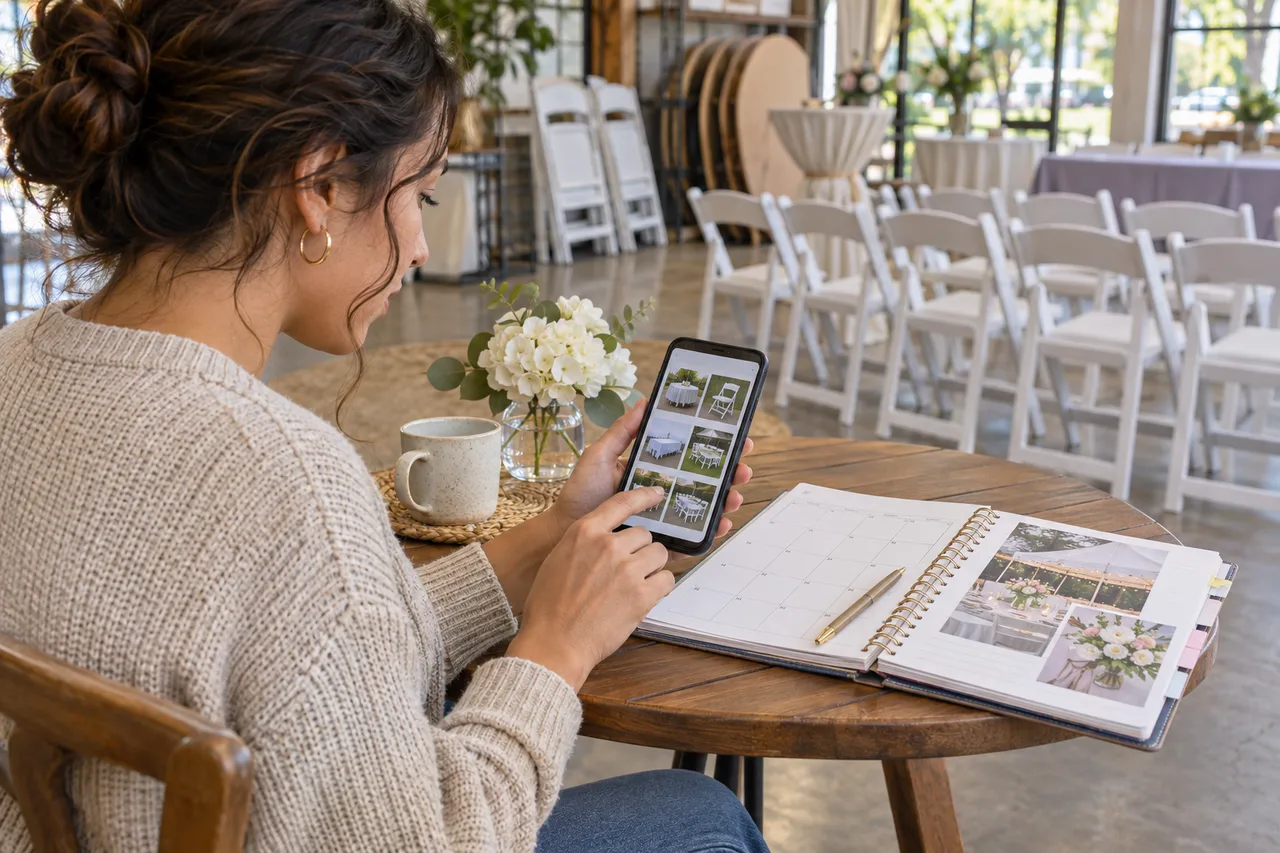
Name the equipment as clearly as possible and show current photos. Describe its relevant dimensions, finish and included parts. If the page represents a package, itemize the pieces it includes and explain which can be added or changed. Photographs can set expectations about scale and finish. State key characteristics in the page text as well so the shopper can compare them and the office can refer to them.
Explain the price basis and the next step for getting an actual total. A listed unit rate may depend on duration, delivery or quantity. For a configured package, the shopper should know whether a price applies to the whole package or starts with one component. Describe what happens when there is an extra day, a reservation deposit or a balance due later. Copy can be concise if the quote or checkout shows enough detail before the customer commits.
Add product-specific requirements in a place the customer can find. An equipment case may need room for loading and a specific outlet at the site. A furniture package could require a suitable setup area or vehicle access. Where the shop needs more information, say which details to have ready and link to a useful source. If delivery rules generally apply to everything in the store, link to the delivery page rather than keeping a separate copy in every product description.
Put delivery, pickup and setup in the same place
Describe which services the business actually provides. Make it clear when “delivery” means a drop-off and when the crew will set up equipment. Say what the customer should expect for collection after the event. A delivery window can be different from the rental period. Offer a short example that explains both. A person with a fixed venue schedule can then tell whether their request needs a conversation.
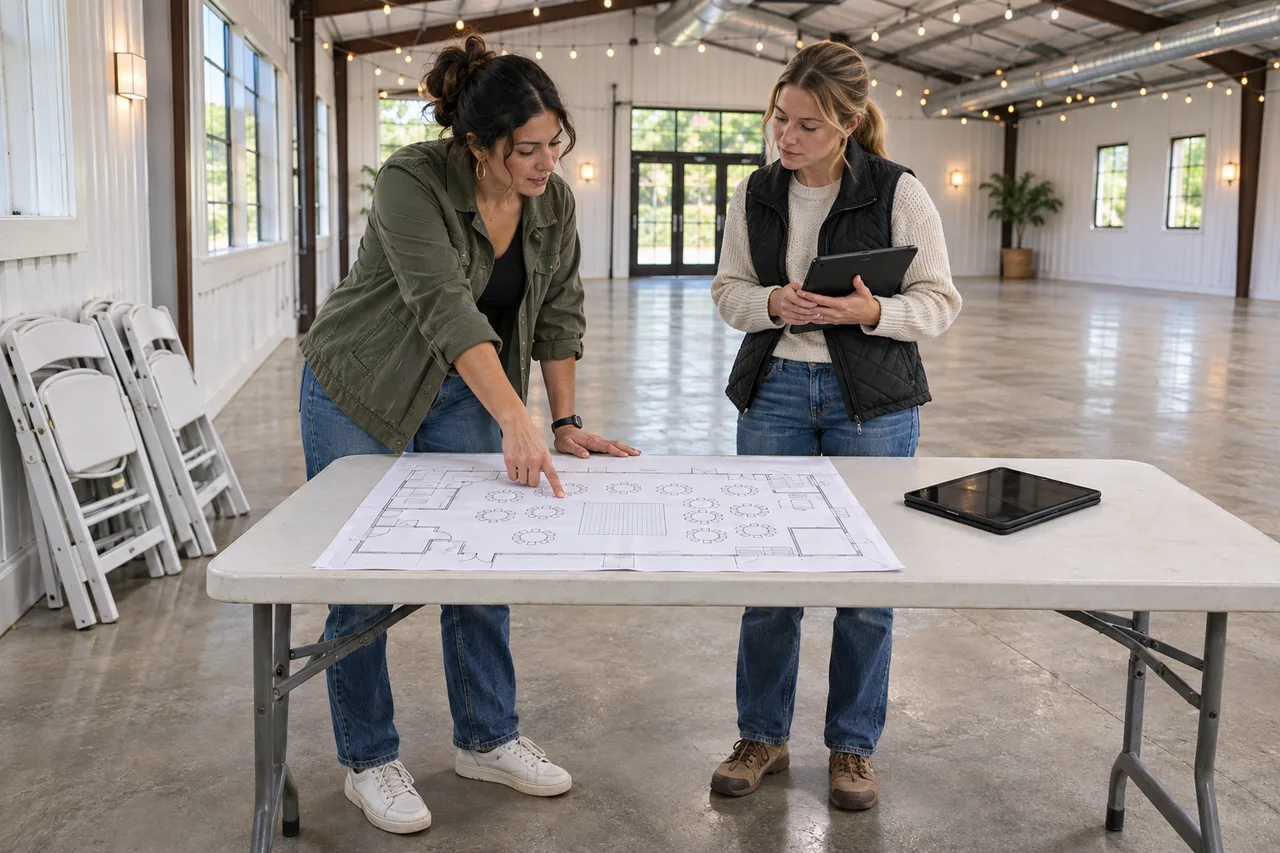
Cover the details that repeatedly delay jobs. These might include stairs, elevator timing, parking, after-hours access or a distance limit. Say when the shop needs to verify those details and how to provide them. Give self-pickup customers the address or collection instructions, the broad hours and the vehicle requirements relevant to the order. Keep the information easy for a returning customer to locate from their confirmation.
If there are fees that depend on service location or conditions, explain where the estimate will appear. A clear statement that the shop will review a multi-stop order can be more helpful than a price table that excludes the situation. Use examples with ordinary addresses or distances where appropriate. Update the information when staff no longer offer a service or when the current route requires another handoff.
Provide policies and help where they affect a decision
Give cancellation and change terms a clear label and link them from places customers make commitments. Explain the actions the shop can support and how to request a change. Use examples if timing affects the result, and make it clear which written terms apply to the transaction. Review the wording against your actual process and get any needed professional review before depending on it. If the booking includes an agreement, indicate when the customer will see it.
Use a privacy page to explain the information practices of the business and how people can reach it with a question. Keep storefront notes and policy pages accurate when you add a provider or change the data a form collects. Link to terms and relevant policies from footer, checkout or quote pages as appropriate. Give people a readable page where they can find the details again after the original transaction.
Frequently asked questions are a good home for recurring questions that do not require their own page. Use answers from staff and link to deeper instructions rather than pasting material that will disagree the next time a page changes. If a product has an uncommon requirement, put it on the relevant product page as well. A FAQ may help a careful customer, but shoppers who enter directly on the item should still see important information when they need it.
Ask for details in the booking path and explain the result
Use a quote or booking page for the information the shop needs to act. Start with dates, items, quantities and any service choices that govern the order. If access or setup affects the price, ask for the information relevant to that choice. If a required field is missing, say what to fix. Avoid asking for everything at once if some choices only apply to delivery or to a particular kind of equipment.
Make the action name match the result. “Send quote request” describes an estimate the shop will review. “Reserve and pay deposit” can describe a supported action that accepts the order and collects payment. Tell the customer which amounts they can see before proceeding. If a product is unavailable or the service area requires review, provide the appropriate route to try again or get in touch. Consult the office to ensure messages match what it can deliver.
On confirmation, show the relevant details and next action. Someone who has sent a request should know how the shop will reply. Someone who has made a reservation needs a reliable record of dates, items, pickup or delivery, and how to get help. Link to any account or booking-management feature your site supports. Keep the status clear when the customer returns later on a phone.
Create a clear way to contact the business
A contact page should show how to reach the shop and when to expect a reply. Give customers an option that works for questions about an existing order as well as new inquiries. The person who reads the mailbox should have a way to tell those apart. If clients need an urgent contact on the day of delivery, share the correct instructions at the point they receive their order details. Make sure a replacement shift knows who owns incoming messages.
For general inquiries, request enough information for a useful response. An organizer might include date, general location and the type of equipment they need. An existing customer might include a booking reference. Confirm that the message is received and who will act. If the office does not handle support through social messages, direct website visitors to the route the business actually monitors.
When possible, ask someone who does not know the business to find the contact method from a product page and from the policy page. Make sure the information is readable and that links work from the device people use. Customers may land on a footer, an old confirmation or an individual product. Any of those can be their entry into a conversation.
Give specialized visitors the shortest reliable route
A venue manager who regularly stages events may need a quick path to dimensions and delivery information. A first-time family may need to identify what a birthday package includes. You can create pages for a venue, event type or service where the offer really differs. Keep them rooted in what the business provides. Show the relevant equipment and decisions, and link each product back to its current catalog page. This helps the visitor compare practical options without finding several inconsistent descriptions for the same item.
Consider a school event package with seating, folding tables and a setup crew. A page for school events can explain typical layouts and questions about carrying equipment through a service entrance. It can offer a quote route with required access hours and a contact at the site. The individual chair and table listings still hold current dimensions, photos and counts. The school page earns its place by gathering decisions a coordinator would otherwise make across several calls, while the catalog maintains the underlying product facts.
If a shopper wants a usable list to share with a venue or budget approver, give them a way to identify the items and quote details. A link to a package might be enough for a standard combination. An itemized quote will serve a custom order better. Check that the recipient can open the relevant information and tell whether it represents an estimate or a reservation. The person planning the event and the person who approves spending may see different parts of the website first.
Review common search entries and real questions from customers before adding more pages. If people arrive at a delivery page looking for a quote, put the relevant action there. If returning customers often enter through an old package URL, get them to the current offer. Keep a short list of old page addresses and what they now link to when the site is reorganized. An existing reference from a venue or email should still help someone make a decision.
Review page ownership after the first few bookings
Assign a person to the catalog, fulfillment instructions and policy copy. Map any repeated details to a primary page and point other pages to it. On a practice order, follow the homepage, choose a chair, check delivery timing and submit the supported request. Then repeat the task from a product link without visiting the homepage. Use one case outside the normal delivery area to verify the alternate path.
Review the questions that continue to reach staff. A customer may ask “Will you bring the chairs inside?” despite a delivery page that technically describes the option. Try adding a clearer phrase where the customer chooses delivery and linking to the full policy. If a product repeatedly causes confusion about quantity, add or revise the package breakdown. Small edits close the gaps people actually encounter.
Review information after seasonal shifts. If hours, delivery coverage or availability practices change, test both a new order and the route for an existing booking. Decide whether a photo, a product description or the confirmation text also needs an update. Verify that the corrected details reach the person who will answer a question at the next handoff.
The customer planning the school fundraiser should be able to compare chairs, understand the price basis and find the delivery decision before she contacts the shop. Each page can carry part of that conversation. When the site makes the steps clear, staff can spend the call on the job’s real constraints instead of repeating the basics.