Start a weekend party rental catalog you can deliver
Start with a party rental catalog you can prepare, deliver and collect with the stock, people and vehicles you have.
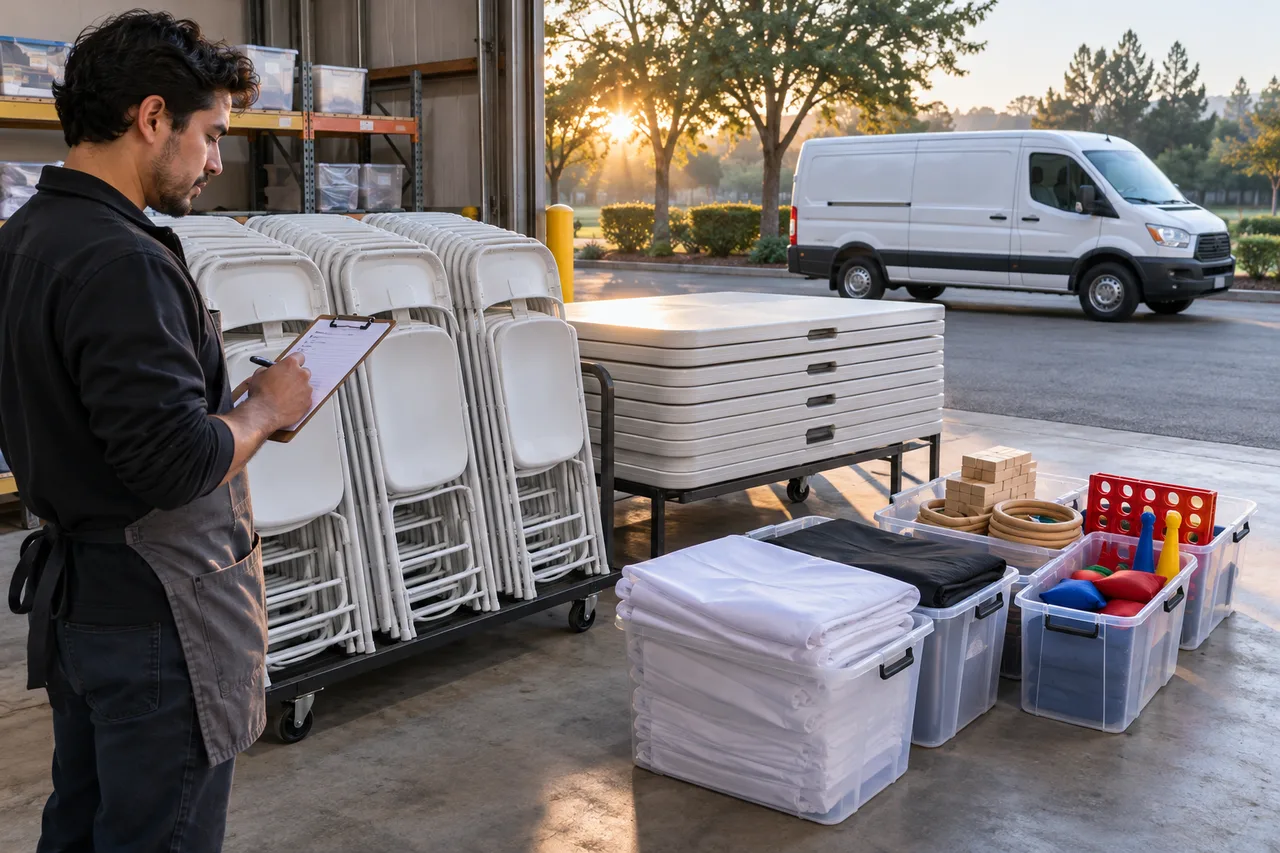
A new party rental owner has money for folding chairs, tables, linens and three kinds of lawn games. The first two inquiries ask for delivery at the same time. One customer needs furniture for dinner, and the other wants a package for an early backyard party. The owner has one vehicle, a short window to stage both orders, and no extra room for laundry. The biggest early decision is how much work the business can reliably offer on one weekend.
Build a starter catalog around a few events you can prepare, deliver and recover. Choose equipment that fits the way you will operate. Write the offer with clear service limits, then use a full weekend to test your assumptions before adding products or more appointments.
Pick events you can describe and repeat
Look at the kinds of gatherings people already ask you to serve. They may be backyard meals, small venue parties, daytime celebrations or neighborhood events. Identify a plausible group size, equipment list and service for each. A starting catalog needs enough information to help those customers choose without forcing the warehouse to handle a different setup for every inquiry.
Choose an event with a workable handoff. A compact party pickup can fit a direct appointment and a simple return. A delivered party package needs a route, unload plan and receiving contact. A package with setup needs someone to check the venue and the layout. Decide which of these services you can actually provide before putting them on the rate sheet.
Ask potential customers about a real booking where possible. Learn what they wanted, when they needed it and which options were available. If several people mention drinks tables or a game for a certain age group, consider how that need would fit the offer. A request for a product family may point to one useful piece, rather than a reason to buy all variants.
Write the situations you will ask staff to review. A large quantity, restricted access or a late pickup may require scheduling. Show those conditions early so a customer can send a useful inquiry with dates and location. The business can offer a routine order while giving more complicated work the attention it requires.
Choose equipment that works together
Begin with a few items that serve the same event. Chairs, tables and related covers can make a useful base for a small meal or party. A compact game set can offer a distinct add-on if it fits the vehicles, staging space and return process. Write the number and size of the pieces the customer actually receives.
Check physical compatibility. Chairs and tables need to fit the customer's intended layout. Each type of cover should match the corresponding table. A game needs a complete set of parts and a container that keeps them together. If a product depends on a shared item, write it into the preparation list. A package is available only while the pieces it consumes are available.
Limit items that look alike but need separate counts. Customers may value one added finish or table size, but several similar products can create stock and packing mistakes at launch. Start with the choices you can explain and verify. Add a variant when it serves real demand, and give the crew a practical way to tell it apart.
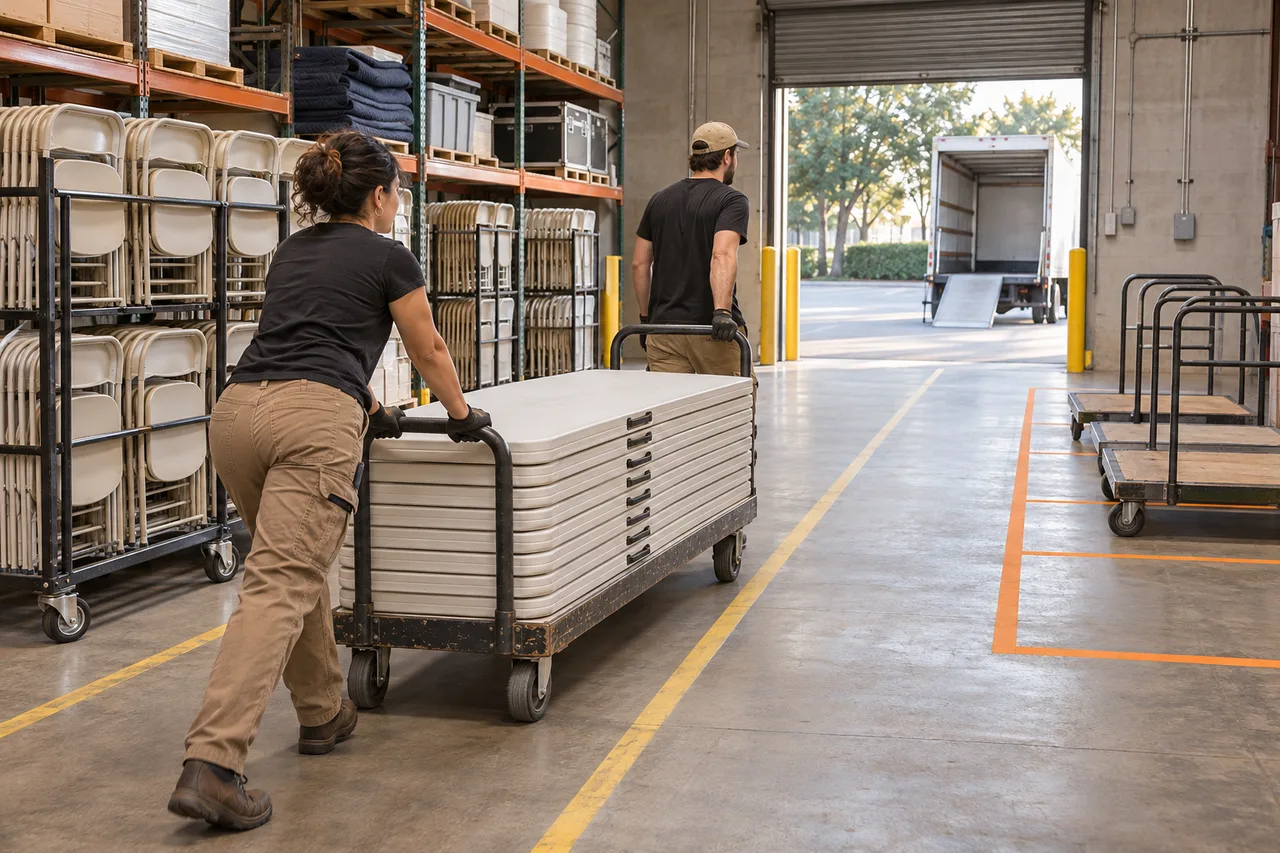
Plan where the gear will go before a purchase. Measure the equipment and its packed size. Check the space available on shelves, racks, and vehicles with the people who handle them. Store delicate or wet items where they can be prepared and inspected. A piece that saves money at purchase can still require handling the business is not ready to provide.
Offer one or two packages people can understand
Start from a practical layout. A dinner package might include a specified number of tables and chairs plus optional covers. A pickup game package might include the game, all its parts and a return time. Show photos that let customers verify the finish and fit. Give them a way to see exactly what the package includes before they ask for a quote.
Include the time and service next to the price. A typical weekend pickup might begin Friday afternoon and end Sunday or Monday during an open receiving window. Show when the customer can collect and return the items. Define whether the package includes delivery, placement and collection or whether those services need a separate choice.
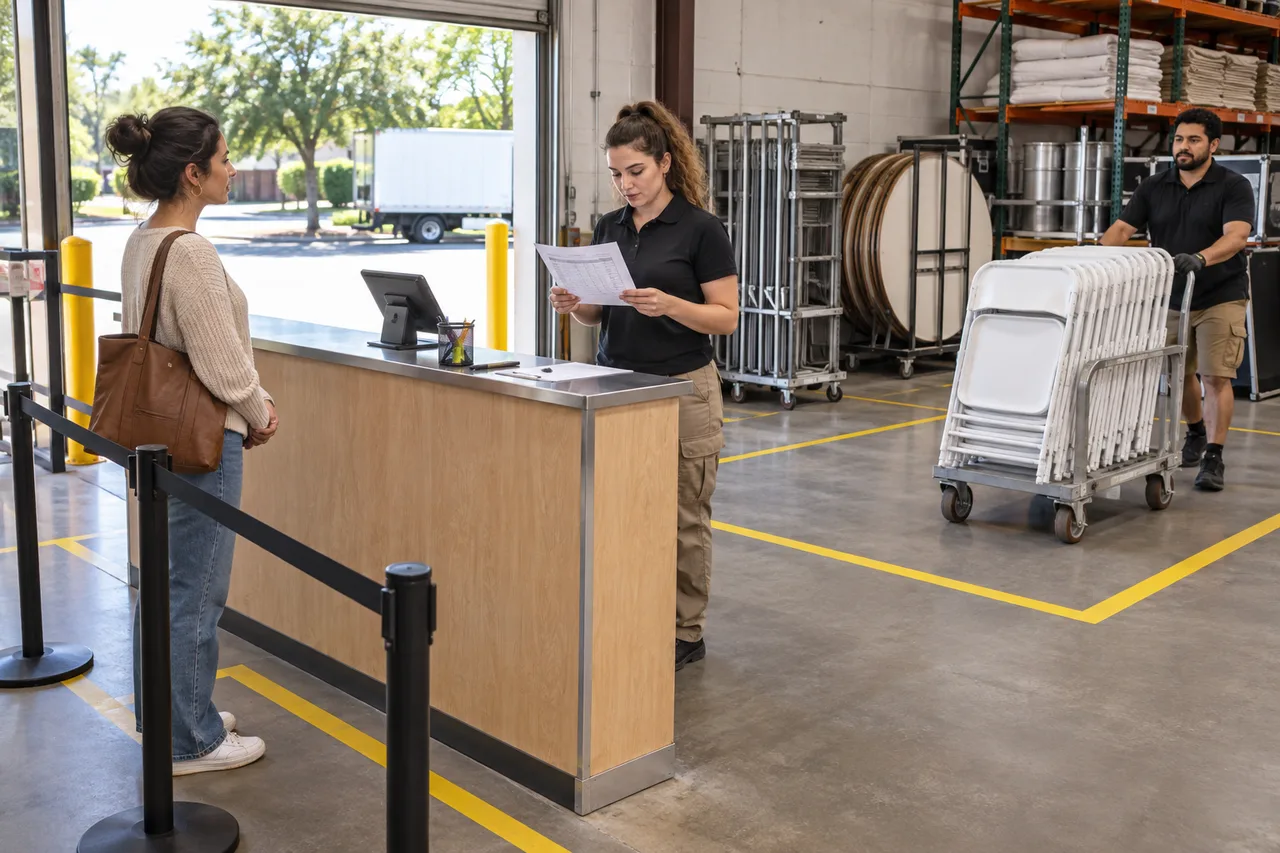
Keep equipment and service limits visible. If a covered lane can serve two large appointments per hour, do not publish a schedule that directs everyone to the beginning of the hour. If delivery covers a particular service area, tell customers how to check an address before they commit. A fast confirmation is useful when it describes a booking the crew can deliver.
Test what happens when a customer wants one change. Adding eight chairs may need another table or vehicle space. A late delivery request may require dispatch review. Keep the standard portion of the order and show the revised equipment and price. A small catalog can still serve real variation when the office knows which parts it can adjust.
Work out when units are actually available
Define which products and quantities you can prepare without waiting on a different order. Make sure availability includes staging, the actual period out and the time needed to clear returns. A table can be back at noon and unusable until the crew checks it. Record those steps before making the next appointment available.
Decide whether the business can confirm pickup and delivery in the same windows. A team member might be available for the counter while the owner is on a route. If everyone is loading the same vehicle, the counter may have less capacity. Create windows staff can keep with the equipment and people actually available. A delivery schedule can be full while there are chairs available in storage.
Give the office a way to handle a booking outside the standard windows. The customer can send details with the products and dates already selected. Staff can decide whether a vehicle, location or alternative fits and send the full offer. A request needs a clear status while it waits. Keep it distinct from confirmed stock and crew commitments.
Check what happens if a late return affects one of the first packages. Note which quantity is actually ready. Find out whether a supplier or substitute can serve the next order and which choices require customer approval. Give the owner a way to contact the affected renter before the scheduled handoff. Afterward, review whether the reset time or calendar rules need to change.
Price the equipment in the context of a full weekend
Record the direct work a simple order requires. This can include picking, counting, loading, customer handoff, route mileage where applicable, return inspection and common supplies. Keep the recording time short enough to do it on a real booking. A populated starter catalog can look profitable before anyone includes the hours spent sorting pieces and getting them ready again.
Compare two sample services. A pickup order may have no route cost, but it uses an appointment and staff time. A delivered order might join an existing route or need a dedicated trip. Estimate both using your actual resources. If the price requires a service minimum or a limited delivery area, show what the customer can fit within it.
Use a few hypothetical workload examples. If two packages cost the same in inventory, one may generate more work because accessories take longer to inspect. A popular color could require more turnaround if several orders return at the same time. Look at the full Saturday and Sunday schedule, not just the time the driver spends on one order. Set initial prices and windows that the business can explain and test.
Keep startup costs separate from the cost of serving an additional booking. Storage, vehicle access and initial product purchases can affect how much contribution the business needs. Estimate what several ordinary jobs would contribute after direct costs. Write down the assumptions so they can be checked after the first events. Avoid counting every available unit as a booking the business is certain to receive.
Run one weekend on paper and then with the equipment
Imagine a shop offers two packages of six tables and thirty chairs each, plus a few small game sets. Friday already has a game delivery and two pickup windows. Saturday has one potential delivery at a house, with a return planned Sunday. The owner maps when the stock is ready, where each order is staged and which shift checks returns. The first package needs Friday pickup and remains out until Sunday.
A second customer asks for the same equipment Saturday morning. The stock could cover both packages, but the first delivery vehicle has little room and the shop needs an employee to receive returns when the second customer arrives. The owner offers a later pickup that the team can serve. The customer confirms it and sees the actual window and package quantities in the order.
The simulation shows that both customers asked for the same optional game but the business owns just one full set. Staff keep it on the first confirmed order and offer a different game to the second customer. The warehouse can stage both jobs because the package choices reserve the actual game sets. The customer receives the updated list before checkout.
Physically stage one of each package. Count every piece, check where it will wait and walk the route to the vehicle or counter. Put the equipment back through the return process. Record whether it fits the time available and which actions need a second person. Fix the offer and instructions before increasing the number of simultaneous bookings.
Give staff the same versions of the package the customer sees
Build a simple reference with the product name, count, size, standard price period and included service. Use it when creating a product listing, an estimate and a pick list. A customer may see a short title such as “Backyard dinner for thirty.” The warehouse should see the six tables, thirty chairs and the sizes of any selected coverings. Keep the two views linked so a quantity change reaches both.
Read the product as if you found it from a forwarded link. Ask what size of event it fits, which equipment comes with it, and what the customer needs to do. Check what happens if they need one more table or a later return. The listing can show a standard choice and a useful way to request a change. The customer should be able to keep the rest of the booking while staff check the new detail.
Prepare the handoff in the quote and confirmation. For pickup, include the current location, appointment and equipment description the customer can use to prepare their vehicle. Where you deliver, confirm the agreed destination, receiving contact, expected service and when collection occurs. If a venue detail is still uncertain, keep the booking in the appropriate review state. Give the office a time to collect that answer.
Use the same information at dispatch and receiving. The pick list shows which goods go out, and the return view shows which pieces and quantities are expected back. Keep the counters for the individual items as well as the package. If the warehouse receives a partial return, the next employee can check exactly which goods remain with the customer. This is especially useful when the first few orders use similar stock.
Open with a few bookings that let you observe the whole weekend
Choose a limited starting schedule. Offer quantities the business has already checked and a set of appointments the team can meet. Keep a manageable space in the schedule for a delayed handoff or a count that takes longer than planned. If the business needs a partner to supply a piece, verify the arrangement before confirming the related order.
Record how people heard about the offer and which package they asked for. Give them a way to ask about dates outside the starting schedule. An order you cannot serve yet can show a useful time or service for a future trial. Store the actual quantity, event area and reason the business could not commit. Use those examples to see whether more inventory or a different appointment would truly help.
Follow the first jobs through return before announcing more choices. Confirm how many staff hours the orders used and whether the next outgoing bookings can use the same equipment after inspection. Ask the people who handled the order where they relied on memory. Replace an unclear instruction or awkward packing step before increasing the volume. A full weekend gives more information than a week of accepted quotes.
Set a review date and a specific decision. For example, after three comparable weekends the owner can decide whether to add one more Friday pickup window or keep the existing schedule. Compare completed orders, ready equipment and staff workload at the time the new booking would start. Review how often people asked for that window and what they did when it was unavailable. A change is useful when the business can point to orders it will be able to fulfill.
If the first schedule needs change, give current customers a stable handoff. Confirm their existing appointments and advise them of any relevant approved revisions. Change the availability of new bookings separately. Check the updated catalog and the next close-of-week schedule so the office and warehouse can answer the same questions. The first season can include several small experiments while customers continue to receive the offer they accepted.
Use the first orders to choose what to adjust
Record what customers bought, which questions they asked and which changes staff had to make. Notice whether they understood which items and services were included. Check whether orders hit the pickup and return windows you published. Give the warehouse a short way to record what took longer than planned, including a shortage or an unexpected trip.
Review the details before buying more equipment. If patio packages received steady requests and the team fulfilled them without difficulty, another set could be worth considering. If several customers wanted Saturday delivery and dispatch was already full, adding chairs may have little effect until the scheduling issue is addressed. Work from the resource that limited each real booking.
Find one improvement for the next weekend. A clearer pickup description can reduce calls, a better case can shorten game returns, or a different offering by date can help the crew use its time. Keep the existing work and confirmed bookings visible when changing the plan. The next customer should receive the terms they accepted and a clear explanation of anything subsequently revised.
Expand the catalog one useful option at a time. Start from a known event, check physical stock and service capacity, and verify the price with the work people actually perform. A reliable starter catalog gives the business a way to learn from the first completed orders and makes it easier to say yes to the next weekend.