Start a camera rental catalog one system at a time
Start with one camera system and verify compatible equipment, shared stock, customer handoffs and kit returns before expanding.
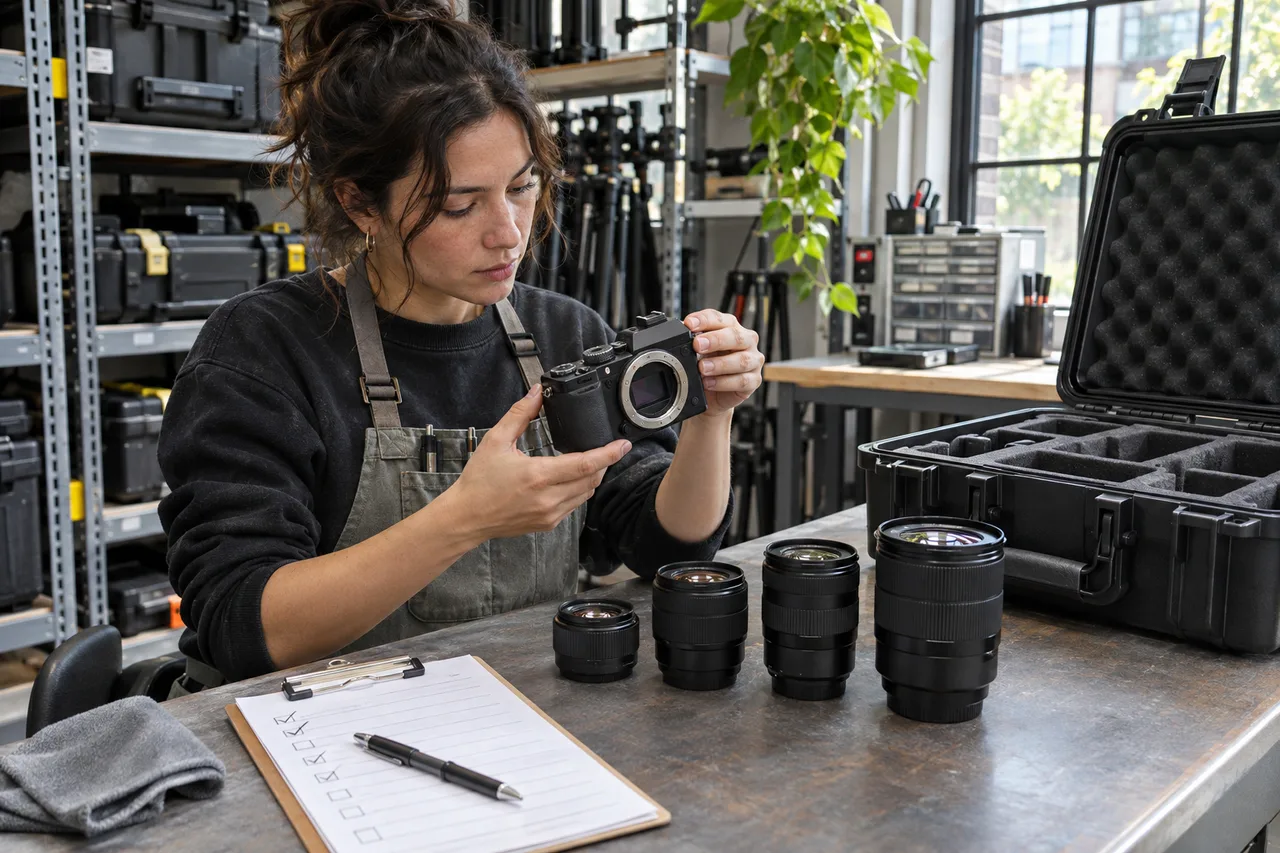
A photographer books a camera body and two lenses for a weekend job. The chosen lens fits the body. The second lens needs an adapter, and the camera’s spare battery is in a kit going out the same morning. The customer can see three products marked available. The rental desk has to assemble a complete working system.
Start a camera rental catalog with a system you can describe, test and maintain. Pick a typical job, decide which pieces have to travel together, and make their compatibility and availability clear before you confirm the booking. Expand once the team can hand out and count back the equipment it already offers.
Choose the kind of shoot you intend to support
Ask about jobs customers can describe. A product photographer might need a body and lens for a controlled indoor setup. A small production crew may need a body, recording media, camera support and a power plan for a full day. A renter covering a ceremony may need a familiar controls layout and a backup setup. The requirements give you a narrower starting point than a broad list of camera categories.
Write the intended outcome for the first offer. For example, a renter can collect one working camera system for a small video interview, with a lens verified for that body and enough agreed power and media for their plan. They can return the same kit at an established time. Confirm which equipment is included, which pieces the renter supplies and which questions need staff review.
Look at the gear you can verify and maintain. Use manufacturer information and your own tests of the exact equipment. A product with strong local interest can still be difficult to rent if you cannot prepare it or support the accessories customers need. Begin with a limited family of items your team can identify, check and explain.
Record why each additional option belongs in the catalog. One lens might serve a purpose the first lens cannot. An extra body might provide a spare during simultaneous rentals. A battery add-on could fit the actual power needs of several different kits when compatibility is verified. Build around the jobs the business can serve and see how often people request each additional choice.
Build a compatibility record for each working combination
List the body, lens mount or approved adapter, batteries and charger, media, and any agreed support or connection accessories. Record the exact versions or labels staff need to identify. Use the equipment’s documented requirements and sample checks. Similar-looking accessories can behave differently and a name alone may not be enough to identify the right one.
Verify combinations in the configuration the customer will use. A lens may attach with a particular adapter, while some features the renter expects depend on the body, lens and supported settings together. Note the compatibility you have verified and any limit that matters to the intended use. Avoid promising a feature based on appearance or a different combination you tried earlier.
Identify whether power, media or cases are shared. If one charger supports two kits that go out separately, decide which stock record supplies it. A body listing can show that it comes with a charger only if the shop reserves a compatible one. Check the stock requirements for each package before opening dates to customers.
Give staff a way to answer an unfamiliar request. If a customer wants to use their own lens or controller, get the exact item description and record what the shop needs to check. Show the verified combinations first and route uncertain ones to someone qualified to review them. A clear next step lets the renter plan without assuming every item in the same category fits.
Distinguish the camera package from the units you dispatch
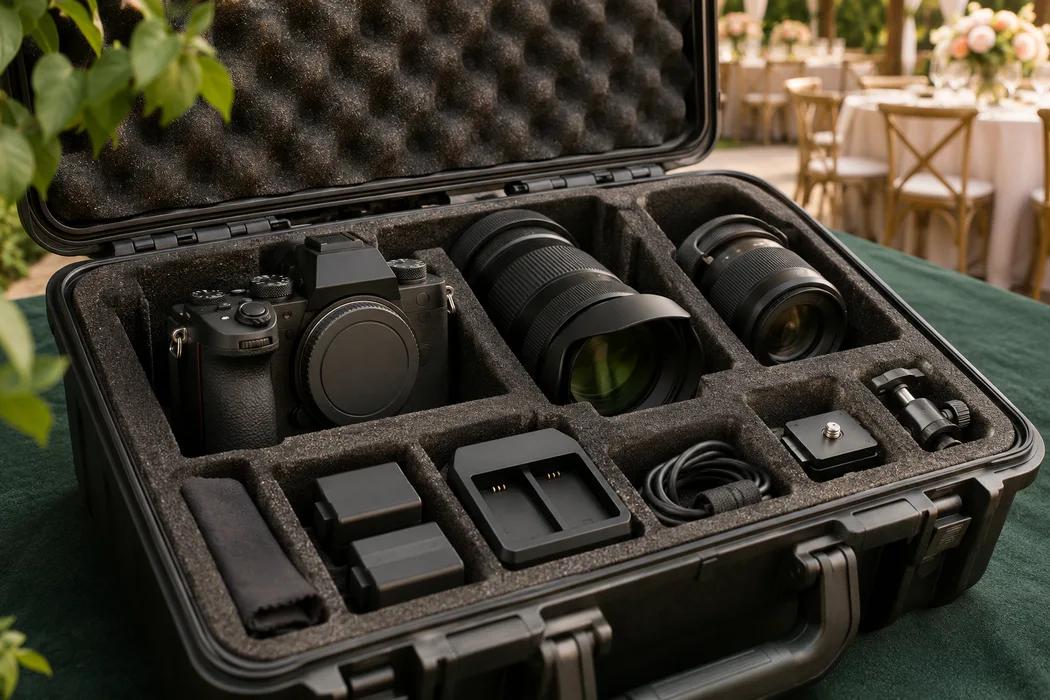
Give the customer a clear list of what the package includes. It might cover one body, a standard zoom, two compatible batteries, a charger and an approved case. Show media and other accessories explicitly if they are included. A shopper should be able to compare the kit with a body-only offer and understand which pieces they need to provide.
Track individual items where the distinction matters. Two bodies of the same model can have separate condition records and on-rent histories. Assign the actual body at the appropriate step and record the identifier that went out. Treat interchangeable parts using the count and compatibility rules the operation needs. The staff member opening a return can see which pieces and quantities were present at dispatch.
Use kit records to check availability. If two camera packages use the same lens pool, reserving one will affect the other. The storefront can offer choices, with the stock check following the actual components. Test an order that takes a body and a lens separately while a second customer asks for the same items in a package. Make sure the available quantity reflects both selections.
Keep flexible cases and equipment tied to the current booking. A carrying case might be reserved as one of the kit components. It can have its own identifier without implying which camera is always inside. When equipment is replaced or swapped, record what goes out and verify the new combination. A label, kit list and dispatch count serve different purposes.
Plan preparation and a verified handoff
Write a short preparation procedure based on the kit’s intended use. Check the body and lenses, verify the included accessories, and reproduce the basic setup you agree to provide. Follow the manufacturer’s instructions and your shop’s inspection process. If a setting or media choice is important for the job, document what was verified and what the renter will configure.
Give the customer a useful confirmation. List the equipment, rental period, what they collect and what they are expected to supply. Include the location and appointment. If you offer a brief demo, define what it covers and leave enough time for it. A customer using their own lenses or media may need a separate compatibility check before arrival.
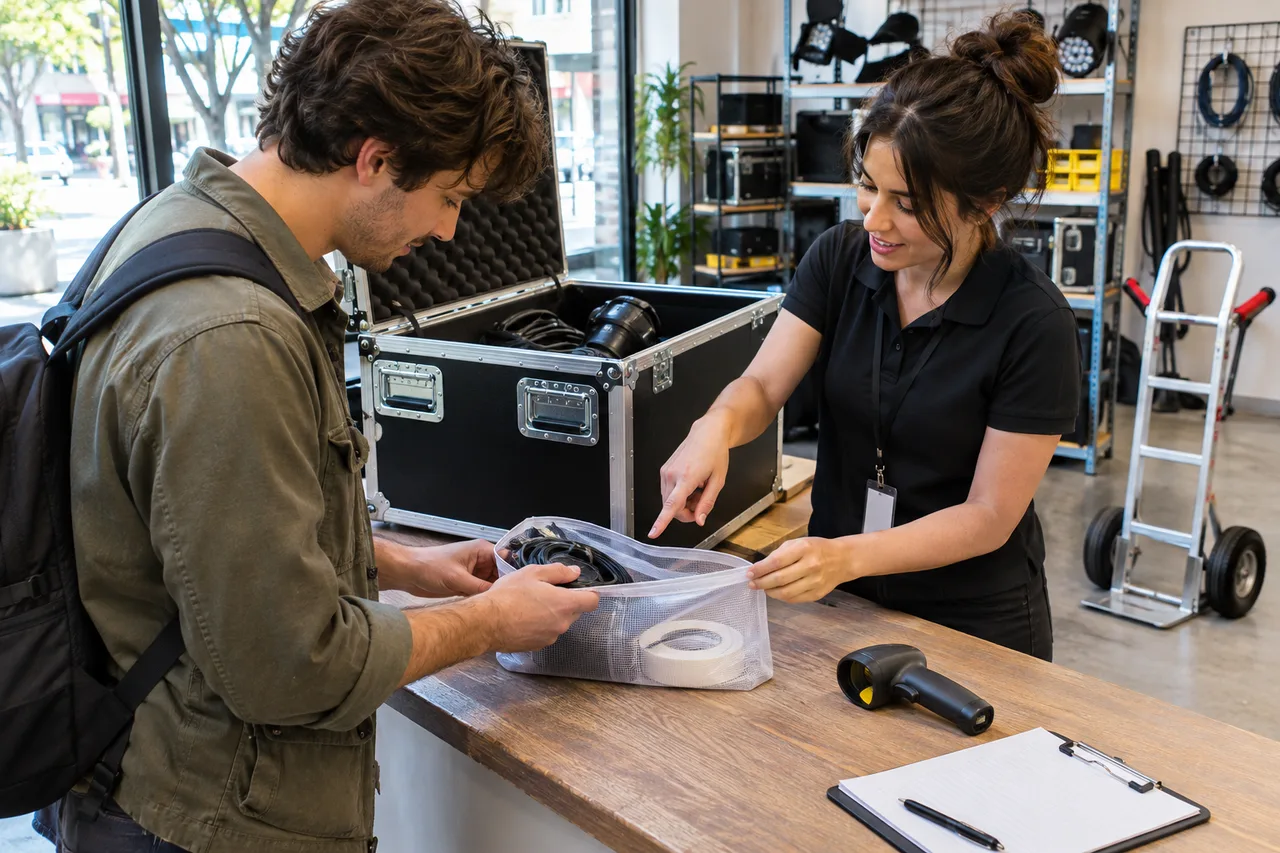
Confirm condition in a way the next person can use. Record the individual identities where relevant and put smaller pieces together in a labeled pouch or compartment. A cable can go out inside a case and still need to appear on the count. Share the agreed return expectations with the renter and attach them to the booking so they can be found later.
Plan for a change during the pickup. A renter may bring an accessory that differs from what was discussed or decide they need more power. Check compatible options and availability before agreeing to a substitution or addition. Update the accepted order and its dispatch list. The equipment case should match what the customer sees in the final booking.
Design return checks before making the next booking available
Put the return inspection in the calendar. A body may be physically back while the lens and accessories are still coming from another case. Leave enough time for a count and condition check before the kit can be promised. If one needed piece is short, show the available parts and hold the complete kit until a compatible replacement is verified.
Use the outbound list at return. Count the actual items, match assigned identities, and observe what condition they are in. Record an issue with the relevant piece and put it in the appropriate work area. A removed cover or cable may need a replacement before the gear is cleared. The office can handle any customer follow-up under the agreed terms with facts the receiving worker could observe.
Have a clear process for storage media and personal files. State what the renter needs to remove or retrieve and which equipment the business will check. Use the approved account and media-handling process for the shop. Keep personal data out of routine testing and sample photos. If a device comes back with a question about files or accounts, route the issue to the person responsible before preparing it for another renter.
Measure how long a normal reset takes, and record what changes it. A ready body and one missing power item may be a quick fix when spares exist. A body awaiting assessment may have to stay out for longer. Make the status and expected next step visible. Check the calendar before offering the unit against a booking that relies on it.
Walk a small interview kit through two orders
Suppose the first renter needs a camera body, one lens, two batteries, a charger and an approved media option for a Friday interview. The shop owns two bodies from the same system, but only one lens with the features the customer asked for. The confirmed package reserves that lens and one of the bodies for the full period, including the shop’s planned reset before the next appointment.
A second customer asks for the same lens for an overlapping project. The shop can offer the other body and a different verified lens if it suits their intended use. The employee compares the options and describes the difference before sending a quote. They avoid taking a second reservation for the lens already assigned, even though another camera body is free.
At the first pickup, the customer requests a compatible additional battery. The shop verifies that a spare is available for the whole booking and adds it to the accepted list. The lead checks the three actual batteries, the charger and the pouch the customer will use at return. The updated package and counts appear on the customer’s copy.
The body and lens come back on time, with two batteries instead of three. The worker records that short count and checks whether the original kit has enough ready spares to serve the next order. The affected booking keeps the record of what was received, and the next approved kit is released only when its own components have been verified. The catalog can show ready stock without losing the earlier handoff history.
Test the product page against the workbench
Ask someone to open the listing without the preparation record. Have them say which equipment they expect to receive, which pieces they need to supply and what they would check before pickup. Then ask a technician to prepare the same kit using the approved order and bench list. Compare the results. The customer-facing names should be easy to understand while the preparation record has the detail needed to find the exact versions and counts.
Check one body-only listing and one package. A customer might expect a battery and charger with any camera body, even if they are listed separately. If your body-only offer includes them, show the items and reserve the compatible stock. If it requires separate choices, make the decision visible near the rental price. Verify which options appear when the customer selects another lens or chooses a different period.
Walk through a common question as a second test. A renter asks whether they can use a lens from their own equipment. Collect the exact model and intended use, check the stated support and determine whether the shop can verify the combination. Explain the answer without assuming that a particular label covers every variation. If the configuration still needs a check, say what the renter can provide and when the shop can review it.
Keep an example of a complete booking. Show the body and lens, component counts, checked accessories, pickup and return details. Use it to train staff and check the listing after adding a new option. A new employee should be able to prepare a working kit and identify a difference before it leaves the bench. A customer should be able to review the same offer without reading an internal test procedure.
Price enough of the work to keep the system dependable
Use an ordinary rental to estimate preparation time and return work. The condition check and count usually occupy some time even on a very short hire. A longer rental may use the same initial handoff and still require more stock to be held or more equipment to support the stated use. Compare the scope and custody period before choosing rates. Keep setup and support service clear where customers can compare them.
List the equipment that needs to stay available to support the catalog. The shop may need compatible spare power, a replacement accessory and a case that keeps the parts together. That stock is useful only if it can be located and checked before the next booking. Record replenishment and bench time so the owner can see when an additional body would help and when an inexpensive accessory is the actual constraint.
Check whether the staff can support preparation at the offered times. A kit rented for a day can have a short turnaround if everything comes back together and a technician is available. A more complex return needs an inspection window the shop can meet. Set the normal appointment and return choices from the work you observe. Give the customer a clear way to request an extension or an earlier pickup before promising it.
Record the pricing and workflow assumptions you learn. If customers regularly need a particular lens or a longer demo, consider giving that choice its own clear scope and price. If the usual kit works for their jobs without further changes, keep its description simple. Additional options are useful when staff can verify them and customers can choose them with the information available.
Decide what to add after the first repeated bookings
Review completed rentals before adding a new camera family. Note the configurations renters chose, questions the team had to verify, preparation time and issues after return. Identify why any orders could not be served. A shortage of one lens or a second charger can call for a different investment than demand for a completely different system.
Keep several notes about the jobs you declined for compatibility reasons. A pattern of requests for the same setup gives you a concrete combination to investigate. Verify what those projects needed and whether a wider accessory choice would have served them.
Check what the next system would require. Include its own compatible power and media, cases, preparation references and staff knowledge. Compare it with the next useful addition to the existing system. The business may be able to serve several more jobs by improving the depth of a catalog it understands. A new family can make sense when credible requests support the equipment and work needed.
Keep the product information and the bench record aligned after each change. When a new lens or adapter becomes part of a package, verify the combination, update the list and rehearse a return. Check how the customer sees it on the product page and how staff see the assigned stock. A catalog earns trust when each offer describes a complete working system the shop can prepare and support.
Use common questions as prompts for the next improvement. A clear compatibility note can turn several calls into a straightforward booking. A better pouch or return check can get one more kit ready before the next appointment. Improve what already works and let actual rentals guide which system to add next.