Show related rental options together while tracking stock correctly
Group compatible rentals, add-ons and bundles while checking shared stock, booking dates and pack lists.
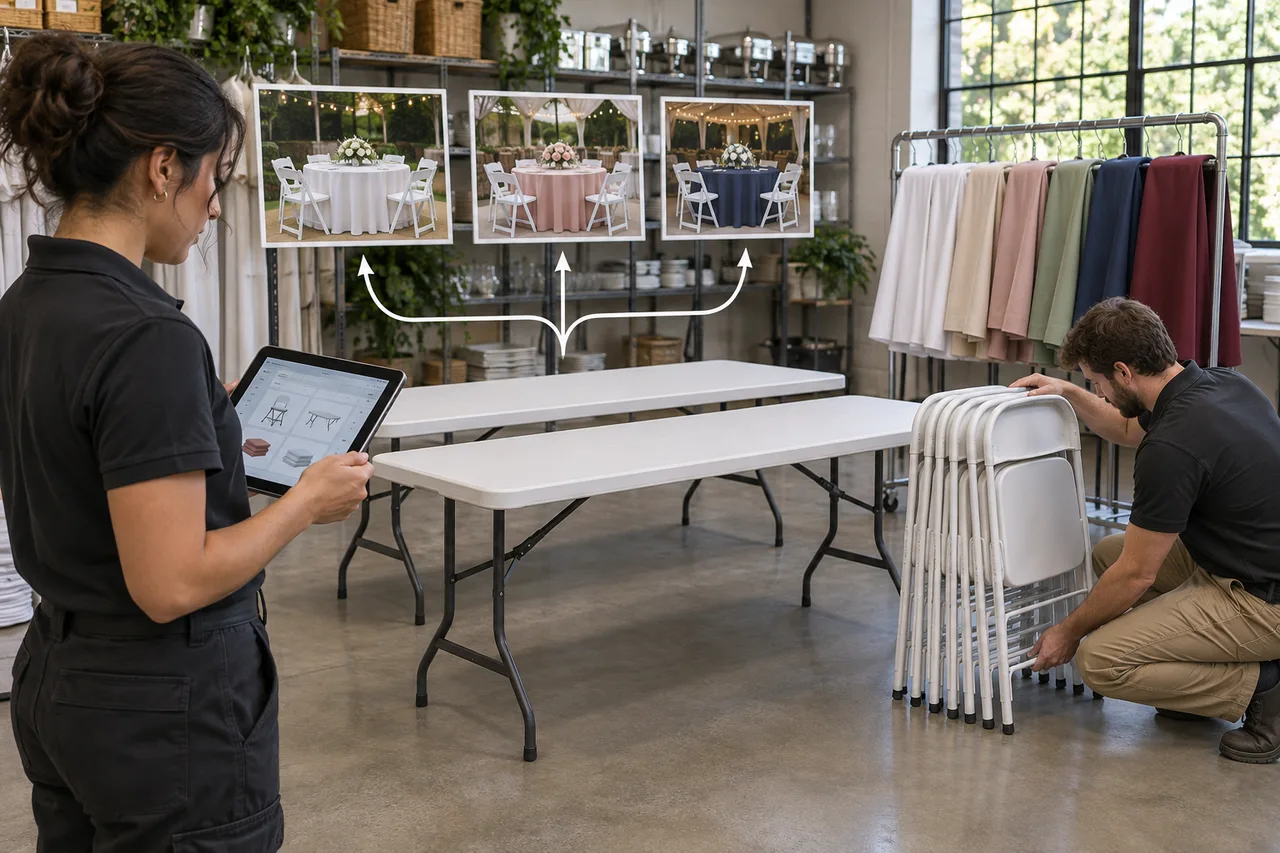
A customer opens the listing for a six-foot banquet table. Under it, the storefront suggests matching chairs, a linen and a small party package that contains the same table. The page is helpful because shoppers can see the options together. The warehouse has a problem if the package and the standalone listing each promise the last table for overlapping dates. The storefront can present different ways to order. Availability still has to reflect what staff can prepare and hand over.
Decide what the relationship means before choosing how to show it. Some items are suggestions, some are optional additions the customer can select, and some are required parts of the package. Track shared equipment against the same physical stock wherever it is offered. Give sales and warehouse staff a few realistic examples to test from selection through return. The grouping works when the customer understands what they will receive and the business can fulfill every part of the promise.
Identify what the customer can do with each option
Start with the most common product in the collection. Ask which related items answer a shopper's next question. Chairs can help someone finish a table order. A different size of table might help someone compare a room arrangement. A package can give a customer a quicker way to order all the pieces they already expect. Distinguish the action that follows each link. When someone opens a different product, they are comparing. When they choose an add-on, they intend to put an extra item on the order. When they book a package, they expect the stated contents.
Write a short explanation for each group from the customer's point of view. Near the table, the shop can say which linens fit and link to choices in stock. A package page should state the included sizes and counts and explain how to change them if customization is possible. If a product photo shows chairs that need to be ordered separately, mention that beside the package contents. The element that makes ordering easier should also make the reservation clear.
Use the product rules and stock controls supported by your system. If the storefront can link related items but can't reserve the package components accurately, you can collect a request for staff to review while customers browse those options. Give customers an action that matches what the team can confirm. Product suggestions are helpful even when the shop needs to quote a set of items together before booking.
Map each offer to the equipment it uses
Make a short component list for the most common packages. For each one, record the exact inventory item and the required quantity. Two packages that use the same six-foot table should point to the same supply of that table. Tables with the same length but different finish, frame or condition may be kept as distinct stock if they aren't interchangeable for the booking. Have the warehouse compare the list with the actual crate, cart or storage location so the product names match what staff use.
Separate equipment from other parts of the offer as needed. A reusable linen may need a stock count and a laundry window, while a disposable table covering may need a consumable quantity. Service time also needs capacity, but an installation slot isn't a physical chair. A complete quote could use all three types of resources. Establish which part of the system confirms each one and who sees the result. Booking rules can then reflect the actual limits.
Use a simple example to check the mapping. One party package uses two tables and twelve folding chairs. Another ceremony package uses twenty-four of the same chairs with a different set of tables. The standalone chair listing has the same chairs. A customer opening any of those offers should receive an answer based on the chairs the shop can provide for those dates. A distinct collection of upholstered chairs can stay separate and appear as another option when it fits the customer's event.
Show the options without implying a reservation
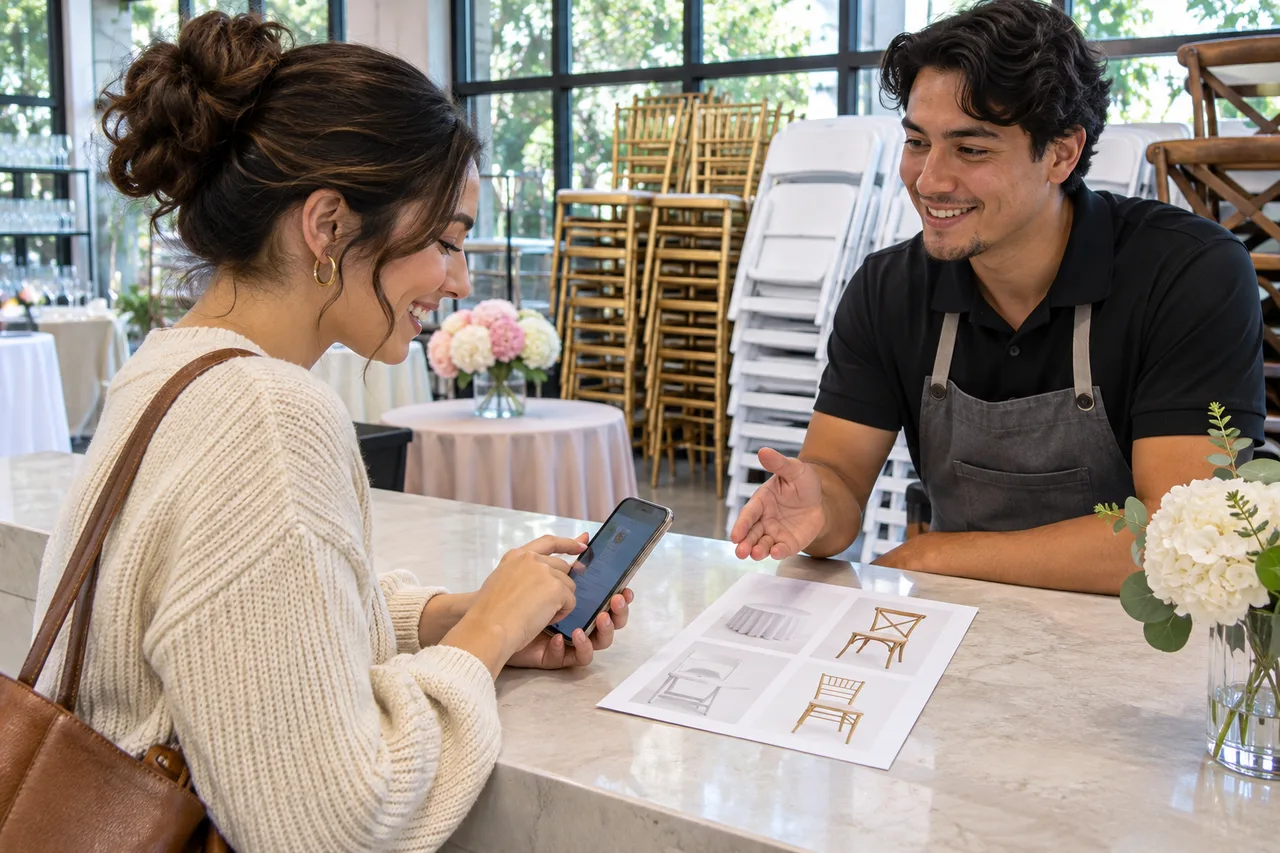
Review the page before adding more items. A useful related collection might offer a compatible accessory, a reasonably similar alternative and a ready-made package. Name what each option is for. A customer considering linen could see size and color choices with a clear means of selecting one. A shopper comparing tables could open a larger size and check whether it is available. If the customer has already entered dates, test whether the next page preserves or clearly asks them to check the period again.
Make the action and result clear. A link to a related listing leaves the original choice as it was. An add-on control should show which extra piece is being added and how the quantity or price changes. A package needs to show what the quoted price covers. If including an optional item requires a separate rate or confirmation, make the distinction before the customer submits an inquiry. Review the confirmation message when a related item is part of the order.
Keep availability messages grounded in the order. A product may be suitable for the original table but unavailable on the requested date. A different size may be available but need a different linen. Give the shopper enough information to review a replacement. If you don't know whether a change is acceptable for the setup, ask the customer rather than substituting automatically. A sensible link helps someone make a decision and protects the staff handling that decision later.
Let the tightest component set the package count
Imagine the shop owns six identical tables and forty-eight of the matching chairs. For Saturday, two tables and eighteen chairs are committed to other jobs. Four tables and thirty chairs are available for the afternoon before turnaround and crew limits. The party package uses two tables and twelve chairs. The shop can provide at most two packages from the remaining physical stock. Those two packages would leave six chairs and zero tables available. A customer could still rent up to six standalone chairs if everything else fits the same window, but a new table reservation would need another date or item.
Now add a late morning return. One table that appears unbooked after noon actually needs inspection before it can go out again. If the afternoon job starts before that check is due to finish, the crew can plan around only three usable tables. The stock then supports one party package for that start time. Check the boundary with an actual booking example. Short gaps that make sense for equipment ready to move might be unsuitable when the product needs cleaning, drying, repair or checking on return.
Remember that quantities and approved substitutions can change the result. A larger order could reserve the remaining chairs with no tables. The party package would then use tables that are available and chairs the shop has already promised. If a compatible chair option comes from a truly separate pool, confirm which finish, count and rate the customer will accept. Update the actual reservation and warehouse list to describe the new offer.
Check what happens when two customers request the same stock
Use a test environment or the normal preview tools to follow two orders for overlapping dates. Start a package order that would need the last table. Start a standalone order for the same table. Complete one of them according to the normal booking process and check what the other customer or staff member sees. A stale page may show an earlier count, so test the final action that accepts a reservation. Both orders should reflect the same inventory decision.
Include an order that is still a quote and an order with an active hold. Know when the system commits equipment and when an uncompleted checkout releases stock. A quote with no reservation behind it can guide a conversation, while a confirmed booking changes what the team can offer. Have staff read the status before giving a firm answer. Keep the customer-facing language consistent with what the system actually did.
Run an example where staff add a product by phone while another customer shops online, if your regular workflow supports both. Confirm the phone order through the same inventory process. An order manually entered into a separate calendar may still need to update the stock tracked by the storefront. Where the tools can't coordinate inventory directly, decide who is responsible for verifying availability before any channel promises the equipment for the same window.
Test options that use different rental and stock rules
A storefront can sell accessories beside reusable rentals. Consider a chair package that also offers packs of disposable floor protectors for purchase. The warehouse needs available chairs for the requested interval and enough protectors to fulfill the sale. If someone returns the chairs, the shop can inspect and release the chairs for another booking. The sold protectors stay out of stock unless the shop processes an appropriate return or replenishment. Make that difference clear to the employee who updates quantities and to the customer reading the order.
Another example is a table package available Friday through Sunday and a set of linens that can only be collected Saturday. If your system supports different dates on one order, make the distinct schedules visible through review and confirmation. If the set has to be staged as one pickup, check the date of the entire group before accepting the order. A product that appears available separately may be an unsuitable addition to the package when the requested uses and return times are considered together.
Run an example where a customer changes dates after adding an optional item. Select the original period, choose the compatible accessory, and move the reservation to another weekend. Read what the customer sees when the accessory is no longer available on the new dates. Someone should be able to preserve the main order while deciding whether to substitute, remove or reschedule the extra piece. The staff member reviewing the change needs to know which items are still reserved and what response is expected.
Think about services that appear next to the product too. A delivery upgrade uses travel and labor that have their own windows. Plenty of furniture in stock doesn't guarantee space on the truck route. Check the order from the same location and service window that fulfillment will use. The customer can then choose a valid upgrade if it's offered or ask the shop to assess a different arrangement. Make one sample order that reaches the limits of the service, one that fits without the upgrade and one that needs an alternative. That gives the team a practical way to check the group before sharing it widely.
Carry the chosen contents into the pick list and return
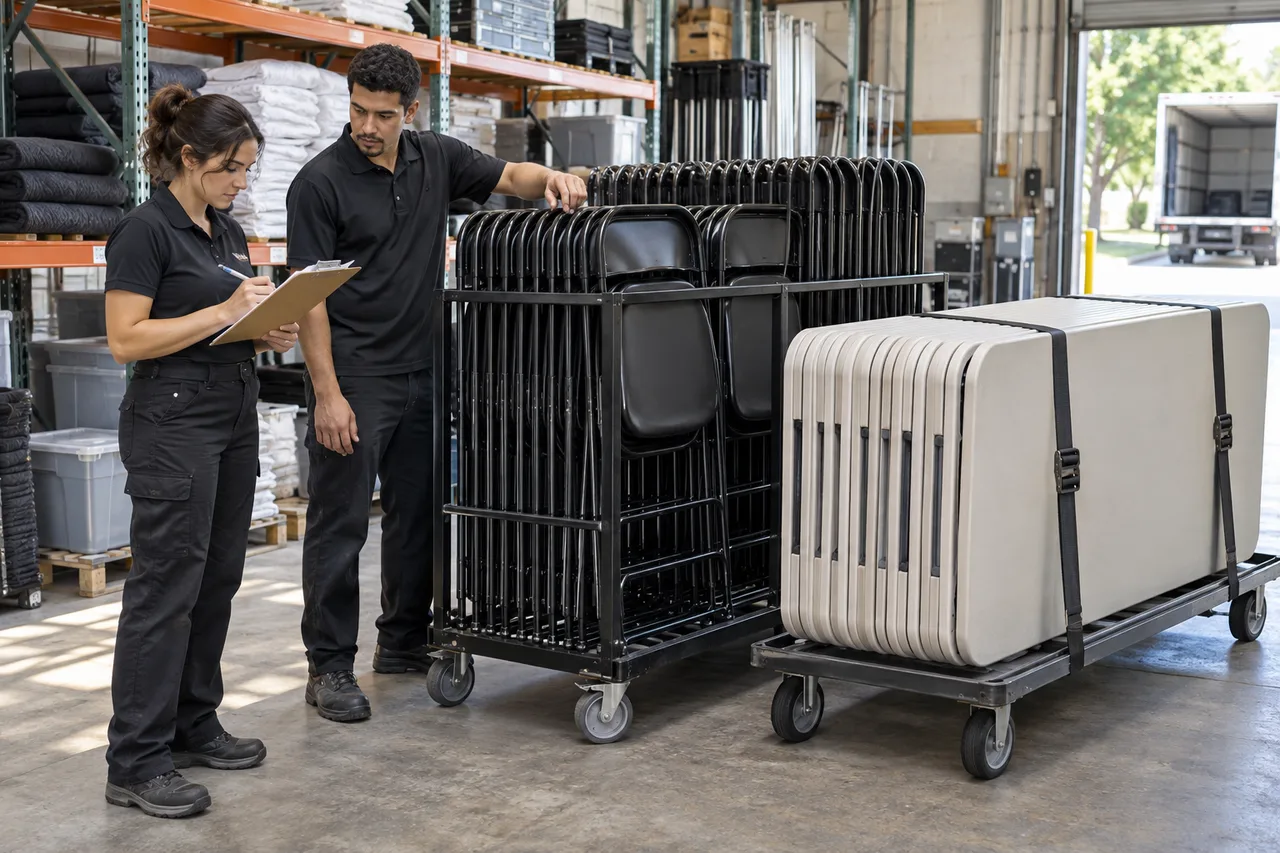
Open the order in the warehouse view. An employee should be able to find the component sizes and quantities under the package, along with any optional items the customer selected. Test that a related suggestion doesn't appear as a booked item unless they actually added it. If the team includes a different linen or chair finish after discussing it with the customer, check the updated record before the order is staged. The package name alone may be too general to pack accurately.
Next, try a quantity change on a confirmed order. If a customer removes one package, check how its components become available again and what happens to any standalone items on the same order. If they still need a few extra chairs, keep those on the order while releasing the package's chairs. If the business moves the date, recheck every required piece for the new booking period. Review any service slots affected by the change as well.
Follow the return through the shop's normal check. The package as a whole may have been returned, while one chair needs to be held and a linen is still in the laundry. Complete the booking record and update availability at the level your team can verify. The next customer should get the answer based on the pieces that can be reused. Give staff a specific place to record an exception so it doesn't turn into a missing item on the next pick list.
Review the options after the first orders
Read a few orders from the updated pages. Look at which options customers selected and which questions they still asked. A reported increase in add-ons may hide repeated requests for linens to fit a different table shape. Review what the page shows and how the warehouse stores the alternatives. Remove or rewrite suggestions that don't apply to the product in front of the customer. Keep the few options that help people cover the next step of the event.
Look for stock mistakes that may leave the warehouse with extra work. If every staff member has to manually reduce the count on a second listing, both offers may be holding separate inventory records. Find out where those products were created and which one counts physical equipment. Reconcile the actual remaining stock and existing bookings as part of the correction. Confirm the first overlapping reservation again after changing the mapping.
Share one working example with the people who maintain the online catalog. When they make a seasonal collection, they should understand whether they are creating a listing for new physical stock, a different way to order existing stock, or a set of items bundled together. Employee training can benefit from a simple scenario showing how a single chair reservation changes two package counts. An example often makes the implications clearer than instructions to keep product records tidy.
Update related choices when a product or package changes
Equipment can be replaced or retired while packages are still on the site. If the shop receives a different model of table, confirm which linens, carts and package descriptions still apply. Add the new product to the appropriate listings only after reviewing how it can be reserved. A page that says “fits this table” should send someone to a compatible choice, even when the old table and linen both remain in the catalog for existing orders.
Keep the booked items clear when you update an offer. Suppose the shop expands its patio package from twelve to sixteen chairs. The old bookings still have their agreed quantities. Review what the picker sees for those orders and test a new reservation for the updated version. If the quote or order uses a live description that changes everywhere, record the promised contents with the booking so staff can see which version applies. Check that the new count uses the same right stock as the old offer when their dates overlap.
Give one person responsibility for reviewing linked products whenever an item becomes unavailable or changes size, finish or rate. They can open the page customers use, choose an ordinary rental date and check where the related options lead. Then use an example that should be unavailable. The storefront is ready when related products help customers complete an order, stock answers reflect the pieces the crew can provide, and the warehouse sees exactly what it needs to pack and receive.