Run a rental ad campaign around an available package
Build a rental promotion around complete packages, available dates and pickup or delivery windows your team can reliably fulfill.
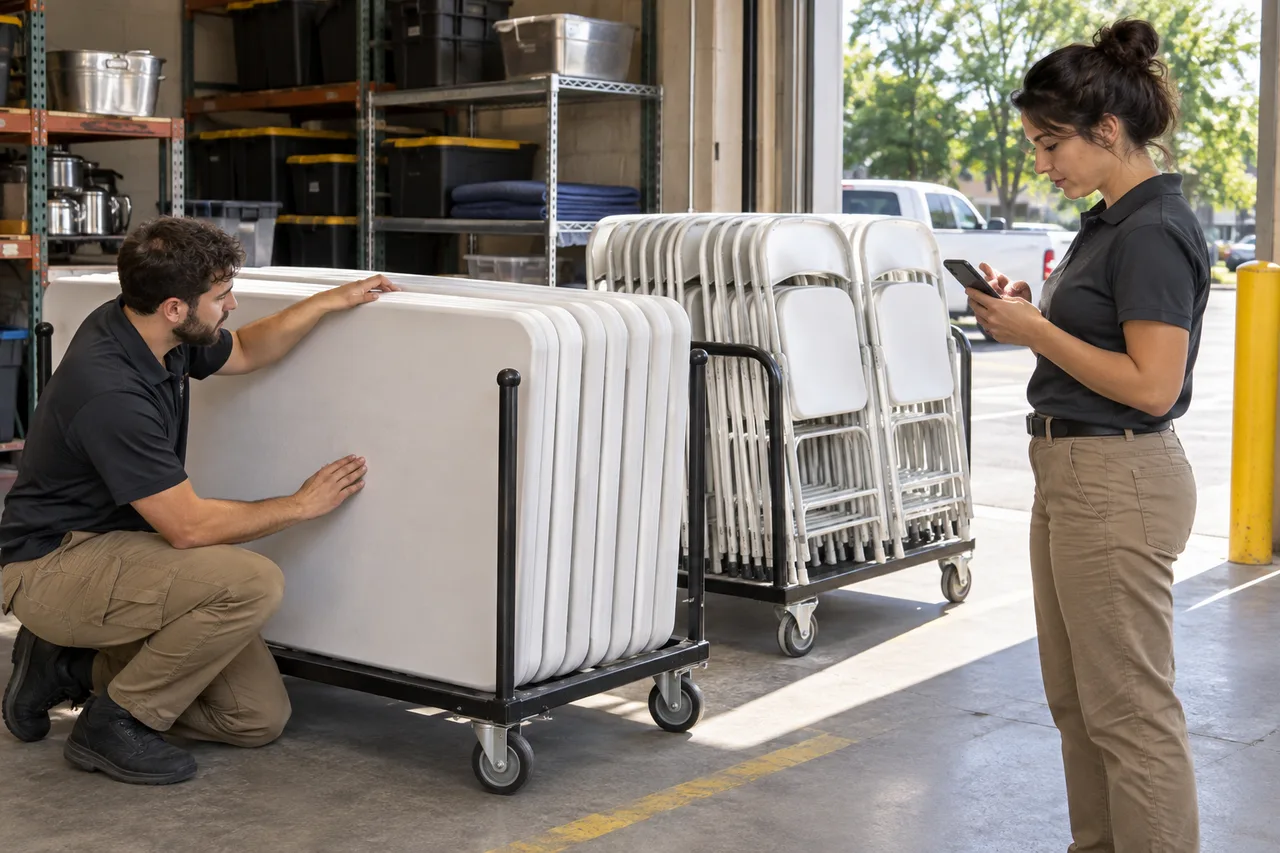
A rental shop advertises a backyard table and chair package for the first three weekends of spring. The lead photo shows a complete setup, and people ask whether they can collect the package Saturday morning. The warehouse has enough tables and chairs, but Saturday pickup appointments are nearly full and a larger delivery uses the same chairs the next day. The ad generates interest. It also sends people to a combination of dates and pickup times the shop can't serve.
Build the campaign around an offer the office and warehouse can fulfill together. Decide which equipment, dates and pickup or delivery windows can be promised. Then check that the ad, storefront, inquiry form and booking process describe the same package. Confirm the first orders against the operations calendar and make it easy to change or pause the campaign when the available windows fill.
Define one package and show what comes with it
Start with familiar items the crew can stage together. Give the package a name that tells customers what they are shopping for, such as two six-foot tables and twelve folding chairs for pickup. List the quantities, expected rental period and what the buyer needs to arrange. If the price assumes warehouse pickup, say so near the amount. Explain where to ask for delivery, setup, a different quantity or another rental period. A photo can show how customers might use the equipment while the package description states what the shop will provide.
Read the package as your warehouse would. For example, a table might come with a folding frame but no linen or decorative items. A product photo may show place settings that the renter has to supply or order separately. Confirm the expected contents with the person writing the pick list. If the ad shows one chair finish, decide when a substitute is possible and who would ask the customer before changing what they ordered.
Ask the office to price one normal request and one request that doesn't fit the package. The first might be collection on Friday with a Sunday return. The second might ask for a full weekend delivery outside the shop's normal route. Staff should know what the public page can confirm and what needs review. If the two cases use different prices or steps, make those differences visible before a customer submits a request.
Count complete packages against the actual calendar
Use the tightest requirement in the package. If every package uses two tables and twelve chairs, compare the available number of tables, the available number of matching chairs and what can be moved through the pickup process. The shop might have enough chairs for three packages but only enough tables for two. Keep the equipment available for existing bookings and allow time after returns for your normal check and reset. Count only the combinations the shop can prepare for the advertised period.
Test a specific date with the people who run the schedule. Suppose the shop has ten tables and seventy-two matching chairs. Four tables and thirty-six chairs are committed to other jobs, and two additional tables return too late for Friday pickup. Four tables and thirty-six chairs are available for the Friday offer before allowing for pickup capacity. That is enough physical stock for two complete packages. If only one more pickup can be staged and checked out in the advertised window, the campaign can take one booking for that window, then offer another time if the shop has one.
Review the plan for pending holds. A quote may not be a firm reservation, and a customer working through checkout may temporarily occupy stock depending on how the business runs booking. Tell staff which records affect available inventory and when a hold is released. Avoid making a promise in the ad based on a morning count that can change after the next normal order. If the offer is subject to date confirmation, describe how the customer will get that answer.
Pick the dates and service windows before setting the audience
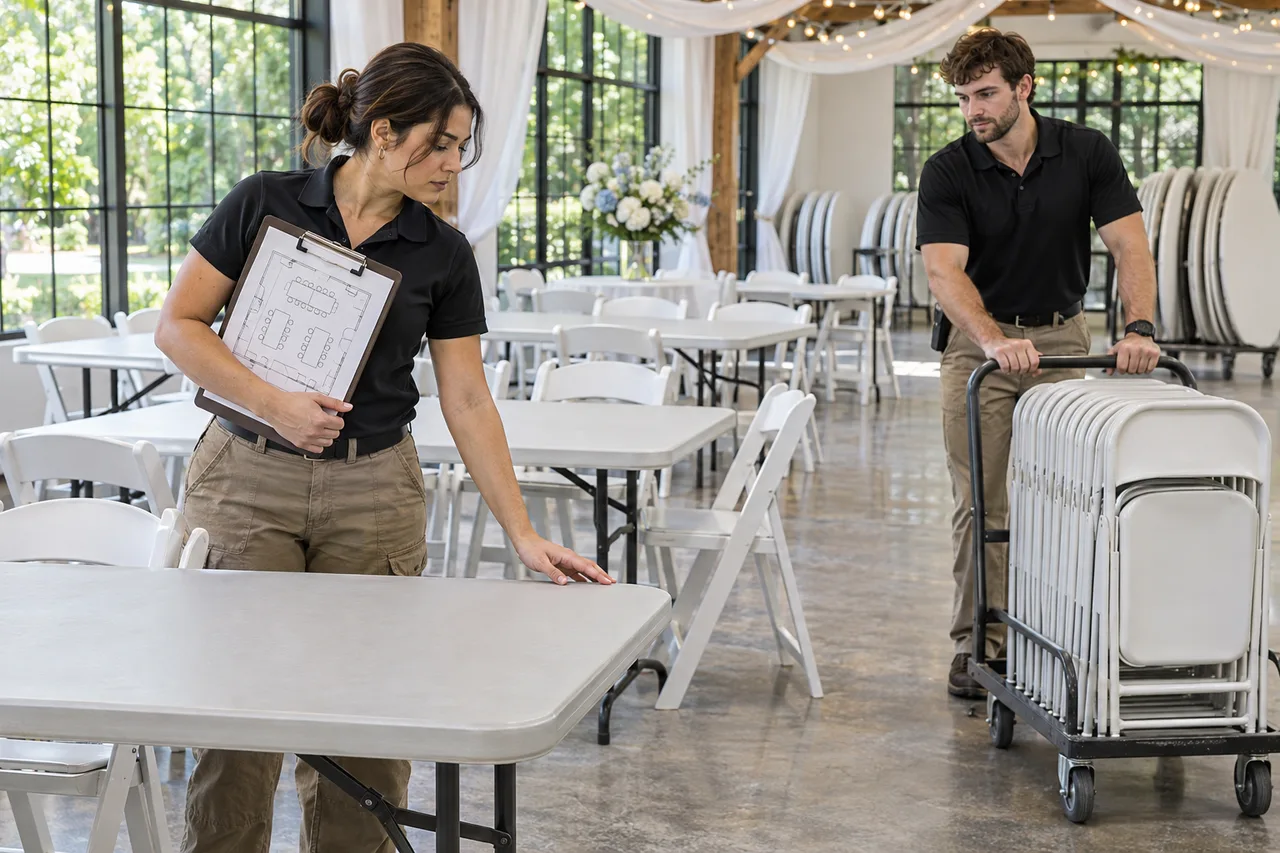
Choose the booking dates you actually want to fill. A warehouse with open Friday afternoon slots may be able to take pickup bookings when crews leave for Saturday installations. A shop with open weekday delivery capacity may benefit from promoting a small reception package to customers able to accept that schedule. Start with a realistic window and review the demand when those dates approach. If most customers book the category several weeks out, give the campaign that much lead time within what the shop can commit.
Check the service area that goes with the stated terms. For a delivered package, the office needs a way to review the address and any service limits before giving a complete answer. For pickup, tell the customer which location and days apply. A shop can show a package to people who live beyond its delivery area if they are able to collect it. Just make sure a reader can tell which service the advertised terms cover and whether they need to ask about another option.
Decide how the package will handle overlapping demand from other channels. The same chairs may be described on the website, sold by a venue partner and quoted by phone. Put the stock into the same booking and availability process even when customers hear about it in different places. Keep a way for people to find the booking and the original offer if they contact the business from a second channel. This lets the office review a single request without holding the same items twice.
Build a landing page that answers the first order questions
Send people to the relevant product page or collection, with enough information to decide what to do next. Repeat the package contents, eligible dates or windows, listed price and any condition the customer will need to understand. If the dates require confirmation, place that information where a customer chooses dates or requests a quote. Include a visible way to ask a question about delivery or larger quantities. Keep any alternatives close enough to find after an unavailable response.
Use a picture of the package in a recognizable setting and describe what is included near the image. Provide alt text that identifies the equipment and arrangement. A person deciding between two table shapes needs to understand which shape is offered. If a customer is likely to collect the package in their own vehicle, point them to relevant dimensions or handling instructions before the appointment. Have the warehouse confirm those details from the actual gear it plans to provide.
Ask someone who did not write the page to open it from an ordinary phone. Have them find the package, choose a date and explain what happens after the displayed action. If they think they have made a firm booking when the form only sends a quote request, clarify the action label and the confirmation message. If they expect Sunday pickup because a calendar is visible without instructions, put the eligible windows where they make the choice. A useful preview follows the whole path to the message the customer receives.
Use a short ad that matches the real rental offer
Lead with the specific rental use and next step. For example, if the shop wants nearby customers to pick up a defined patio package on Fridays, the ad can name the tables and chairs, the pickup location and where to check dates. Use details the shop can verify as of the launch. If a price depends on an available time window or a specific quantity, make that condition clear. The goal is to bring inquiries the office can recognize and handle.
Write one version to preview before expanding. Read it beside the landing page and the normal quote. Check the item count, time period, price basis and delivery expectation across all three. Test where the button or link leads, including any selected date or source label. Avoid copying a seasonal offer forward with a prior date or an old pickup address embedded in the asset. Put the live dates and the person responsible for changes beside the campaign record.
Decide what the team will do with an overflow request. If a customer needs the same package on a sold-out Friday, it might help to point to Saturday collection when that is available or a comparable bundle that uses different stock. Ask what service you can offer before writing the alternative into the ad or confirmation. Keep the next step easy to find even when the desired date is no longer possible.
Walk a realistic booking from the link to the loading door
Run one test with the people who will process the order. Begin with a click on the ad or open its preview. Choose an eligible date and go through the same path a customer would use. Find the request in the inbox or booking workspace and check that it contains the chosen package, dates, quantity and contact method. If the system makes a reservation at a later step, follow the path in a suitable test environment until you can verify the order details the business sees.
Then put the example on the warehouse plan. The pick list should show the right number of tables and chairs. The pickup instruction should apply to the correct store and agreed time. Review how the same pieces are accounted for after return, including when somebody has to inspect them before the next booking. Ask the person staffing the door what they will need to verify the customer's appointment. If the campaign makes that person answer the same missing question for each order, fix the source of the question before launch.
Try a second request for a date that should be unavailable. Verify the answer in the storefront or office rather than assuming every open day on a calendar has room. Check for the timed hold or message the customer sees if stock runs out while they are deciding. The shop should be able to explain what is available now and give an appropriate next step. The staff should see whether the issue was product stock, the booked date, the service area or a pickup window.
Give the office a way to pause or update the offer
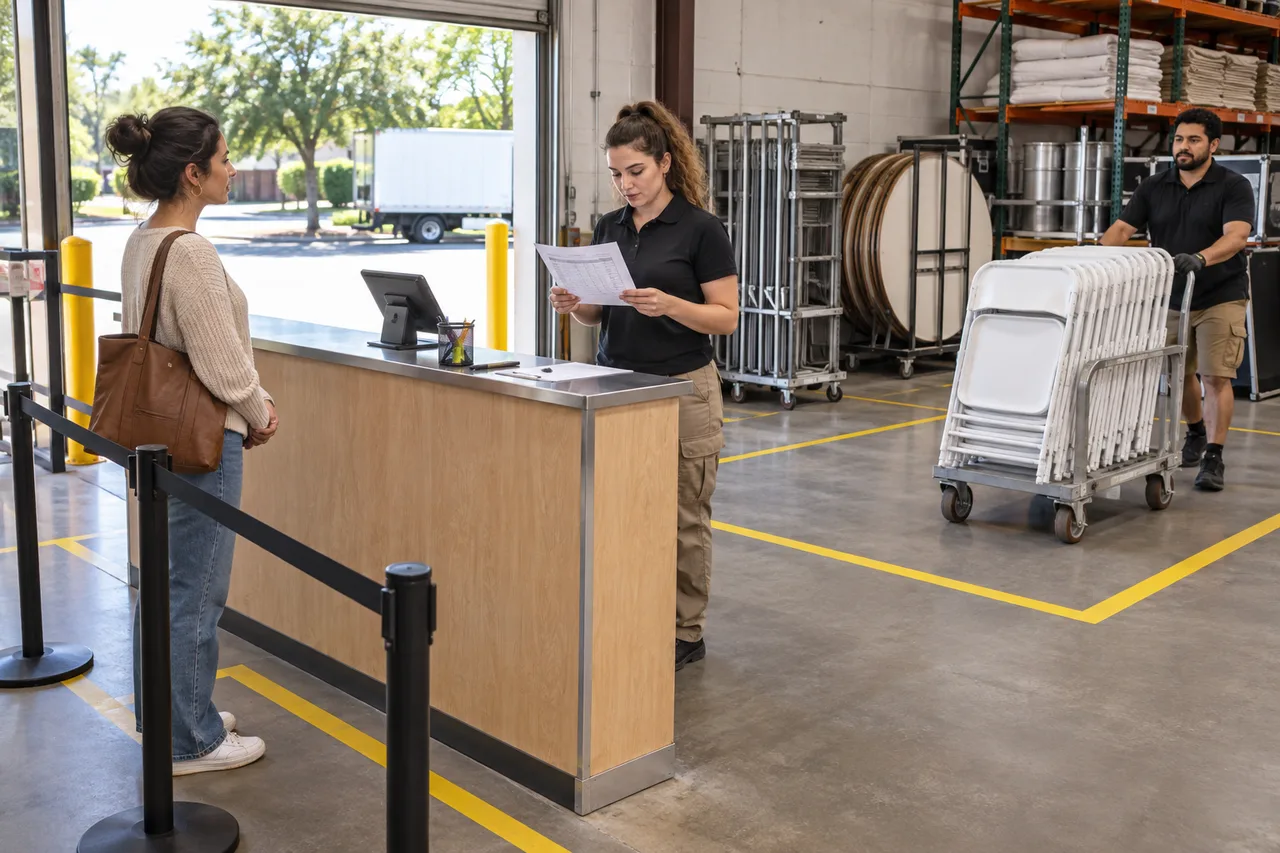
Assign one person to review available dates during the campaign. Ask them to check orders, active holds and schedule changes at an interval that makes sense for the volume. Set an operational limit such as the last unreserved package for the target Friday window. Decide whether that limit calls for a pause or for updating the public offer to the next date the shop can actually serve. Include instructions for changing the landing page or temporary message as well as the placement.
For example, the campaign might have room for two Friday pickups across the next three weeks. Between reviews, two callers reserve the final Friday packages. The office should record those bookings in the same calendar, verify the limit and pause or revise the offer. If a customer later cancels, reopen capacity after confirming the order release, stock and appointment rather than assuming a canceled booking will always recreate the same availability. Make the check easy enough for someone else to cover when the employee running the campaign is away.
Keep the public page accurate if people return through a saved link. After the promotion ends, a customer might still visit the package page from a message forwarded by a friend. Point them toward the current package and terms. If the page is still useful for later dates, update the date and availability information there. Inquiries that already came in may need a staff response under the terms they discussed. Record what was confirmed rather than giving a blanket answer from the latest ad.
Keep a copy of the terms with each confirmed booking
A promotion can change while a customer is still deciding. Save the package details the office actually confirmed on the booking. Include the dates and quantities, pickup or delivery arrangements, and any agreed price or service details. A warehouse employee needs to know which orders include a certain chair finish or an extra table even if the live promotion has moved on to a different version. Give staff a way to distinguish the general ad from the particular order they are about to fulfill.
For example, the shop might switch a Friday-only offer to Saturday pickups after a recurring delivery opens space. Someone who booked Friday should still see their agreed Friday time in the order record. A new customer visiting the updated page should see Saturday as the current option. Test both views. If confirmation messages use text drawn from the promotional page, make sure the updated message won't turn an earlier confirmed pickup into conflicting instructions. Keep a copy of the current offer or a version date for the person handling follow-up questions.
Review the requests alongside completed work
After the first week or first useful number of inquiries, look at how many requests included eligible dates and could be served. Record reservations, cancellations and completed orders as the events happen. Pay attention to the original capacity goal. If the offer intended to fill Friday pickups, an increase in Saturday delivery questions tells you which details to review. It may also show interest in a different offer that the shop can test when more delivery capacity is available.
Include staff time spent reviewing mismatched requests, arranging pickups and staging the equipment. A package that is quick to quote can still create extra work if the expected return dates pile up or the staff have to move pieces from another aisle repeatedly. Check whether there was a physical bottleneck and see if an ordinary process change would help before expanding the offer. An additional staging window or better pickup instructions may make the original package easier to repeat.
Keep a short record of the campaign dates, published terms and the reason for any change. Save one example of a successful booking and one where the buyer had to ask for a clarification. Compare those examples with the current landing page. If the issue was an ambiguous pickup promise, adjust that detail for the next period. If there was too little supply for the original audience, choose a date or package the shop can support before spending more to reach people.
Reuse the steps when you promote the next package
Arrange a brief handoff from sales to the warehouse. Share the items and dates, the point where the office should stop confirming orders and the contact who will change the ad or landing page. Give the next person two examples to test: a realistic order that should work and a request that needs another option. Make sure they can see how accepted bookings are staged and what happens when equipment returns.
Run the same comparison after you change quantities, locations or the service model. A popular package may need different pickup support when it's offered from a second warehouse. A later version that includes delivery should account for loading and travel as well as equipment. When those details line up across the ad, booking process and calendar, the promotion can send people to a package the business is prepared to rent.