Rehearse a rental software migration before cutover
Rehearse a rental software migration and verify that bookings, stock, payment records and daily handoffs agree before cutover.

A rental business imports next month’s bookings into a new system. The totals match. The next morning the warehouse notices that the imported calendar reserves one stack of chairs for two parties, and the office sees an installment marked due that the customer paid last month. A migration can preserve the visible records while changing what those records tell the business to do.
Rehearse a rental software migration with real types of work, using a separate test environment and data you are authorized to use. Check what the customer, sales desk and warehouse see at the end. Then build a cutover plan around the records people need to trust during the first live shift.
Define what has to be usable on the first day
List the work already scheduled for the new system’s first week. Include confirmed bookings, appointments, deliveries, returns still due and equipment waiting for inspection. Identify payments, approved changes and customer messages the office may need to explain. A future reservation for a marquee needs more than its name and address. Staff need to know what is reserved, what the customer accepted and who meets the truck.
Decide which older history must be available from the new system and which can stay in an approved archive. Maintenance records for active assets may need to remain closely linked. A finished booking from years ago might need only a preserved copy for authorized staff. Give each source and archive an owner and define how people will find it once the old software stops being used for daily work.
Check dependencies outside the order system. A storefront may share the availability calendar, a provider may show payment status and a routing tool may use venue notes. Make an inventory of those connections, who maintains them and when they will point to the new workflow. Start with the sources of information the business uses to keep an existing promise.
Set a rehearsal boundary. The test system should let staff use normal roles while keeping test notifications and payment attempts isolated from real customers. Use synthetic data or approved exports with unnecessary details removed. Confirm that the test configuration cannot change the production calendar or send messages through an existing live integration. The best rehearsal gives people realistic orders with safe, predictable outcomes.
Map the fields that change meaning
Create a list of key fields in both systems. Start with the identity that connects orders, customers, payments, assets and locations. A name may have been typed differently on two older records, while an original booking reference can still connect a payment and order. Do not treat matching display names as proof that two records describe the same person or item.
Review order status one state at a time. A quote accepted by the customer might still be awaiting a payment. A booking paid in full might be waiting for dispatch. A returned order can have one component still due. Map each point to the state the new system uses. If there is no direct equivalent, describe what staff need to do and how the booking should appear.
Check how the systems describe time. Some records use a single event date. Others use start and end times, with preparation and turnaround recorded separately. A Tuesday pickup may sync correctly while a hire spanning the weekend changes which stock is allocated. Compare dates, times and locations after import. Review a daylight saving boundary if your operation schedules rentals near it, using a known test date and expected local time.
Write down which records require cleanup before import and which can be fixed safely afterward. A duplicate product code can misassign current bookings during import, so resolve it earlier. A missing alternate product description may be possible to fix on the new catalog later. Track the cases and check that the staff responsible for each can carry out the correction.
Import a small set that includes exceptions
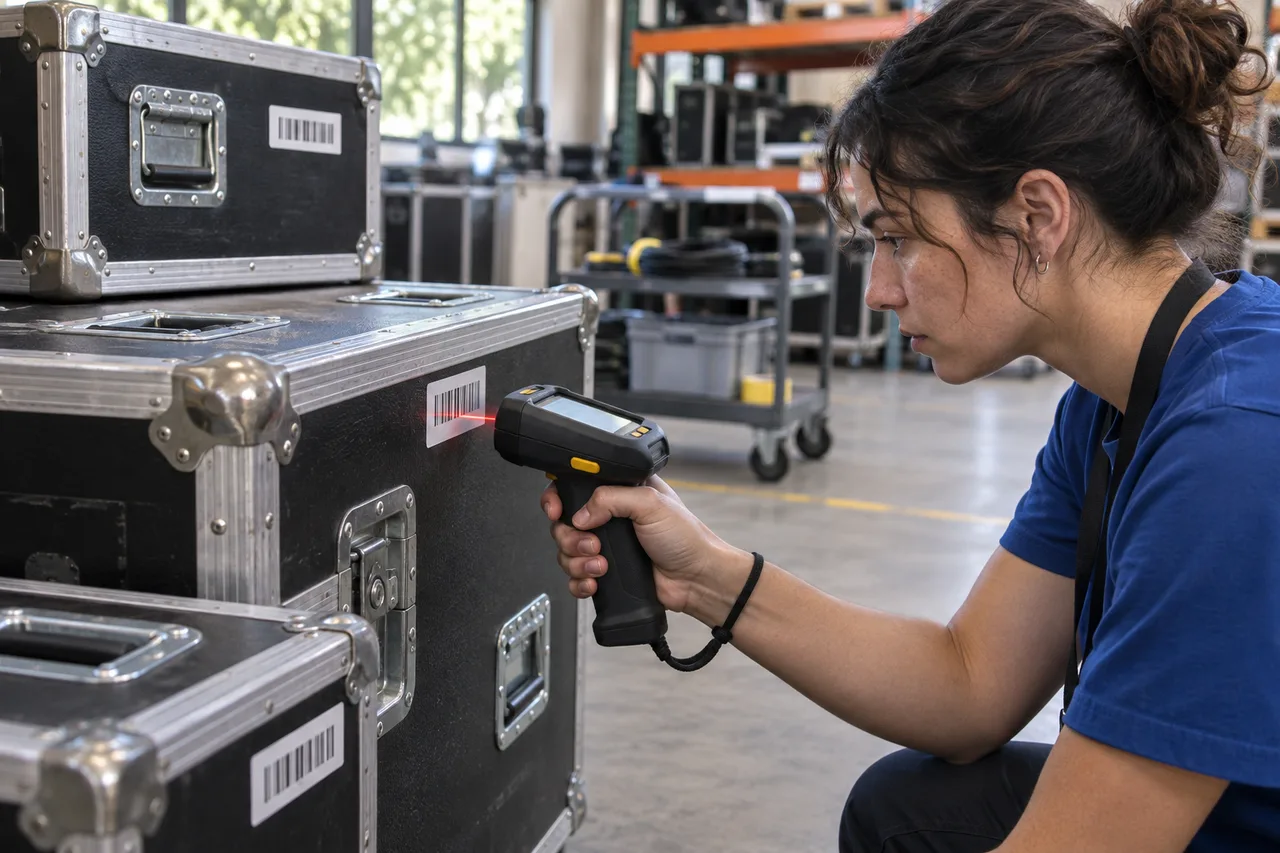
Pick a representative group with a plain pickup, delivery needing venue access, open quote, confirmed order with a deposit and return with pieces still due. Include products that rent by quantity and any serialized equipment that needs its own history. Test existing variants and kit components. A small, purposeful group gives you details to inspect without taking an entire day.
Run the import in the same order you expect to use during cutover. If customers and products must exist before booking lines can be added, use that sequence. Have another employee follow the written procedure. Track which files entered the system, what they contain and how many records succeeded or failed. Keep a known checkpoint you can repeat safely.
Read import errors and warnings alongside the actual records. A row may appear to succeed when a default silently replaced a missing field. Check that addresses, timing, currency, payment status and equipment quantities look as expected on the new order. Inspect a few text fields with punctuation or leading zeros in codes. Give the person verifying the records a way to mark what is correct and what needs work.
Run a second import against a disposable test copy using the expected retry procedure. You may need to clear an isolated test, skip matching records or apply changes by a stable identifier. The correct approach depends on the tools you use. The main result to check is that a retry does not duplicate bookings, payment history or stock. Record the exact step staff should follow when an import stops midway.
Reconcile bookings, stock and money separately
Compare record numbers as a first check. Count active products, confirmed bookings by date, rental lines, payments and open balances. Look for duplicate records and items omitted because a status or product code did not map. Then open a few actual examples. Matching totals can hide a canceled order and a confirmed one swapped in the same count.
Verify availability by looking at the dates that the business would struggle to fulfill. See which stock is already reserved at each location, which items are out and which will need preparation before release. Try a fictional request that reaches the final available units. Confirm the expected outcome before and after the import. This connects the migration check to what staff can promise.
Compare payments against the existing accounting or provider records used by the business. Verify the paid, pending, refunded and remaining amounts on each selected booking. Keep actual payments distinct from a ledger entry that represents payments received before the move. Test that reopening or importing an order does not initiate payment collection or trigger a customer notice by itself.
Check the approved order and current service plan. If a customer moved a date, make sure the new time is visible and the original agreement can still be referenced where necessary. If the office changed quantities after receiving a partial payment, check the revised balance. Sales should be able to answer questions about what the customer agreed to without reconstructing the order from scratch.

Run the first day in rehearsal
Give each person the view they will use at work. The warehouse opens tomorrow’s pick list, the office answers an inquiry on an imported order, the dispatcher reviews a route, and the receiving lead checks a returned kit. Ask them to complete those tasks without help from the person who built the import. Record any point where they need the old system or an administrator to tell them what a field means.
Try a change after the migration. Move a pickup, add two chairs to an accepted order, update an access instruction or record a partial return. Verify the booking, inventory and balance afterward. The import is only useful if staff can continue serving the order normally once it arrives. A record that displays correctly and cannot be edited when the customer calls still needs attention.
Test the customer view where it is part of the move. Open a fictional confirmation, review the approved quote or locate the appointment and contact details. A customer with an existing link may need instructions for which service to use. Check which messages will be sent after cutover and which should remain quiet because the customer already received them.
Rehearse a busy transition. One team might begin preparing the first pickups while another checks a delivery reservation and someone else records a late return. See whether staff follow the same source for decisions. Keep the old records accessible according to your plan for verification, with a clear point at which people stop changing them as part of normal work.
Practice the final interval and any fallback
Name when the old system stops accepting normal changes and what happens to work during the pause. Some teams use a short window in which the final export is taken and bookings are held for review. Others can move later changes as a separate approved update. Pick a process staff can follow and verify with a small set of changes made just before and just after the cutoff.
Write a checklist with an owner for each step. It can include preserving the last export, running the import, validating active stock, checking settlements and opening the new booking path. Give each team a clear way to report a failure. A person who finds a wrong deposit needs to know whether all work pauses or whether that booking can be isolated for review.
Agree on the conditions that would defer the switch. Missing confirmed reservations, incorrect payment balances and availability that ignores occupied stock are examples worth defining ahead of time. Use the conditions your business cannot operate through safely. Rehearse returning to the prior booking process and record anything that happened in the new one. If new work was accepted during the switch, make a plan to reconcile it before accepting more.
Time the dry run. Include the time for exports, review, imports, sample checks and the decision to proceed. If it takes longer than the available closure window, see which checks can be completed earlier and which must be done after the final update. A rehearsal should give the business a credible estimate and room to handle one ordinary delay.
Verify the connections that do work on behalf of the office
List what happens when an order changes in either system. A confirmed order may update website availability, create a preparation task or schedule a customer reminder. Supply your rehearsal with safe test destinations for the connections you need to exercise. Run the sample import with automation paused or scoped as your process requires. Then trigger an ordinary fictional booking and verify that only the intended connection runs.
Check whether an import should look like a new booking to each connection. A historical deposit should remain recorded without a new request to pay. A confirmed booking already in the warehouse may need to appear on a preparation list, with its completed checks preserved. An upcoming balance reminder might need a due date and a reliable way to avoid a duplicate from the old system. Record which behavior the team expects to see on each example.
Verify the website and staff view at the interval where they start sharing current data. Use one available product, one fully reserved product and one requiring venue review. Check the item identity and dates after an update. If a customer can begin an order before the switch and complete it later, decide who checks an attempt that crosses that line. Use a test transaction to see what the order and payment provider report to staff.
Plan how to handle a connection that cannot be switched at the same time as the booking records. The business might continue to check one payment report in the existing provider and compare it with the new order references. Another team might use an approved export until the new route view is ready. Write the steps and owner, record when the temporary process should end, and validate it in the same rehearsal. A short manual step can be reliable when its limits and responsibilities are clear.
After the switch, check the number and type of events that occurred. Compare several new orders with the customer notices and warehouse actions that followed. Open one imported order and verify that it did not trigger messages reserved for new bookings. If a connection is quiet, check the intended events and destination before treating silence as evidence. This review helps catch a configuration that looks available to staff but has yet to complete a real handoff.
Walk a failing import through the review
Suppose the sample has two overlapping bookings for a fleet of 60 matching chairs. One order needs forty on Friday through Sunday. The other asks for thirty on Saturday morning. The old system has an approved amendment to reduce the first quantity to thirty, but the export includes both old and revised lines. The new calendar appears short by ten. The team identifies which line represents the accepted order and updates the mapping, then repeats the sample import.
The office also discovers that a paid booking appears with a new amount due. The original deposit came through an external provider after the first snapshot. Staff compare the approved quote and settlement record and change the procedure for bringing across the last transactions. They verify that the new record shows the amount already paid and generates no new payment request. The rehearsal now includes a transaction recorded near the cutoff.
In the next run, both numbers agree and the warehouse can stage the right quantities. The manager records how the two errors were found and how to check similar orders after the final import. The team does not need to remember the test from a meeting. The check is part of the handoff for the first live shift.
Save the expected result from the successful rehearsal beside the input example. Another employee should be able to rerun the same checks and tell if an import setting changed. Include the version and time of the data used for comparison. When the business reaches the final cutover, use the updated records for the live checks and the sample as a reference for how the mapping was verified.
Give the first week a defined review
Assign a person to look at new bookings, old bookings due soon and payment or inventory exceptions each day. Compare a sample with the source data while it is still easy to access. Check that each department knows which system to use and where to report a discrepancy. Keep issues visible by booking reference and severity so important work can be fixed first.
Record corrections in a way the team can understand. If a product was assigned to the wrong location, update it and confirm which upcoming bookings are affected. If the root cause is the import mapping, assess whether similar records need the same fix. A log with the observed fact, correction and verification can turn a one-off repair into a cleaner transition.
Close the transition after the ordinary work is reliable. Check that the crew has completed a full return cycle, the office can account for payments and customers can receive the confirmations they expect. Keep the approved exports and review record according to your business’s requirements. The rehearsal is successful when the next booking and the ones already on the schedule can both be served from records people trust.