Record proof of delivery while the crew is still on site
Create a proof-of-delivery routine for event rentals, with actual counts, useful photos, offline receipts and a clear process for partial drop-offs.
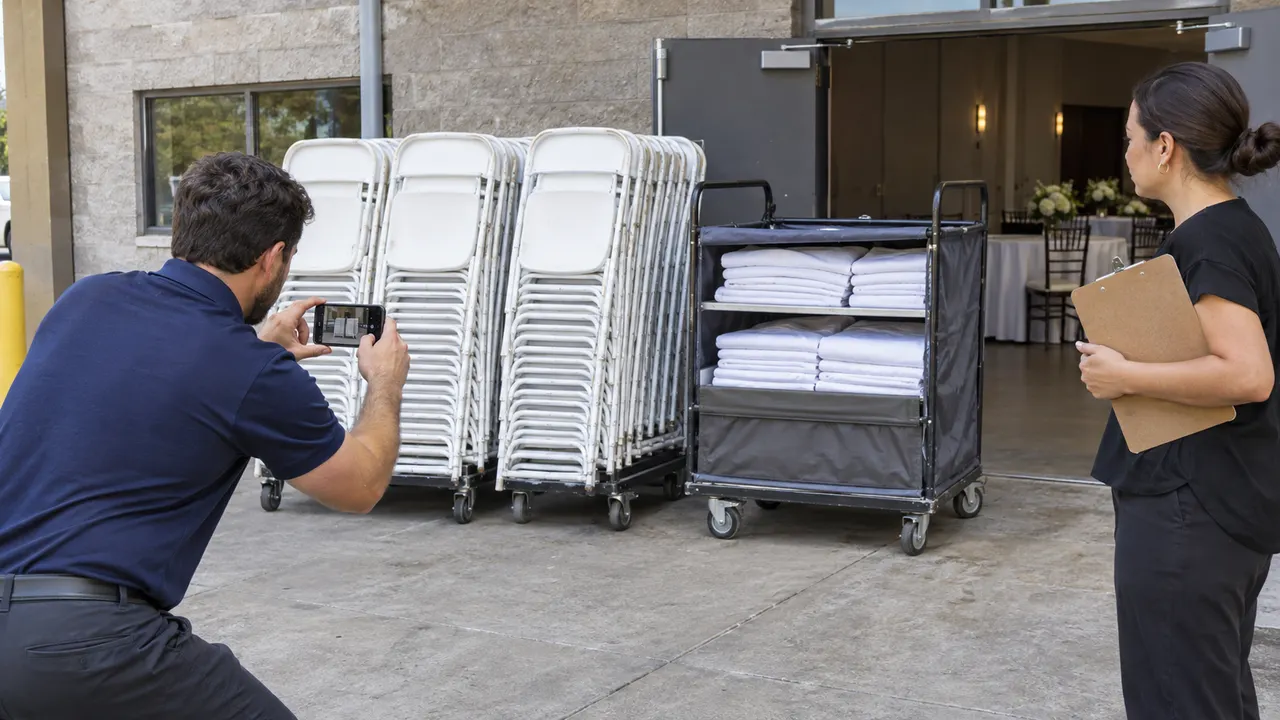
Seventy chairs, eight tables and a linen tote arrive at a venue at 10 a.m. The signed packing sheet says all three left the warehouse. At noon, the event planner asks where the tote went. The driver remembers setting it down near a side door. A venue employee remembers asking for the linens at the kitchen. Nobody knows which person took responsibility for the tote, and the next truck is on its way to a different job.
A usable proof of delivery records what the crew handed over, where they left it, when it happened and who received it or authorized a different arrangement. Build that record into the actual handoff while the people and equipment are still there. Use a short ordinary procedure for routine stops and record exceptions while they can be resolved. The dispatcher should be able to open the reservation and act on what happened without phoning several people for the same information.
Decide what counts as a completed handoff
Define the finish line for each service you sell. A drop-off might end when counted equipment reaches an authorized staging area. A delivery with setup might involve a second milestone once the layout is in place and the venue contact has seen it. Equipment delivered to a warehouse dock for use upstairs can be complete under a dock-only arrangement and incomplete under a room delivery. Tell the crew which service the customer bought. Put the delivery scope on the work order in words the crew and customer both understand.
List what needs to be recorded at those milestones. For a basic handoff, use the reservation number, date and time, destination, item counts, condition exceptions and the recipient or agreed alternate. Keep the delivery address already stored on the order. Add the room, dock, entrance or receiving location if there is a meaningful choice. For setup, attach the approved floor plan or reference its version, and document any approved change. A general note such as “done” leaves out the facts the dispatcher needs when the planner calls.
Keep delivery completion separate from signing a rental agreement, paying a remaining balance and collecting equipment after the event. A crew member may record that chairs were received while an invoice remains open for office follow-up. A delivery signature can acknowledge receipt or visible condition as stated on the receipt. Use the wording your business has approved for that purpose. Settle charges, contract amendments or acceptance of a different service through the appropriate workflow so one casual tap is never made to carry several meanings.
Put the information the driver needs on the stop
Before loading, confirm which items and quantities belong at each stop. Keep every line tied to the reservation that the driver will open at the venue. Separate goods from services in the staff view. For example, the manifest might list eight six-foot tables, eight black covers and one setup service. Group smaller accessories under their item where the relationship helps the crew count them. A case label can say which order and items are inside without showing customer details to everyone at the site.
Include the agreed handoff location, a delivery window, an appropriate contact and instructions for reaching that person. Make the backup plan legible. A venue might authorize the banquet manager or the staff member at the receiving desk, only if the truck arrives within the stated hours. Confirm during planning which alternatives the business has agreed to, and keep the dispatcher’s number available for cases outside that scope. A locked loading door is easier to address when the driver knows whom to call before looking for another place to leave the equipment.
Check revised orders at dispatch. If the event coordinator adds ten chairs before the truck leaves, the driver should see eighty as the expected count and have access to the latest accepted revision. If a change arrives after dispatch, the office should tell the driver what is actually aboard and record the separate delivery plan. Make it clear which numbers came from the latest order and which came from the truck. A device with an old copy of the stop needs a way to identify its version before the crew closes anything.

Take the count at the point of transfer
Count the equipment as it reaches the agreed receiving point. Use counts that someone else can understand without reconstructing the packing process. If a cart carries four stacks of twenty identical chairs, record the count and unit rather than relying on “four stacks.” For a bundled kit with smaller parts, confirm the component or container you actually checked. Note a sealed case as sealed and attach the contents list when relevant. The receipt can reflect the level of inspection the parties actually performed.
Use the inventory identifiers already assigned to equipment that needs unit-level tracking. An audio console, display or specialty case can be scanned or recorded by serial or asset number where the identifier matters later. Bulk furniture can be counted by item type and quantity. Make sure the crew can correct a scan entered under the wrong order without hiding the earlier event. A receipt with a corrected chair count should show the final number clearly, and the office should be able to see who made the correction and why.
Ask the receiver to look at the essential facts before acknowledging the handoff. Show actual counts, the agreed location and any visible exception. A banquet manager may notice that the extra table in the receiving room belongs to another vendor. Resolve the discrepancy while the truck is there if practical. Confirm instructions for follow-up when it takes a second trip or a call from the office. A clean acknowledgment of the part you completed helps both parties avoid a dispute about what remains open.
Capture photographs that answer a specific question
Decide what a photo adds before taking it. An overview can place equipment in the authorized receiving area. A close view can show the condition of a particular item or a readable asset label if the order needs that detail. A setup photo can show the layout that was completed. A stack of folded chairs usually cannot prove the full count from one angle, so keep the count in the delivery record. Label the useful photograph with its purpose or placement in the job to make it easy to retrieve later.
Check the venue’s restrictions and the business’s photo procedure. Frame the equipment and receiving area. Keep faces, guest names, site documents, key codes and other unnecessary details outside the shot. Avoid photographing private areas simply because they are nearby. Use the company’s approved app and access controls, and keep photos attached to the reservation instead of passing them around in personal texts. If the venue limits photos, use the agreed alternate evidence and tell the office when a required photograph could not be taken.
Record condition in words a later reviewer can match to the photo. “Scratch on the lower left corner of case 14” is specific enough to connect to the right piece. Identify whether the crew noticed it before unloading, at transfer or during setup. That detail can matter to the warehouse when it inspects returns. The crew should report what they can see and route repair, coverage or billing decisions to the person who handles them. A good record leaves room for that review without making a driver guess the cause.
Handle changes where they happen
A partial delivery needs an actual count and an open next action. If the order called for seventy chairs and sixty arrive, record sixty delivered and ten outstanding. Ask who will contact the customer, whether the remaining items are needed before a specific time and what dispatch has committed to do. If inventory is now available from another truck, link that trip to the same order and close the ten only after the second handoff. Two delivery records can be clear when the order totals show what each trip completed.
For substitutions, capture the authorized decision. If the team offers black linens in place of navy, note the items, quantity, who approved the choice and where the approval is recorded. Make sure the office updates the order if price, terms or quantities change. Staff can record an accurate handoff while another person handles the quote or payment change. If the receiver raises a concern and the approved contact cannot be reached, follow the chosen escalation path for that stop. A completed status should reflect the agreed outcome.
When nobody is available, document the attempt and the agreed alternative. Note the time and location, how the driver tried to reach the contact and how the office decided to proceed. If a previously authorized unattended drop-off applies, record the specific location and confirmation sent through the approved channel. If authorization is missing, leave the stop open while the dispatcher makes a decision. An attempted or rescheduled stop has useful information even though the order was not delivered. Keep that status easy to find when the team reviews the route.
Make the receipt simple for the person receiving the order
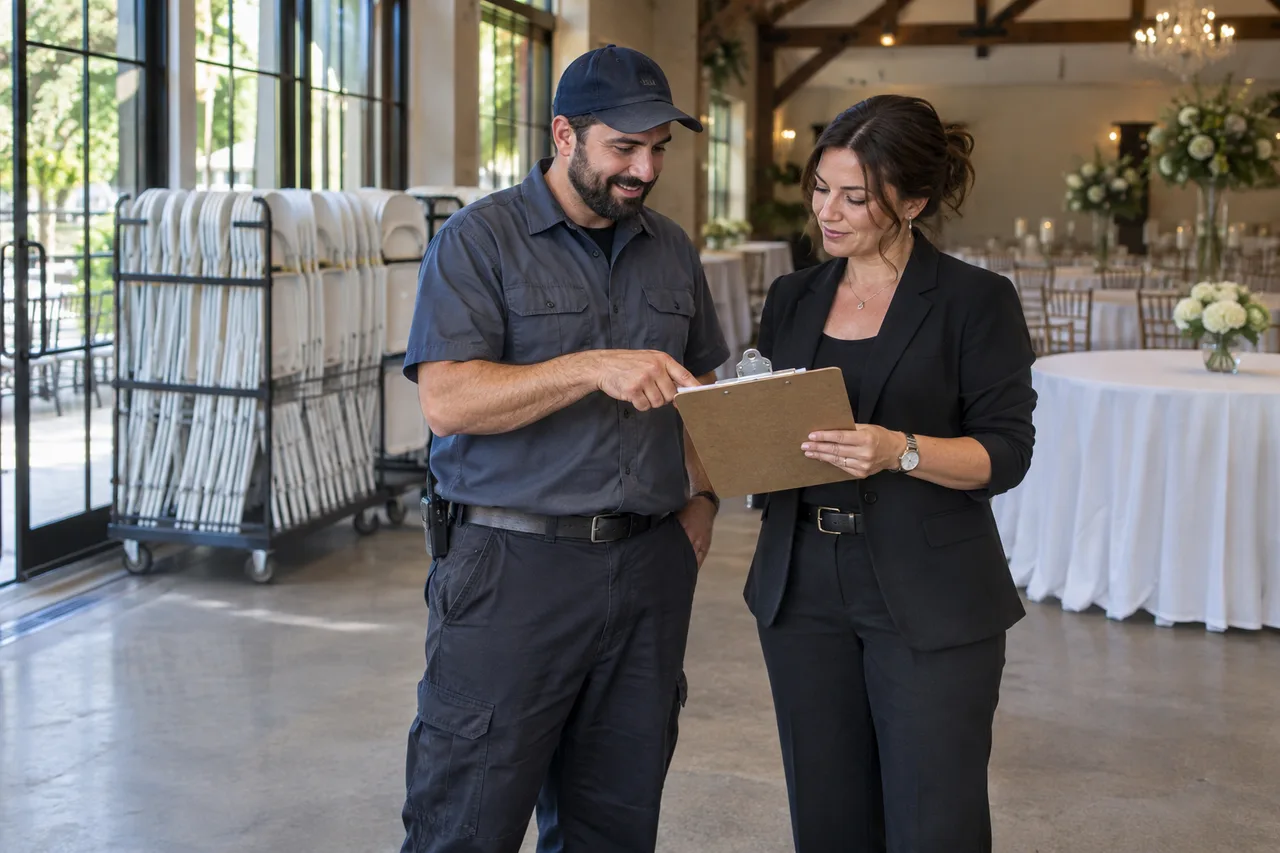
Use a short receipt that the customer can inspect quickly while staff are busy. Put the actual delivered quantities and visible exceptions near the acknowledgment. Offer a contact for discrepancies. If the staging area was changed with approval, include its name or a plain description on the copy the venue receives. A recipient who arrives later should be able to read a message that says the bins are in the west coatroom and know which booking it belongs to. Use internal-only fields for items such as routing notes or staff discussions.
Confirm where the acknowledgment will come from. You may agree to have the site contact sign on a device, confirm by an approved message or reply through a portal. Train the crew to identify the recipient’s name and role where appropriate. If a signature is unavailable and staff record a different type of proof, preserve the actual method used. Avoid completing a signature field on another person’s behalf. An honest alternate record can be reviewed and followed up on when the office understands what happened.
Send a readable copy promptly when consistent with the customer arrangement. Check the email or portal recipient already assigned to the reservation. For an event planner and venue coordinator who have different roles, follow the authorized sharing for each. Link to the receipt through a suitable access-controlled customer channel if it contains personal information. Keep the crew’s private notes and unrelated orders out of the customer copy. A test with a dummy reservation is a good way to verify exactly which fields your current process shares.
Give drivers an offline procedure that preserves the facts
Practice a stop where the device has no signal. The crew should be able to identify the current order, see the relevant plan and record an acknowledgment or agreed alternate evidence. A basic paper receipt with a unique order reference can serve as a controlled backup when the app cannot capture a record. Use the minimum information needed for the handoff and arrange who moves it into the official order record. Keep the original according to the business’s approved procedure.
Distinguish the handoff time from the time the record uploads. If the crew completes delivery at 10:05 a.m. and reaches a connection at 11:10, dispatch should see both times when it reviews a delay. Keep a visible pending indicator so the driver knows which stops still need to sync before ending a shift. Check how your tools handle repeats after an interrupted upload. A second tap should prompt review or continue uploading the existing stop instead of counting the same sixty chairs twice.
Try a revised work order under the same offline conditions. The app may have cached yesterday’s manifest. Train staff to check for updated counts at dispatch and ask the office about conflicting records at the venue. When an old delivery record syncs after a staff member has entered an office correction, keep both pieces of evidence and resolve the intended final state. The truck’s copy may show which goods actually moved. The current order may show what the customer agreed to buy. A review can reconcile the two.
Decide who reviews the route and who closes exceptions
Give the dispatcher a short view of completed stops, attempted stops, outstanding line items and acknowledgments waiting to sync. Set a specific time for the office to review unresolved orders. A shortfall for a wedding starting this afternoon should surface before a reminder about an optional photo. Ask the crew to use a note and a reason that route staff can act on. If staff text or call during the job, put the resulting decision in the reservation before they move on to another stop.
Let only the appropriate roles revise a closed receipt. A correction can show the original value, the new value, when it changed and the reason. Close a missing accessory after verified delivery or a documented agreement about what the customer will receive. If a customer disputes a delivery, compare the recorded order revision, acknowledgment, communications, photos and subsequent changes before deciding what happened. Keep access to those details within the roles that need them.
Review what happens to delivery records after the event. Bring pickup and return condition into the same reservation history with their own timestamps and records. Apply the business’s retention and access rules consistently across paper records, uploaded photos and customer copies. A saved receipt that staff cannot locate is hard to use, and a phone full of old event photos creates unnecessary work. Have an owner confirm who can view and export records, where approved copies reside and which follow-up work closes an exception.
Rehearse a normal stop and an exception in one afternoon
Set up a dummy reservation with three different lines, a service description and two allowed receiving locations. Have someone play the driver and someone else the venue coordinator. Run the handoff as staff would at a real dock. Count the goods, record an actual location, attach one useful photo and show the receiver their copy. Ask an office employee who was not at the rehearsal to open the order and explain what was delivered. Their understanding is a better measure than the number of fields the driver filled in.
Run it again with one missing line and weak reception. Record the part that arrived, queue the upload and give the office ownership of the remaining line. Have a second driver deliver it and verify that the final order shows both trips. Compare the customer receipt with the office view to make sure each uses the right totals. Fix any unclear status, duplicate event or thumb-sized screen problem the practice revealed before the next heavy delivery day.
Start using the procedure for a small route and ask which records staff actually consulted afterward. Keep evidence requirements that let the office resolve common uncertainties, such as receiving location or actual quantity. Remove duplicate notes that nobody can use. Look at time spent at each stop, orders needing another call and how often the next shift had to ask for facts. Proof of delivery earns its place when the next person knows where the goods went and what decision is still theirs to make.