Recommend one useful add-on before a renter checks out
Offer one relevant rental add-on with clear pricing, compatible stock and the right quantities on the warehouse list.

A customer chooses six banquet tables for a wedding reception. The next page offers a page of related items, from speakers to cocktail furniture. The customer wants to know whether the tables come with linens. A single, relevant suggestion with the correct size, quantity and price would answer that question without making them search again. A rental add-on is useful when it helps someone finish the order they already meant to place.
Choose one suggestion that makes sense for a particular item or order. Check that the shop can provide it for the same dates, explain its purpose and display the full price before the customer agrees. Try the flow with an example that fits and one that doesn't. The result should make it easier for the customer to choose and give the warehouse an accurate record of what to pack.
Find the small question people ask before they book
Review a handful of quotes or recent inquiries for one popular category. Look for an extra item customers often ask about after choosing the primary rental. Someone renting tables might need a compatible cloth. A person choosing a display stand might need a specific accessory that is useful for the setup. If an item is always required to use the product as sold, decide how to include and explain it as part of the base offer. Reserve an optional suggestion for a choice the customer can make.
Write down why the addition helps in one short sentence. A compatible linen protects the selected table's appearance and fits the size the customer chose. An additional bar stool might make sense for someone who booked enough cocktail tables. A large list of broadly related equipment rarely answers such a specific question. Start with one popular pairing and check whether it makes the order more complete.
Ask the person who serves the booking what they would need to verify. A warehouse employee can tell you whether the shop has the matching size and which finish is offered. A salesperson may know that it often goes with a particular product but is inappropriate when the venue already supplies it. Use those observations to make the suggestion and explain the option. Keep a short reason the staff can recognize later when they review the order.
Define which products, dates and quantities make it useful
Confirm what the add-on fits. A linen may be appropriate for a six-foot rectangular table and too long or too short for another size. A tabletop piece may depend on the room layout or on whether the customer is collecting multiple tables. Use the actual catalog relationship and label the choices accurately. If you offer different colors or finishes, explain how to select them and check the exact item before accepting the order.
Decide whether the suggested quantity should follow the main item or be selected separately. A customer with six tables may want six cloths, one cloth for a display table or no cloths because the venue provides them. Give them an understandable choice. Show where to review the quantity and avoid issuing a reservation for extra pieces they didn't select. If the order changes to four tables, check whether the selected quantity still makes sense and how the customer can edit it.
Use the real rental dates and what staff have to do to fulfill them. Some items need more time after a return, and an optional service may need another time window or staff member. When the extra item isn't available with the existing order, give the customer a way to continue with the main rental or ask about another option. A compatible product doesn't always make a practical addition for a particular date.

Show the choice when the customer has enough context
Place the suggestion where the customer knows what they selected and can make a decision about the extra. On a product page they may already know the table size. In the cart they can see the date and total. Keep the nearby information about the original rental visible. The customer should be able to add the extra, adjust the quantity or go on with the order they already have.
Give the option a clear name and a short explanation. For the table example, show the linen size and the type of table it fits. Include the rate or the way the final price will be determined before the customer confirms. If the shop needs to check dates or another condition, describe how it will do that. Use ordinary labels for the action and show the result next to the line item so the customer knows what changed.
Avoid treating the main rental as incomplete when the suggested item is optional. A customer may already have an equivalent option through a venue or their own supplies. A suggestion should be easy to leave alone. Ask a colleague to complete a test booking without choosing the optional piece. Check that the customer's path proceeds normally and that no extra line appears on the quote, booking or warehouse list.
Recheck availability and price as the order changes
Add the extra in a practice order and review the resulting total. For example, six linens at $12 each add $72 before other relevant charges. Show that change on the order before the customer agrees. If the customer decreases the quantity, remove the appropriate amount and update the line. If the extra item attracts a different rate on some dates, verify the result in the full quote rather than relying on what the product card first displayed.
Test the extra against stock the shop also offers separately. Suppose six cloths are available for Saturday and a phone order reserves four. Another customer trying to add six to a table booking should see the current limit when they reach a step that checks availability. Verify what happens when there are only two left and whether the customer can keep their original tables while deciding on the linens. A delay between initial selection and the final check can change what the warehouse can supply.
Review the case where the customer moves the rental to another date. Keep the chosen extra visible while the customer or office rechecks availability. If the same piece can't be supplied, offer a suitable choice only when staff can verify it. Ask whether a lower quantity or alternate color would fit their plan before assuming they want it. Check how both the price and availability appear after the customer agrees to a replacement.
Carry the extra item all the way into the warehouse order
Open the warehouse view after accepting the test booking. It should show the correct table and linen quantities and any selected color. Ask an employee who did not see the original checkout to prepare the sample list. They should be able to tell which items the customer selected and which were part of the base package. If an item is identified only as a short abbreviation, make sure the warehouse can connect it to the exact product or storage location.
Test a change after the order is accepted. A customer might remove the linens and keep the tables. Verify whether the shop releases the proper quantity and whether the next pick list reflects the current agreement. Then try adding two extra pieces after an initial quote and check how staff see the updated amount. If the system can send a revised confirmation, review it as the customer. Make sure the action doesn't create a second booking for the same equipment.
Plan for the return as well. An optional durable item may need to come back and be inspected. A consumable that is sold might not be expected on return. If linens need an additional processing window, check that the warehouse can reflect that before someone else books them. A complete order should tell staff what to handle at each stage without making them refer to the storefront to remember what the add-on was.
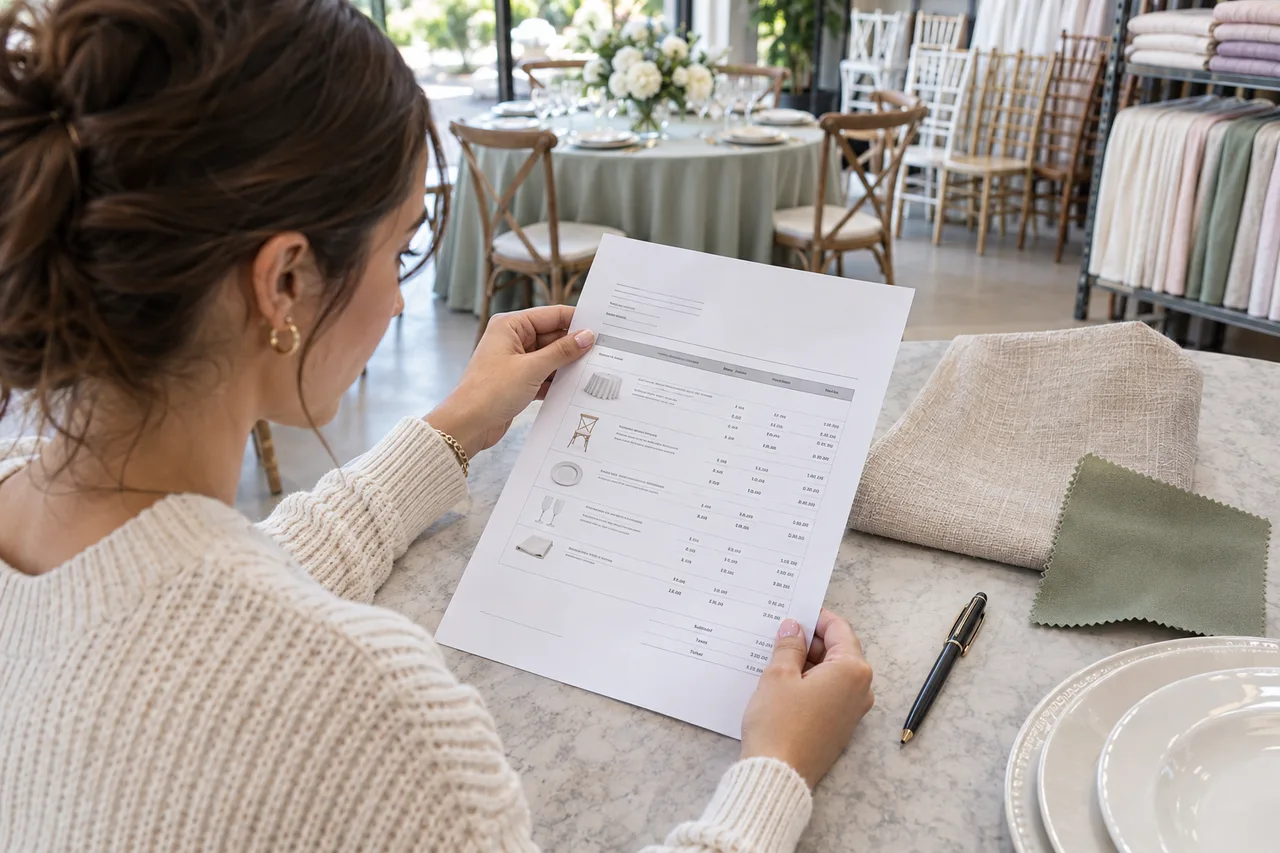
Review a few customer decisions after the trial
Watch one test shopper go through the order on a phone. Give them a normal situation and see whether they know what is included, understand the optional item and can change their mind. Ask them to describe what they expect to receive. If they assume a photo includes more pieces than the order shows, check which wording needs to change. If they can't tell whether the addition is available for their date, put that answer closer to the choice.
Then look at a few actual orders, using only the information the business already has permission to review. Count how many suitable orders included the extra, how often people asked a question about it and whether staff handled extra corrections. Compare that work with the benefit. An item that sells often but causes mismatched picks may need a clearer selection or product mapping. A suggestion that is usually skipped can still be helpful if it answers a common question without interrupting checkout.
Check outcomes for people who originally booked without it. If they frequently contact the office later to add the item, test whether they noticed the original option and whether it was relevant to their plan at the time. Some customers get more information from a venue after they make the first booking. Give the office a reliable way to add the item later if allowed. The checkout can stay simple while staff support a reasonable adjustment.
Replace a weak suggestion before adding more suggestions
If the first pairing doesn't work, find out which part failed. The idea itself may be wrong for the category. The product might fit but run out often because another offer uses the same stock. The choice may appear before the customer knows which quantity they need. Choose one change based on what you saw. Repeat the same booking example and compare what the shopper and warehouse can now understand.
Suppose most table customers choose linens for only part of their order. An interface that adds one cloth for every table can confuse them. Offer a clear way to choose a smaller quantity and check how the change appears in the cart. If staff still have to follow up on colors, place the color information where customers make the choice. Verify the revised pick list and payment total on one practice order before making the same change to another category.
Remove a suggestion when the business can no longer fulfill it reliably. The main listing should still be clear about what the customer receives. If a compatible accessory changes model, check all the places the former item appears and whether existing orders still need that version. Record the actual selections and confirmed terms with the corresponding orders. The next booking uses the current offer, while warehouse staff can still prepare what an earlier customer reserved.
Check a suggestion when the main rental is part of a bundle
A party package may already include table linens, while a standalone table leaves them optional. If both offers use the same table, verify which context the recommendation sees. A customer who chose a bundle with six included linens needs to know what they already have before the system offers anything else. A customer who chose the bare tables can use a suggestion for compatible linens. Have the person building the listing try both orders with the same rental dates and compare the item summary.
An upgrade may be appropriate where the customer can choose a different finish. If the shop offers one, show whether the choice replaces an included item or adds another line. For example, a linen upgrade could substitute a different color for the same quantity. A separate addition of two matching cloths should increase the quantity. Check the accepted price, component reservation and pack list for both outcomes. A customer shouldn't have to infer which pieces will arrive by reading a short name on the total.
If the system cannot show the relationship with precision, retain a helpful description and give staff a way to handle the change by quote. Explain which pieces are already included and how to ask about the optional choice. A manual path may be useful for unusual quantities if somebody checks the final stock and price. Watch how many requests need that review before deciding whether the business should invest in a different configuration.
Use a short review at checkout to confirm the customer still wants the extra
Choose a review step that describes the original order and the selected addition together. Include the item name, quantity and dates that apply to each. When submitting a quote request rather than accepting payment, make that status clear. When confirming a booking, ensure the customer can see the total and remove an optional item before agreeing. The next communication should reflect whichever option they actually chose.
For example, a renter adds six linens at first and later removes four when the venue confirms some will be available. In the final summary, they should see six tables and two linens. The warehouse should receive the same numbers. Try changing the date after the quantity is revised. Verify that the two linens can still be supplied and that an older summary or abandoned cart doesn't become the order the shop will pack.
Check how staff refer back to the decision if a question arrives after checkout. The employee should be able to find what was included in the original item and the extra the customer accepted. If someone asks why there are two linens on the order, the office can explain the recorded selection and help with an appropriate change. Save the actual selection and rate with the accepted order. A useful confirmation makes it possible to resolve a question without comparing the booking to a storefront page that may have changed.
Give the office one test where the customer declined the add-on and another where they chose a small quantity. Ask staff to pack each from the normal order record. That confirms the suggestion was truly optional and that customers see the consequences of their choice at the right time.
Give the next category the same small test
Choose another category after reviewing the first one. Bring a sample booking with enough detail to understand the equipment, dates and pickup or delivery method. Ask one staff member what the customer might reasonably need alongside that item and another to verify the stock and handoff. Decide whether the extra is optional, included or better handled as a separate quote. Use that decision to choose the simplest place to offer it.
Write down the expected result before enabling it. A good result might be that the shopper can choose the correct accessory without opening another page, see the total and confirm an order the warehouse can pack without a call. Check an unavailable date and a quantity change as well as the everyday path. Keep the result with the product information so the team can repeat the check after updating rates, stock or compatible products.
One useful add-on can make the order clearer for both sides. Give the customer enough context to choose it and the crew an accurate list of what the customer accepted. Check the suggestion against real product availability, reviewed order totals and completed jobs before giving more options a place near checkout.