Put a rental availability calendar through edge cases
Test your rental calendar with overlapping orders, prep and inspection time, stock transfers, partial returns and local time changes.

A chair appears available when you check next Saturday in the catalog. The same chair disappears after adding a Sunday return, and a salesperson can still offer the full quantity from another screen. That might be an error or it might reflect a real distinction among rental time, warehouse handling time and an internal hold. The way to find out is to test the calendar with actual booking decisions and expected outcomes for each person who uses it.
Use a practice inventory with known quantities, a clear time zone and a short list of reservations. Make the dates visible across the storefront, office and warehouse views your team uses. Begin with a simple booking and then change one part at a time. Recording a precise expected result is more useful than clicking through a long list of dates. If the calendar responds differently, you can identify the condition that made the result change.
Set up a small catalog with known capacity
Use one product counted by quantity, one item reserved as a specific asset, and one package built from shared parts if you rent them that way. A practical setup might use twenty folding chairs, two individually tracked projectors and a meeting set that takes ten chairs and a table. Place one ordinary confirmed order on the calendar. Put another in the status you normally use for a tentative quote. Document whether each status is supposed to affect availability before testing.
Give the stock its real handling rules. If returned chairs need time at the warehouse before the next job, write down when that time starts and when the chairs become ready. Assign the projector to the correct location and use the same checks you expect employees to make. For a package, verify which inventory components it consumes. A test runs faster when the expected decisions fit on a small page.
Use a few requests that should succeed and at least one that should be rejected. If there are twenty chairs with eight committed from Saturday morning to Sunday afternoon, twelve are left during that window. Try a booking for twelve and one for thirteen. Test an overlap that starts halfway through the original booking and an order that begins just after the agreed inspection time. Check how the same request appears to a customer and to an office employee.
Start with adjacent orders and handling time
Place a projector pickup at 10 a.m. Saturday with a return due at 2 p.m. Sunday. If the team needs an hour to inspect and reset it, the next customer should be able to collect at 3 p.m. under a rule that allows an exact boundary. Check slots just before that time, at the time and a few minutes later. Start a new request that spans the whole gap between the two reservations. Record the result at each boundary so it can be repeated after a calendar change.
Run the same cases after adding a preparation window before the next pickup. If the warehouse starts preparing a projector thirty minutes before release, the two internal work windows now need to fit as well. Write down whether the booking system uses availability time or pickup time for the boundary. Employees should be able to explain the difference even if the storefront only displays times that work.
Test the owner's most common shipping or delivery pattern. A Saturday party may require delivery Friday afternoon and collection Monday morning. Check which part of the order blocks stock through the warehouse, and whether the customer-facing dates reflect the agreed service. Confirm that a quote beginning Monday morning doesn't offer equipment still on the previous truck. Include a handoff where the route changes after the booking, because operations and calendar dates are linked.
Run the same booking from the storefront and the office
Start a customer request using the storefront entry point and run the equivalent scenario through the office. Use the same product, date and quantity. Confirm that both ask against the same eligible stock. An internal role may have an explicit ability to propose a different item or time, which should produce an identifiable result. Have the office explain which capacity it relied on and which result the customer received.
Stop between selecting the product and confirming the reservation. Let a second practice order take the last units through the normal workflow. Go back to the first request and check the result when it is submitted. The person making that request should get an accurate instruction to adjust the quantity or dates when the stock has changed. Verify the calendar still accounts for the confirmed units once. This is a useful normal concurrency check on a test catalog.
For a booking that requires office approval, start with a practice inquiry and see whether it affects capacity. Compare what happens as it is accepted, declined or allowed to expire. A customer may read “request sent” as a confirmed reservation if the next step is unclear. Check what the customer is told alongside what the calendar displays. The availability and the communication should both reflect the chosen booking rule.
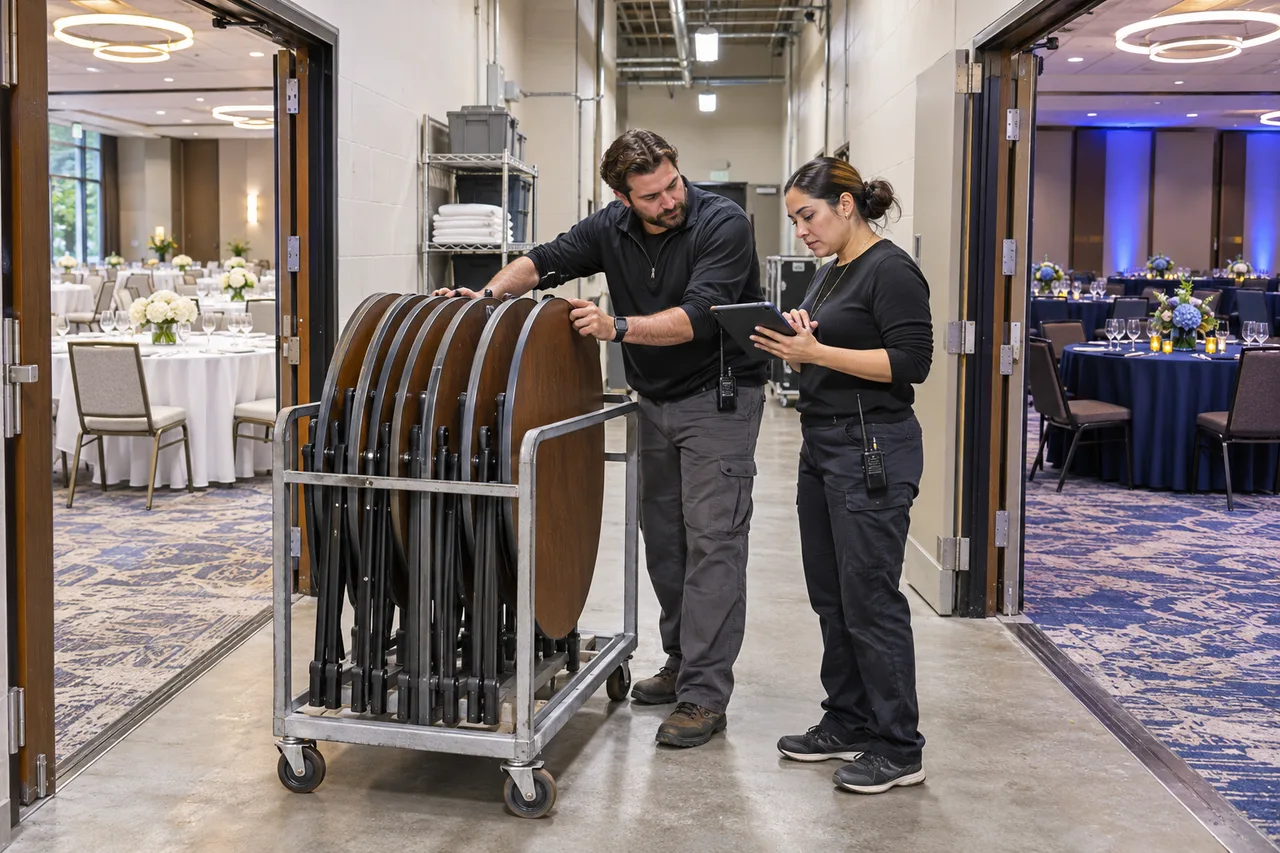
Inspect what happens when stock is shared
Place one meeting set on the calendar when twenty chairs are in stock. If it consumes ten chairs, try reserving the remaining ten individually. Then ask for one more chair or another package. Make the count by component explicit because the lowest available component limits how many packages can be offered. Repeat after returning enough chairs while a shared table remains reserved. The package should become available when each required piece can be reserved for the same interval.
Use an alternate component option in a separate booking if the catalog supports it. If the customer can choose black or white chairs, make a case in which only one type is available. Check that the requested variant uses the right stock without pulling from the other color. For a customer willing to change, the office can offer a real alternate. The calendar should reflect the confirmed item and free the replaced units when the change takes effect.
Run a location test with both a change in stock and a change in the request. Give one warehouse the quantity it needs and give the other location too few. A customer choosing the second location should receive the availability for that pickup, even when the total across sites is high. If the business can transfer stock before a job, use an actual practice transfer and count the items at their destination only when the workflow makes them eligible there. Add a case in which the transfer is delayed and identify the person who can offer a different pickup.
Move, shorten and cancel existing reservations
Choose a confirmed booking and try to edit its dates before creating any new orders. Moving a Saturday rental to Monday should hold the right stock for Monday and release eligible capacity on Saturday. Check both dates from a new request. Then try a move into a date that is already full. If the move cannot be accepted, verify that the original date still shows the reservation and that the unavailable destination hasn't acquired a second hold.
Shorten a reservation and check the affected interval. Returning on Monday instead of Tuesday might reopen a later order, with the usual inspection time. Ending a six-hour rental an hour earlier can expose a much smaller slot. Test with a quantity edit too. A reduction from eight chairs to six should return two chairs to available stock during the affected interval. A simultaneous change of quantity and date should leave the expected counts on both the original and new dates.
Cancel a practice reservation using the normal entry point. Check the status and whether stock was released at the intended stage. If this workflow requires office approval, observe the interval between a customer requesting cancellation and an employee accepting it. A warehouse lead needs to know whether to keep the cart staged. If the cart has already left the building, check how the team handles a cancellation without offering equipment before it actually returns and is inspected.
Check partial returns and equipment that needs service
Use a multi-quantity order where several items come back on time and a few stay at the event. If eight of ten chairs return, the team can inspect the eight and keep two associated with the booking. Place a later request for nine, using the same ten chairs as the fixture. Test before any chairs return, after eight have arrived and after those eight become ready. The expected availability should reflect each step and show who is tracking the remaining two.
Test a case where a serialized item is present but unavailable for the next order. For example, one projector is returned with a case latch that needs repair and is taken out of service through the normal process. Check that an inquiry can still see the second projector and that an existing reservation assigned to the first one shows the correct follow-up. Only the eligible item should be counted for those dates. Record how dispatch finds the booking that needs reassignment.
Place a scheduled inspection on the practice calendar and verify the capacity it removes during that time. If a technician extends the work, check an overlapping prospective booking and one already accepted for pickup. Use the same approach for a location closure or a period when no pickup staff will be available. The order desk should be able to distinguish insufficient stock from a closed collection window.

Pin down dates that are easy to misread
Check a reservation that crosses midnight and one that lasts several days. Write down the local pickup and return times, and confirm that each screen shows the intended date. Try a request with dates but no pickup time where your storefront accepts it. Find out what dates mean in that workflow, especially if the business has fixed pickup slots. This helps distinguish a real inventory block from a time the business cannot offer.
Use a daylight saving transition if the business operates in a region that changes clocks. Use the normal date and time controls and compare the booking summary, customer message and dispatch view. If an hour is skipped or repeated locally, verify what choices the user can make and what the office will actually fulfill. Include a case entered by someone whose device uses another time zone, such as an organizer booking ahead from out of town.
Walk through dates at the boundary of the visible schedule. Select a longer rental that crosses a week or month and check that the calendar continues to show the reservation after moving ahead a page. Review how mobile users see days that have open capacity at one time and no capacity at another. A useful display gives them an available alternative as soon as the necessary information is known.
Try a worked reservation sequence and compare every view
Start with twenty chairs and ten expected back from a Friday booking at noon on Saturday. The business needs an hour after the return. Another job requests sixteen at 12:45. If the ten already out cannot be ready by then, only ten can be offered at that time. At 1:15 a request for sixteen can work if all ten were returned and checked. If the warehouse received only eight, eighteen are physically available after checks, subject to other reservations. Write down the counts before each change.
Now accept an overlapping practice order for six chairs. After the partial return and inspection, twelve should remain for the overlapping interval. Check whether the request for sixteen is refused or offers another time. Try rescheduling the six-chair order outside the window and check the original time again. Then change the receiving location on the order so an employee has to account for a real transfer or a pickup from another warehouse.
The final check is whether dispatch sees the same result the customer received. Ask a colleague to read the accepted order without the test worksheet. They should be able to explain the collection time, quantities and any piece that needs attention. If the customer was successfully booked but the warehouse is still expecting different stock, pinpoint which accepted change failed to carry through to fulfillment.
Keep a repeatable set of checks for calendar changes
For each issue, capture the product, dates, time zone, stock, existing reservations, user action and expected result. Use order references that test staff can recognize. Include the role that saw the issue and any handling window that affected the decision. A report that gives the date and count is far easier to diagnose than a screenshot of a day that looked unavailable. When you make a fix, repeat the same case and a nearby case that was already working.
Divide the cases by when they'll matter to your business. Before a busy season, check overlaps, shared components, quotes that expire and cleanup time. After changing storefront settings, check customer searches, cart confirmation and the office view with the same stock fixture. When adding a warehouse, verify transfers and same-day pickup rules. Give each review an owner so it doesn't disappear when several people assume someone else ran it.
Keep a short example for onboarding new employees. Have a colleague explain what happens when a regular customer asks for a date that appears open and the requested quantity exceeds the remaining stock. Ask them to find an alternate date and show which existing booking or handling window prevents the original request. If the person can make that decision from the calendar and the customer sees the right choices, the test is reflecting how the business actually works.
Include one final check for items a business intentionally keeps available for walk-in customers. Use a real rule that describes how much capacity is reserved for that channel and when it becomes available to the public catalog, if ever. Compare a counter booking and a storefront booking near that limit. Staff should be able to see why the counts differ and whether a supervisor can offer an exception through the normal process. This helps catch differences that belong to your operating policy before they are mistaken for a software defect.
A compact decision log can help when test results vary by role. List the earliest time a customer can book, which location can serve the order and which staff decision can release a hold. Write down the quantity each view is expected to show for the same booking and when the result becomes final. Keep one example of skipped availability because dispatch couldn't serve a window, even though the warehouse had enough chairs. Compare it with one example of a full stock calendar. When a colleague reports an unexpected result, the two examples give them a place to start checking without recreating a week of orders.
Revisit how your calendar handles deposits, quotes or tentative reservations if your business changes when it commits equipment. Retest one quote that was issued under the old rule and another created under the new rule. Check the outcome from the next customer's perspective and verify that an older agreement still leads to the promised equipment when expected.