Offer AV equipment demos that shorten support calls
Build a short AV rental demo around equipment setup, handoff notes and the support questions customers ask most often.
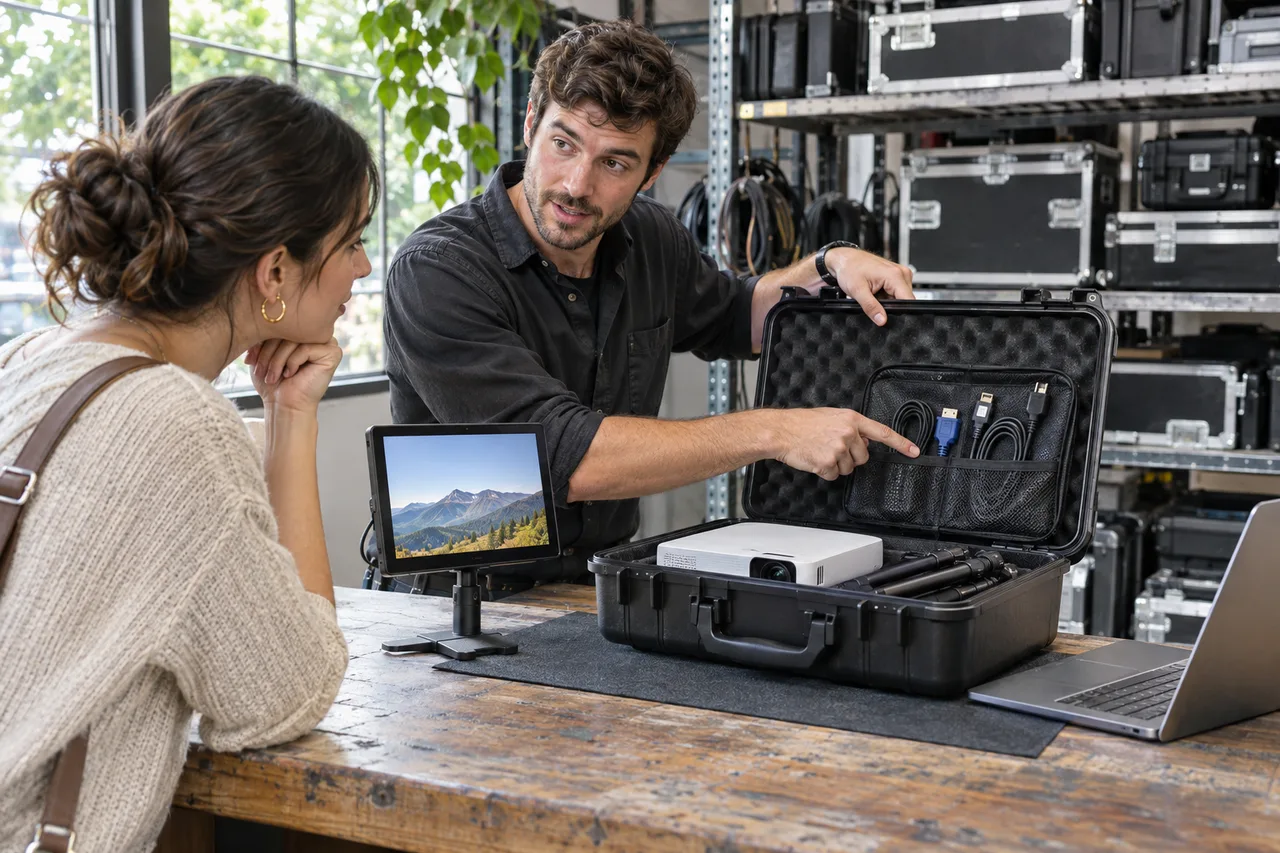
An AV rental customer calls from a venue ten minutes before a presentation. They have the right equipment, including an adapter the rental shop packed for their laptop. The adapter is tucked into a pouch inside the case, while the cable the customer pulled out first belongs to another accessory. The desk can resolve the issue, but the same confusion could have been caught during the handoff.
An equipment demo can give customers a way to recognize the correct parts, repeat the setup they agreed to use and ask for help when the situation changes. Start with one common support question. Build a short, repeatable demonstration around that question and check whether it makes the next rental easier to use.
Find the support questions a demo can prevent
Look at recent support calls and return notes for a small group of AV products. Record what the customer was trying to do and what they already received. A caller might be locating an included cable, finding the right input, or trying to use a device the shop did not expect. Separate those cases so you can see which ones a handoff can realistically address.
Look for a repeated question and its first useful answer. If several renters cannot find the same accessory, show where the case keeps it and give the pouch a recognizable label. If the intended first connection changes with the renter’s device, verify the model or connector at the point the person can provide it. A short demonstration works best when it answers a concrete question about the actual rental.
Check a call that the demo would be unable to prevent. A venue may lose access to a room or a customer may bring a different device after approval. Those cases need the normal support and change process. Keep the customer’s help route visible. Knowing when to stop and ask for assistance is itself something a useful handoff can teach.
Choose the first product that gives the team recurring examples. It could be a small presentation kit or an audio package your staff already prepares often. Use the configuration you can verify and agree on the few situations to cover. A compact demo is easier to repeat and measure than a walkthrough of every feature the equipment offers.
Match the demo to the equipment and customer plan
Read the accepted booking. Confirm the parts the business will supply, what the renter expects to bring and what the setup is intended to do. Use the manufacturer’s instructions and the shop’s approved process for the exact equipment. Give the employee performing the demo one place to check the agreed configuration. A sample with a different input, device or accessory can create a new problem when the customer arrives at the venue.
Build a short list of things the renter needs to recognize. Show the main equipment, the case and compartments, the required accessories and any included spares. Use consistent names and visual labels. If the customer will see a specific term on two devices, use that same term in the quick instructions. Avoid expecting them to remember internal stock codes.
Choose what to verify during the appointment. If the customer can bring the actual laptop, camera or other approved equipment, check the specific combination as part of your normal prep process. If they cannot, explain what you verified and what should be checked before the event. Keep the need for any further review visible. Follow the product guidance and use a staff-supported path for unfamiliar or advanced work.
Give the renter a clear choice about the demo. A repeat user may only need to check the contents and handoff record. A new renter may benefit from an agreed short orientation. Reserve time where appropriate so the demo fits the pickup schedule. Confirm what the shop will cover and how the renter can get more help for their actual setup.
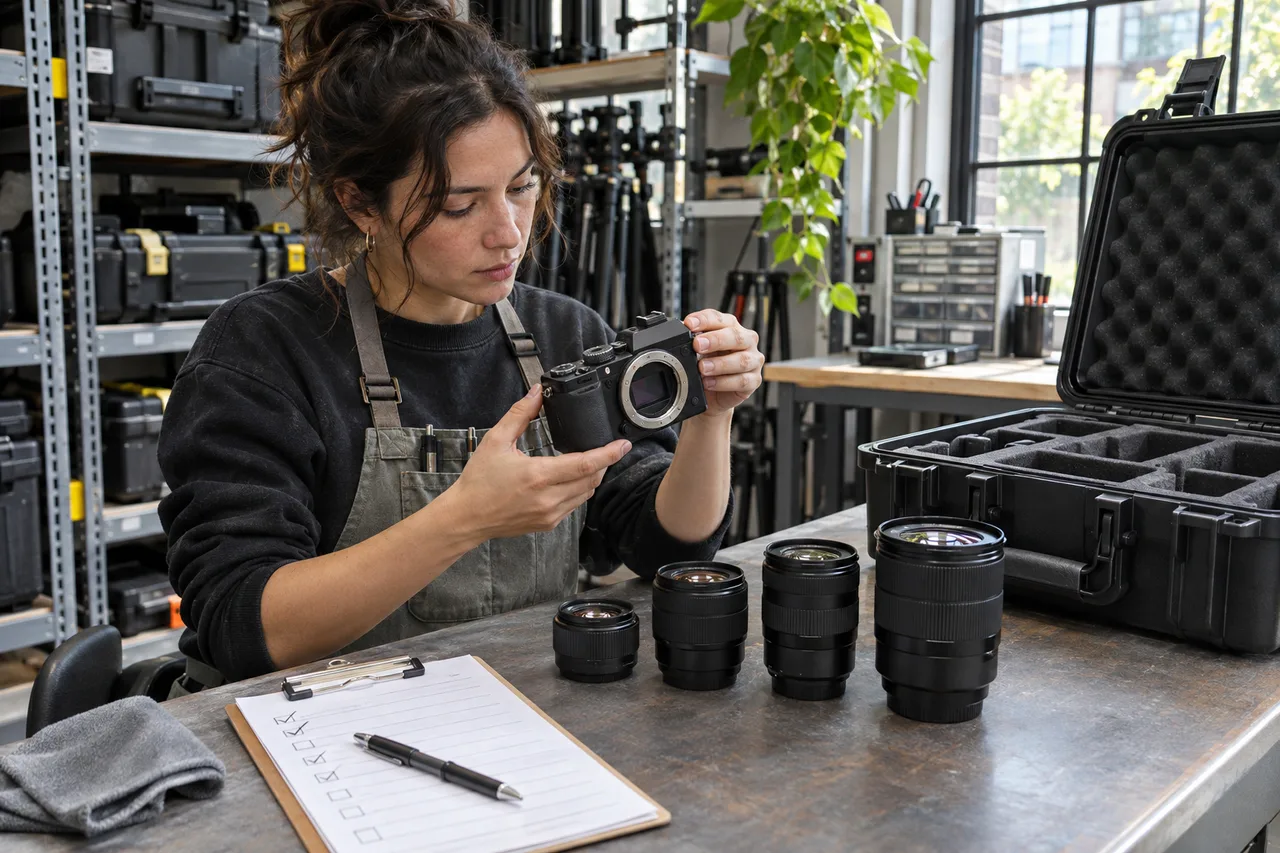
Show one normal setup the renter can repeat
Begin with the closed case and the agreed configuration. Show which compartment holds the needed items, then walk through the shop’s normal approved sequence for making the setup ready. Explain each action by what the customer will see or hear when it works. Give them the instructions suited to that piece and intended use.
Let the renter try the relevant part where your process permits. They can identify the correct pouch or repeat the basic action from the short list. Ask them where they would look first and what result they expect. A person can follow a demonstration from across the counter and still have trouble locating a part by themselves later. A brief practice makes that gap visible.
Keep the demonstration focused on the conditions you verified. If the customer plans to use a different device on the day of the event, record what still needs review and give them the appropriate next step. Avoid walking through a large menu of possible settings in a short pickup appointment. The goal is for the renter to repeat the setup they agreed to use.
Finish with a clear reset and packing check. Show which pieces remain with the renter and which need to come back in the case. Confirm what to do if an item seems missing or damaged. Give the renter a copy of the useful instructions and the contact they can use. The packing list can serve them at the venue as well as help the shop on return.
Put a useful reference where customers will find it
Make a short reference specific to the setup. It can name the equipment, show where the included pieces are packed and describe the expected first result. A photograph of labeled compartments may be more useful than a long catalog description. Keep the reference available from the rental confirmation and beside the equipment if that fits the handoff.
Use accessible details. Text can describe the equipment and key indicators, and photos can show exactly where to look. If you provide a brief video, include captions and a text version of the main steps. Make sure customers can access the information in the setting where they will use it. Offer a printed or downloadable copy when connectivity at a venue can be limited.
Keep the reference tied to what the shop actually rents. If the body, adapter or case changes, check whether the instructions still match. A reference for several versions should identify which applies to the rental. Give employees a way to flag an outdated description and replace it before the next booking.
Include a practical help path. Ask the customer to provide the booking reference, equipment and observed result if they need assistance. If the situation falls outside the verified setup, tell them who can review it and when. Keep customer, device and payment details in the appropriate systems. A useful help request should tell the support team where to start without requiring unrelated information.
Walk a presentation kit through a first pickup
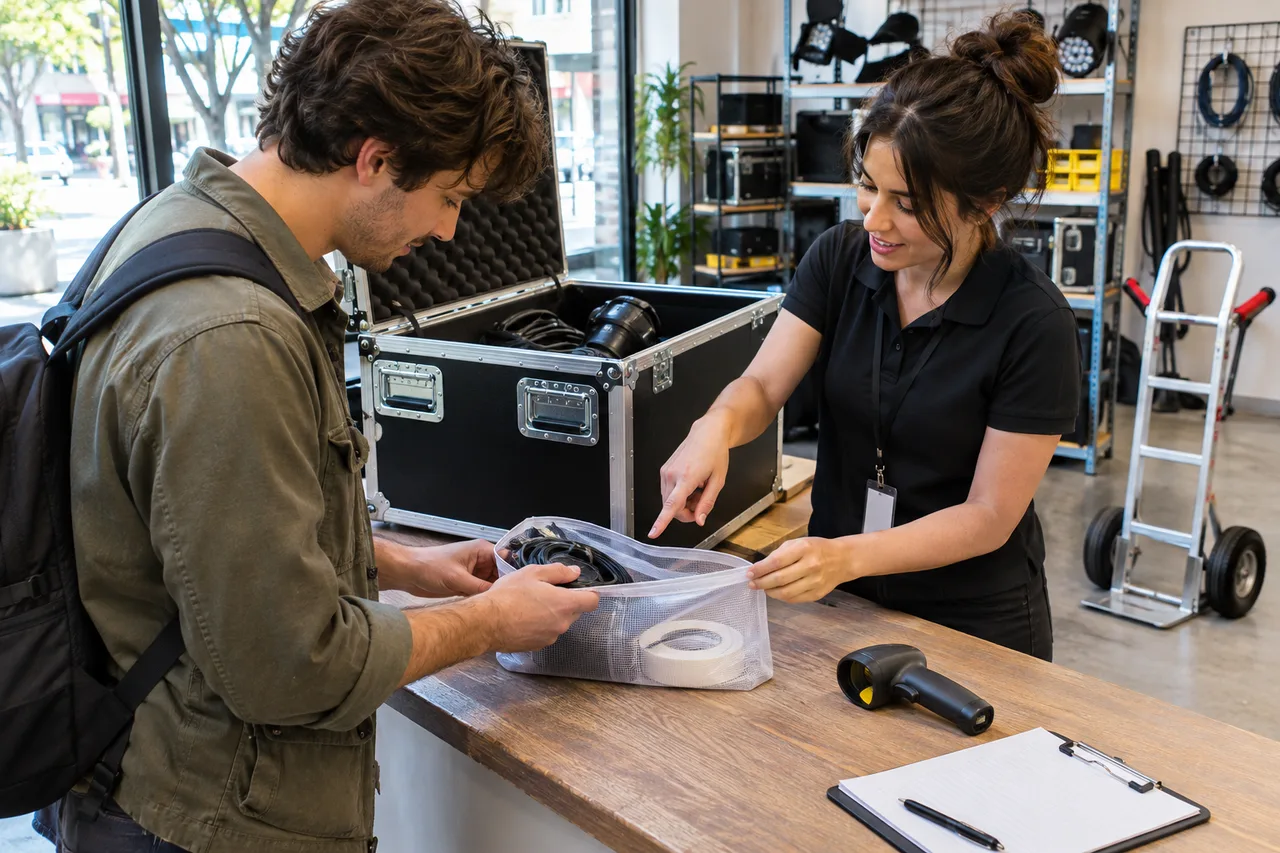
Suppose a renter needs a small presentation setup for a meeting. The quote lists the display, the verified connection accessories and the case. The renter will bring a laptop. The employee asks for the model or connection information needed to check the plan and verifies the agreed combination under the shop’s procedure. The confirmation lists the included pouch and the short orientation time.
At pickup, the employee opens the case and shows where each part is stored. They verify the expected picture in the approved test setup. The renter then identifies the correct accessory without prompting and reads the short instruction for locating the first input. They receive a reference matched to the equipment in their order. The business records what was demonstrated and what the customer will supply.
At the venue, another employee brings a different laptop. The renter sees from the handoff that this was outside the verified combination and calls with the booking number and the device details. The desk can identify the exact parts in the case, review the difference and explain the available options. The demo still helps because the customer can describe what they checked and what changed.
After return, the employee checks the required accessories and records whether the renter needed support. The issue came from a device change, while the original packing question never occurred. The business can review which questions the demo answered and which cases still need a separate review. A comparison like this gives the shop a better way to improve the next handoff.
Fit the demo into an ordinary shift
Decide who can give the demo on the days the equipment goes out. A help procedure that relies on one person can fail when orders are scheduled close together. Give the staff a short reference and a sample booking to practice. Ask someone new to the desk to repeat the same demonstration with a colleague acting as the renter.
Set aside enough time for the agreed work. Some pickups can use a fast count and one reference. A more involved setup may need a longer appointment or separate service that the customer can choose in advance. Make sure the quote and schedule reflect it. If the customer arrives late, check what the staff can still cover and offer a useful alternative rather than making the next pickup wait without explanation.
Record which configuration was demonstrated. If the shop changes a device before the order leaves, verify the new setup and update the reference. A printed handout can stay in the case only while it matches the gear. Review what to do when a customer gets a replacement at the venue or returns with a different part. A brief record should help the next employee support the booking.
Check the demo at the point it is actually used. A busy counter can be noisy or lack space to lay out every component. A prepared kit and clearly marked compartments can reduce the time it takes to verify the setup. Give the customer a place to ask one last question without interrupting the next appointment. Staff should be able to carry out the same steps at a normal working pace.
Prepare a second version for the person who will use it at the venue
Ask who is collecting and who will operate the equipment. The person at the counter may be an assistant, while a presenter or venue representative will set it up. Give the collector a way to pass along the parts list, the intended configuration and the help contact. Verify that anyone authorized to handle the rental can open the reference from the information provided.
Keep the explanation connected to the booking. A venue with several rooms might have similar systems and several cases waiting for different events. Give each case a recognizable order or room reference. Keep the agreed instructions with the matching case and avoid publishing private booking details in a public reference. The receiving team should be able to tell which kit belongs in the room before opening it.
Try the reference with someone who did not see the demo. Give them the case and the handoff information as they would receive it at the venue. Ask them to identify which piece they would need first and which contact they would use if the setup differs. Observe how long it takes them to find the correct information. Revise the words or picture when they choose the wrong part, then test again with a new person.
Make a short alternative for repeat customers who already know the equipment. They may want to verify a changed accessory and leave with the current reference. Keep the check of the actual contents even if the rest of the demo is unnecessary. A handoff can be efficient and still leave the next employee with a record of the items and setup the customer received.
Turn a live support question into an improvement to the demo
Start a support response with the information the customer can see. Ask for their booking reference, what they are trying to do, and which piece is involved. The support employee can confirm the expected setup from the record and guide the customer within the shop’s approved instructions. If the equipment or situation is different, identify the difference and use the support route appropriate for it.
Note the first action that moved the case forward. For a customer who could not find an accessory, the answer might be showing its labeled pouch. If the employee had to ask for a device model, make that information a part of the intake for bookings where it changes the configuration. If the issue involved a different device or an unexpected site restriction, consider how to make that condition visible before the event.
Check whether the improvement belongs in the packing, reference or conversation. A clearly marked compartment can fix a search for a small part. An accurate image can help customers identify a component once it comes out of the bag. A hands-on confirmation can be useful for a particular approved setup. Put each change at the first stage where it can help rather than lengthening the entire demo.
Review what the business can reasonably support during the rental. Confirm the contact method, hours and how an urgent issue reaches the right person. Include the backup steps the shop has verified for the offer. If the case needs a change in equipment or service, record the approved outcome with the order. A support process can resolve an exception and teach the team something it can verify on the next rental.
Use a few examples to select the next revision. If most calls are about equipment the team never agreed to supply, make the scope clearer before booking. If customers repeatedly forget where the return accessories go, include the packing photograph in the handoff. The change is useful when the next person can solve a real task using the equipment and information they received.
Measure whether the handoff improved the next booking
Track the kind of support question, when it happened and what the renter had already been shown. Compare several similar bookings before and after the demo. Check whether staff can repeat the explanation in the time you allowed and whether the renter receives a usable reference. The number of calls matters alongside what those calls ask the team to do.
Review issues that continue. If the same accessory is hard to find, change its label or packing position and test the next order. If the renter often brings a different device, clarify what information the shop needs before collection. If a common question appears before booking, put the answer where the product can be compared.
Keep any demo that helps the customer use the setup and lets the business hand it off reliably. As the catalog changes, test the next equipment with the same process. Verify what the renter can repeat, what belongs in a short reference and which work needs staff support. A useful demonstration gives someone the next thing to do at the moment they need it.