Make live chat useful during a rental inquiry
Use live chat to answer rental questions, route delivery exceptions, and give customers a clear next step.

A customer is looking at twelve farmhouse tables on a rental site. They need them for a Saturday wedding, but they are unsure whether the venue can accept the delivery before noon. A chat window asks them for their name, email, phone number and a description of the entire event. They close it. The useful first question was about the time and the venue.
Live chat works when it helps a renter answer a question that is blocking a real decision. That decision could be which size to choose, whether the date works or what kind of delivery the business can provide. Set up the conversation so staff can answer what they know, move a genuine exception into a quote and leave a record the next person can use.
Start with the questions people ask when they are ready to act
Read a sample of recent inquiries from email, phone notes and the storefront. Mark the question that brought the person to the team. They may have been comparing sizes, checking an existing order, or trying to understand what the delivery fee covers. Separate those needs from general browsing. A question about the height of a table has a quick answer. A question about staging 100 chairs through a hotel dock could change the quote.
Give each common question a way to move forward. A link to an accurate product dimension can resolve a size question. A date check may need quantity and the full rental time. A delivery question can begin with the venue area and the service the customer needs. A booking change should go to the named record and handle identity through the normal customer support process.
Look at why the website left those questions open. If every shopper asks about measurements, publish the dimensions visibly on the item pages. If people ask about the difference between curbside delivery and setup, describe both where shoppers choose them. A chat conversation can reveal a missing detail on the site. Improving that page can save the next customer a conversation entirely.
Keep the list short during the pilot. Choose three or four questions the team can answer correctly under normal workload. If visitors routinely ask about products outside the chosen group, add a route to sales or the catalog without promising an instant answer. Review transcripts later to decide whether the next topic belongs in the site, chat, or an existing support channel.
Set expectations at the point the visitor opens chat
Tell visitors when someone is available and what the conversation can handle. A live service can give an honest response time based on staffing. A message form can say someone will follow up during opening hours. If the team is loading trucks or serving a rush at the counter, an accurate availability message is more useful than an alert that promises someone is waiting.
Keep the first prompt open enough for an actual question. “What do you need to check for your rental?” invites the renter to state the problem. A few suggested topics can help if the visitor has to choose a route. Avoid blocking the first message behind fields the employee may never need. Collect an email address when the customer asks for a response somewhere else or when the conversation cannot be completed in the current session.
Make the distinction between asking and booking clear. Staff can check availability and explain a product without making a reservation. If a person wants to reserve and the business needs their payment and approval, send them through the usual checkout or quote process. A chat history should match the state shown in that process. “Six tables look available for your dates” and “your booking is confirmed” are different answers.
Test the chat from a small phone. Make sure the launcher is reachable without covering a booking or checkout control. Open it on an item page, at checkout and after submitting an inquiry. Check that someone can close it, return to the same part of the page and understand whether a message was sent. The chat should support browsing and booking together.
Ask only for the details needed for the next answer
Start from the customer’s question. If they ask whether chair covers fit a particular model, identify the chair and cover first. If they ask whether they can rent more, check which item and how many they need. A customer browsing from a product page may still be asking about a different product, so confirm that before making a promise. Avoid collecting company, address or payment details before they matter.
For date questions, ask when equipment needs to be ready and when it returns. A renter might say “Saturday” and expect to collect on Friday or have the gear set up Friday night. That difference changes the period for which the stock must be available. Ask the question that resolves the ambiguity before giving an answer about availability.
For delivery questions, ask for the area, required timing and scope. The first answer may be whether the shop serves the location. A final quote may need the exact address, receiving instructions and the details of any setup. Gather the next useful fact and record anything the estimate still assumes. A customer organizing with other vendors can forward a clear question to the person with the answer.
Confirm what the chat already knows. If the booking reference is present, ask the visitor to verify any details through the business’s established support process. Use customer data only for the current request. Provide a separate verified route for account changes and payment questions rather than asking someone to paste payment details or security information into chat.
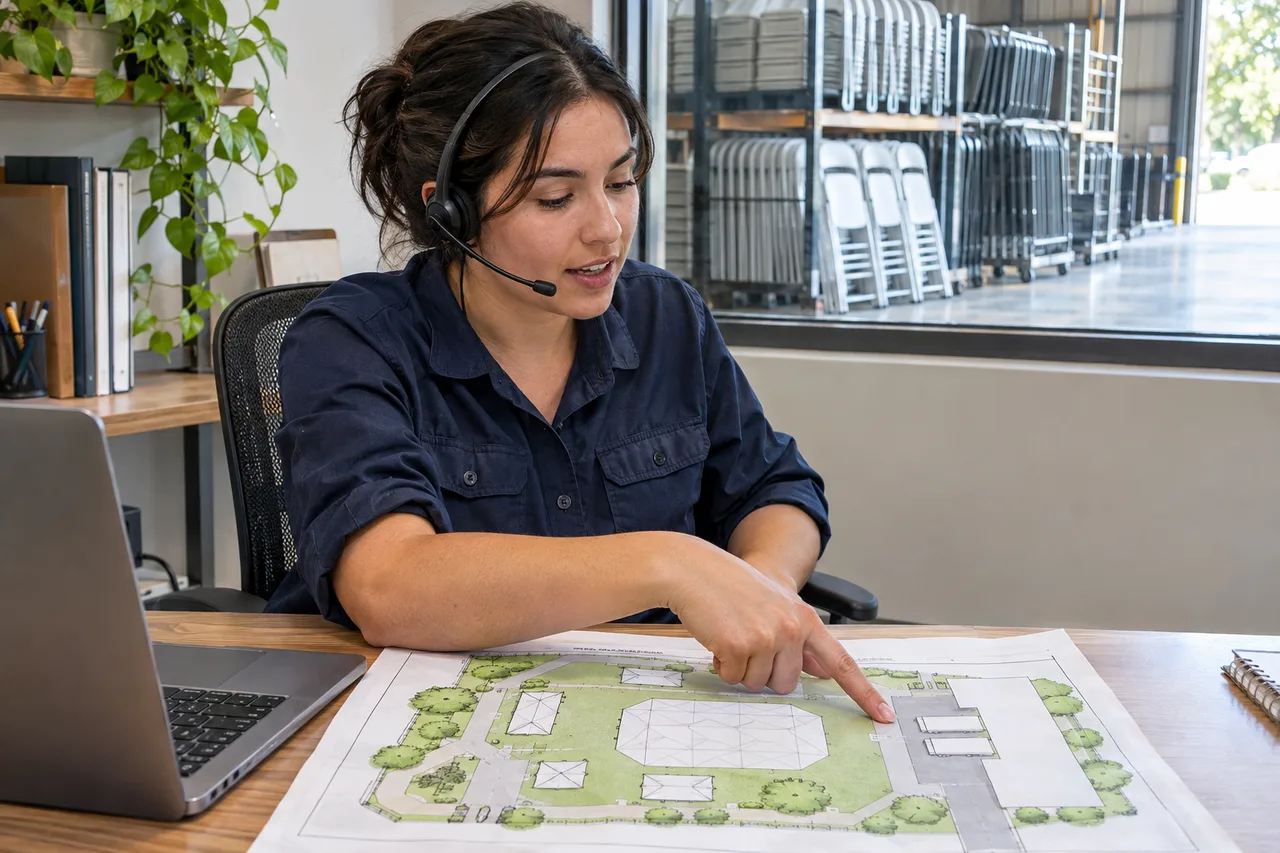
Give the employee a reliable place to check the answer
Make product measurements, permitted uses, catalog availability and written service descriptions easy to find while a conversation is open. A useful reference can start with the business’s own product pages and intake notes. Check that it describes what the company actually does. If the warehouse measured a table again and corrected its dimensions, the chat employee should see the revised facts.
Decide which answers come from a lookup and which require judgment. Dimensions and ordinary pickup instructions might have a ready answer. Availability needs the current inventory and dates. A delivery estimate may have to be verified by the scheduler. Give staff a short way to explain an estimate and identify what still needs confirmation. The employee can keep the conversation moving without taking ownership of a decision that belongs elsewhere.
Use short response templates with fields for the facts staff need to verify. A delivery template might guide them to insert the actual service boundaries and next step. Avoid saving a fixed number that goes out with every reply. A template helps if it reminds the employee to tailor the answer. Test a few cases in which the easiest response has to change.
Record questions that the team cannot answer in the first exchange. Give one person the task of finding the answer and tell the customer when it can be expected. If the employee can answer only part of the question, send that part and describe what is being checked. The next reply can lead with the result instead of repeating what the customer already knows.
Turn a chat into a practical quote or a service request
When a renter asks for a price, confirm whether the existing listing can show it. For standard items and ordinary pickup, guide them to the product or checkout and explain which dates or quantity to select. If the service changes the price, collect enough detail to describe it. For example, an indoor placement quote might require a venue room, access times and the quantity to be moved.
Give the next employee a short handoff. Include what the customer wants, which details were verified, what alternatives were discussed and which answer is due next. Reuse the customer’s reference and contact method where appropriate. Keep the relevant notes linked to the booking or inquiry. Staff can read the exchange if needed, but a well-structured summary makes the next step obvious.
If a conversation is transferred, tell the customer what will happen. “I’ll send the venue details to our delivery lead and reply by noon tomorrow” gives a clear expectation. The delivery lead should see the same deadline with the request. If the customer provides a missing detail after the transfer, update the same record. Avoid starting a second quote for the same request.
Close a chat with an outcome that fits the state. The visitor might have a product link, an expected callback, a request number or a confirmed booking in the ordinary order view. If nothing is confirmed yet, tell them what decision is still open. Send a recap only through an agreed contact route and include the part the customer needs to act on.
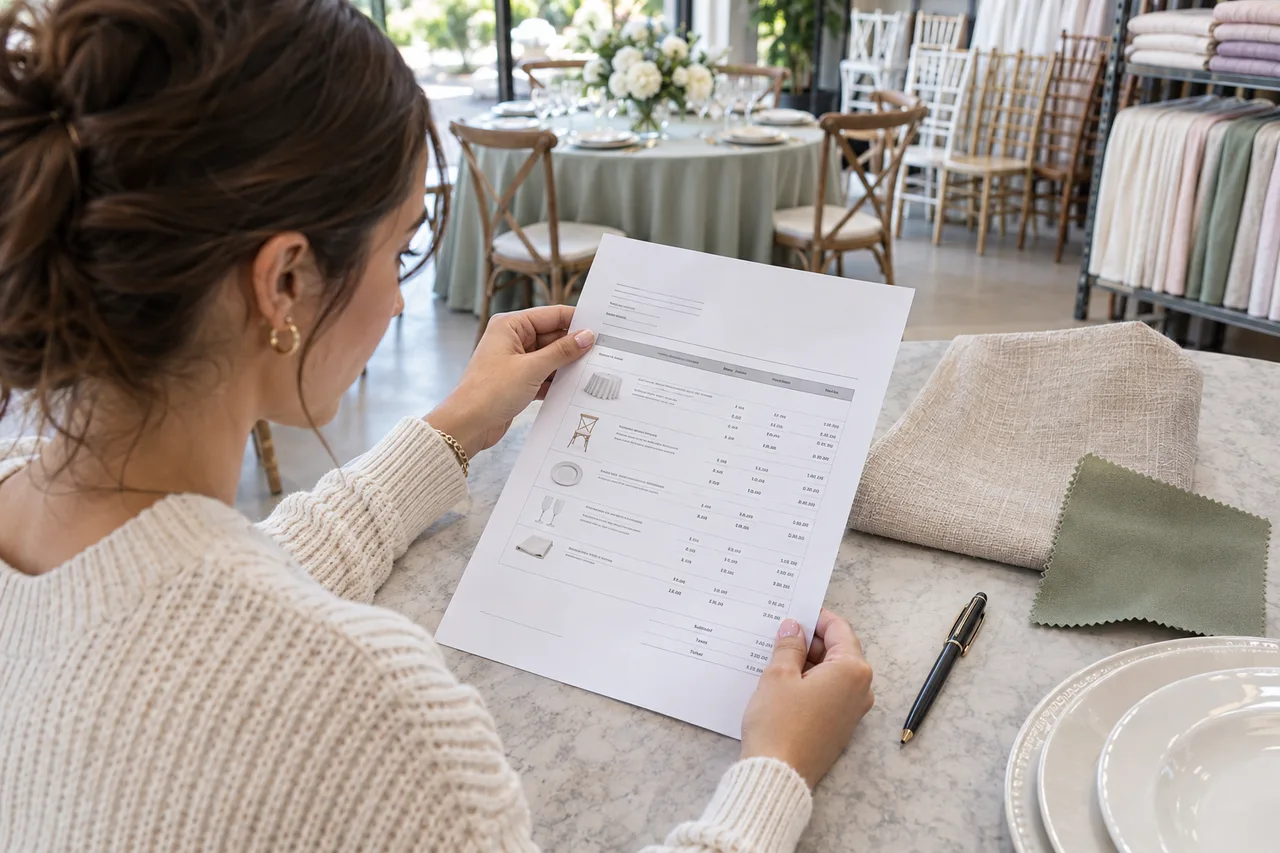
Work through a table inquiry with a tight venue window
A planner asks whether twelve farmhouse tables can be set by noon. The employee confirms the venue and date and asks whether noon is the setup deadline or the delivery arrival deadline. The planner says the room opens at ten and guests arrive at noon. They need the rental business to place the tables and their venue team will lay linens.
The employee verifies that the table stock appears available for the proposed period and confirms the dimensions from the catalog. The delivery scheduling decision depends on which door the vehicle can use and whether there is a long carry. The employee sends the planner one clear request for the venue’s approved receiving entrance and gives a time for a follow-up.
The planner replies that a side dock can receive the equipment at 10:15. The employee saves the agreed scope, quantity, deadline and dock in the inquiry and routes it to dispatch. Dispatch verifies that a vehicle and crew can finish before noon. Sales sends a quote that includes placement, the agreed unloading window and what the planner’s team will handle. The chat is useful because the original question led to an offer the business can fulfill.
If dispatch cannot commit to the timing, the employee can offer a delivery the previous afternoon or a different equipment arrangement, once the team confirms the options. Record which alternative the planner chose. The result should end up in the quote or booking, where the warehouse can stage the actual equipment. A promise left only in the chat window will not tell staff what to load.
Design a fallback when the office is busy
Make the after-hours mode clear and useful. A short form can ask for the date, item or service question and a reply method. Tell the customer when the office can respond. If the person is checking a standard item, link them to self-service availability. If they have a question about a current delivery, show the contact channel appropriate to that booking.
Give each pending conversation an owner. A shared inbox may display a new message without showing who should answer it. Assign someone to check and close unowned requests at opening, with a rule for routing order issues to the person who can resolve them. Make the promised reply time visible. Staff can then prioritize requests that affect an immediate decision without treating every message as urgent.
Check what happens to overlapping messages. A customer may send an email after leaving chat, or another member of the same event team may call. Use the order reference or clearly confirmed information to connect the records. Keep a single current decision even when two people are speaking with the business. The customer should receive one clear answer.
Review who can see conversations and how long they need to be kept. Give staff access that matches their role and keep sensitive material in the systems approved for it. If the shop also uses the chats for training, use sample cases or remove customer details before sharing them more broadly. Test the workflow with a fictional booking first.
Rehearse the point where the conversation has to stop
A customer may push for a promise before staff can verify the details. Give the team a useful response that preserves the conversation. “I can see the twelve tables available for the requested period. I still need the delivery lead to check the unloading window before I can offer a setup time.” The customer receives a concrete answer and knows what is still pending. A colleague can review the conversation and see the same commitments.
Try one test where the customer asks staff to make an urgent change to an existing booking. The employee must find the order, verify the customer through the appropriate process and determine who can approve the change. If someone asks to pay in chat, route them to the approved payment link or page. Staff should be able to explain the next step without asking for sensitive details. Test this sequence with fictional data and check what the chat history records.
Set a practical boundary for long exchanges. If the discussion now includes several rooms, two dates and different pickup arrangements, ask whether a short call or quote review would help. Put what you already know in the booking record before moving channels. Give the customer a way to continue in writing if that better suits the people they need to consult.
Review how the operator ends the conversation. Give them a place to capture an open question, the expected reply and the person responsible. If the customer stops answering, mark the request accurately and keep any stock commitments separate. Follow up only through the contact method the customer agreed to use. When no more action is needed, close the thread with a sentence the customer can use to resume it later if plans change.
Measure the questions the team can answer well
Count how many chat inquiries reach a useful next step. That may be a direct answer, a quote request with enough details, or an issue resolved in an existing reservation. Track whether promised follow-ups were completed and whether staff had to ask the same question twice. A quick first reply has value only if the conversation helps the customer reach a decision.
Review a few cases that went well and a few that required extra work. If the issue was a missing product specification, fix the page. If staff waited to get a delivery estimate, check the routing and who was available. If the inquiry became a quote with missing information, change the required details in the handoff. Check the result during the next busy period.
Avoid comparing every conversation by whether it resulted in a sale. A clear answer about a delivery area can prevent an unworkable booking. A simple dimensions reply can help someone choose an item later without a second message. Use the outcome that fits the type of question. Ask whether customers got accurate answers and staff could follow through.
Bring two or three useful examples to the team when updating training. Show the initial question, the information needed, the booking or quote outcome and any detail worth adding to the storefront. One change can make both the chat and website easier to use. Over time, the conversation should get shorter because the most common questions already have clear answers.