Make a rental video ad that shows the job getting done
Plan a rental video ad that shows real equipment and the completed work, then measure suitable requests from a matching page.
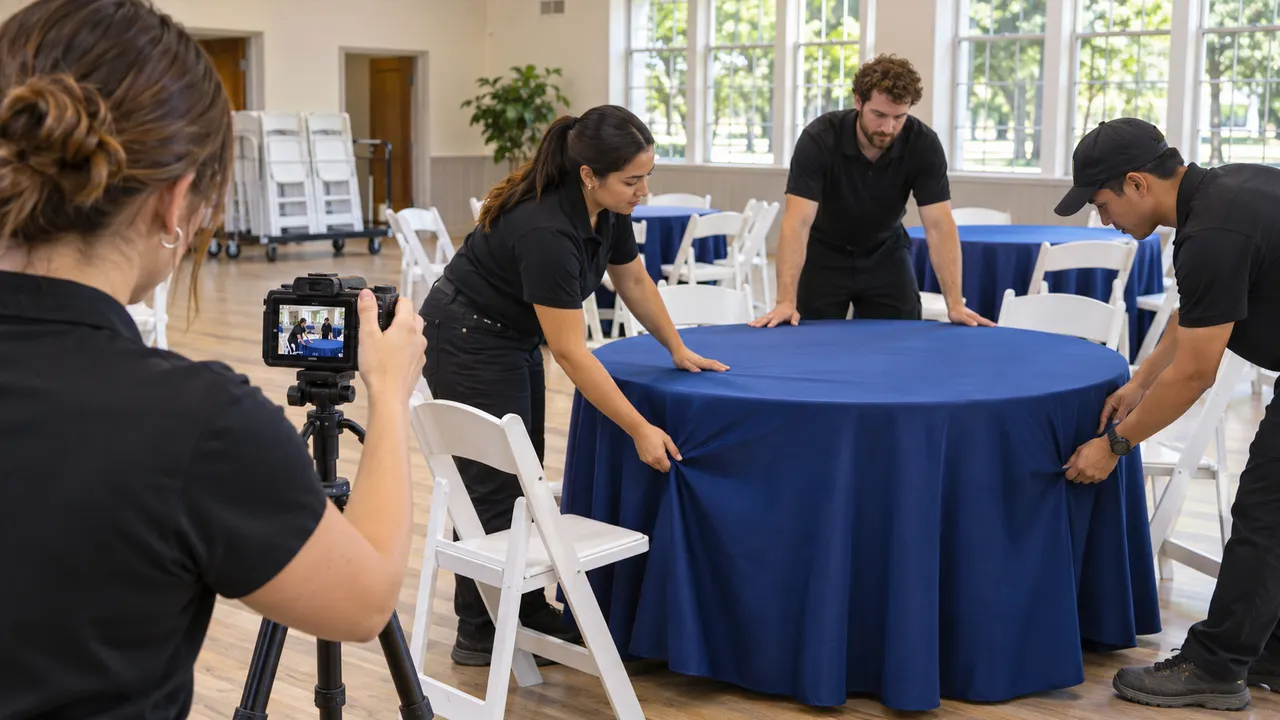
A rental company films a beautiful finished reception. The room is full of flowers and white chairs, and the clip gets plenty of views. The first caller wants to know who supplied the draping. The next asks whether the pictured linens come with the chair order. A third is outside the delivery area. The footage gave people a reason to look, but customers still cannot see what the business rents or what work they can book.
Build your video ad around one order the shop can fulfill. Show the equipment and a piece of the real work, then show the result and where the customer can check a date or request a quote. Keep the same offer on the landing page. Compare usable requests and completed orders with the people who watched and clicked so the team can decide whether the ad helps the business.
Pick an offer the shop can serve in the next few weeks
Choose a specific piece of work, such as a table-and-chair pickup package for a community hall or a small lounge delivery with setup. Write down which customer has that need, what date window fits, which quantities are practical and what service the business can provide. Confirm the equipment and crew are available for the period being advertised. If the business can serve additional weekday pickups but its trucks are sold out on Saturday, use the offer it can actually support.
Use reservations, inquiries and dispatch notes to identify the useful questions. A renter might want to know what the chair looks like in an actual room, how it fits in a vehicle or whether the rental shop handles placement. Choose the one fact that should be shown before the viewer clicks. Keep the rest of the details on the landing page. You can make another clip for a different service if it would answer a genuinely different question.
Write the offer in one plain sentence. For example, “Reserve white folding chairs and six-foot tables for scheduled warehouse pickup.” Verify package contents, pickup hours and where customers check dates. Decide how labels such as delivery, setup and strike are used. If the ad shows a service for one valid booking, avoid presenting that service as included in all bookings. The ad should make it possible to tell which part of the work the viewer can rent.
Decide what proof the video can show
Arrange a shot of the actual equipment with enough context to see it. Show a folded table beside other items a customer might reserve and then one fully placed in a room. If you are promoting a setup service, include a moment of the approved team placing the equipment or checking the room plan. Show the completed area from a vantage point that makes the rented pieces recognizable. Viewers should be able to tell what arrived and what the shop supplied.
Pick a visual detail the customer can verify. A loaded cart can help a venue planner understand the scale of a delivery. A close shot of the cover edge can show which table model and linen are in the scene. A clear still of the pickup entrance can reassure people using a window at a staffed warehouse. Use a measurement or text label when scale is hard to read, and check the exact number and unit before committing it to the edit.
Decide which imagery belongs in the finished composition. Many events include work from several vendors. A room can be attractive and still confuse the viewer if the ad shows multiple vendors’ work without explaining what belongs to the advertised package. Get the appropriate approval to use any venue or event footage, and film a practice room if you cannot use a real event. A well-observed ordinary setup gives enough proof without showing private or unrelated work.
Plan the shots around the way the job happens
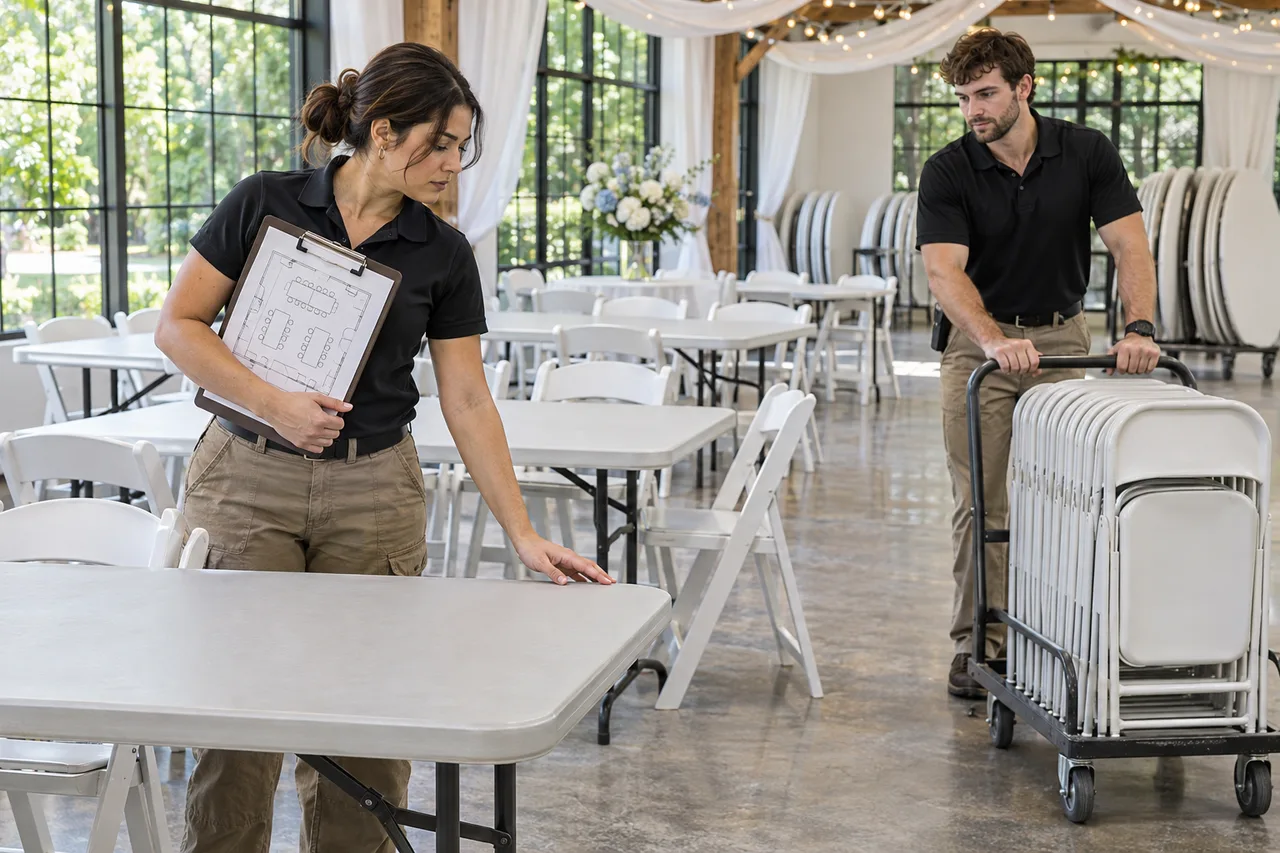
Write a short shot list with an opening, evidence, completed result and next step. Imagine filming a set of four tables and twenty chairs. Open on the clear package in the venue or the chairs rolling into an empty room. Show the crew setting a table with the included equipment. Add one frame that clarifies the quantity or service. Use a wide finished shot, then state where a viewer can check their date. Let the visual sequence tell the same story as the words.
Follow the shop’s real setup sequence and procedures. Give the crew an appropriate filming location and time where it will not interfere with loading, layout or customers. Place the camera somewhere it can show the action without getting in a worker’s way. If the scene involves approved operational steps viewers should not copy on their own, keep the focus on the service result. Put any needed product guidance in the appropriate material or customer handoff.
Film a wide shot and a useful closer angle. Leave a little room at the start and end so the editor can choose where the action begins. Include the equipment without cropping the part the customer needs to see. Ask the crew for one clean repetition only if it is appropriate and has no effect on the job. Capture a separate short explanation in a quieter place if the loading area is too noisy. Prepare text with important names, dimensions and booking conditions independently so it can be checked.
Edit for someone who sees the ad on a phone
Put the product or result in the first moments. A title card that says only the company name is unlikely to tell someone why they should wait. Show the rented item and use a short on-screen phrase such as “Chair and table pickup package” if it accurately describes the offer. Choose shots that are clear at a small size. Review a preview where normal video controls, a button or platform labels might cover part of the frame. Meta provides placement-specific specifications you can check when making versions. Meta Ads Guide.
Make spoken words understandable without relying on audio. Use reviewed captions for important dialogue and relevant sounds. Keep those captions readable against the scene and check whether the font covers the item or important action. Where a quick visual detail communicates a real choice, put a plain phrase in the narration or accessible text too. Use audio or music that the business is authorized to use for the ad. A mix should leave the useful information understandable. W3C guidance on accessible captions.
Keep the ending long enough that viewers can read the action. If the next step is asking the office about availability, say what information to supply and where to go. If it is choosing dates for a package, show that in a short usable label. Use the business name where customers can recognize it again on the landing page. Check the video with someone who was not part of the shoot. Ask them which item they saw and how they think they are meant to book it.
Check the offer and destination as one piece
The ad destination should show the item the customer just saw. Confirm the category, finish and equipment quantities where they matter. If the venue scene has optional products, give the customer a way to distinguish them from included items. Use a current price or price explanation where the business can maintain it. If the route or service is conditional, explain which details affect the recommendation and let the customer check them.
Open the landing page from a phone and test one eligible and one ineligible example. Use a compatible date, real published offer and approved test information. Verify that the user can move forward and confirm what the office receives. For an unsuitable date or area, give the customer a sensible next step. A specific product page may outperform a generic homepage when the ad shows an item the customer is ready to reserve. Check the actual path before paying to send people there.
Give a coordinator the same offer brief. They should know how the ad describes the package and which dates and delivery conditions apply. If an offer is limited to a region, agree on how staff answer an out-of-area inquiry. If stock runs low, know who updates the destination and can stop or adjust the campaign. A video that still looks good can become inaccurate when the catalog, stock availability or service changes.
Make two edits to test one real question
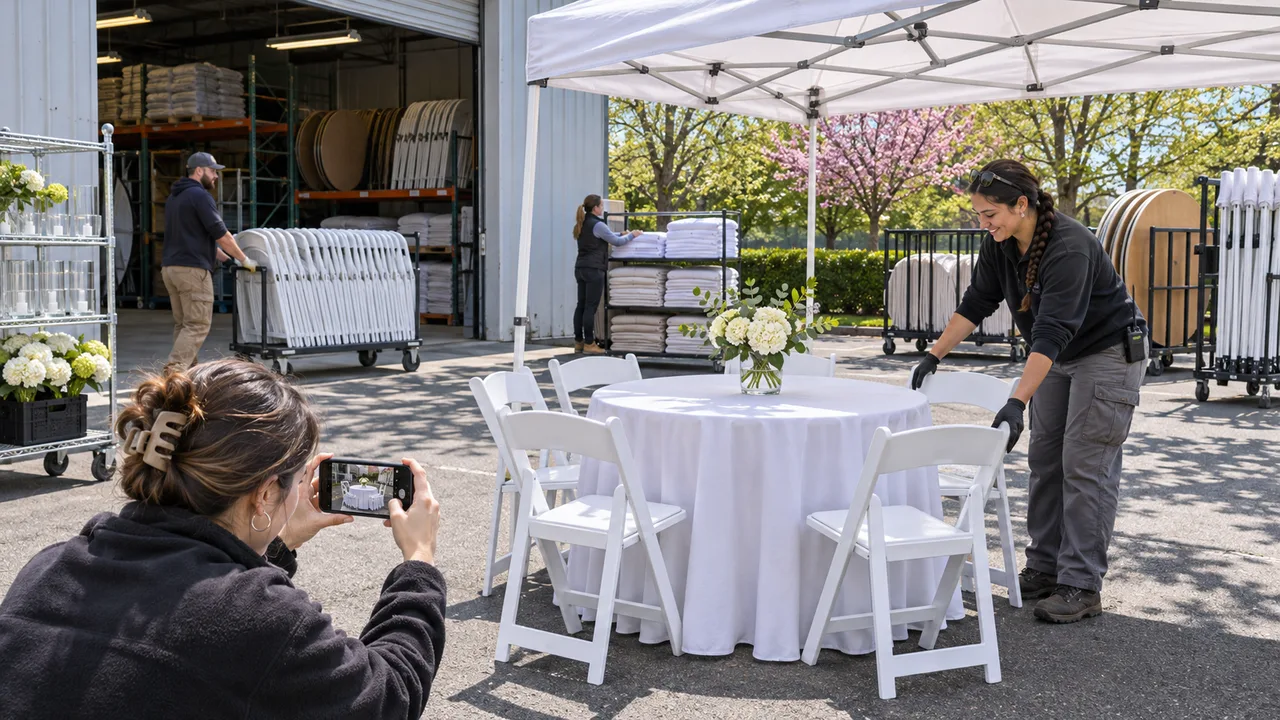
Hold the offer, destination and planned audience steady where practical. Try one opening that starts with the completed room and another that begins with the crew rolling chairs into it. Ask which intro communicates the job sooner to a potential customer. Keep the same details about inclusions and the same action at the end. Give each version a label staff can follow when reviewing the results. Test both inside the selected placements before release.
Use a clear decision rule. The opening is useful if more appropriate customers get to the destination and make a workable request under comparable conditions. The version with more three-second views may still attract people seeking something unrelated. A recognizable close-up can draw attention while the other version explains the equipment more effectively. Review what customers actually ask the office for alongside the platform counts.
Record changes in timing, spend, placement and demand. A short creative may be delivered across a different mix of placements if the campaign is configured that way. A sold-out date may still attract calls after the inventory is unavailable. Try to keep the immediate comparison fair and note differences that could change the conclusion. Treat small counts as clues and use examples to decide what to improve.
Establish the trial conditions before committing spend
Write down the group, destination, dates and spending limit the business has actually approved. Choose which results will justify continuing and what would cause the team to pause. Check availability for the promoted period against the operating schedule. A campaign that offers a small package during a quiet weekday can be judged differently from one trying to fill the remaining large deliveries in a holiday week. Tell the person watching reservations what the trial is meant to support.
Decide how you will record the result without collecting unnecessary data. Use appropriate campaign labels on the links you manage and track the outcome in systems that already handle rental requests. Record which creative or channel brought usable context when you can tell. If a person calls later and you can only identify that they saw a video, keep that level of detail. Check the booking records and cost of performing the work each campaign brought.
Keep a short list of reasons to stop earlier. The advertised variant may be unavailable, the destination may show a different package or a dispatch route may change. Use the ordinary controls to pause the ad and correct the underlying offer before resuming. Save the labels and destination for any quoted jobs the business still needs to honor. A budget limit works best alongside a check on the actual offer because the shop may need to stop even before the amount is spent.
Measure each run on the same basis where practical. Give staff enough time to see ordinary results, and make sure the expected next action is still possible at the end of the run. The clearest decision comes from a useful video, a matching page and real bookings that fit the business.
Review what the ad produced in the booking system
Count visits or quote requests using the tool definitions the team can verify. Count useful requests and completed orders from the shop’s records where you can connect them appropriately. Note common reasons a request cannot be served. Compare the displayed package with the questions incoming staff hear. If customers mostly ask about the venue flowers, the frame might be emphasizing the wrong item or the copy might need to identify what the shop supplies sooner.
Choose a simple example to review. One edit produced fifteen inquiries, six suitable for the actual service and four completed rentals. A second produced ten inquiries, eight suitable and six completed. Those illustrative counts support looking at the second creative and its audience before spending more. Check costs, whether the groups saw comparable availability and what happened when they visited the page. Confirm which numbers represent actual work in the schedule.
Keep fulfillment in the decision. A successful ad might fill the remaining delivery window and leave enough weekday capacity for another offer. Once the current offer sells out, update or pause the campaign through the usual process. Revisit the next opportunity with accurate footage and a destination that supports it. A creative result matters when the business can perform the jobs customers want to book.
Plan a small production routine that staff can use again
Assign an owner to check the offer and another to direct the shoot or review permissions where helpful. Make the checklist fit the size of the job. For a quick pickup video, it may be one camera angle at the loading door, a closer shot of the package and one deliberate end card. For a complex setup, give the crew a better way to indicate which work can be filmed. Include any people, property or equipment that must stay out of the frame.
Keep a small archive by package and service. Store approved footage, logo or caption files and the latest destination link in the place staff normally look. Note which products, dates or pricing statements can go out of date. Use an edited archive to make future versions when the gear and service remain accurate. Do a new shoot if the previous clip shows equipment the current package no longer includes. A saved asset is useful when someone can tell what it represents.
Rehearse the finished ad with one realistic customer before releasing it. Ask them to watch without instructions, describe the offer and use the intended next step. Note where they looked for a date, an inclusion or a pickup address. Review any mismatch while the edit is still easy to change. Compare the process with the actual completed order afterward. The best short ad lets a viewer see the work and check whether the same service fits their own event.
Make a version for a viewer who is just beginning to plan
Some people know the chair model and date already. Others need to see how a room could be arranged before they decide on a quantity. Use a separate cut when those viewers need different proof. A planning cut can show the finished room and a few relevant measurements, then send the viewer to the page that helps them choose. A booking-focused cut can make the package and date step visible right away. Both should stay accurate about the work the business performs.
Try the landing page with that early visitor in mind. If the clip promises help choosing quantities, give the visitor an appropriate guide or way to ask for advice. A shop can learn whether the person needs more information before requesting a quote. Preserve that distinction when you count results. A useful planning video might prompt later orders or reduce calls about dimensions. Check how people move from the guide to the actual catalog and use that evidence to decide the next edit.