Grow an inflatable fleet around the jobs you can serve
Grow an inflatable fleet by tracking qualified demand, site review, crew and vehicle capacity, and actual time to release returned units.
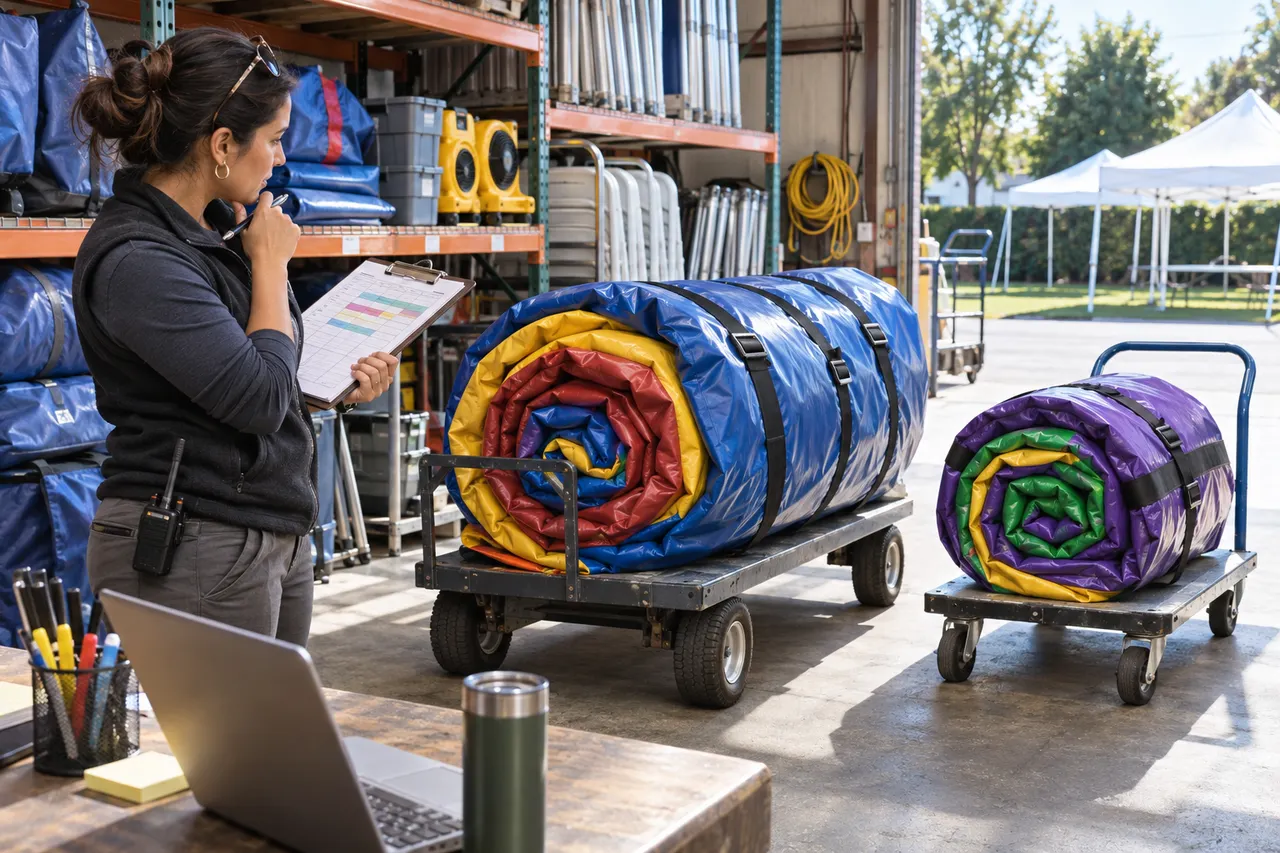
An inflatable rental shop turns down six requests on a June weekend. The owner considers buying a larger unit. A look at the inquiries shows that two venues could not support the requested setup, two jobs needed delivery in the same narrow window and only two truly lacked available equipment. A new unit can solve the last problem if the shop has room to prepare and deliver it. It cannot change the venue or put another qualified crew on the road.
Grow the fleet around the jobs you can verify and fulfill. Track why qualified customers did not book, what crews can handle and which equipment actually comes back ready for another job. Use those observations to decide whether to add a matching unit, a new configuration or more operating capacity. A small fleet that reliably serves its catalog can offer more workable bookings than a larger one held up by the same staff, vehicle or receiving bottleneck.
Begin with the inquiries you could realistically fulfill
Review a few representative weeks. For each serious inquiry, record the requested date, venue, intended use and service details. Note whether the business accepted it, offered a different option or declined. Record reasons that the team can verify. An occupied unit, no suitable site, insufficient transport, lack of authorized staffing and a customer who chose another provider represent different constraints. Count repeated cases before using them to justify buying stock.
Separate requests that look similar but require different work. A backyard setup may require site verification and coordinated collection. A busy venue may have its own access window or supervision arrangements that need review. A long rental can tie up one unit but take fewer trips than several short rentals. Ask which kinds of job your crew can support using the manufacturer’s guidance, the applicable rules and the operating procedures approved for the business.
Notice what the customer would have accepted if the preferred option was unavailable. Some people specifically want a documented model for their location or event. Others may consider a verified equivalent or another date. Record the alternative and how the customer responded. It can reveal that a duplicate unit fits demand, or that the actual need is for a different configuration or service window. Confirm suitability and terms before treating any substitution as available.
Put the full booking window on the calendar
Track the period each unit is committed to one order. Include preparation, dispatch, the applicable on-site work, collection, return processing and release. A unit that a family uses on Saturday may be loaded Friday and require work after Sunday pickup. An empty afternoon in the public rental calendar does not guarantee the unit can be delivered, retrieved and prepared in time for another assignment.
Add supporting resources to the schedule. Put vehicles, qualified staff, staging space and necessary equipment alongside the primary rental. A service may depend on specific accessories or compatible equipment that is already allocated. Count both the unit and the required resources before opening another slot. Keep the limitations visible to the staff member who receives a call when a public catalog appears to have room.
Use an ordinary peak weekend as a test. Start with accepted jobs and insert a proposed new order where a customer actually asked for it. Work out who can prepare the unit, which vehicle can carry it under the shop’s procedures and what happens at return. Put the next job on the same timeline. If a late pickup or service concern would block the following order, write down how the team would handle it. A model that reflects real constraints can show a better investment than the one originally proposed.
Match the fleet additions to measured demand
A second unit of a current model can simplify training, packing and replacement when enough customers need it under the same conditions. It still requires storage, supporting equipment, appropriate service and verified capacity. An addition that serves a distinct use may reach a different customer, while adding different documentation and handling needs. Compare both options against the same real season and crew.
Review which venues, access and service arrangements your current operation can reliably support. Verify the specific unit’s documentation, requirements and approval before offering it. For applicable U.S. guidance, the Consumer Product Safety Commission covers residential and commercial inflatable amusement devices. Use the manufacturer’s instructions, qualified review and current local requirements for each model and job. CPSC inflatable amusement device guidance
Ask what would happen if the new item was unavailable at the start of a weekend. Can the shop offer an authorized and suitable substitute? Can it use a reputable supplier for a verified option? What will the office say if the site cannot support that alternative? Add those steps to the decision. A rare unit can be profitable and still require a narrower service promise than a common package.
Compare adding stock with freeing the bottleneck
Make one row for each possible improvement. You might add another unit of a suitable model, increase authorized staffing in a narrow window, improve the return process or restrict delivery to a defined range. For each option, revisit the declined inquiries and see which jobs become feasible. Do not assume every order would still be available. The test helps show which change answers the problem that actually caused the lost work.
If the issue is delivery capacity, investigate when the vehicle and qualified crew are used. Several jobs in a tight window may compete even if all the units fit the warehouse. See whether some customers would accept a different approved delivery or collection time. If a revised route works, test it with the person responsible for transport and the rest of the day’s scheduled orders. Make the availability you show reflect the result.
If the issue is turnaround, follow a unit through the return bay. Identify time spent waiting for space, routine processing, inspection and release. Use the business’s qualified procedures and measure ordinary variation. The next valid window might appear sooner with a better work schedule, while there is no reason to shorten an equipment procedure. Keep unverified units on hold until the responsible person clears them. Track the improvement with actual release times.

Use a small trial before making a fleet-wide change
Pick one common job that the plan could enable. Work with existing equipment or a verified supplier where the arrangement permits it. Test the actual site review, packing, transport, handoff, return and reset. Record the work and expenses. A single job may have had unusual staff coverage, so repeat it on a day that reflects the availability you plan to advertise.
Test one case that does not fit. The first interested party might need a site your procedures do not support, or the dates may compete with existing jobs. Give staff the words and tools to explain the limit and offer a verified alternative if available. Count the requests that still cannot be served. This prevents a practice case engineered to succeed from overstating the market the added equipment can reach.
Compare expected and observed time. If returning one larger model uses a work bay for much longer, account for the other units waiting behind it. If a new unit needs different trained staff, schedule that responsibility before scaling the catalog. Check how the handoff appears in the booking record. The first worker and next shift should know which equipment and conditions were approved.
Build the costs around the work the new unit adds
Include acquisition and preparation, then estimate each job’s directly attributable labor, vehicle use and supplies. Include ordinary inspection, repairs, replacement and storage in the broader model. Use the demand you can actually fulfill, recognizing seasonal variation and periods when the unit needs service. A purchase can be attractive on paper and still not fit the dates or resources the business has.
Use simple arithmetic to compare two possibilities. If an added unit enables three more jobs of a given type in a month, estimate the contribution those jobs would produce after their direct costs. Compare it with the cost of acquiring and preparing that unit and with the effect of freeing the relevant crew or route. If three other bookings are squeezed out by the new offer, include that impact. Use actual records when you have them, and identify assumptions you still need to test.
Give the addition an operating limit. A shop could start by reserving new inventory for certain verified jobs and keeping enough time for returns. State what kind of booking can be accepted and which needs review. Make the limit visible in the catalog and scheduling tools where appropriate. Revisit the decision after a short set of comparable jobs. The business can increase the offer once staff have evidence that they can serve it.
Plan for two crews to recognize the same equipment and rules
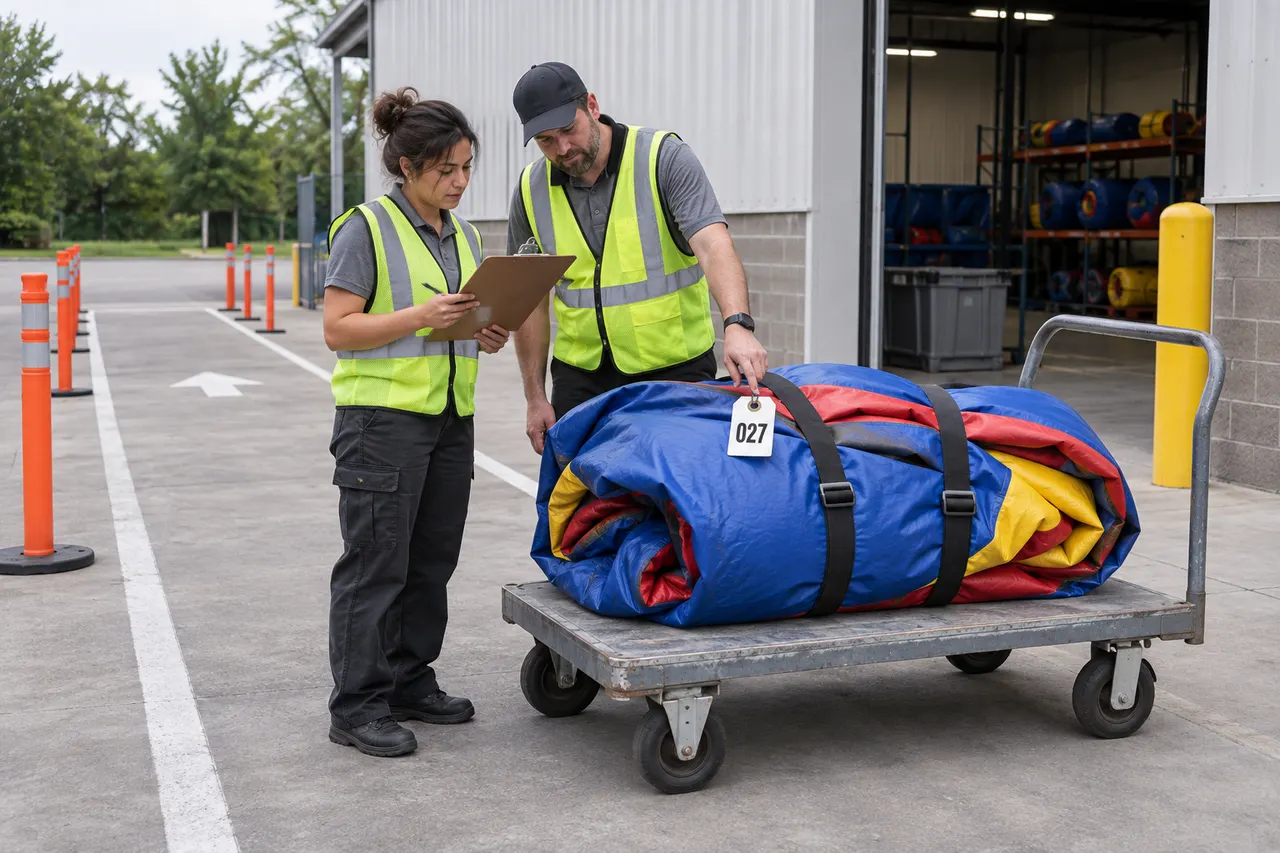
Assign stable identifiers and keep the inventory, product and service records aligned. A shop with two similar units needs to know what was staged, who received it and which one needs attention. Update the outgoing assignment when the crew selects a verified substitute. Make sure the next shift can use the same identifiers at return. This becomes more important when several units are prepared at the same time.
Make current documentation and operating instructions easy to find, including model-specific requirements and the person responsible for questions. Practice the first booking with another crew before adding more dates. Give staff a way to verify the approved site and to stop or refer a change. A bigger fleet can increase the number of similar handoffs. That makes a clear release and exception record more useful.
Review returns before allocating the next group of jobs. Keep separate statuses for out, received, awaiting work, on hold and released as appropriate. When a concern affects a confirmed booking, assign an employee to check the next option and update the customer. Give the worker reliable facts instead of asking them to reconstruct notes in several places.
Run a focused review of the bookings that overlap
Imagine four confirmed orders on Saturday. Two need the same vehicle early. One has a planned collection that occupies your most experienced worker during the next dispatch. The fourth is a simple existing job that could start later by agreement. Write the names of the people and confirmed vehicles beside each commitment. Add the warehouse work that must happen beforehand and what will be left to do on Sunday. Use the schedule to identify which time or resource is already fully allocated.
Now insert the proposed new booking. If it needs an approved delivery in the same period, see whether any genuine alternative is available without moving a confirmed customer. If it can be served in another verified window, record what the customer actually agreed to. A larger fleet may make the equipment available while leaving the same vehicle occupied. A narrower delivery zone or additional qualified staffing might make the original fleet more productive. They each need their own trial and cost comparison.
Include the support people who do not appear in the booking calendar. A worker receiving the weekend returns may also process other categories of gear. Someone handling changes may be the only person who can verify a venue constraint. Ask when they need access to the order and who can handle a short overlap. Have a person outside the usual shift read the model and explain where they would stop offering dates. If only the owner can interpret it, give staff a clearer view before taking more work.
Give each model a defined place in the catalog
Name the work for which a particular model was selected. Identify the information customers can use to compare options and the stage when the business checks site and staffing. Where two offers use the same unit, use one physical quantity in the booking decision. If an accessory or staffing requirement makes one of those offers harder to deliver, verify it separately. Product pages can show different uses without treating them as independent fleets.
Show which appointments the business can confirm through the ordinary booking process. If some requests require a qualified review, give customers a short intake that asks for the venue, date and relevant details. Tell them how they will know whether the job is accepted. Verify that unavailable or held equipment does not appear to be an approved choice. Keep a normal alternative for inquiries the shop cannot serve under the first selection.
Train staff to recognize a mismatch between what a customer asked for and what an office or warehouse record shows. The listing may show two similar units and one has different requirements. An employee should have a way to find the approved documentation, verify the change and contact the customer where appropriate. Record which alternative was actually accepted. Use the model and unit that went out to inform the next inventory decision.
Decide which capacity changes deserve another season of use
After adding or reallocating equipment, compare several completed bookings with the same type of work from before the change. Look for more feasible dates, fewer reschedules or a reduction in warehouse waiting time. See whether the work really moved off the constrained crew. Ask the team if the addition created regular tasks the initial review did not include. A new unit can change the work even when customers like the offer.
Check which dates the improvement actually applies to. A treatment that helps the dominant Saturday window might be less useful when weekday requests are sparse. Review the ready inventory and deferred jobs after a quiet period as well as after a peak. If the business can serve its original order mix better but attracts few additional bookings, decide whether the extra inventory is still earning its place. A change can be worthwhile because it supports reliable service, even if it does not produce as many new orders as forecast.
Retire or narrow offers that repeatedly demand work the team cannot support. Record the reason and keep valid existing commitments visible. Tell staff where to route future requests. Evaluate a different service window or approved supplier when it matches the recurring need. The point of the fleet review is to guide the next decision, including where to keep capacity for work that already fits.
Use the busiest review to decide what belongs on the next purchase list
Pick a cadence for reviewing packed jobs, confirmed returns, declined inquiries and the resources each order actually consumed. Compare which items sit ready during the periods you can reliably serve. Include defaults and exceptions from site review and staffing. Ask a driver, a warehouse worker and the person handling inquiries which limits they experienced. Their accounts can reveal a shared issue that does not show up in a sales report.
Decide what to defer. A new unit may be worthwhile after the shop solves storage or staffing, or if an additional venue begins sending repeat work. Keep the evidence that would change the decision. Consider a reviewed supplier option on occasional dates if it is practical and authorized. When you do add equipment, retest the schedule and put the updated offer in the hands of the workers who will serve it.
The right fleet grows with the capacity to handle real events. Start with the requests the company could actually serve, check how every unit moves through the day and buy what addresses an observed shortage. When the bottleneck is somewhere else, fixing that step is what will create more useful rental dates.