Give field staff access to the agreement they need
Give rental crews a job brief with approved agreement details, current setup plans and a path for resolving changes on site.

A venue coordinator asks a driver to move a chair delivery upstairs. The booking says sixty chairs, and the driver can see the street address, but the crew still needs to know which room was agreed, whether stairs affect the installation and who can approve a change. Calling the office may solve one stop. A route with several of these calls soon runs behind. Give field staff the approved instructions for their own work and a clear way to get a decision while they are at the venue.
Start with the last few situations where the signed agreement or an accepted change answered a question in the field. The crew might have needed setup scope, collection access, or a quantity split between rooms. Ask which information could have been visible and which still needed a dispatcher or account manager to decide. Build the mobile view around those moments. It should work for a crew lead who joined the route that morning, with limited time to read and the customer waiting for a practical answer.
Find the decisions a crew makes at a stop
Walk one real assignment with someone who normally delivers it. During the first minute at a venue, the crew lead needs to know where the vehicle can stop, who receives the truck and what work can begin. A little later the questions shift to the counts, setup boundaries and any evidence required to record a handoff. At the end, the crew needs an accurate description of what was left, where it was placed and what will happen at collection. Collect examples by phase so you can put the right answer beside the work.
Build the first version around your frequent orders. For an unattended collection, note where items should be staged and the contact the driver should use if the building is locked. For furniture setup, specify which rooms and positions are included, or link directly to the approved diagram. For a customer pickup, put the equipment and accessory list, pickup window, handoff steps and return instructions next to the booking reference. Where the arrangement depends on conditions at the site, give the employee a name or role that can make the next decision.
Rental agreements often contain a mixture of operational and commercial information. Ask the office to review the fields that go on the route. The crew may need a venue contact's on-site phone number and the count of signed-out chairs. The same stop can be completed without seeing invoice history, unrelated contact information, payment credentials or the business's private sales notes. Design the job view so you can explain why each displayed field is useful to the assigned person.
Put the approved scope at the top
Use the booking as the place to find a short crew brief. Start with the booking reference and location, then show the timing, receiving contact and the name or date of the approved version. Follow those with the quantities and the work. A clear example is “Deliver 50 chairs to River Room through Door C, set 40 in five rows of eight, stage 10 folded against the west wall, collect the next morning from Door C.” If a reader has to scroll past a paragraph of customer correspondence to find the door, give arriving crews a shorter first screen.
Include a place for the source. A coordinator may need to look up the diagram mentioned in the brief or verify the wording on an approved exception. If your tools let you link to the relevant pages or attachment, use a record the operator can access for the job. If the office prepares an extract, label it with its source version so staff can compare it with the current order. A screenshot from a group message is hard to keep current because it can keep circulating after a revision.
Use consistent formatting for choices people make under time pressure. Split arrival and collection if the doors, point of contact or windows differ. Label each site contact by role, such as venue receiver or event lead. If another vendor is responsible for some work, put that next to the setup instruction it affects. A boundary such as “venue staff place centerpieces after our tables are set” gives a clearer instruction than a long list of all the vendors at the event.
Make it easy to distinguish a request from an approval
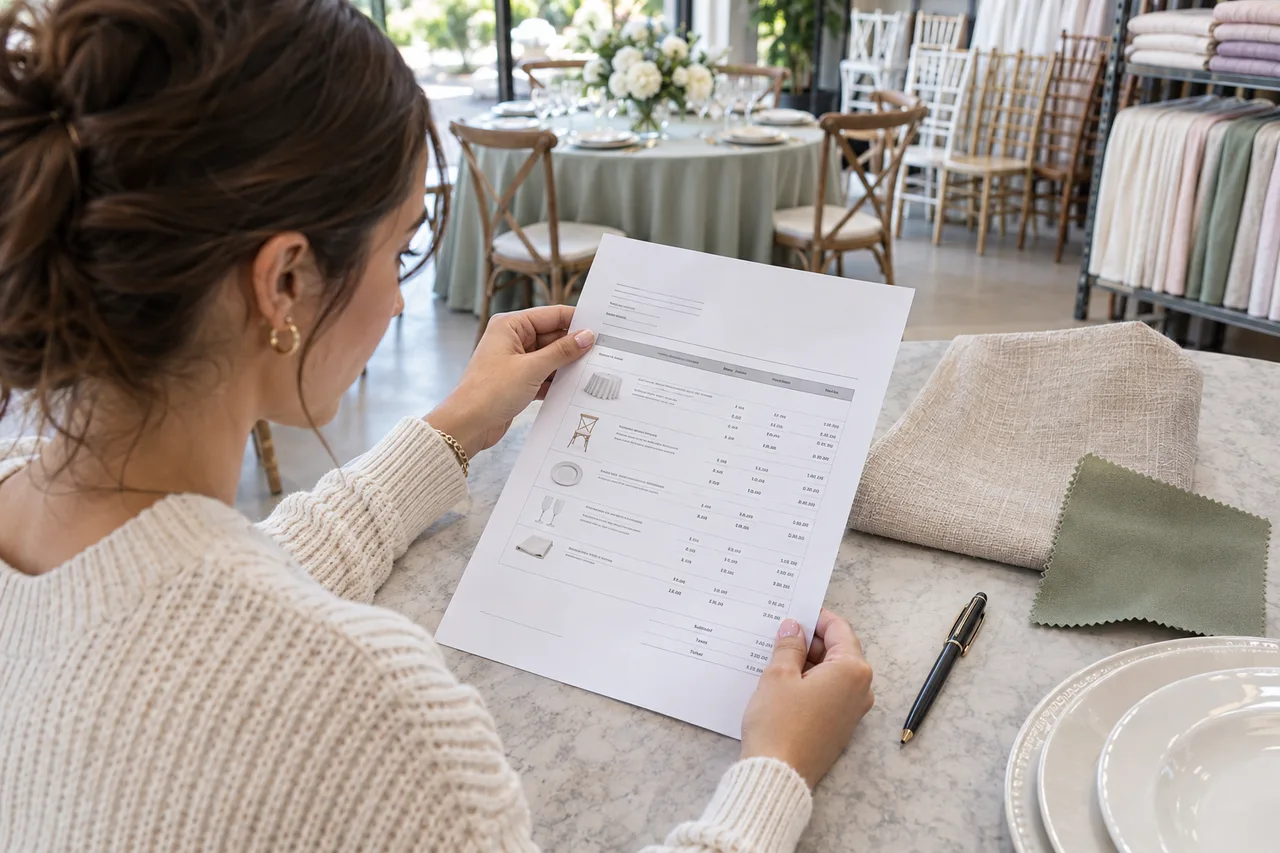
A call from a planner about an extra room may start a change without resolving the inventory, labor or schedule. Use plain labels for the current scope and requests awaiting a decision. Keep the accepted instructions visible while a change is pending. Make sure the person entering the request records enough detail for the office to act, including the stop, requested work, contact and timing. The operations lead can then check the route and stock without a driver promising something the business may be unable to deliver.
Decide where confirmation belongs. If the salesperson handles scope changes and dispatch handles arrival windows, put both paths in training and show the right owner in the job view. After a decision, update the approved instructions and share the specific change with the crew. A short note such as “Collection entrance moved from Door C to Door B, confirmed by the venue at 2:20” gives the incoming driver something they can verify. When a route changes in the middle of a shift, ask for acknowledgment during the driver's next safe stop.
Keep internal observations where they help. Crew members can record that the elevator was out of service or that the receiver was unavailable. Those observations explain what happened and may lead to a new plan. They should have a clear relationship to the booking while leaving the approved scope easy for the next reader to find. At the end of the day, the office should be able to see the request, the decision and the actual handoff in order.
Walk through an event with two rooms
Consider a dinner that calls for twelve tables and ninety chairs. The accepted plan puts eight tables and sixty chairs in the main hall, then four tables and thirty chairs in the courtyard. The venue handles linens. The order includes furniture placement on the diagram, with collection at eight the following morning from the east loading door. Each truck has its own list, and both crews see the relevant venue contact and room breakdown.
When the first truck arrives, the venue asks to move the courtyard furniture into a second-floor gallery because rain is likely. The crew can see that the accepted plan names the courtyard and that the gallery needs different access. The lead records the request, photographs only the permitted access area if relevant, and checks with dispatch before transferring the load. The lead can start the hall setup if dispatch confirms it can proceed separately. The other driver gets an update that the courtyard allocation is awaiting a decision.
Dispatch checks elevator dimensions with the venue and reviews the schedule for both crews. The account manager confirms the revised arrangement with the customer. Assume the business can accommodate the gallery with a small timing shift. The office records the accepted change, updates the room diagram and specifies that the eight tables and sixty chairs in the hall are still part of the plan. The second crew uses the new room, timing and access details. Both teams record where they left the furniture.
At collection the next morning, the driver can see which items were moved to the gallery, even if they took no part in the delivery. If three chairs stay with the venue until later, the driver records eighty-seven returned and three outstanding, along with the name of the person handling follow-up. The warehouse should be able to match the count to the order and distinguish returned equipment from items still at the venue. This sequence is worth practicing with a fixture before the first busy weekend.
Give each role access to the jobs it handles
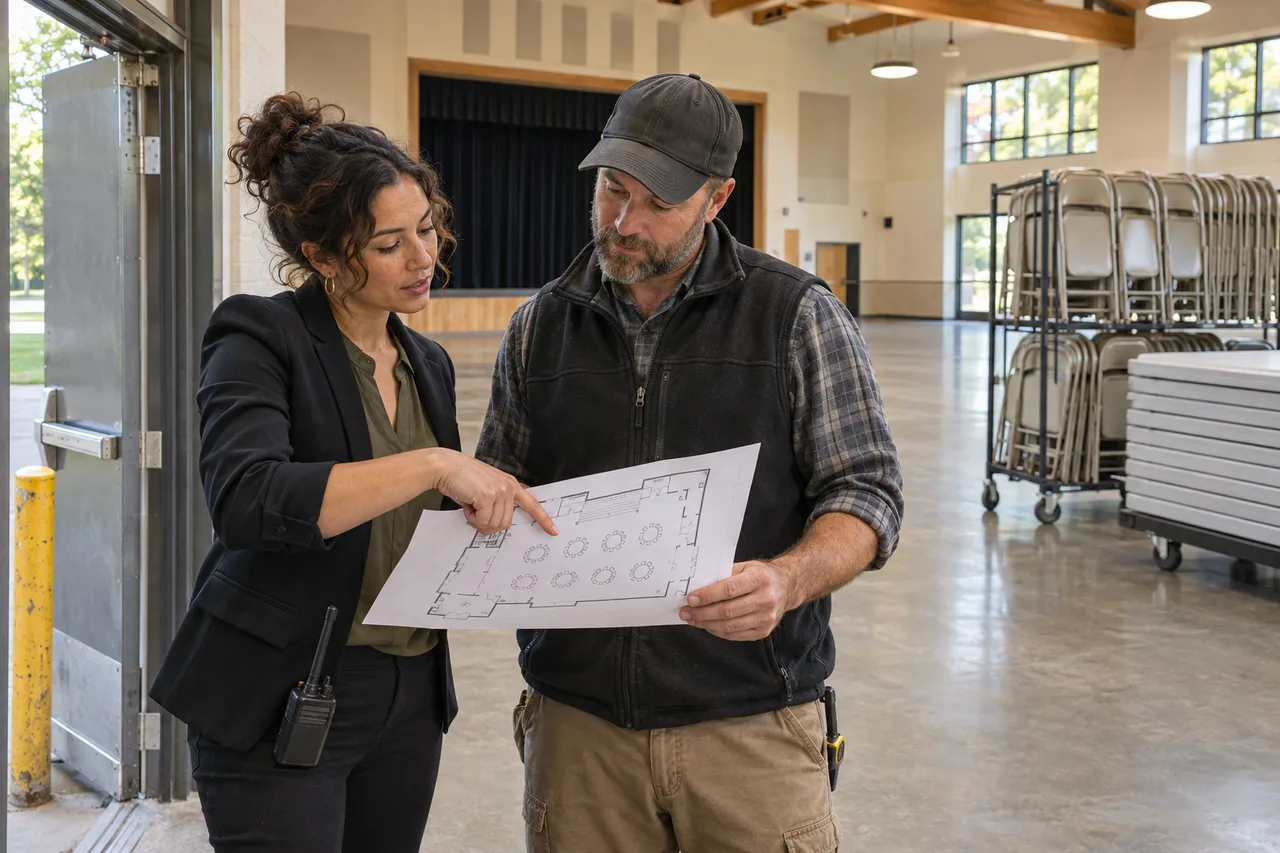
Map the roles to the work they need to do. A warehouse lead may need the staging list, accessories and return instructions. A driver needs the stop schedule, access information and contact for that assignment. A setup lead needs the approved scope and diagram. Dispatch needs to see where routes overlap, which instructions changed and what the crew has acknowledged. You may have the same employee in several of those roles. Base the access on their normal responsibilities and current assignments.
Give staff accounts that let the business attribute activity to the right person. If a substitute covers a stop, give them the order through the approved reassignment or team-access process. Check that the substitute can see the job brief before departure and that the former assignee knows who took over. Include expiration or removal in your routine for temporary workers. The field flow should work when an employee leaves the business and someone else must pick up an open job.
Use a read-only reference for the approved plan alongside the actions workers need for a stop. A driver can record arrival or a collection result, while the role responsible for customer commitments updates the agreement information. This makes it easier to check what a change means and who handled it. In training, show one worker adding an on-site note and another approving a revision. Ask a new employee to explain where each appears and which one to follow.
Prepare for the places where a connection drops
Walk a crew through what it will do inside a freight elevator lobby or at a fairground with unreliable service. Before departure, check how their device handles the assignment and what it can display when the connection is interrupted. If there is an approved offline view or printed route sheet, include the information necessary to do the visit, a booking identifier and the version time. Use the business's existing handling practices for contact information, photos and paper copies. Avoid relying on the crew to assemble its own backup from saved screenshots.
Set a clear rule for updated instructions. Staff need to know how to proceed when an earlier version is available and dispatch has sent a revision that hasn't reached the device. Choose a route to discuss time-sensitive changes, such as calling the dispatcher from a stationary location before setup proceeds. Include a definite next action for uncertainty about a room, loading point or work scope. It may mean waiting at a safe staging point, completing a separately confirmed portion or asking the office to coordinate a later return.
If the crew records a count offline, test how the business recognizes it when the device reconnects. When using paper, assign someone to enter or reconcile the result and preserve the time the work occurred if that matters for the order. Confirm that the system and dispatcher show one resulting handoff, with unresolved items still visible, after normal retry or reconciliation. The employee starting the next leg needs an answer they can use immediately.
Write escalation instructions that work over a short call
Give the crew a way to summarize an issue without telling the story from the beginning. A useful call gives the booking reference, current location, approved scope, observed condition and requested decision. An example might be “Booking 2814, north dock. The plan shows forty chairs to Room A. The venue asks for the chairs upstairs and the freight elevator is locked. We can hold at the dock for ten minutes. Who should confirm the change?” Dispatch can then ask for the one missing fact or assign a next action.
Name a backup decision owner for periods when the assigned dispatcher is out. On weekend routes, identify who can take a setup question and who can approve a new charge or scope. For a request that arrives near closing, explain when the crew should remain on the job and when the office should contact the customer about the next slot. Keep the tone practical. A worker should be able to use the instructions with a customer standing next to them.
When the crew faces a physical hazard or unsuitable access, follow the business's normal safety procedures and use the approved person or channel for direction. A field brief can help people find a venue contact and identify the intended route, but the crew may encounter conditions that differ from the booking. Record the actual condition and decision so the next person doesn't have to guess why the original plan changed.
Test the brief before putting it on every route
Pick three practice jobs with different circumstances. Use a straightforward delivery, a job with a change after loading, and a collection with a short count. Let a new employee start each one without extra coaching. Ask them to locate the receiving point, identify the confirmed setup scope and explain who can approve a change. Try the same jobs with a phone in the warehouse and with a small tablet at the vehicle. Look for information that is technically present but takes too long to reach.
Have dispatch record a practice revision while the crew has an older assignment open. Verify how the employee recognizes the newer decision and what the last version looked like. Test by using ordinary app controls and the approved fallback. Ask a warehouse employee to review the partial collection after the driver records it. They should be able to name what's back, what remains and who has the next action, using the record as delivered.
After the practice run, identify a few recurring measures. Track calls about details that were already approved, requests that blocked a crew while awaiting a decision, and collection exceptions without a named follow-up. Compare similar routes or event types so a particularly busy week doesn't distort the result. Meet briefly with crew and office staff after the first set of live jobs. Keep the fields that helped people finish and move supporting detail where staff can reach it when necessary.
Assign someone to maintain the brief when the agreement template or staffing changes. Review a sample of current bookings once each season and after changing your delivery process. Ask a worker who didn't prepare the sample to point out the approved details and the last field update. The process is working when the crew can make the routine decisions at the venue, dispatch can handle real changes with the right context, and the next employee can continue the job from the latest record.
A quick release check helps when the office uses a new agreement form. Take one order that was booked under the previous form and one using the new fields. Ask the dispatcher to confirm that both lead to a brief with the correct contact, room allocation, service boundary and collection plan. Compare attachments against the version named in the brief. For an older job with incomplete data, use the established office handoff to fill the gap before sending the route. Make the short check part of the review the night before, while there is still time to call the venue. That gives an employee who is new to the route the same starting information as the person who booked it.