Get busy-season marketing ready before availability tightens
Plan busy-season rental campaigns around real stock and crew capacity, then update offers as dates fill and new openings appear.
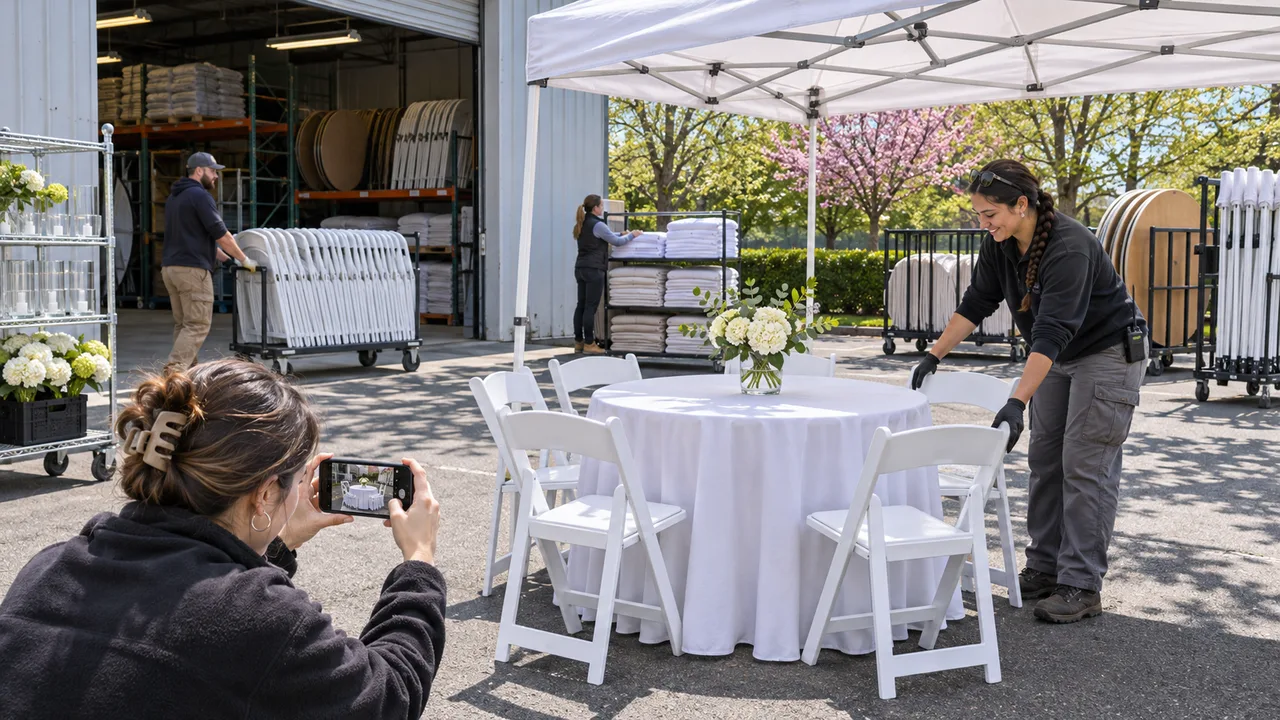
A spring promotion can generate twenty inquiries for the same three Saturdays. If most of the tents and delivery crews are already reserved, answering all those inquiries may leave the office with less time for dates it could serve. Build busy-season marketing around the slots, equipment and service your business can actually offer. Then give someone responsibility for adjusting the message as reservations come in.
Start with a date range and a few recent examples. Identify last year's busiest weeks, what customers asked for and which orders could be fulfilled. Compare those weeks with this year's inventory, routes and staffing. If a local school calendar creates heavy demand for graduation setups, use the actual dates and check which products and service windows are affected. Use current commitments before deciding which products a campaign should feature.
Make a calendar for the dates you can actively promote
Open the order and dispatch schedules together. Mark weekends where equipment, warehouse preparation, or crews are likely to be full. Add the days where pickups or deliveries have more room. Include common start and return patterns. A package delivered on Friday and collected Monday may block that stock through the whole weekend. The sales desk should be able to see which dates can still handle that kind of order before a campaign goes out.
Work from your real availability. If thirteen tables are ready and eight are booked through Sunday, a six-table package cannot fit unless there is another confirmed source of equipment. A pickup-only order for four tables might still work. Shift attention toward a nearby date or another suitable product. A customer who sees a useful alternative while planning is more likely to reach the part of the process where your business can help.
Define the date and service area for each marketing offer. A promotion for weekday warehouse pickup can work alongside another for Saturday delivery, provided both match the actual stock. Write down which dates the offer covers and who checks when the inventory drops. Add any restrictions that matter before arrival, such as order deadlines or collection windows. Customers should see the specific terms on the page they visit.
Prepare listings for the questions people ask before booking
Look at last year's inquiries and pick out the questions that keep returning. Party customers may want to know how many chairs fit at a table, how a tent delivery works or how to choose a pickup time. A listing can show the components, expected service and any measurements the business has verified. Put the answers near the price, dates or quote action where people need them.
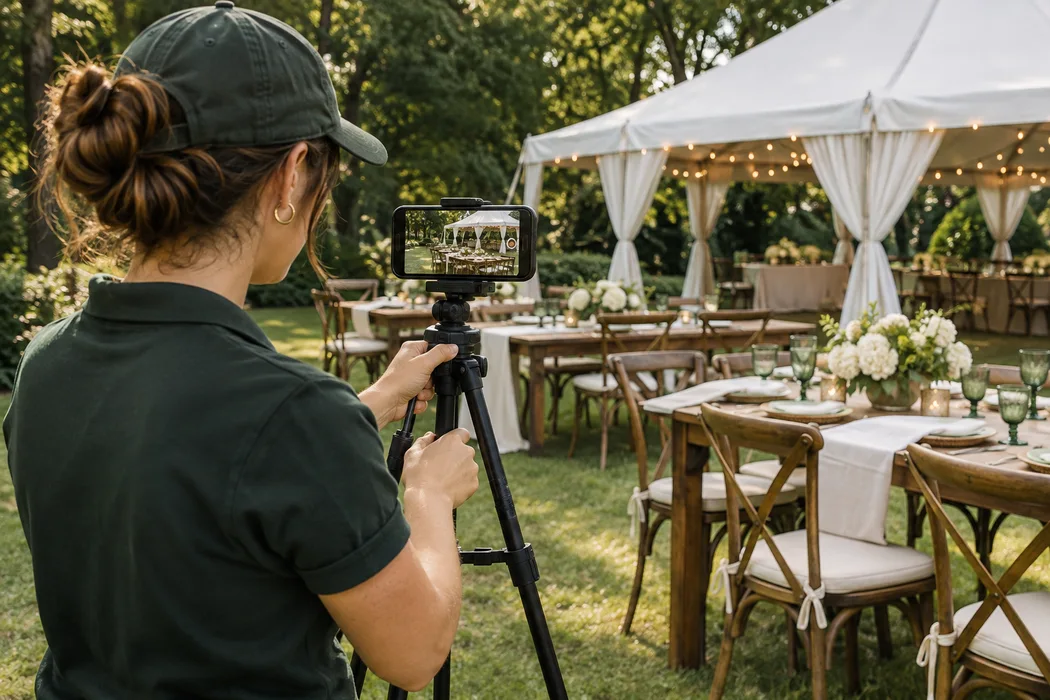
Use photos that match the offer. If a setup includes tables and chairs but the fabric and other décor shown in the picture are optional, explain that in the listing. Capture a current image of the exact items where possible. Make the photos easy to view on a phone and provide short descriptive alt text. If the business offers different sizes or finishes, give customers enough information to identify which stock they are choosing.
Walk through the listing as a first-time customer. Enter a date you can serve and a date where the crew or product is full. Check which result appears and whether the next step matches it. If staff must confirm venue access before offering a delivery, make it clear when people request a quote. If the order can be completed online, review what the customer sees after accepting the service and submitting the booking.
Give each campaign one offer and a matching booking path
Write a short message around an available service. For a birthday company, the message could promote Sunday morning pickup for a small backyard package. For a tent company, it might point organizers to open weekday installation windows over two weeks. Use enough detail for customers to tell whether the offer suits them. Link directly to the matching rental page or availability search, where the dates and package details can be checked.
Keep a short record of which ad, email or partner post points to which offer. List its audience, dates, price wording and landing page. If people see different information across versions, the team needs to know which to update. Run the same customer check using links from a phone and from the way customers normally view the email. Ask someone without access to the campaign notes to tell you what the offer includes.
Set an end point as carefully as the start. If there are five remaining pickup slots, choose who checks how many are left each day. When slots close, end or update the message using current availability. If a partner handed out printed material, keep the destination page accurate for people who return to it. Show an actual alternate date or a path to enquire about future slots when one exists.
Schedule the outreach around real lead times
Use booking history to see how far ahead customers usually make decisions for each offer. An organizer arranging a large tent installation may begin months before a homeowner books a set of folding chairs. Review quote dates as well as booking dates. The gap between them can show how much time sales needs to confirm site details or answer questions before customers make the reservation.
Start with people who have a reason to plan soon. A venue coordinator may be putting together an event calendar and need current pickup and setup options. Last year's customer could be planning the same kind of celebration in a different week. Use the channels and contact permissions your business already has in place. Tie the message to an offer that suits what people are arranging and keep the call to action clear.
Leave a gap for follow-up. If a campaign goes out Friday afternoon and the office closes in an hour, think about when someone will confirm deliveries, respond to a quote or check a venue. A shorter initial send can help the team find questions before the busiest work starts. Place reminders where the people responsible can use them, including a backup for days when the sales lead is out.
Set the handoff to sales and fulfillment before the first send
Give sales staff a one-page version of the offer. Include the package contents, booking dates, whether pickup or delivery is offered and the process for an alternate. Share the customer-facing link and the live place the employee should check for capacity. An employee on a weekend shift should be able to answer the ordinary questions without opening an ad dashboard.
Review the same offer with the warehouse. Check packing quantities, expected return time and any extras that are easy to overlook. If the offer adds delivery or installation, confirm dispatch has room for it at the advertised times. Ask the crew how the offer will appear on the warehouse list. A package that looks simple on a landing page should carry the information needed to get the right items on the right truck.
Decide who owns exceptions. If a customer wants a larger quantity than the offer includes, staff can check actual stock and propose a custom quote. If a delivery is outside the regular area, the office knows who reviews the request and when it will receive an answer. A guide for the sales desk can keep the outreach useful while allowing each unusual order to get the right review.

Follow a sample campaign through two busy weekends
Imagine a rental company with two weekends of spring bookings. Saturday deliveries are nearly full both weeks, but two Sunday pickup windows remain. The company can offer a package with four tables and thirty-two chairs on the first Sunday. On the second Sunday, sixteen chairs are already held for a different job. The company checks the ready stock and the return time from Saturday before choosing where to promote the larger set.
The first message features the four-table package with a Sunday pickup. It links to the listing with the package contents and the matching date. The office receives three questions about transporting the tables. After answering them, the team adds the verified folded dimensions to the listing and tells staff how to confirm whether another pickup option is feasible. The second send includes that same link and a short reminder about the remaining window.
When the first Sunday fills, the employee responsible updates the campaign and the site offer. On the second Sunday, the crew can offer a smaller arrangement or another eligible date, so the follow-up shows those choices. The office keeps the existing customer confirmations and uses the same booking references for staging. At the end of both weekends, the owner can see which inquiries became served orders and which needed a different date.
Count the inquiries that can turn into served bookings
Start with simple numbers you can reconcile. Track where inquiries came from, the date or product requested, whether the business could serve it, whether a booking was accepted and whether it was completed. Add a short reason if the inquiry did not fit. Questions about unavailable stock, closed dates and out-of-area requests can show where the message needs more detail.
Consider an example with thirty inquiries. Twelve ask for a sold-out delivery day, six seek a service outside the area, and twelve ask for the advertised offer at a usable time. Suppose five of the twelve become bookings. Look closely at the other seven relevant inquiries as well as the eighteen that could never be fulfilled. The first group might reveal price or layout questions, while the second suggests updating dates and service wording to reach better-matched customers.
Ask the warehouse and customer service team for their observations. A promotion that yields several profitable orders may still produce calls about the same unclear inclusion. Add the answer to the page and check the next set of inquiries. If the contact volume overwhelms the office before orders become feasible, narrow the offer or improve the page before paying for more traffic. Make the next update based on both customer questions and operational capacity.
Adjust quickly when the weekend changes
Agree when a promotion should be updated. Examples include the last complete package being accepted, the only available crew slot being filled or a vehicle becoming unavailable. The person reviewing the availability should know which messages and landing pages need changing. Check campaigns that point to a product from more than one channel because pausing only one still leaves people visiting the same offer.
Keep a practical alternative ready for a limited set of cases. When the date is full, offer another eligible date if the business can serve it. If stock is tight, see whether a smaller set or a compatible piece fits. If your delivery area cannot support a job, warehouse pickup might work when that product is suitable for it and a window is open. Staff should check the actual booking before promising any of the alternatives.
Remember that late cancellations can make capacity available again. Before restarting promotion, verify that the equipment or crew has really been released. If the stock is already out at a venue, check its return and inspection first. Review who is on shift to handle new orders and set a new cutoff time where it matters. Let the current storefront availability guide any refreshed campaign.
Save the decisions that will help next season
At the end of the campaign, keep the strongest customer question, the date that reached capacity first and the offer that generated completed bookings. Record what changed in the schedule and which adjustments were worth repeating. Share a concise summary with the person managing the catalog and the employee setting future route capacity. Those two roles can use the findings when setting up next season's offers.
Update the listings while details are fresh. Keep useful verified photos and answers to recurring questions. Check whether the old campaign points to a discontinued quantity, date or service. Keep an evergreen page where it helps customers understand what can be booked, and update any seasonal instructions before starting another send. Someone new to the business should be able to open the notes and trace each conclusion to real orders and constraints.
Before launching the next round, run a short rehearsal. Open a promotional link, pick the advertised product and request the kind of booking you want. Have sales confirm what it sees and have the warehouse read the expected list. Try a date that is full and make sure the customer can understand the options. The best busy-season promotion gives people a clear way to reserve the work your team can confidently deliver.
Check the offer on the busiest device and the busiest shift
Try the campaign from the smallest phone commonly used by customers. Look at how much of the page is needed to understand the offer, the dates and the first useful action. The photo should help people recognize the package and leave room for them to reach the availability controls. If the price depends on delivery, make it clear how customers will learn that amount. Ask someone from outside the marketing work to use the page while the warehouse is open and answer in their own words what they can reserve.
Then run the same test through an employee's view. Have one person respond to a practice quote and another check the actual equipment. See whether the marketing page names the same package as the internal catalog. If one title includes linens and the other doesn't, fix the mismatch before it reaches a real order. If one source gives an earlier arrival window than dispatch can serve, identify who can change the source and check which other campaigns reuse it.
Give partners something they can keep current
A venue or planner may share a link long after you sent the original offer. Provide a page where customers can see today's options and a simple description the partner can use. If an offer ends after one weekend, tell the partner where to look for the next eligible date. Ask a coworker to follow the partner link after a full date is removed. Confirm that the page still explains the next action without relying on the partner to send a new message.
Use a separate approach for a partner who offers a whole season of referrals. Review the dates the two businesses usually need to coordinate, the service area and when the customer should contact your office. Decide who updates the venue when capacity changes. Share a current photo and a short description of what the rental includes so customers and staff start with the same expectations. After the first few referrals, check what dates people ask for and what they need to know before reserving. Keep the partnership material focused on the work you can deliver together.
Include the person who answers calls in the next review. Ask which products people could identify from the message and which needed clarification before the team could check a date. Check whether the offer drew demand for suitable orders during the open windows. Use those answers to improve the next set of pages and plan the timing of the next campaign.