From first inflatable to first bookings
Plan an inflatable rental launch with a focused fleet, job-cost estimates, site checks, and an operating plan for your first bookings.
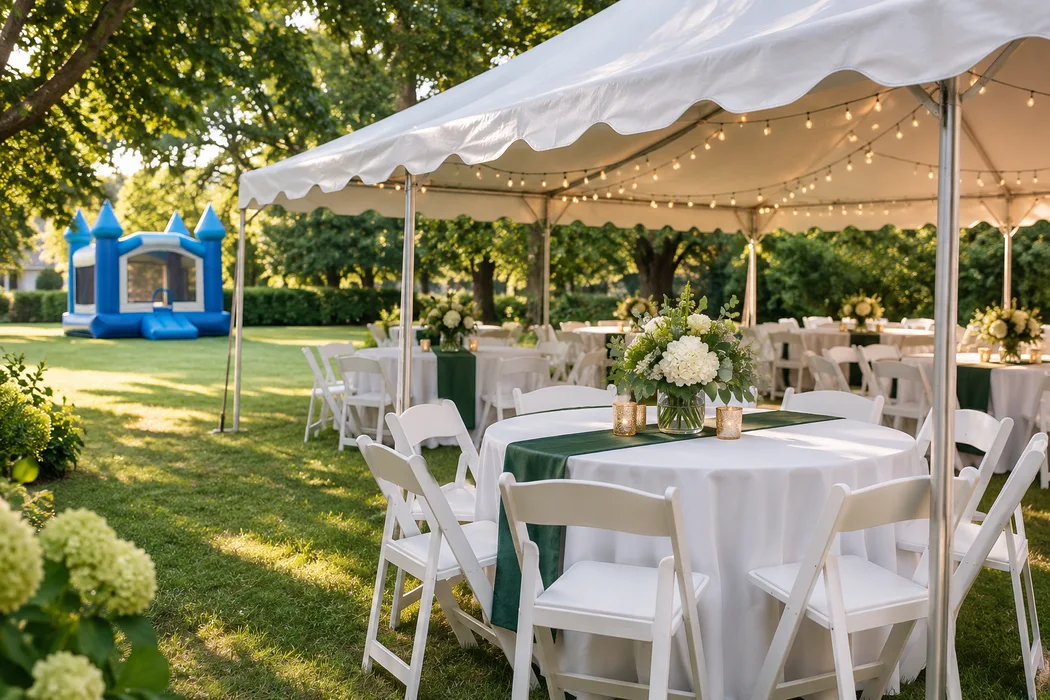
The first inflatable is only one piece of a bounce house business. You also need an offer customers understand, a crew that knows when to stop and ask for help, and a schedule that leaves time to inspect the unit before it goes out again. The work begins before the booking and continues after the inflatable comes back to the yard.
This guide follows an illustrative operator opening with one commercial inflatable and one delivery crew. It shows how to choose jobs, organize equipment and records, and test whether the offer works financially. It’s a business planning guide. Use the equipment manufacturer’s current instructions, qualified training, and the rules that apply to your location and venue for operating decisions. The U.S. Consumer Product Safety Commission’s inflatable amusement device guidance is a useful starting reference for that review.
Choose an event you can support from quote to pickup
Decide who you want to serve first. A family with a daytime backyard event, a school with an approved vendor process and a venue with a narrow loading window need different things. A picture that appeals to all three is easy to post online. A single standard offer may not work for all three. Ask about actual events and put together a short list of the dates, space, access and staffing needs people describe.
Compare those needs with what you can supply. If your crew can cover one delivery and pickup in a defined area, start there. If a venue needs documents you don’t have or has site conditions you can’t approve, send the inquiry for review and confirm what’s possible before giving a firm quote. Tell the customer what you need and when you expect to have an answer.
Choose the offer before you expand the catalog. For example, you could start with a staffed delivery and setup service for one approved kind of site, with a clear collection window. Explain what is included and who is responsible for supervision under the arrangements approved for your equipment and business. Some requests will need more discussion or a different product. Finding those cases before collecting a deposit protects both the renter and the schedule.
Read the first product page like a customer
Show the actual unit or a clearly representative image, its size and the information needed to review the site. If the unit requires more space than its footprint, explain where the customer can learn the specific requirements and what details to send. Write the reasons a customer might need to request a quote in plain language. They might have a narrow gate, an unusual venue surface or a time they can’t set before another vendor arrives.
Try the page on a phone. Ask a test customer to find out whether they can book a particular date and what the team needs to confirm. Check that they can distinguish a request from a completed reservation. If they leave believing they booked after sending an inquiry, fix the wording and confirmation before opening more dates.
Choose the unit and plan what travels with it
Ask suppliers for a complete written quote and the current documentation for the exact unit. Confirm what comes with it, what you must obtain separately, and where to get approved service and replacement parts. Ask the people doing the work to review how the equipment would fit in storage and in the vehicle. Allow for the way it actually packs after an event, including the equipment that must ride beside it.
Before buying, review your plan with the people who can advise you on the applicable requirements. That may include the relevant local authority, your insurer, your equipment supplier and qualified training providers. Confirm what applies to the unit, the location and your service model. Keep documented decisions and procedures where staff can access them. If you’re considering a used unit, trace the identification and service history and confirm it can be inspected and supported appropriately.
Make a packing record for the whole job. The order might show one rental item to the customer, while the crew needs the corresponding setup equipment, site documents and approved operating instructions. Use the manufacturer’s requirements and your documented procedures to define these, rather than asking the loading crew to infer the kit from a product photo. If part of the approved equipment is missing or held for service, pause the order for a decision before dispatch.
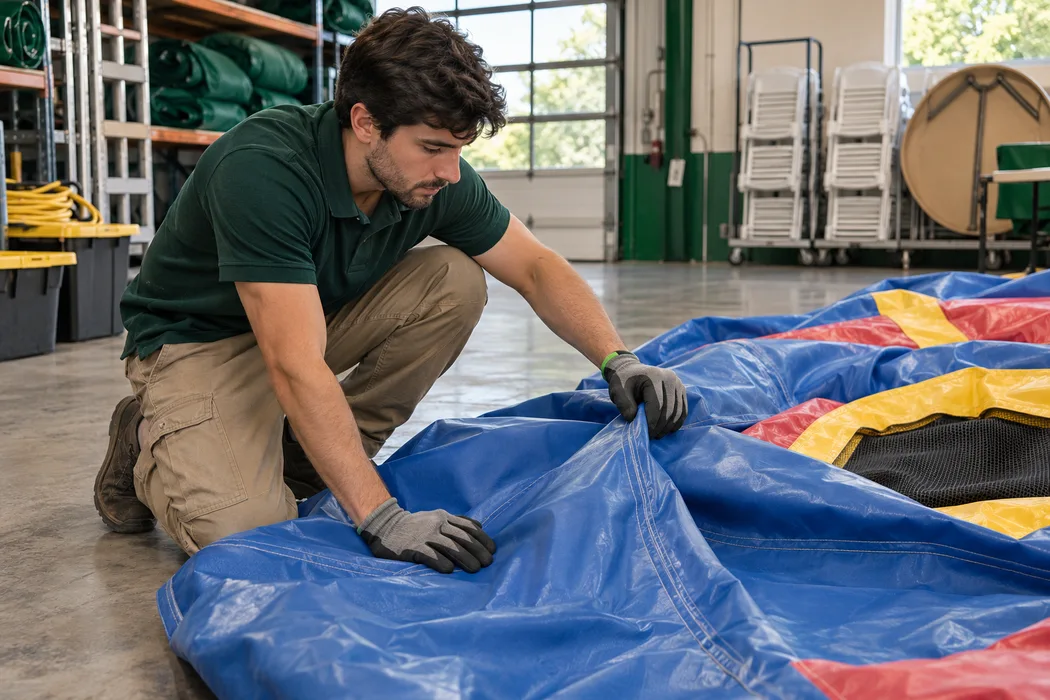
Track the physical unit separately from the product name
Even if the business has only one inflatable, give it a record staff can use from booking through inspection. Include an asset ID, manufacturer information, the equipment that travels with it, service notes and the next scheduled check. Once you buy a second unit, the two may look alike but have different maintenance records. The record needs to identify which one actually went to the event.
Decide who can change availability after a return. One employee might count and log the incoming equipment while a trained person approves it for the next booking. In the calendar, make it clear which stock is on rent, waiting for inspection or ready for use. Whenever an item is held, record who owns the next step and whether a future order needs attention.
Price the whole job, including the one that takes longer
Start with the time from staging the equipment to clearing it after return. The business pays for more than the period the customer has the unit. Labor starts with loading, travel and access, and the return trip can occupy the same staff and vehicle later in the day. Separately estimate processing costs, cleaning and supplies, and the equipment costs you need the offer to support.
Consider a hypothetical $340 order. Direct costs are $118 for labor, $42 for the vehicle, $18 for cleaning and supplies, and $12 for processing and incidentals. That’s $190 total, leaving $150 before overhead, equipment recovery and owner pay. A job with $45 of additional labor would leave $105 at the same price. The numbers are illustrative, so use times and rates from your local operation before you quote customers.
If you expect to set aside $50 per completed standard order to recover equipment costs, the first case leaves $100 toward remaining expenses. For a $700 monthly overhead target assigned to this offer, seven standard orders would cover that overhead at $100 each, before owner pay or profit not already included. Compare that break-even target with the number of orders the team can realistically fulfill in a good month and a rainy one. The SBA break-even worksheet explains the underlying contribution calculation.
Check what the calendar is really selling
If a Saturday event ends early enough for a pickup, the unit still needs return time before it’s ready to go out again. Try putting a second event on the same calendar and mark all the work at both ends. If the unit can’t be turned around appropriately, that’s one bookable window, even if two customers pick non-overlapping party times. Price the offer based on what the unit and crew can actually do.
Ask whether ordinary delivery should be included in the package or quoted separately. Run an example at the edge of your service area and an example with a difficult site. If travel or handling adds work, tell customers when the extra charge or review applies. Keep the accepted price with the reservation so the office and customer can see the same agreement if the job changes.
Give the crew a decision process before opening the calendar
Set a site intake that your staff and customers can understand. Collect the address, event times, a contact at the location, information about access and the relevant site conditions. Ask staff to distinguish a confirmed fact from something the customer still needs to verify. Put unresolved issues in the booking so the driver knows what remains open before loading.
Define when the crew can continue and when they must contact an authorized person. Build the decision process from your training, manufacturer documentation, local requirements and approved business procedures. Practice an unexpected surface, conflicting site instructions and a weather change with the team. In each case, workers should know where to find the instructions, how to record what happened and who makes the next decision.
Write customer-facing terms so families know what happens when you can’t proceed. Explain your approved cancellation and rescheduling process before accepting payment. Have the terms reviewed by a qualified local professional. Give the customer a direct contact for changing the location, date or access arrangements, and show the crew the resulting decision on the order.
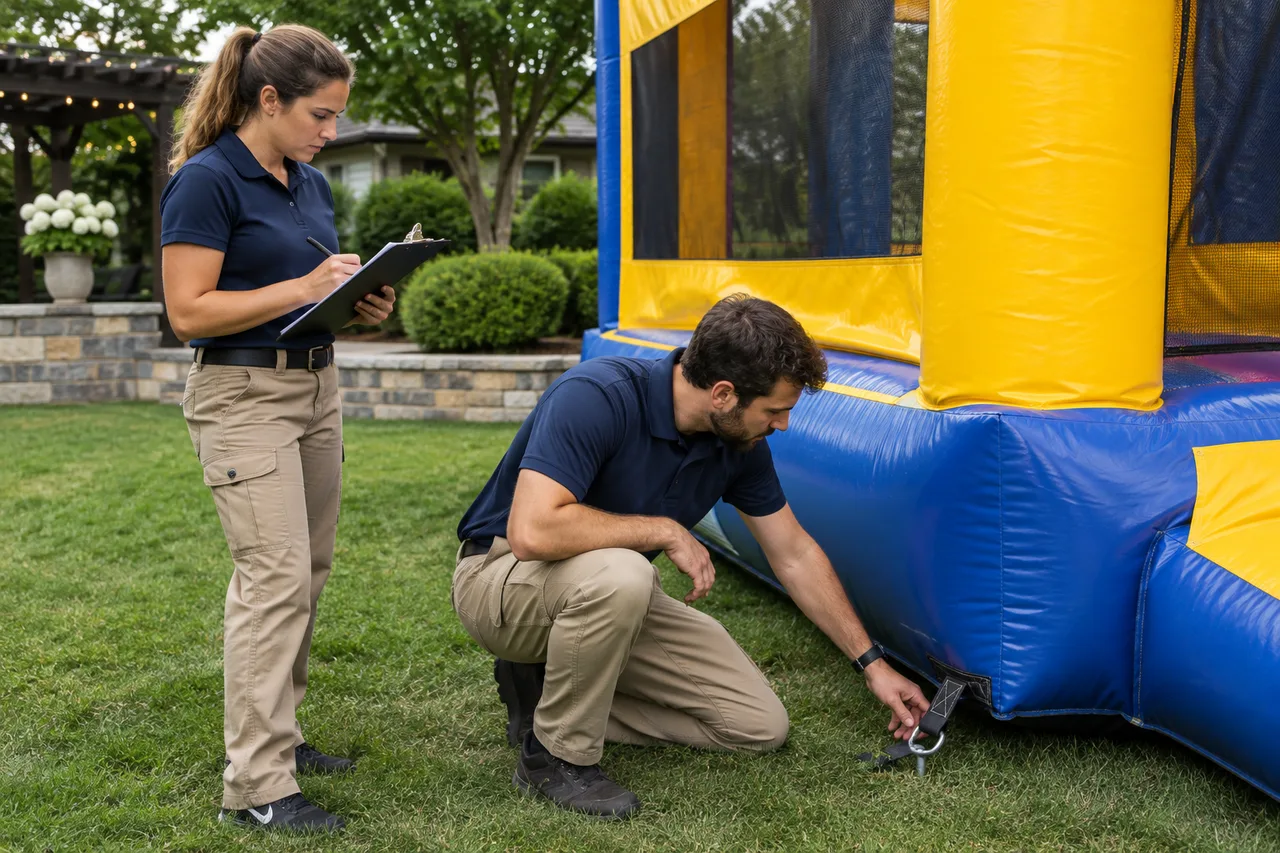
Run one practice order with the people who’ll do the work
- Submit a realistic request on a phone with a date, venue and a question about access. Have office staff identify what can be confirmed and what needs follow-up.
- Open the accepted order as the crew lead and find the approved equipment list, pickup and delivery windows, and the site contact.
- Rehearse staging and checking the load using the documented procedures. Flag one missing item and check whether the order moves to review before departure.
- Introduce a site change and have the crew report it using your normal process. Confirm the revised decision is visible to both the office and the person at the venue.
- Walk through pickup and return. Record condition and check that the unit stays unavailable until it’s cleared under your procedures.
Afterward, compare the planned and actual time. Document what a new employee would need to complete the same workflow without the owner filling in gaps. Fix the hardest handoff and run the scenario again.
Use the first bookings to decide what to improve
Track completed orders, direct costs, venue issues and reasons you declined requests. If customers keep asking for a larger unit but your only vehicle can’t accommodate it, the next step may be to understand transport, labor and storage before ordering more inventory. If your crew can serve another order on some dates but the unit is unavailable during its turnaround, extra stock might address that problem. Use actual records to distinguish between them.
Look at support questions separately from equipment demand. If customers call repeatedly about the space or schedule, the product page or confirmation may need a clearer explanation. If every difficult order comes from a particular site type, review that offer and decide whether to handle it individually. Put a named person in charge of the next change so lessons from the first orders don’t remain in informal conversations.
Measure these five things at the end of the first few bookings:
- Time from staging to departure and from return to ready status.
- Difference between expected and actual contribution per job.
- Frequency and cause of unanswered site questions.
- The equipment or staff constraint behind each qualified order you couldn’t accept.
- Which inquiries came from partners, local search or referrals and led to events you could fulfill.
Choose an operating improvement before adding three more products. A clear intake, reliable turnaround or better route may create more capacity with the same fleet. When the constraint really is inventory, use the order log to decide which unit or approved accessory would make the biggest difference.
Practice the handoff between the office and the setup crew
Assign one person to play the customer and a second person to take the booking. Give the customer a hypothetical site with a gate, a lawn and a space the salesperson cannot inspect from the office. Ask them to describe the access route, the surface, when the venue is available, and whether anything makes arrival or setup different from what is normally offered. Have the salesperson explain which details the crew still needs to verify. Use the written operating information for the actual model at each decision point.
Then give the crew only the booking record. Start the exercise from the normal warehouse loading process. Let the crew identify the model and the matching equipment using the same labels and records they will use on a paid job. At the site, ask them to compare what they see with what the office recorded. If a photograph is incomplete or the ground does not match the description, practice the pause and escalation procedure. Do not run the unit as part of a simulated exception that requires work to stop. Rehearse who updates the venue contact, who records the issue and how the calendar and customer's booking are handled afterward.
Prepare a response for a job the crew cannot complete
A customer may have planned the entire party around the rental. The crew needs a specific decision-maker and a clear explanation it can give the host. Tell the crew which questions it can answer on location and which go to the office. Save the confirmed reason for the interruption, the time the customer was contacted and the resolution agreed. A later customer conversation is easier when the record contains the real site condition or weather decision instead of a vague label.
Make a plan for the assets after a stopped job as well. If the equipment needs inspection or drying, record the holding state and protect future bookings that depend on it. If the same unit is needed later that day, check that the actual return, warehouse processing and travel leave enough time. An office employee should be able to see the effect without calling the driver while they are working. Work through these decisions with a hypothetical order before assuming the team can do them under time pressure.
Finish the dry run with a short debrief. Record the handoff question that prevented the largest mistake, the document the crew was unable to find, and one change to the following week's schedule. If the crew did not know the replacement policy or who could contact a customer, correct the written instructions and repeat that part of the exercise. The aim for the first staffed events is a defined setup and a repeatable decision process the next employee can follow using the same information.
Questions to answer before a launch
Can I start by offering customer pickup?
Compare that model with the requirements for your equipment, venue and operation. Check the arrangement with qualified advisers and your insurer before offering it. Look at who handles transport, setup, supervision and return and whether those responsibilities are both allowed and realistically supportable. If the operation is designed around your trained crew delivering and setting up, make that model clear in the offer.
Should I book every weekend slot I can find?
Open only the slots that your staff, vehicle and ready stock can support through pickup and inspection. A booking that ends before another party begins can still collide with return or preparation work. Put all of those blocks on the schedule and practice handling a delay before opening more time.
When do I add my second unit?
Review several fulfilled orders and the requests you couldn’t take. Look for a specific size, event type or date window you can serve with another unit and your current crew. Estimate its purchase, storage and service costs and confirm it fits your actual operational procedures. A second unit is worth considering when it solves a recurring bottleneck you can point to.
Your first offer is ready when the customers understand the booking, the crew can follow the approved plan and you can explain how the price covers the work. Build those habits while the calendar is small enough to review order by order.