Create a custody trail for equipment used by employees
Track shared equipment from issue to transfer and verified return, with clear steps for offline handoffs, damage and overdue items.
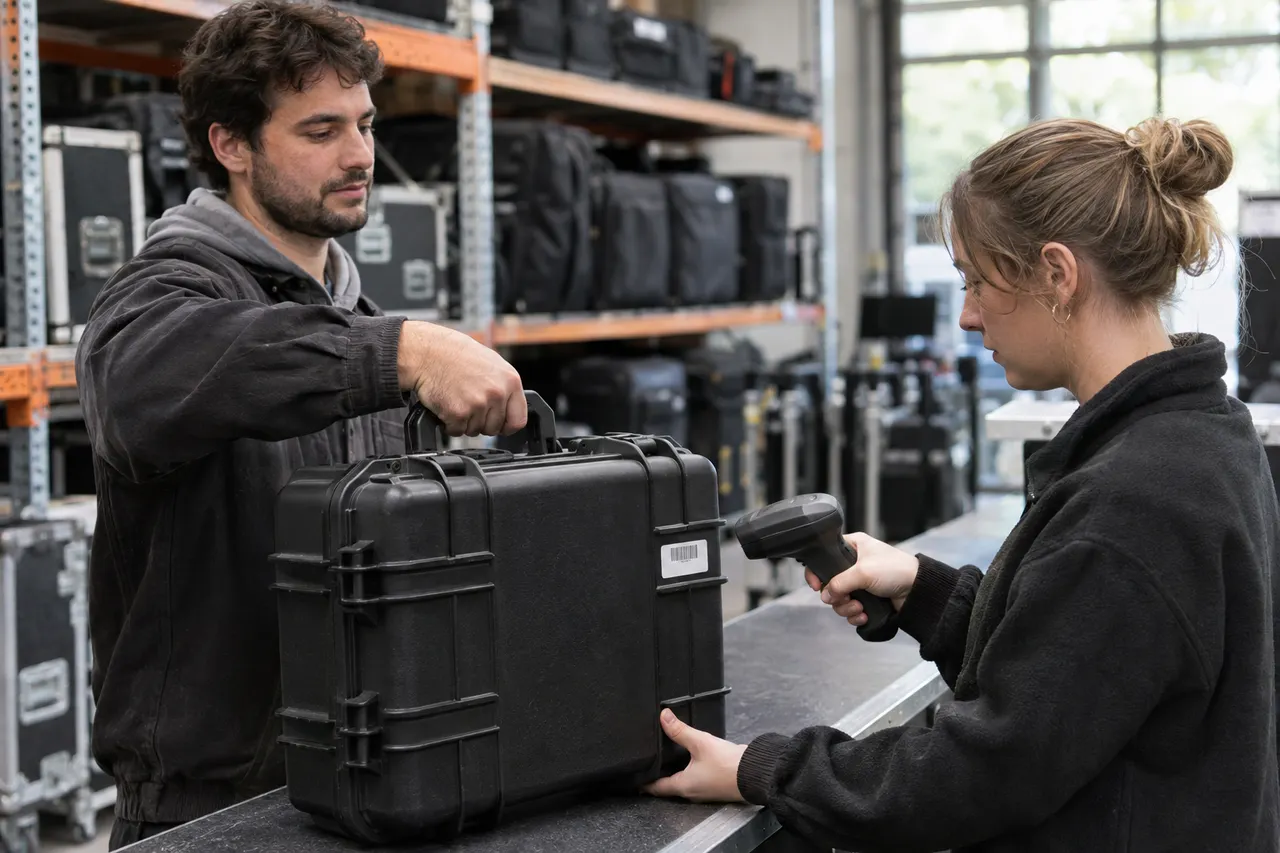
One Friday a crew chief opens a van and discovers the handheld tester is missing. The warehouse says it was signed out to the previous shift. The previous shift says the van keys and the tester went to different people when they finished a late installation. The calendar shows where three jobs took place, and the equipment spreadsheet says the shop owns two testers. Neither can tell the crew chief which tester to look for or who last verified where it went.
A custody trail records the handoffs that a busy team would otherwise have to reconstruct from texts. It can help with meters, radios, keys, scanners, tablets, reusable rigging kits and other items your own staff need to get work done. It is especially useful where people rotate across shifts or vehicles. Start from the decision a worker needs to make. If the warehouse is closing and someone wants to borrow a meter, can you tell who has it, for what job, and when somebody will next be able to issue it?
Pick the items that justify individual records
List the equipment your staff often share and jot down what happens when an item is unavailable. Finding a missing truck key may stop a whole crew while finding one ordinary wrench usually means going to the spare drawer. A low-cost item can be worth tracking individually if dispatch depends on it. An expensive box of identical expendables may be easier to manage as a replenishable quantity.
Assign a stable ID to each individually tracked item. A manufacturer serial is useful supporting information. An internal ID is easier to enter on a clipboard or read in low light, and it can follow the business’s conventions when manufacturers use different serial formats. Put that stable ID on the object where possible. A case and its interchangeable contents should have identities suited to how they move. If a tablet can leave its case, the sticker on the case alone does not establish which tablet was issued.
Decide when a kit gets its own record. A radio case with four radios, a charger and a power supply can be issued as a kit and still have identified radios inside. If the crew regularly splits the radios at venues, capture those child assignments as well. If the charging cable seldom leaves the case, a count at dispatch and return may be adequate. Make the record detailed enough to locate an important missing piece while keeping routine handling quick.
Document an issue in the time it takes to collect the item
At the point of issue, collect the internal ID, the person receiving it or the responsible lead, the job or reason, the issue time and the planned return or next handoff. Store the issue location for traceability. If the checklist calls for an accessory count or a quick condition check, make that prompt specific. “Two charged batteries and the cradle present” yields more useful information than a generic yes or no.
Put the record where the handoff already happens. A shared scanner at the dispatch bench or a mobile form near the vehicle keys may be easier to use than a spreadsheet inside an office. Give workers a lookup route when the label is damaged. Keep the readable IDs consistent across the device, staging shelf and printed fallback sheet. If a worker needs to call a manager simply to record an ordinary issue, find a way to give the dispatch role the appropriate access.
Consider how the employee acknowledges receipt. The process might be a scan by the issuing worker followed by a selection or acknowledgment from the receiver. A small crew might use a sign-out sheet with both names and update the shared register before its next assignment. Choose an approach the shop can operate at peak departure time. Record actual possession when it begins, even if the equipment was reserved on the previous day.
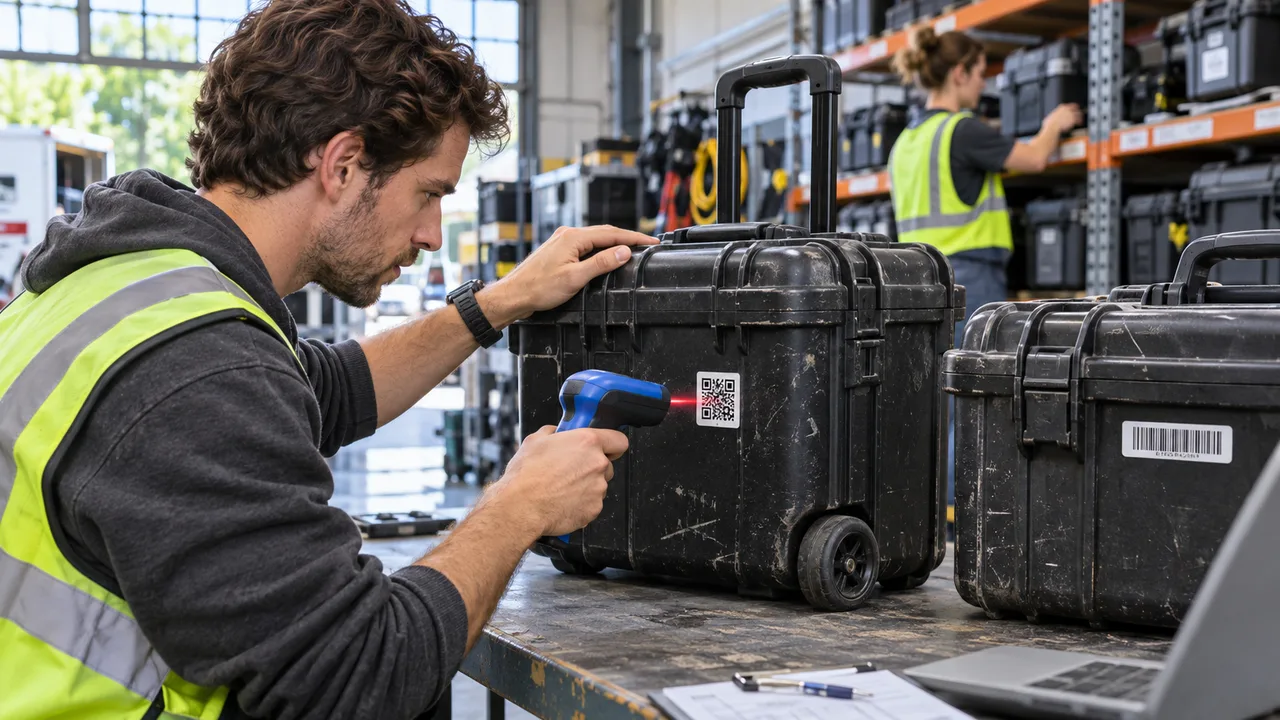
Record a transfer as an event with two sides
Picture a Saturday morning delivery. Alex takes radio R-12 out on the company van. Jess joins at the venue and needs R-12 to coordinate strike. The van leaves for another site. If the system records only the initial issue, dispatch will call Alex for the radio even though Jess has it. A transfer records the outgoing and incoming people, time, location if useful and any accessories that changed hands. Link it to the issue so the history can explain where the radio went after leaving the shop.
Agree on what happens while a transfer is waiting to be accepted. If Alex enters it at the venue and Jess is still in a different room, someone needs responsibility until she actually gets the radio. Keep a pending transfer visible and continue to show the current holder until there is evidence of receipt. Do not use a proposed transfer to mark the equipment returned. If the transfer never happened, cancel the pending record with a reason so the active assignment still points to Alex.
Crews also hand off vehicles or equipment carts, sometimes across jobs. Give the receiving lead a list of tracked items claimed to be on board. Ask them to check the items critical to the next job, then confirm the transfer. A vehicle record can show a proposed location for the equipment. A verified count on the vehicle gives someone a stronger basis for telling a crew they can depart.
Keep assignment, location and condition distinct
An item can be assigned to a crew lead, physically locked at a venue and scheduled for inspection once it comes back. These facts represent three different questions. Who is coordinating the next movement? Where should someone look? What condition has been established? A single status such as “with crew” cannot describe all three. Give each fact a field or a recorded event so future updates preserve the others.
At a hotel, you may leave a case in a secured storage room overnight. The crew lead remains responsible for arranging collection, while the location note directs a morning worker to the right loading door and room. Include only the access details appropriate for your records and your staff’s permissions. Record confidential access codes through whichever restricted channel your workplace uses. Reserve handoff notes for information someone needs to locate or identify the item.
Some items are permanently assigned to a team, bench or vehicle. Add a default home and a regular check instead of expecting people to sign the item out daily when it sleeps in the same place. Scan or count it when the vehicle changes shifts, when it moves to another job or when the team returns it for repair. A fixed home can make a missing item obvious without creating a stream of identical events.
Plan for returns that arrive outside the normal window
On return, verify the asset and, where relevant, its required accessories. Record the person or receiving point, return time, condition and next destination. If a cart arrives after closing and nobody can inspect it, give the crew a secure drop location and a way to record the drop. A morning receiver can reconcile it against the list and record a separate confirmed receipt. A drop entry captures where staff left it while preserving the need for a check.
Distinguish items accepted back into the building from items ready to issue again. A battery that fails to charge can be on the shelf and still unavailable. Add a simple hold reason and an authorized release step. If a technician needs to take the asset into the workshop, record that movement with the repair reference. Returning from repair can follow a similar inspection and release route, with a decision about where the item should go afterwards.
Find the right response for a partial return. If a lead brings back a meter and battery but cannot find the probe bag, record what physically returned and open a follow-up for the missing bag. If a paired charger is required for the next job, flag that requirement so staff have time to get a spare. A good record lets a replacement go out without implying that the first accessory was found.
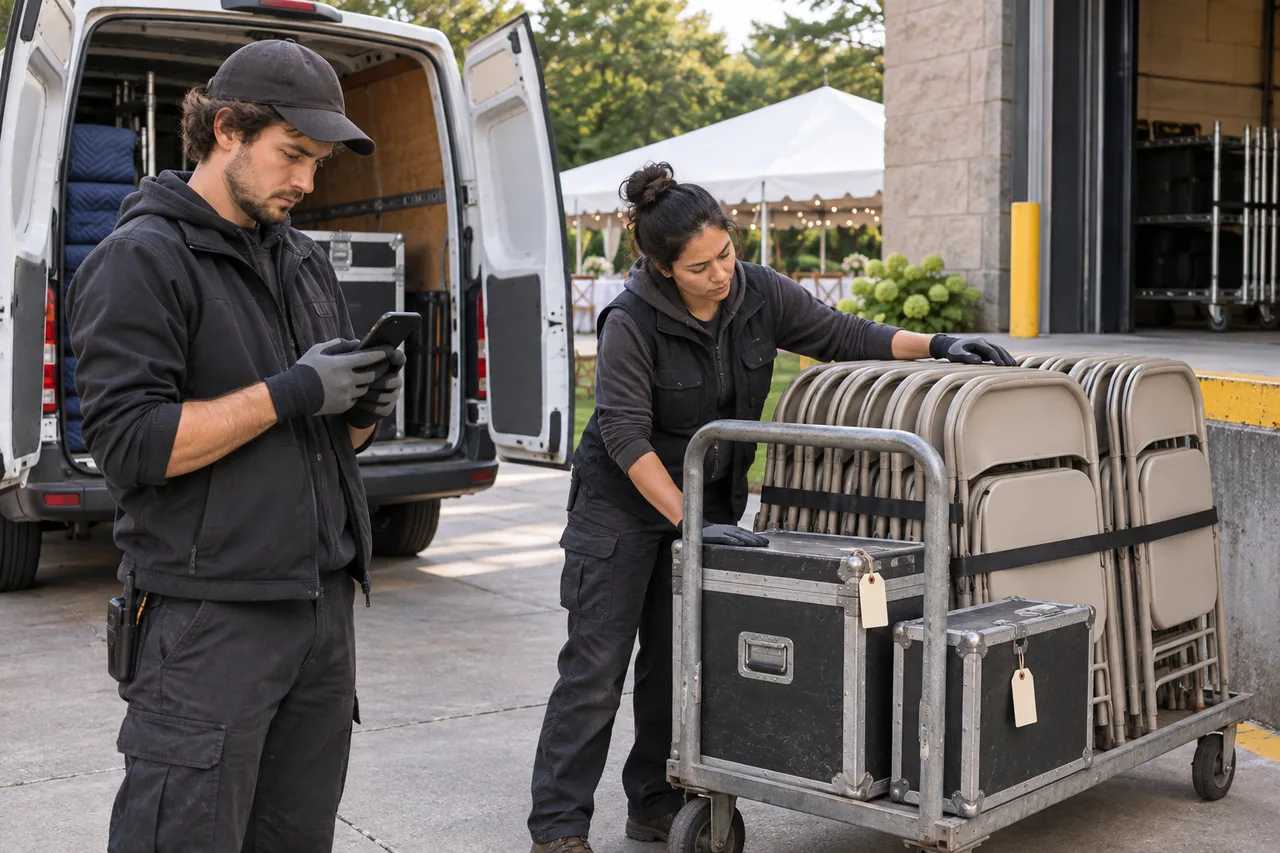
Put a review time on unresolved handoffs
An overdue return is often a planning issue. A venue might have locked the service entrance, a job may have run late, or a driver may have tapped the wrong asset. Surface overdue items relative to the next use and ask a named person to check on them. The van key needed at 6 a.m. and the seldom-used tester due next week belong on the same register, with different response times.
Give the lead an ordered sequence to investigate. Check the latest confirmed holder and pending transfer, verify the planned site or vehicle, then look for a matching drop or repair entry. If two assets are commonly confused, check both readable IDs before correcting the register. Record what you know, who is looking and when they will report back. Phrase open entries as questions or facts so they do not sound like a finding about who caused a loss.
Make controlled corrections rather than changing the last person’s name in the original entry. A supervisor might reverse a duplicate scan, merge duplicate open assignments after determining the real sequence or add a missing receipt. Capture the reason. If people were forced to use a paper fallback, enter the original handoff time as well as the time the correction was recorded. This keeps the audit useful during an outage and lets the next shift understand why a late entry appeared.
Design an offline handoff the crew can read
A job may be down a concrete service ramp with unreliable reception. Issue the crew a lightweight fallback that records the same identifying facts as the regular process. A printed assignment sheet with rows for transfers and returns can go in the job folder. A phone form that queues locally can work if it has clear feedback about whether a record has reached dispatch. Test the conditions at a real venue so you know what it does during a weak connection.
Agree who reconciles paper or queued records before the next shift. If the server has a confirmed record for the same event, record the paper entry as corroboration without issuing the item twice. If separate crews report conflicting claims, resolve the most recent verified physical location first and use a correction for the history. Set one exception owner until people agree whose equipment it is and where they can find it.
Keep a few printed blanks at the receiving bench. Write the name of the tool or form the operator should open when the connection returns. Put an example on the sheet with recognizable fake IDs. A fallback that is easy to find and shows how to record a transfer has a chance of working when the job is already running late.
For equipment people take home between shifts, distinguish a standing assignment from a one-night loan. Record the next expected physical check for standing assignments, and set an actual return time for a loan that the next crew will need. At the end of a job, the lead can review the open list with employees and resolve handoffs while the details are still fresh. Keep an open line for equipment that went directly to a repair shop or another job. This makes it easier for dispatch to prepare the next assignment without asking the original receiver to reconstruct a week of movements.
Share the information each role needs
Give dispatch and the warehouse visibility of the item, holder, expected return, location and open exception so they can assign work. Field staff should be able to see the gear they have accepted and items they are expected to receive. Let a smaller authorized group correct confirmed movements or close losses. Review access when a worker leaves, and transfer any outstanding assignments through the normal return or verification process.
Keep the record focused on equipment movements and the decisions staff need to make. A delivery location and time might be useful. Entire location histories and unrelated personal information add little to a radio handoff. Ask supervisors to review a discrepancy with the crew and verify the physical facts. If staff are worried that raising an error will automatically trigger a penalty, they may leave the mismatch for the next shift to discover.
Decide how you will retain and share the record for internal follow-up. Photos may help document a damaged case but are rarely needed for every transfer. If you use them, focus the frame on the asset and relevant detail. Use separate sources for customer agreements and employee matters. An equipment issue log should remain easy to read when someone is simply trying to find a charger.
Audit a handoff and a physical item each week
Sample the register in both directions. Choose an open assignment and ask the listed holder to identify the item or confirm the documented storage location. Then choose one item from the van or receiving shelf and look it up by its label. The first check reveals stale assignments. The second catches equipment that moved without an entry. Take the sample during regular operations and explain that you are testing how the process works across shifts.
At the next crew meeting, share one change you made because of what you found. If people are logging the charger instead of the tablet, move the tablet label to a place it can be scanned without removing the protective cover. If a second crew cannot find the drop room, replace the vague note in the assignment with the location workers actually use. Review the same handoff the following week so you can see whether the change made it easier to get the trail right.
Pilot with one crew and a handful of frequently shared assets
Pick a group that changes hands most weeks, such as radios or portable testers. Label the items clearly and confirm their identity and starting location. Walk through a normal dispatch and return. Then rehearse three exceptions: a switch between staff at a venue, a case dropped after closing and a return with a missing accessory. Observe how long the steps take, where workers hesitate and who can see the result from the office.
Set a baseline before broad rollout. For a few shifts, count how often the lead has to call around to locate an asset, how many issued items pass their expected return, and how many discrepant assignments are still unresolved at shift change. Sample physical equipment against the open register. If confirming a routine transfer frustrates everyone, remove fields that do not affect a decision or move the entry to a location with better access.
Once the workflow works, extend it to the next equipment group with a real need. A key may require a checkout and physical receipt. A tablet may need a setup and maintenance step before it can be reassigned. A four-radio kit may need each unit checked individually after a busy event. Make exceptions visible without giving workers a different logging system for every item in the van.
A good custody trail should let the Friday crew chief answer a practical question within a minute or two. They can see that tester T-04 moved from one lead to another at the hotel and is waiting for pickup from the receiving cage. They can send the right person to retrieve it, ask for a confirmed return, and decide in time whether to issue T-07 to the next crew instead. That clarity is what makes the extra scan worthwhile.