Choose wedding rental software with a venue-change test
Compare wedding rental software by testing a venue change through client approval, stock reservations, updated quotes and delivery.

A couple has approved an order for tables, chairs and linens. Two weeks before the wedding, they move the reception to another venue. The new room fits fewer tables, the load-in time changes and the rental company has to collect the furniture before the venue closes. The office can edit the address in any calendar. A useful rental system needs to help the team check the new order, record what the couple accepts and tell everyone working the event which plan applies.
Use a venue change to compare the way shortlisted software handles wedding orders. Build a realistic practice booking and follow it through its quote, deposit and original service plan. Then move the event on paper using the supported test flow. Verify that the new venue, equipment, schedule and price reach the customer, warehouse and crew at the right time. Try a change the shop cannot fulfill to see how staff can protect the existing agreement while offering an alternative.
Build one order with a real floor plan and a normal approval path
Choose an order you expect to serve frequently. A good practice case could include ninety chairs, nine round tables, linens, a few extra pieces for service and a scheduled delivery and pickup. Give the original venue a room name, a loading location and access times. Include a real decision the office makes, such as whether the quoted service includes placement or stops at delivery. Use fictional customer details and connect only test payment and communication tools in a suitable environment.
Include the people who participate in a typical booking. The couple might approve the price, the planner might provide a room layout and the venue might confirm access. Record what each person can tell the office and who can approve a change on behalf of the customer. The software can carry that information through the job. The business still needs a clear process for agreeing to the work. Give the staff the same roles and instructions when running each product trial.
Write the starting state in plain terms. For example, the original order has already been accepted, a deposit has been recorded and the delivery plan is still waiting on a final room diagram. Verify how the business sees each of those facts. A demo that starts with an empty order won't reveal which terms, payments and reservations a venue change has to preserve. Keep the original state handy as you compare the results.
Verify what the rental company has already agreed to
Run the order through the normal confirmation process in the trial. Have someone review the quote and confirm the original items, price and service. Ask the staff member who handles money to open the booking and find the amount already paid, the current balance and the associated receipt or invoice. Check which parts of the order are confirmed and which still await a decision. Record the point where the system starts reserving real equipment in a normal booking.
Then look at the original plan from the warehouse. An employee should find the quantity and type of tables and chairs, the linen sizes and colors, and what the crew is meant to do at the venue. Ask someone to prepare a sample packing list. If they rely on a floor plan or instructions stored separately, check that the order points them to the right copy. Those are the records the software will have to keep accurate when the venue changes.
Open a second request for some of the same inventory on the event date. Verify that the first booking's confirmed items affect what the office can offer to another customer. This gives you a baseline before trying a change. It also checks whether the order is genuinely reserved instead of only appearing on a calendar. Save the starting stock picture so you can verify the quantities after the new request.
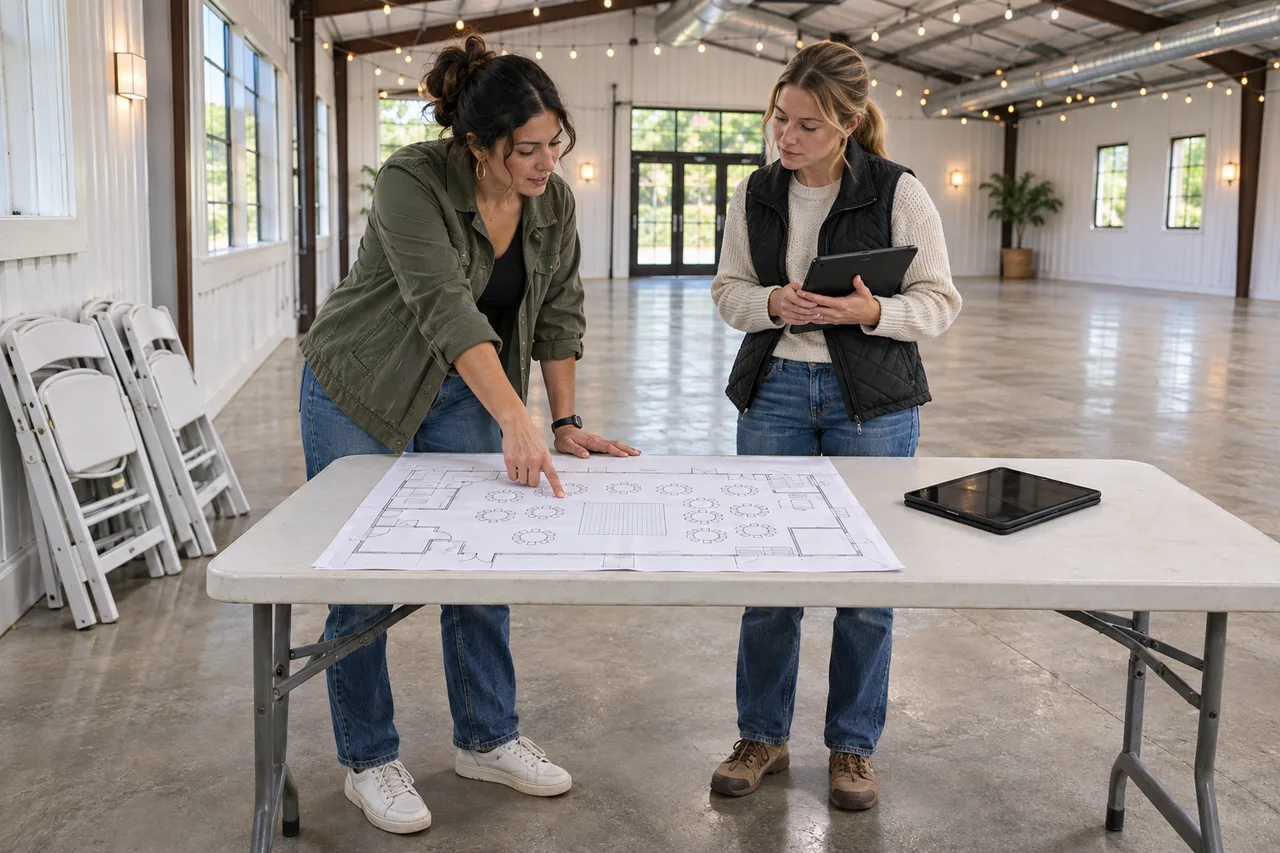
Move the event to a room that requires different work
Choose a new venue with one important change in each of three areas: floor plan, delivery access and collection timing. For example, the new room uses eight rectangular tables instead of nine rounds, the truck can only unload at a side entrance between noon and one, and collection has to finish before a venue staff member leaves. Give the office the updated request in the same form it typically receives, such as a planner's email or a call note.
Ask the coordinator to start the change using the supported workflow. Find out how they enter the new address, load-in window and proposed equipment. Check which changes can be saved as a proposal and which would immediately affect the confirmed order. If the office is still waiting on the new venue to confirm access, it should have a way to keep that question open. Compare what a driver or warehouse employee sees while a new arrangement is being discussed.
Review furniture and linen compatibility. The original linens may fit the round tables but need a different size when changing to rectangular ones. The new venue might provide some equipment that was on the rental order. Determine which pieces to add or remove and verify the system's quantities against the revised floor plan. The staff member changing the quote should be able to see if the shop can fulfill the proposed group of items.
Compare the revised quote, approved changes and balance
Build a revised quote based on actual differences. If the original package includes furniture placement, check whether the new room requires the same service. If staff need longer unloading or a different collection trip, review how the business should quote those changes. Record the original terms and the new amounts. Keep the basis for the price clear for the customer and the staff who explain it.
Try accepting the revision with the test customer. Verify that it updates the terms the business actually agrees to, that any earlier quote remains understandable in the history and that the current confirmation shows the new venue, item count and schedule. If a deposit already exists, check how it appears on the revised booking and which balance or adjustment is due under your agreement. Use the trial payment workflow to inspect the result without creating a real charge.
Review what happens when the customer asks for another change before the revision is accepted. The office may need to adjust the request again rather than send a second unrelated booking. Ask the coordinator how to identify the current proposal and what a customer sees when opening an earlier message. The status should help them tell which arrangement is agreed and which option still needs approval. Save a sample of the final quote and the customer copy for comparison.
Confirm which items and crew capacity the change consumes
Compare the two reservations after approval. The original chairs might still be needed, the round tables should be released according to the business's booking process, and the rectangular tables and compatible linens should be reserved for the new plan. Check the dates when all pieces leave and return. If the new collection window changes when stock can be prepared for another rental, check the next booking too.
Review the logistics as actual scheduled work. A noon delivery might require the same driver and truck as another order. A collection at a specific closing time can occupy a crew after another job finishes. See whether the system helps the office identify that conflict or gives the team a place to record the decision. Stock availability can look fine while the service can't be scheduled. Ask whoever plans the routes to test the change rather than accepting the calendar on its own.
Use the second stock request from the baseline. After the venue change, someone asking for the previous round tables should get the current inventory answer. Someone asking for rectangular tables should see stock after the approved change. Check when that answer updates. If a proposed revision temporarily holds equipment, understand how it expires and what happens when the customer accepts or declines it. Staff should be able to trace the equipment available for a new booking.
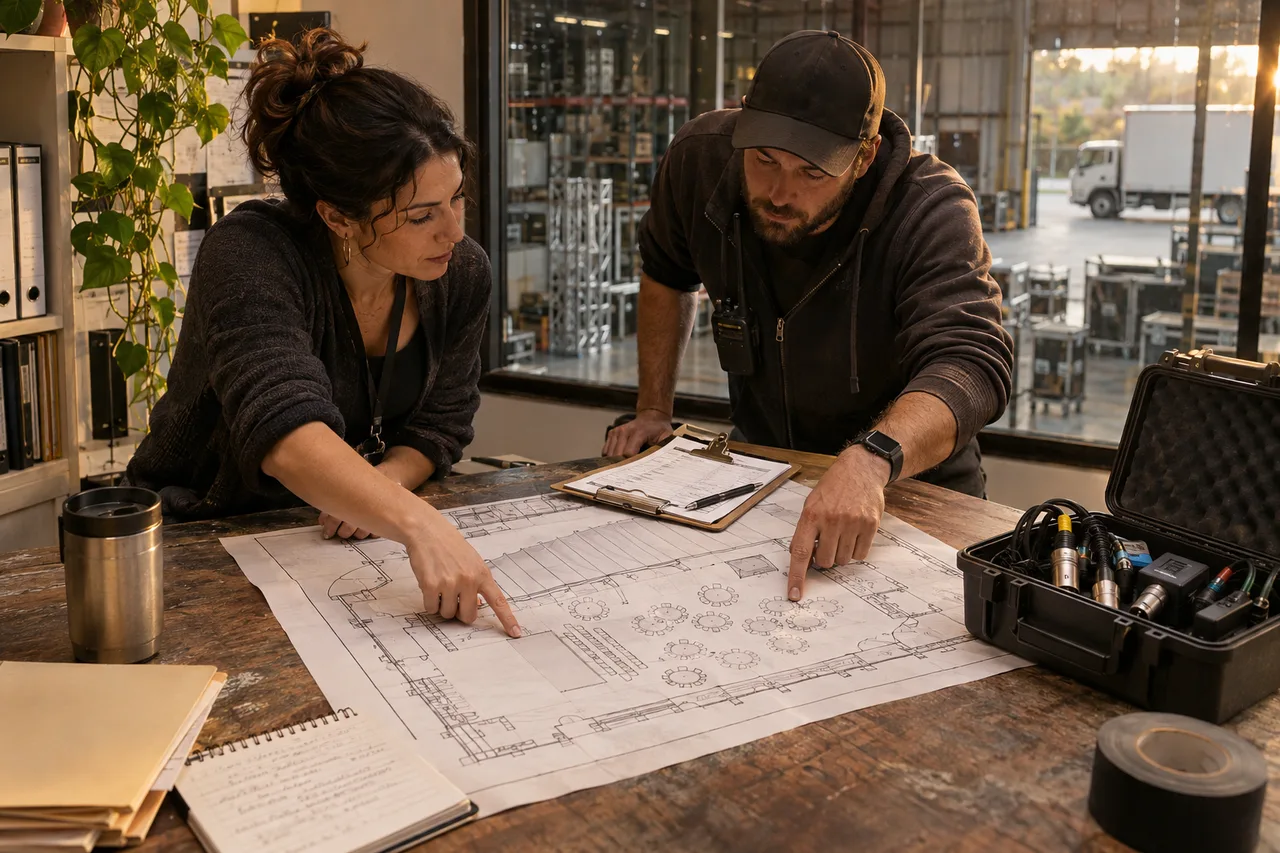
Let a warehouse worker and dispatcher find the current plan
Have the warehouse employee open the revised booking without a briefing from the salesperson. Ask them to identify the correct tables and linens, what else is included and when those items must be staged. Compare the latest list with a paper copy printed under the original plan. Find out how the warehouse recognizes a new revision and how an outdated copy is withdrawn or flagged.
Then have a dispatcher open the delivery plan on the device they normally use. Confirm where the vehicle should arrive, who can let the team into the building and how it should collect the equipment. The booking may need separate notes for the delivery and the later pickup. Check both. If a new door or time has to be entered into two systems, assign the task and test that the information remains consistent.
Give the warehouse and dispatcher one problem to report. A crew lead might notice that the new venue diagram uses a different table size than the revised quote. See how they bring that to the office, how the office can review it and whether a decision reaches the right roles. A showpiece demo often ends once the edited order is saved. The test needs to include the normal exchanges staff use to catch an inconsistency.
Try a change the company has no capacity to accept
Make the requested replacement unavailable. Another wedding could already use the rectangular tables, or the vehicle might be on another approved delivery during the new load-in. Ask the coordinator to review the request without losing the detail of the accepted order. The business needs to see its existing commitments and identify which alternative it can offer. Check what happens if a new quote is considered but the customer declines it.
Test another valid option using the same original request. The shop might suggest a different layout the venue approves or a pickup arrangement allowed by the client and business. The person doing the quote can check stock and service, then provide the new terms. The trial should show what someone can do when the first proposal fails. It's helpful if the business can make an alternate offer without a duplicate reservation or payment record appearing.
Take a look at the earlier quote once the valid option is accepted. If the old plan is still visible in the record, staff should be able to tell it apart from the accepted change. Check how the final client summary and warehouse view show the outcome. That detail saves work during a busy wedding week when someone may look up the plan quickly and leave before reading the full order history.
Use a second wedding to test venue and contact records
Create one more order at the original venue. The first wedding has moved, while the second should keep its existing address, entrance and time. Verify whether the staff member edited the location on one order or changed a reusable venue record that both orders depend on. A venue record can be useful for a general address and contact, while an event-specific instruction may need to stay on the booking. Check which path the software offers and ask staff how they would choose it during a call.
Try a case where the venue is the same but the room has changed. For example, a wedding moves from a courtyard to a second-floor room and the original street address remains valid. Delivery access, use of the freight elevator and the agreed collection point may be different. Check which instructions someone can keep with the single job. If the site uses a named room or separate point of contact, verify that both the driver and coordinator see the details they need.
Look at what happens when a planner also changes. The new planner might be authorized to share a floor plan without being the person who accepts a revised price. Use the normal test roles to check who receives the revised message, which contact can approve it and where the staff can find the accepted terms. Keep the approval process consistent with the business's agreement. The person loading a vehicle can then rely on the new instructions without guessing whether somebody accepted the change.
Check what happens near the cutoff for preparation
Put one version of the request close to the day when the warehouse begins staging. A crew member has already set out linens for the first room and dispatch has saved a route. Ask the office to verify which work is still pending before it offers the update. After the customer approves the change, identify the person who can stop an outdated list from reaching the truck and who will make sure the new pieces are staged. Check whether the system shows enough context for a backup employee to step in.
Compare the cost of each manual step at that point. If the software requires a call to the warehouse and that call reliably reaches the right person, the business may be able to support it. If employees must manually amend a booking and several dependent lists under time pressure, repeat the example with more than one changed order. Write down the risk the staff could see and the result they had to verify. Use that evidence to decide which workflow the business can trust during its busiest wedding weeks.
Review the results in a way a second person can repeat
Use the same short worksheet for every trial. Note the initial order, proposed change, expected results, observed results and manual work. Give each major handoff a row. Include customer approval, confirmed items, invoice or balance, inventory release, pick list, vehicle access and collection. Ask the people who performed the work to identify the largest remaining risk or inconvenience for your operation.
Separate a required result from a desirable convenience. A business may need every confirmed quantity to reach the warehouse correctly even if staff still schedule a special collection by phone. A tool that saves a minute entering the new address can be less useful than one that gives the driver a reliable way to locate the current plan. Compare the work as people will do it and count how many places need updates when the customer asks to change something again.
Ask which options are part of the proposal you are evaluating, which expect another integration and what staff will have to learn. Check that the test used the roles and edition you can actually run. If something couldn't be verified in the preview, record the limit and ask for a supported way to see it. A short test with clear evidence is more useful than assuming every expected feature will work the same way in your business.
Choose the software that lets your team handle an approved venue change with a correct reservation, a clear customer agreement and current instructions at loading and collection. Use the original wedding case and one genuine conflict to make the comparison. Those examples show what the tool will do when the plan is still moving and staff have to keep a real event on track.