Choose an equipment code your crew can scan
Choose equipment codes that distinguish products, individual assets, kits and locations, then test them through a rental handoff.
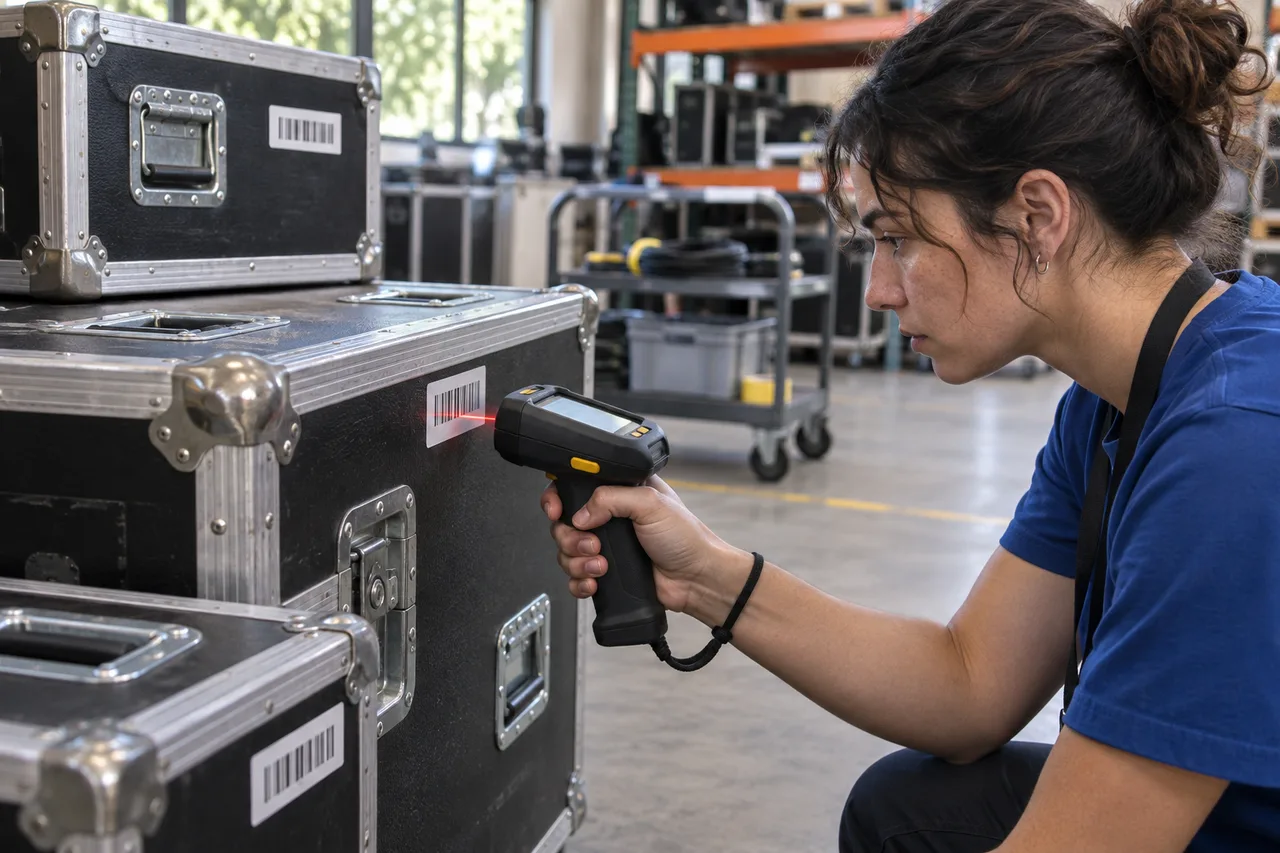
A warehouse employee scans a speaker case at the pickup counter. Two search results appear. One is the speaker model in the catalog, and the other is the individual case due on tomorrow’s order. Both records use a similar short code. The employee can tell the items apart on screen after looking up the booking, but that is enough friction to make the scanning habit disappear on a busy afternoon.
A useful equipment code starts with a decision about what the crew needs to identify. A code might identify a product, an individual asset, a kit, a container or a location. In a rental business that uses all five, each code needs to point to a specific kind of record and support the work that happens after a scan. Test the scheme on actual handoffs before numbering everything in the warehouse.
Choose what the scan needs to identify
Start at the place the code will be used. Watch someone pick a chair order, hand over a sound kit or count equipment at return. Write down what they need to know at each step. For a chair order, the task may be to count 40 units of a single model. For a sound kit, the employee may need to identify the specific mixer, match it to the kit and confirm the power supply is present.
Decide where individual identity matters. Equipment with a distinct maintenance history, accessories, calibration needs or high replacement cost may need a separate asset code. A stock line for hundreds of interchangeable chairs may work by quantity, with a product code on a bin or rack. If the business has to track certain chair batches separately, consider recording the batch or rack without labeling every chair on the first day.
Separate a container from its contents. A code on a road case can identify the case or call up a kit record. Its presence alone does not establish that the equipment inside was returned. A shared case may carry different items on different orders. Define how the crew verifies contents and which pieces have their own codes. A durable label and a complete kit list answer two different operational questions.
Give locations their own identifiers if staff will scan shelves, carts or vehicles. An employee should be able to tell when they are scanning an item and when they are scanning the location it will move to. The software should make the selected record and the expected next step clear. If a worker accidentally scans a shelf while trying to identify a mixer, the system should show a meaningful prompt.
Keep product codes and asset IDs distinct
A product or stock code usually groups rentable units with the same commercial or operational characteristics. It helps staff find the category, variant and price rules. An asset ID identifies one unit inside that group. Three identical projectors can share a product code and still have separate asset histories.
Manufacturer serial numbers can be useful references. Store them alongside your own asset IDs when you need them for maintenance or warranty records. They can be difficult to reach, similar in appearance, or absent on old items. Your label should be accessible during normal handling. If you use existing serial numbers as scan identifiers, check that they are unique across your equipment and readable on your devices.
Decide which identity follows equipment across changes. An asset ID can stay with a projector after its product name is revised or it moves to a second warehouse. Avoid putting the item’s current shelf, condition or price into the code. Keep those facts in fields that can be changed without creating a new identity. Use a short prefix when distinguishing record types is useful to staff, then keep the stable part simple.
Write a clear rule for what happens at retirement. Preserve the historical relationship between the code and the retired item. When a replacement enters service, assign its own identity and connect it to the same product record or relevant replacement note. Reusing the old code could attach a repair or a return to the wrong physical unit. Give the crew a clear result when an old label is scanned.
Use a format the crew can read and enter by hand
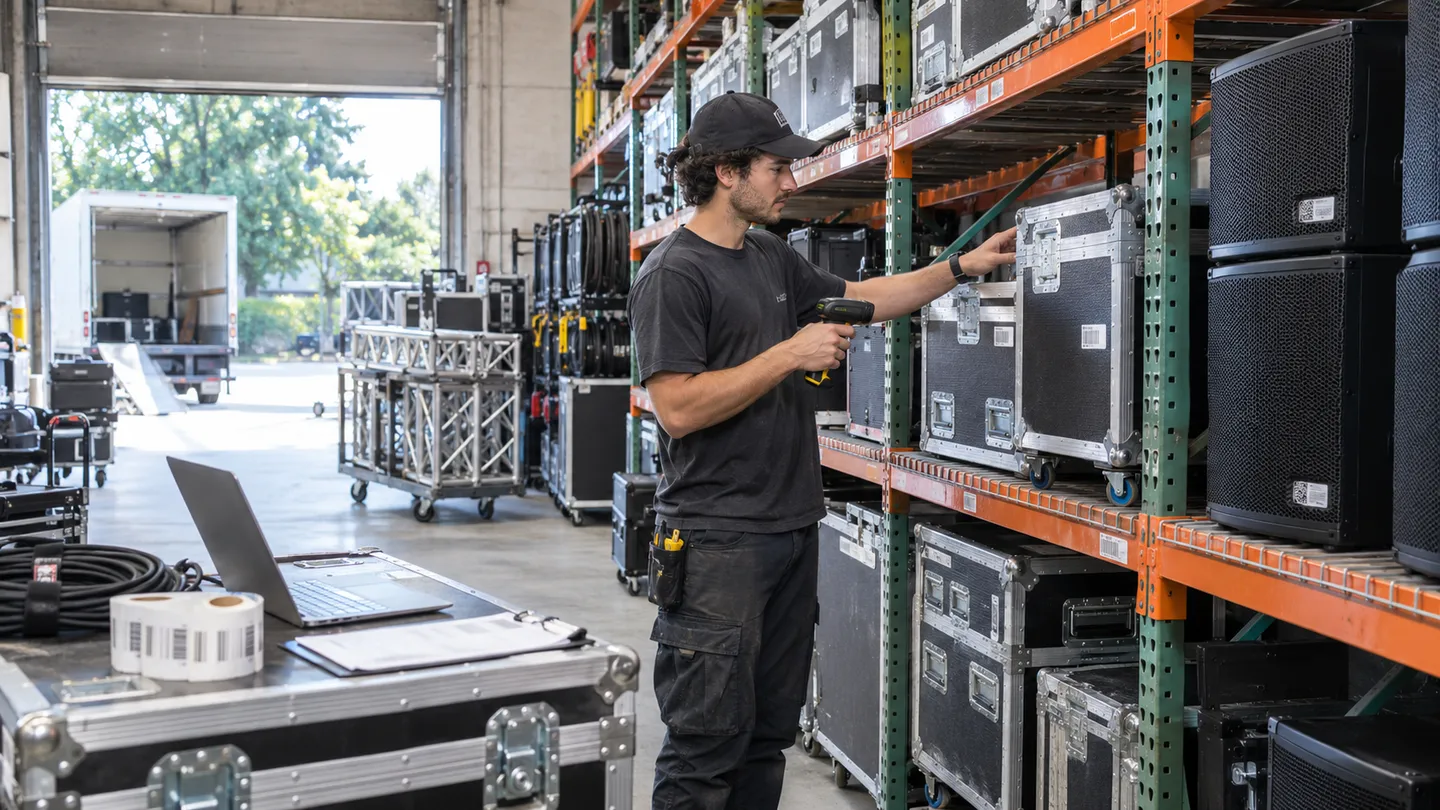
Pick a recognizable printed format with enough room to grow. A shop might use P-1048 for a product and A-003184 for an asset. The prefixes are illustrative. Choose values your software stores consistently and that are easy to relay by phone. Decide whether to display punctuation if the inventory tool strips it when scanning or searching. Keep the printed code and the recognized input easy to match.
Check how your system handles leading zeros and letters. A spreadsheet can turn 003184 into the number 3184 if the column type is wrong. Some importers may treat upper and lower case as separate values. Store identifiers as text in the places you control, and try importing a small file with representative codes. After import, search for the same codes from a workstation and a mobile device.
Consider the visual context. A worker identifying a dirty label under a loading dock light may have difficulty with ambiguous characters. A fallback number printed in a readable size can do more for reliability than adding several letters to the code. Ask someone who did not design it to read three or four sample labels from a normal working distance.
Document how codes are assigned. One person or a system-generated sequence can prevent two employees from issuing the same number on a busy intake day. If the business assigns codes at more than one site, test how those locations get new values. A common sequence with a uniqueness check can work well. A separate numbering block per site can also work if it remains part of the permanent code and can be searched throughout the business.
Match the encoded value to the scan action
Decide what the scanner should send or open. A common warehouse setup scans a label into an input field and the app looks up the exact value. A phone-based flow may open a page tied to that item. Both can be useful. Test the normal action using the device and user account the crew will actually carry.
Keep the encoded value consistent with the printed one or document their relationship. If the code opens an internal page, keep the human-readable ID on the label for a failed scan or a conversation with the office. The code should identify the record. Store customer details, changing prices and service notes in the application where permissions and updates can be handled. Test that someone who sees a label outside the warehouse can view only the details that person is meant to see.
Check the app’s handling of prefixes, leading zeros, spaces and line endings. A handheld scanner may append an Enter action after the code. If the normal screen expects a quantity next, that action should move the employee to the appropriate field or show a clear result. Test repeated scans. Depending on the workflow, three scans of one product code may increase a quantity, while a second scan of the same asset may need a duplicate notice.
Try the workflow from the start of a shift. Can a new employee open the screen, scan the first item and understand the outcome? If an item opens a detail page, check whether a back action returns to the current order. If a scan registers an item as out or returned, show what changed and provide a clear path to correct an accidental entry. The label will help only if the surrounding interaction is fast enough for staff to use.
Put the label where the scan will happen
Check where the item sits during normal picking, loading and return. A code between two stacked cases may be difficult to reach at exactly the moment it is most useful. A code on a lid may be easy to scan during unloading but prone to wear during stacking. Apply a few sample labels where staff can reach them without flipping, unpacking or lifting more equipment than the job already requires.
Test with the gear mounted or packed as it will usually appear. An equipment code on the side of a projector may work at the bench and disappear when the foam insert is closed. A kit code on the outside of the case helps at loading, with the individual item checked while the case is open. Confirm that staff know when to use each one.
Look at the amount of label space the item offers. Keep enough room around the code and clear printing for the devices to read it. Test a sample with the expected light, angle and distance. Check the appearance after ordinary handling and cleaning. A small sample tells you whether placement and material need more work before you print a full set.
Provide a way to replace a label. Verify the item using a known reference, then reprint the same code when possible. Record the replacement and remove or cover a misleading partial label if your process allows it. If the original ID cannot be confirmed, have someone review the item and history before assigning a new number. This step matters when two units have similar cases.

Walk one mixer through pick, dispatch and return
Imagine three mixers of the same model. The product record has code P-1048. Individual assets A-003181, A-003182 and A-003183 each have a labeled case and serial number. A booking for one mixer asks the warehouse to pick one of those units on Friday. The system shows that A-003182 is under repair and the other two are cleared.
The picker scans A-003181 at the staging area. The order shows a match for the requested model and records that unit as picked. The employee checks the power supply and rack adapters against the component list. If those accessories are interchangeable, the list can require one power supply and two adapters without creating a separate asset record for every piece. The final check shows the specific mixer and counts going out.
On return, someone scans A-003181 and sees which order it belongs to. The case is present, along with one rack adapter instead of two. The person at the counter marks the mixer physically returned and records the missing component. If the kit cannot go out complete, its status shows that it still needs the other adapter before preparation is finished. The individual asset record can retain its return history while the business deals with the kit issue.
If the customer instead brings A-003183, the system should show that the scanned asset is different from the dispatched one. The employee can set it aside, check the handoff record and correct a real recording error through the defined process. A mismatch should stay visible until someone can explain it. The label and the software together offer a way to resolve the problem without relying on which equipment looks most familiar.
Start numbering with a supervised pilot
Choose a small group that includes different cases. Add one quantity-based item, several serialized assets, a kit and a location if your workflow uses locations. Assign codes, print them and ask the crew to perform a full pickup and return using their normal devices. Include a scan from a bright doorway and a scan from the storage rack. A person who has never seen the codes should take part.
Test the conditions that tend to create extra work. Include a code that does not exist, a duplicate scan, a damaged label, the wrong asset on a return and a case with one missing piece. Rehearse who will resolve each result. A helpful screen might say “This is a location code. Scan an equipment item first.” If the scanner behaves as though nothing happened, the worker will usually try again or give up. Confirm the system helps them recover.
If the warehouse uses multiple apps, test the path between them. An item scanned in the repair work area should still refer to the same asset seen in the booking system. If a worker needs one label for dispatch and a second for maintenance, check whether both labels are necessary and how the relationship is maintained. A dependable lookup across two systems is better than two labels that staff choose between by memory.
Write down what you learned and use it to size the rollout. Ask how many codes staff can issue, attach and verify in a normal shift. Record which work area can absorb that time without delaying bookings. Stage the next group of labels with a clear owner and verify a sample once they are attached. A small batch is enough to reveal duplicates, hard-to-scan labels and bad assumptions about which equipment is interchangeable.
If you are migrating an existing list, sample assets that have older stickers, manufacturer codes and hand-written numbers before printing anything. Make a cross-reference so people can search the old value during the transition. Put the new label on a unit only after confirming its identity against a reliable record. Give the warehouse a clear way to mark items it could not match and a person to review those items. Where two assets already share the same old code, keep that ambiguous value as a note until the individual histories can be resolved. Count what has been verified by item and record which shelf or case remains to check.
Keep the system usable as products change
Audit a sample of identifiers after a few weeks. Look for duplicate codes, assets without labels, labels that open the wrong record and retired items still appearing in fulfillment. Review how often staff use the manual entry fallback. If most scans fail on one equipment type or location, observe that step before changing the numbering scheme.
Review new equipment intake with the warehouse team. Set the point when a code is assigned, when the label is printed, and how the item’s identity is checked before it becomes rentable. For a replacement, record the relationship to the retired asset separately. For a new rental product made from existing components, confirm the component codes still point to the right physical units.
Keep a short shared reference with the common prefixes, where labels are placed, how to search by ID and how to report a lost label. Include an example from a normal booking and one from a mismatched return. When the process is clear enough for a new employee to follow, someone covering a busy shift can handle an unfamiliar item without learning the entire warehouse first.
Review each additional kind of code against a real task. A second identifier may help a team that needs both a product family and an asset history. A code for a carrying case may help if that case moves independently. Start with the identity the crew needs to answer a specific question, choose a format they can read and test what appears next. The scheme earns its place if those steps make it easier to send the right equipment out and account for it when it comes back.