Build table and chair packages by layout and load
Build table and chair packages from actual room layouts, furniture counts, vehicle loads and return handoffs.
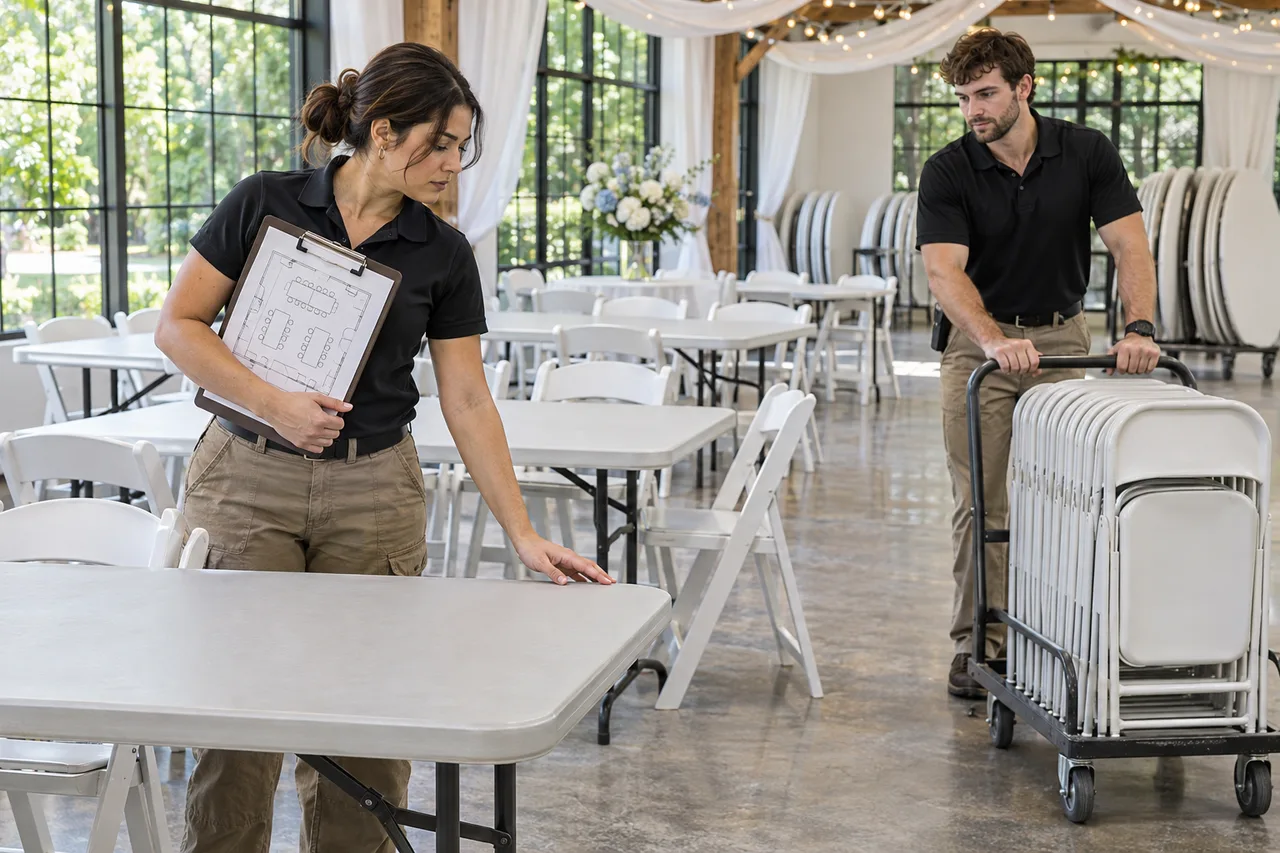
A planner asks for a package for sixty people. The rental company offers sixty chairs and enough tables to seat them. At the venue, two tables are used for food, one has to move to make room at a doorway, and the customer expects seats for the people checking guests in. At the warehouse, the loaded furniture is split between two vehicles because all the flat tables did not fit the first one. The package counted guests. It did not account for how the furniture would be used or moved.
Build table-and-chair packages from three related decisions. Confirm the layout, turn it into specific quantities and check how the stock can be staged, loaded and returned. A clear package gives the customer a way to compare offers and gives the crew a list it can fulfill.
Start with what the room needs to do
Ask how the event uses the space. A seated meal, a presentation and an open reception may all serve the same number of people with different furniture. Collect an approved or useful layout from the planner or venue. Identify the areas used for dining, registration, displays, food service and storage. Make any plans that still require venue review visible in the quote.
Separate peak seating from total attendance. An open reception may have only some attendees seated at once, while a catered meal may need a place for everyone. An event that moves guests between rooms may need two sets of furniture or a schedule and staff to move one set. Ask the client which arrangement is planned and confirm that the site and crew can support the timing.
Record the tables that are there for work. A gift table, sign-in station and catering surface can be just as important as dining tables and may use different dimensions. If your business provides linen or related hardware, match it to each table’s actual size. Let the customer see which items are included and which the venue or another supplier will bring.
Check the venue’s constraints using the organizer’s or venue’s current information. Doors, access paths and the approved room arrangement can affect furniture size and what staff can move. Ask who is responsible for confirming the layout and receiving it. A package can have a standard list with a customer-specific room plan once the quantities and service are verified.
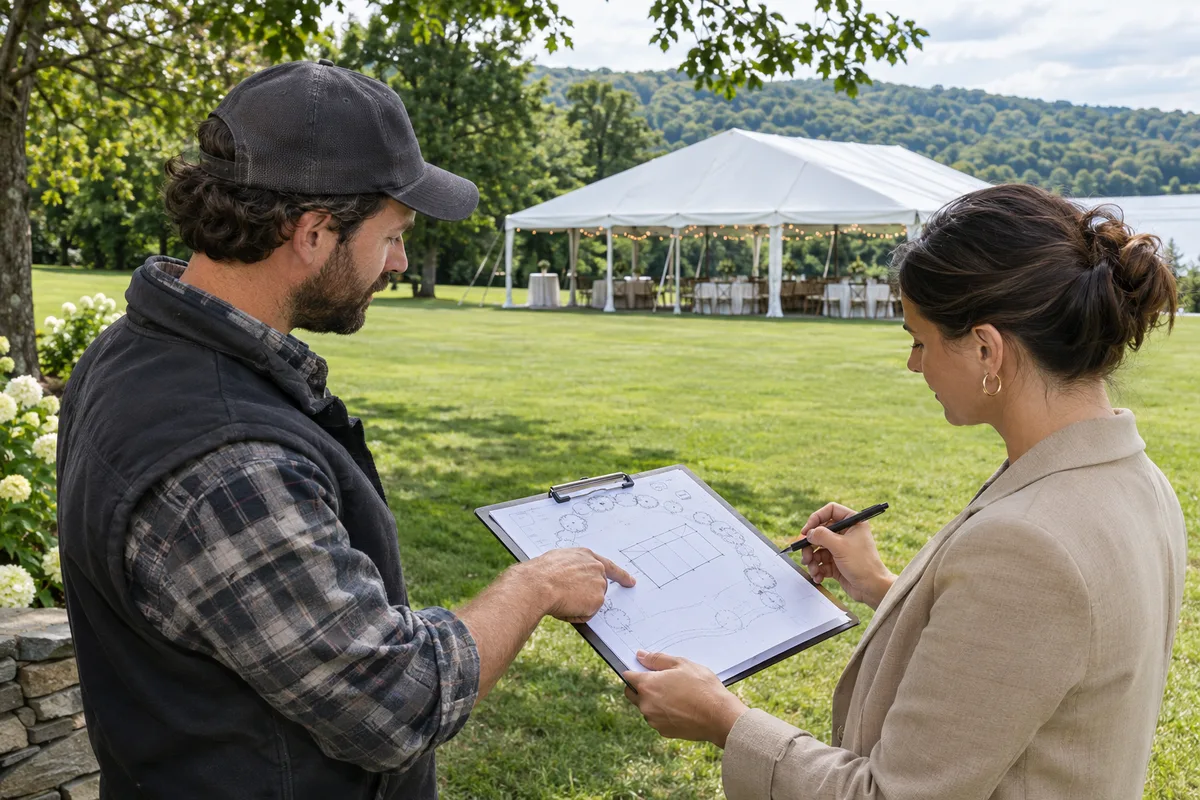
Use real furniture dimensions to make the package count
Start with the specific item the customer will receive. The dimensions and intended seating arrangement of an actual table are more useful than a general name such as banquet table. Check the chairs alongside it, including differences in width and how they are placed. Use the furniture’s specifications and the venue’s approved setup before promising a seat count.
Build a simple list by room or function. Write the expected seats and quantities of each item. A dinner layout might use eight dining tables and forty-eight chairs, with two smaller tables for other uses. Have the planner verify the intended headcount and the furniture serving each area. Add any agreed spares or special seats as separate lines so someone can tell why the count exceeds the guest total.
Give customers a choice between layouts when it changes the offer. A long rectangular arrangement may fit a particular room or create a specific look. Groups of round tables might need different service space, linens or placement. Show the number of tables and chairs in each option and what the crew will do. Ask for the organizer’s approved arrangement if placement is included.
Check requested changes against the whole package. Adding eight chairs may need another table and cover. Swapping a table may affect packed length or placement. When the customer changes their guest count, update the room list, not just the number on the quote. Give the warehouse the current approved quantities and enough information to check the rest.
Make the price fit the service offered
Define the standard rental period and handoff for the package. The item total might cover the furniture for a weekend pickup. A delivered setup can include vehicle travel, unloading at a service entrance and placement according to the approved plan. Give the customer a clear price for each support level you can actually offer. State which work they are expected to handle.
List the components that affect the price. If chair placement and table assembly are included, say so and give enough detail to verify the scope. If the linens or covers are optional, show what that choice adds and which sizes it includes. A package that looks simpler on the storefront should still be understandable as an approved order.
Estimate the work using a normal example. Include counting, preparation, loading, delivery or counter time, collection and return inspection. A large package may share the same trip as a smaller one and take much longer to move through a narrow entrance. Identify when unusual access, split arrivals or a timed placement need separate review. Put the relevant condition in the inquiry or quote.
Make a booking reference and revision visible. When the customer adds tables after approval, confirm stock and service fit first. Show any change to the price and which earlier terms still apply. If staff need to use a different truck or staging slot, update that view as well. The office and crew can then work from the same version.
Verify the load before offering the package at scale
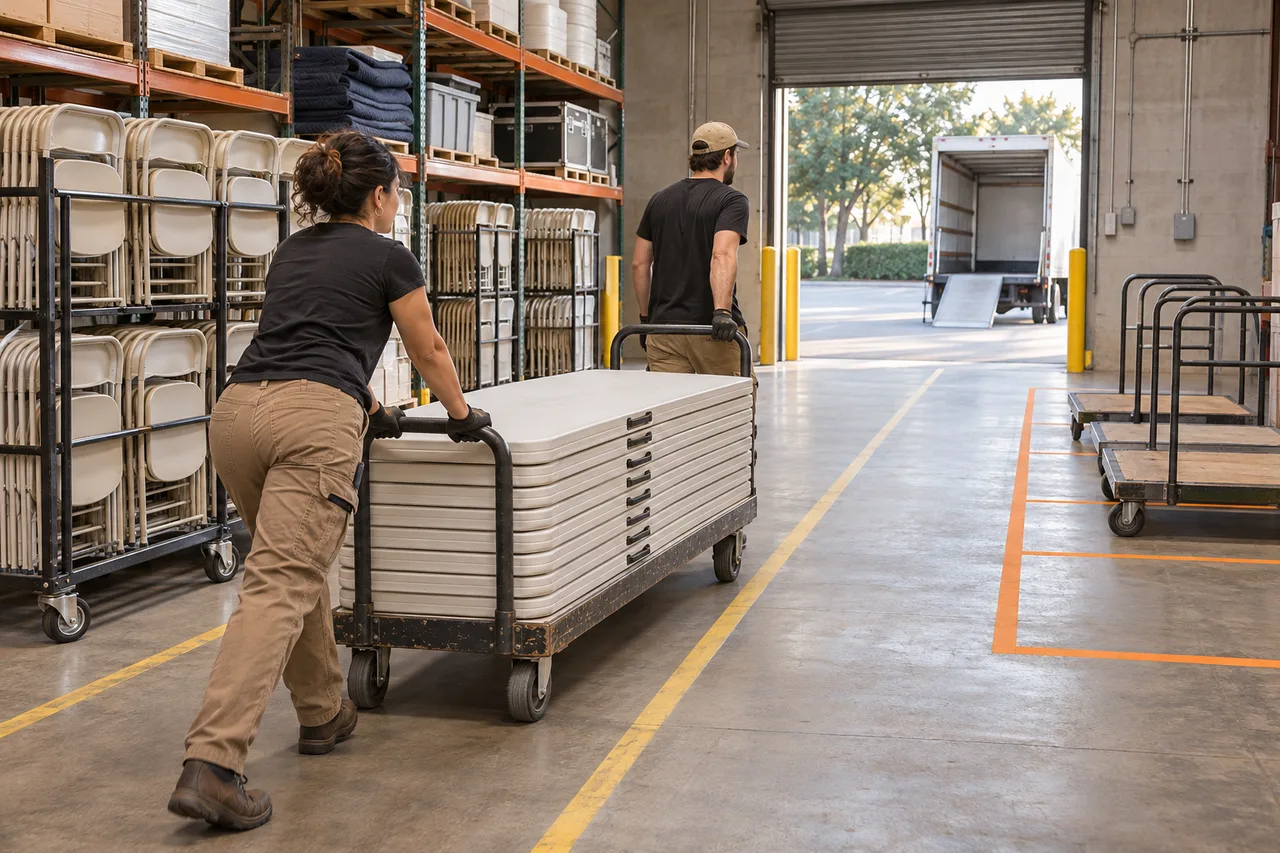
Walk a complete package through the warehouse. Identify where the chairs, tables and smaller parts are stored. Stage the expected quantity and check the items you can move together. Choose how each rack or cart is counted. Separate furniture by room or stop if that will help the receiving crew recognize it on arrival.
Talk to the people responsible for vehicles and loading. Compare the packed dimensions, typical transport equipment, approved loading procedures and vehicle limits with what the job needs. Plan which pieces ride together and what must be reachable first. If the package relies on two vehicles, give each a manifest and confirm both arrival windows. The venue should know which setup group each vehicle carries.
Check the path from the vehicle to the space. The venue’s instructions may specify a dock, a time window and a room name. Confirm whether the cart can use that route and whether the crew needs to break a rack into smaller groups. Record the actual receiving point and who meets the crew. Update the service estimate if the path changes the amount of work.
Consider customer pickup as a separate case. Give the renter the packed dimensions and any relevant handling information before the appointment. Make clear which items can be transported together and what the business supplies. If an order needs a delivery because the customer cannot collect it as agreed, the office needs a way to review the available route and price.
Walk through a dinner and registration package
Imagine an event for 48 seated guests. The agreed layout uses eight dining tables with six chairs at each, a registration table with two chairs and two additional tables for food service. The warehouse should pack eleven tables and fifty chairs. The quote can group dining, registration and service furniture so the customer can verify what each area gets. Where the layout uses more than one table size, the pick list includes each one and its associated cover.
The venue asks for food service tables at a side entrance and dining furniture at the main service dock. Staff create two destination groups from the same order. The main group needs the eight dining tables, forty-eight chairs, registration table and two seats. The second group needs the two service tables. If both groups travel on one vehicle, the load lead checks which one must come off first and ensures the truck can fulfill both sides of the plan.
After the first quote, the organizer adds six dinner guests. The office asks whether the venue approved a ninth dining table or has an agreed way to adjust the layout. The warehouse checks that it can supply the table, six chairs and correct cover. Dispatch verifies that the new group still fits its planned load. The customer can then receive a revised package that reflects what will be delivered and placed.
At collection, the catering company still needs the service tables for another hour. The driver checks what can be taken now, what remains due and whether the original service allows the additional trip. Dispatch coordinates the changed handoff with the organizer and records the outcome. The team can find the outstanding two tables because the package was already grouped by use and destination.
Make the warehouse and return views agree with the offer
Expand the package into physical stock. If the catalog sells fifty chairs and eleven tables as one package, the system still has to reserve each equipment line and item type. Check another order that tries to rent some of the same chairs during the overlap. Test the package and individual listings together so the business can see how much stock remains.
Record the actual contents at load. A label can identify the order, room and quantity, and the manifest can show which vehicle took it. If a substitute goes out, use the approved replacement in the working count. Give the person receiving the equipment a way to compare each group with the plan. A complete package should have a count the next employee can reproduce.
Record the return independently. Confirm what physically came back, note partial collections and send gear that still needs inspection to the right place. A count of fifty chairs can coexist with several units under review because they were damaged or need cleaning. The person checking the next booking needs to see how many can actually be released and when.
Review hard-to-track items after several jobs. A pile of linen bags may be the last thing to come back, and sets of table hardware can travel in different containers. Mark which package and room each one serves. If a customer has agreed to return some items later, keep a separate expected time for them. The next booking needs the actual returned quantity and any outstanding preparation work.
Check the package when it shares a route with another job
A package that fills one vehicle on its own may compete with an earlier delivery for racks, the crew and the loading door. Plan the vehicle as a sequence of stops and note when each part of the load can be reached. Ask the load lead to verify how the proposed arrangement fits the vehicle and procedure. A count that fits the floor of the truck still needs a practical path to unload.
Suppose a morning stop needs only one stack of chairs and the afternoon stop needs several table groups. Put the morning items where the crew can reach them first under its approved loading plan. Label the equipment with the order and stop as well as the room. When the driver checks the load, make sure they can read the first stop without moving the afternoon group. Copy the confirmed delivery window to the same route view.
Check how a change affects both orders. If one venue moves its time, the revised route may require a different sequence or a second vehicle. Review which groups have been staged and what can be moved safely. Update the relevant assignments and tell the customer what change they will see. Two bookings can share physical space on a truck while retaining separate checklists, delivery points and return counts.
Compare a reusable package with one that still needs review
Let staff identify the common package quickly. A standard pickup order can have a defined type and number of tables, chairs and covers, with a known appointment and vehicle requirement. A package with additional room placement needs enough flexibility to record the approved layout. Decide which facts customers can confirm through the storefront and which require someone to check the venue.
Use a short example for the point where a standard package becomes a custom quote. A customer adding two places may be able to confirm the revised count once the layout fits. A customer changing from one hall to two locations might need a different service. Give the office a way to preserve the basic equipment list and review the new work without starting from a blank quote.
Tell the warehouse which details may change and which ones need approval. A customer can often choose a color before the listed cutoff. A driver should know which alternative chair type the customer approved before a substitution. For a later room or time change, use the relevant version of the layout and record the decision where the crew will find it. A reusable package saves time when it helps staff handle the common case and recognize a meaningful exception.
Make the customer’s choices clear before they book
Write the product listing for the questions people already ask. Show a real layout example with its included items. Describe the table and chair types, seating estimate for that layout, and how changes in guest count are handled. Put the standard service and period next to the price so a shopper can identify whether they need a revised quote.
Give the customer a direct way to share a venue requirement or seating change. If the site needs review, collect the date, layout and access information with the package already selected. Confirm the exact work before taking the reservation to a final state. Make the difference between a request and a confirmed booking clear so the organizer knows what still needs an answer.
Test how the package reads when shared by someone else. A venue manager may receive the quote from a planner who already understands the setup. The manager needs to find the quantities, where each group goes and which time is approved. If the packet needs a separate diagram, make it easy to find the current version. This prevents a useful package from becoming a long explanation every time a new person joins the job.
Improve the package using the first several events
Record the quantity ordered, staffing expected and staffing actually used. Check which jobs needed a layout correction, a second vehicle or extra time at the receiving point. Compare the service the customer chose with what the crew delivered. A new package can look popular and still need a change to handling, pricing or appointment limits.
Ask what customers read and what remained unclear. A request for more chairs may come from a real guest count change or a description that did not account for registration and venue staff. The fix could be clearer quantity rules, an optional add-on or a better way to identify room uses. Test one change and see what happens on the next similar job.
Check capacity after adding variants. A new package can share the same chair pool, preparation crew and truck with existing products. Make sure the offer can coexist with the work already scheduled. A layout that can be shown clearly in the quote, counted during staging and verified at return is a good basis for a repeatable rental package.