Build short rental videos around common customer questions
Answer common rental questions with short, accessible videos that show real equipment and lead to a useful next step.
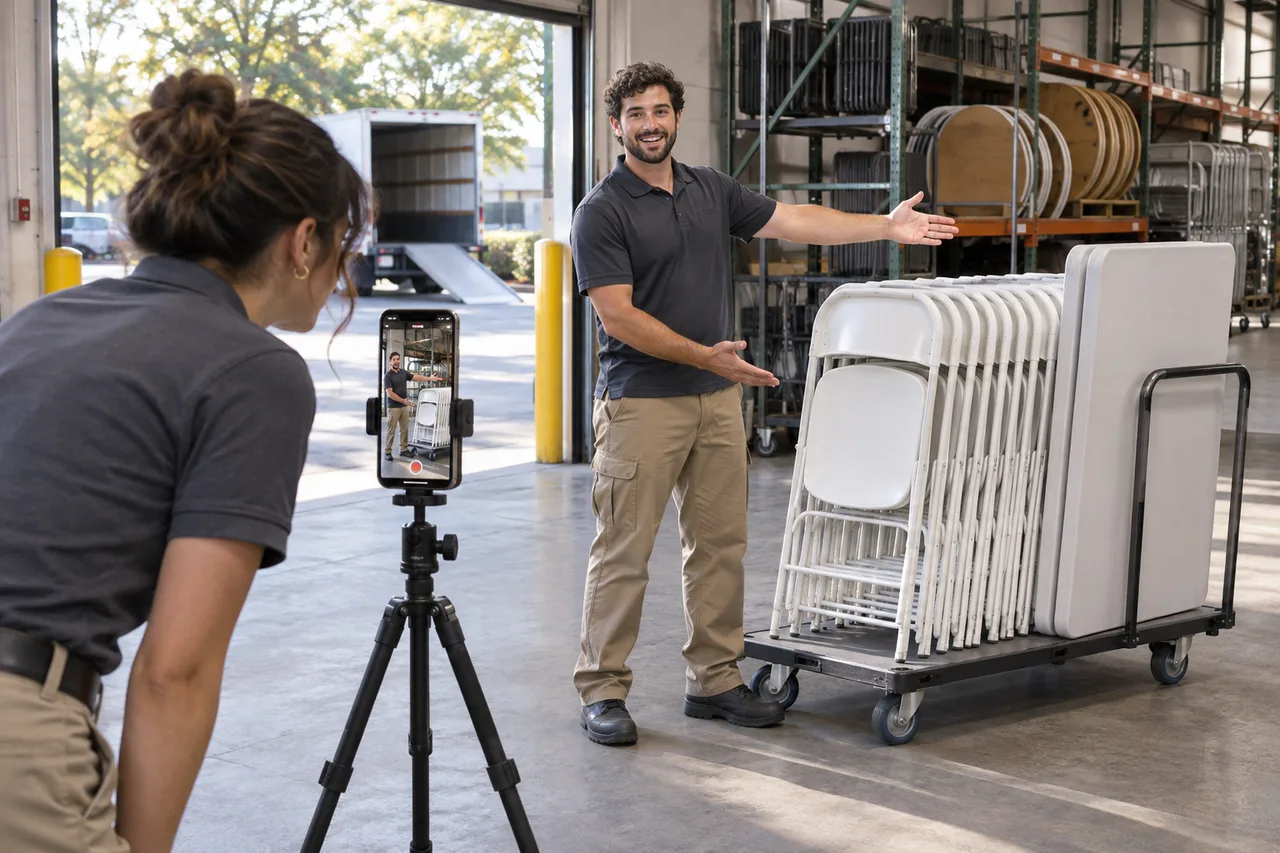
A renter is looking at a banquet table on a phone and wants to know whether they can collect it at the warehouse. The shop's social page has several attractive event montages, but none shows where a pickup begins or what they should confirm before arriving. A short video can answer that one question and give the customer a path to the current instructions. It helps the office too, because the person making an inquiry can provide details the shop actually needs.
Choose a question that comes up in real rental conversations. Show the equipment or service behind the answer, use an example staff can verify and add a clear next step. Put the current terms in a page or message the business can maintain. Use each published video as an invitation to a decision, then see whether it helps people ask more useful questions.
Start with a question from a customer
Review recent inquiry notes, quote conversations and pickup questions. Choose a recurring question about equipment, a venue or a service. Examples include how to collect an order, what a table package includes and where to check a rental date. A question from a real conversation often gives you useful words for the opening. Replace private details with a suitable example the business has permission to share.
Find out what people are deciding when they ask. Someone who wants to know whether a table folds may be deciding which vehicle to use. Someone asking if a package includes delivery may be trying to compare quotes. Show the information that helps them make that decision and identify anything they need to confirm. If multiple items or service types have different answers, focus on one and point to the place the shop can explain the rest.
Agree what a useful outcome is. A pickup video might give people the right starting point and explain why they need an appointment. A product clip might show what comes with one rental package and send people to the exact listing. Keep the question and answer limited enough for the team to verify. A general overview can be helpful elsewhere, while a short answer needs one promise the owner can review.
Write a short sequence before recording
Outline three parts: the question, an example that answers it and a next step. For a warehouse pickup, start with the question customers ask, show a staged table and chair order near the approved pickup area and finish by pointing to the current scheduling instructions. Show what would be useful to a renter while avoiding details that vary from one confirmed order to another. Say where to get the instructions for the customer's particular booking.
Prepare a few short lines for the employee speaking. For example: “Collecting a table order? Arrange a pickup window with our office first. Your confirmation shows where to check in. Open our pickup information to see how to request a time.” Verify that each line reflects the shop's real process. If you expect to reuse the video through more than one season, keep changeable dates or prices on the page rather than recording them as permanent promises.
Create a similar outline for a product question. Show the specific pieces included with one table and chair package. If a setup photo contains flowers or linens that the venue provides, explain what the rental company supplies. Finish with where to check dates or ask for more items. Use the same product name people will see on the page. The next action should connect to the exact question you answered.
Record the real equipment and the right place
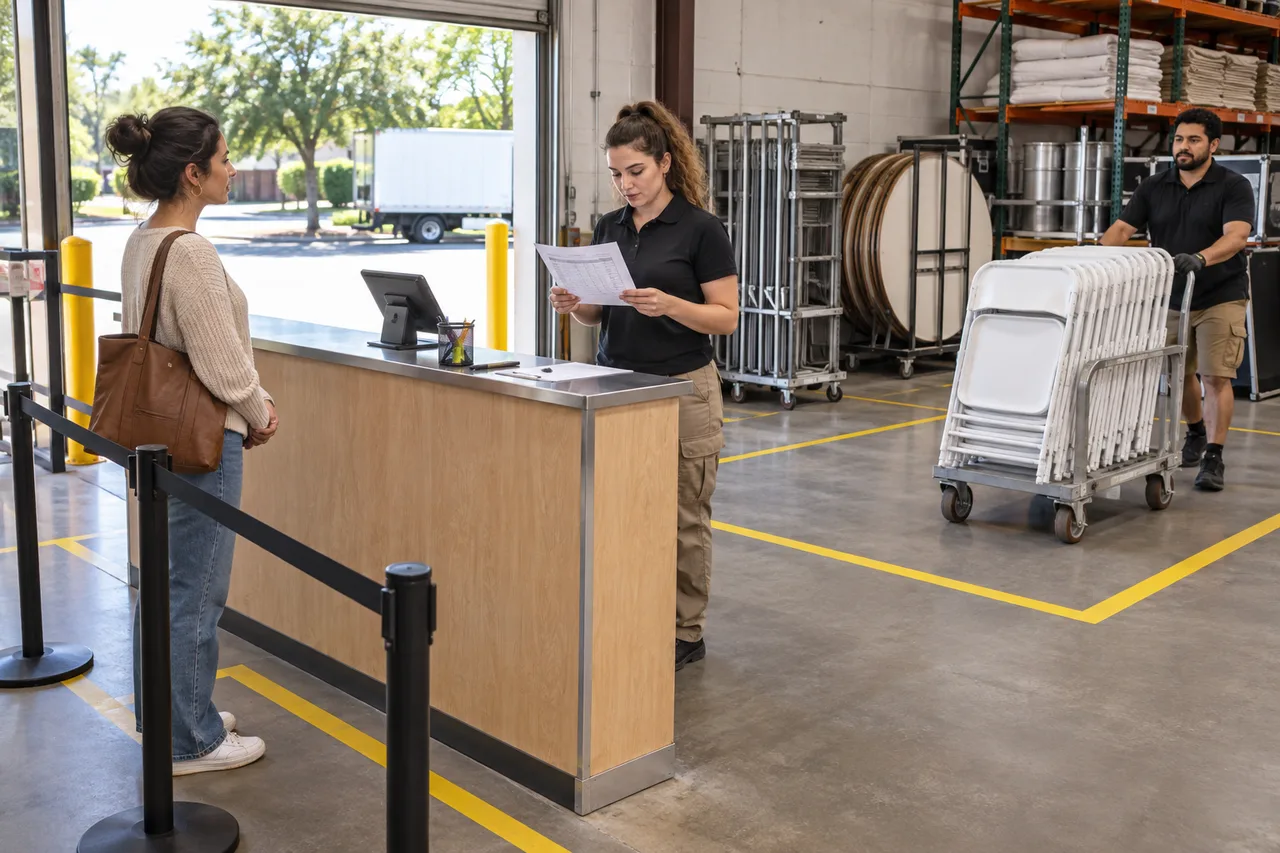
Choose a time and location where employees can safely demonstrate the ordinary process without interrupting active work. Set up a sample order with the actual items. Give each person a role so nobody has to run a customer handoff while trying to film it. Obtain appropriate permission for the location, people and materials you will show. Avoid capturing order records, unrelated customers or access information the business doesn't intend to make public.
Use the camera to clarify a detail. A wide shot may help a customer identify a table size in context. A closer view can distinguish a useful feature or show what pieces come with the package. If the answer is about delivery, a sample handoff can show the kind of information the shop asks to confirm, such as venue access and when the room needs to be ready. Keep the details accurate for the example and leave actual service decisions to the normal quote process.
Review the recording with the people who perform the work. Have a warehouse employee check the pieces and an office employee check the terms and link. Ask whether the video could be mistaken for an order confirmation or imply that pickup is available at any time. If the shop can't meet an expectation the clip creates, adjust the wording or example before publishing it. The film can be simple. The action it describes should be dependable.
Make the answer available with or without sound
Include captions for spoken information and review them against what the employee said. Product names, place names and times deserve particular attention. Keep the key action in the written caption or a nearby line of page text. A visitor should be able to learn how to check dates or request a pickup without needing to find that instruction inside the video. See the W3C guidance on making audio and video accessible.
Give important visible details a readable description. If the goal is to show which chairs are included or where a person normally checks in, make that clear in the linked page or accompanying text. Keep decorative text clear of important controls and equipment. Try watching without sound and ask whether the question, answer and next step are still understandable. Also try reading the description without playing the video.
Keep a copy of the approved script or a short text equivalent. Staff can use it to answer inquiries quickly. If captions or on-screen words refer to a detail that changes, the business should know how to revise the asset. Identify what the video explains and where it sends people for the latest conditions. A quick answer should help a renter even if they prefer to read the instructions.
Point to the next step at the right level of detail
Pick a destination that continues the topic. A clip about pickup can point to the store's pickup instructions or a particular way to request a window. A product clip can point to that product or a group of compatible items. A venue setup clip can link to the service page where the office explains what details it needs to check. Test the link from the type of device the visitor is likely to use and confirm the business name and action on the next page.
Decide what you want the person to do if they already have a booking. They may need the confirmation or the right contact to ask about an existing order. A person still planning may need a catalog or a quote form instead. If both groups regularly view the clip, give them a simple way to find the appropriate route. The video can answer the normal question while the current booking shows the accepted time and details.
Share the answer where it will be useful. A public post can help someone discover the business. The same explanation might be valuable on a frequently asked questions page or in a reply to a specific inquiry. Use the format the destination supports and keep the essential information readable outside the video. Avoid adding a large set of embedded clips near the booking action simply because they already exist.
See whether the video changed the next conversation
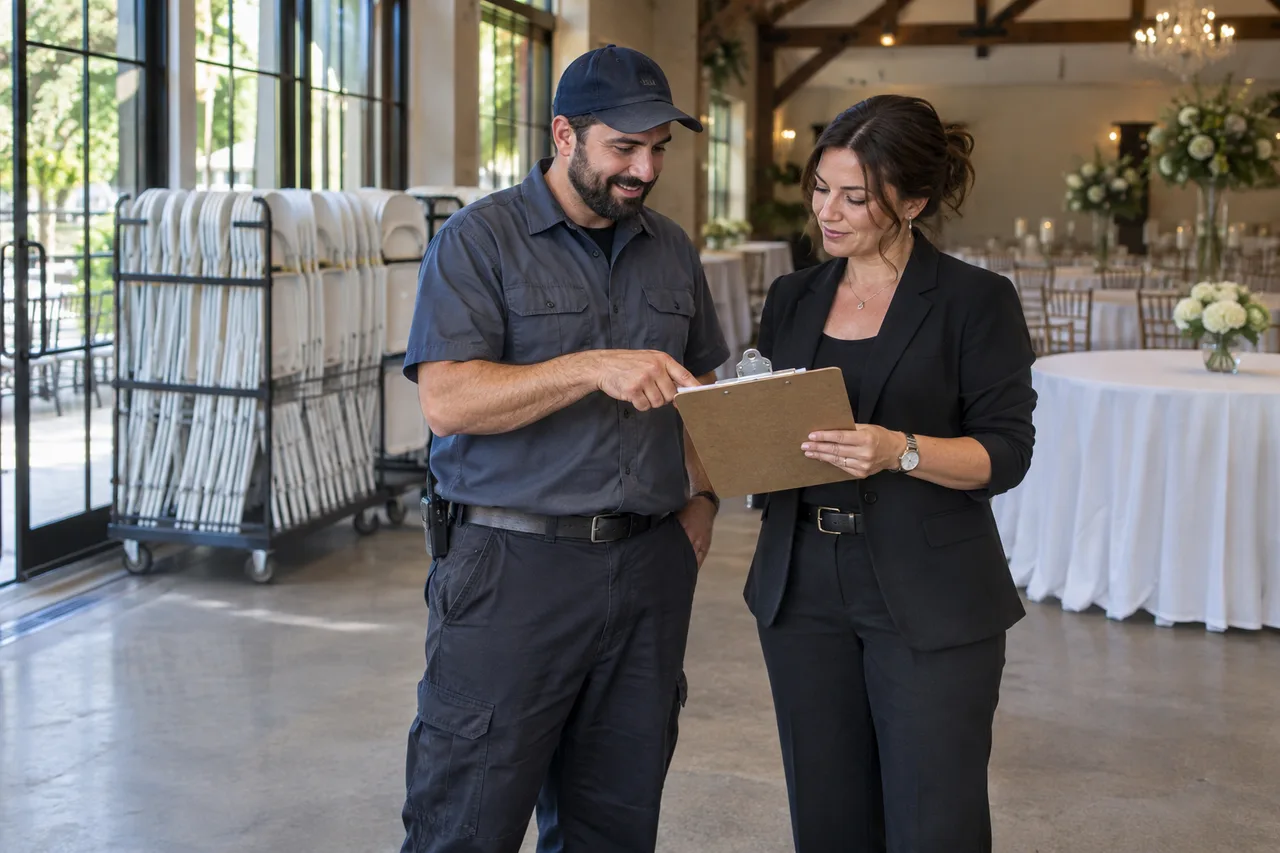
Review a few inquiries that mention the video or follow its link. Check whether the customer knew how to check a date or ask for the right product and whether they provided the details the office needed. If they still ask whether pickup happens at the event site or the warehouse, read the clip and destination again. There may be an easy way to show where the process starts or name the correct contact.
Track the information the business can verify. A counted view can show the platform recorded activity. A useful enquiry gives the office enough to move the job forward. A confirmed booking should still be tracked under the usual process. Keep those observations separate when deciding whether to make another video. Ask staff whether the answer saved them a repeated explanation or led to a different question they can address next.
Use one case to choose a revision. If customers remember the equipment but don't know what's included, show the items together and name the included quantities. If a question about delivery keeps getting a pickup video, create a separate answer or improve how the business labels the existing clip. Keep the scope small enough to test the change. A short video is most effective when it answers the exact question the customer is trying to resolve.
Walk through a complete example for what comes in a package
Imagine a package includes two six-foot tables and twelve matching chairs. Customers ask whether the linen and centerpiece in the photo come with the equipment. Build a short answer around the bare package first. State the included pieces as you show the pair of tables and the chairs arranged together. Then briefly show an example of how someone might dress the tables, with a clear written and spoken note that the linens or decorations would need to be arranged separately. Give viewers a link to the package description, where they can check the current options.
Take the clip to a staff member who didn't write it. Ask them to describe what arrives under the ordinary agreement and what needs a separate request. Compare their answer with the warehouse pick list and checkout summary. If the clip leads them to assume the display pieces are included, change the shot or make the distinction more visible. The final description should help someone ask for the pieces they want without the office having to reconstruct what the photo suggested.
Try an actual question at the end of the example. A renter wants fourteen chairs rather than twelve. The page should give them the right way to ask about extra chairs and show which details the shop needs to verify. Avoid recording a permanent promise to have extras on hand. Use a link with the current package and separate stock or ask viewers to contact the office. Review the response with the person who sees requests. The clip can move customers toward an accurate order even when their requirements are different from the example.
Give the test an owner and a comparison period
Ask the team to record how often the question came up during a representative period before the clip. Then install or share the answer where it fits and review the questions staff receive during a comparable period. A short review might include how many pickup requests came with a usable date, how often the caller needed directions and whether anyone expected an appointment to be confirmed automatically. Keep weather, holidays and different opening hours visible if the periods vary. Compare the cases instead of using the raw number of inquiries as proof the video helped.
Let staff identify where the improvement belongs. A question may remain common because the written instructions on the booking page are unclear, even when the video gives a good explanation. Update the text first if a customer needs the answer without pressing play. If people keep asking about a detail the clip doesn't cover, consider a narrow revision. Keep a note of what changed and which contacts you reviewed. That lets the next employee compare the next set of replies.
Use a clip in a private reply without losing the current booking details
A short answer can save time when replying to an existing customer, but give them their own relevant instructions too. For example, a link can introduce the pickup process while the reply includes the agreed time and appropriate arrival information for that order. Read the message and video together. If someone could infer a different location or time from the general example, clarify the order-specific details before sending. A useful reply can give the reusable explanation while keeping the accepted booking clear.
Give office staff an easy way to find the correct answer when working through messages. Label it by the question it covers and the service or location it applies to. Include a way to reach the related written guidance. If the clip needs an update, tell the employees who use it so they don't continue sending the old version. A modest collection of verified answers can be easier to maintain than a much longer playlist, especially during a busy rental week.
Maintain the videos as part of the catalog and service information
Create a simple record of each published answer. Include the topic, product or location, approved description, link and date of the last review. List what could make it out of date, such as a new pickup entrance, a different package size or a change in the way people request delivery. Give that review to someone who knows the actual work. Check important links before reusing a clip in a new campaign.
Try a scenario where the business moves pickup to a second location. Update the current instructions first. Then find videos, captions and replies that refer to the old location. Decide which can be used with a new destination and which need another recording. Check a link customers might already have saved. The priority is to keep the next action accurate while the team replaces older content through its normal process.
Schedule a review before the season when the video is most likely to be used. Ask the person who handles requests whether the original question is still common. If the business now receives a different question, use the next recording to address that. Retain videos that remain useful and current. Over time the shop builds a small set of reliable answers rather than a collection employees have to search under pressure.
Give the next recording one job
Choose a question, make a short example and verify the next step on a phone. Ask a colleague to try it without a briefing. If the result is clear, give customers the answer through the appropriate channel and see what happens in the inquiries that follow. If it doesn't help, change what the clip says or where it leads before investing in more production.
A useful rental video connects something the customer can recognize to something they can do. Show the real offer, make the explanation accessible and send people to current product or service information. The best measure is whether the next person can ask a better question or start the rental decision they came to make.