Build an inflatable cleaning record your crew can use
Build a model-specific inflatable cleaning record that connects receiving, approved procedures, condition holds and verified release.
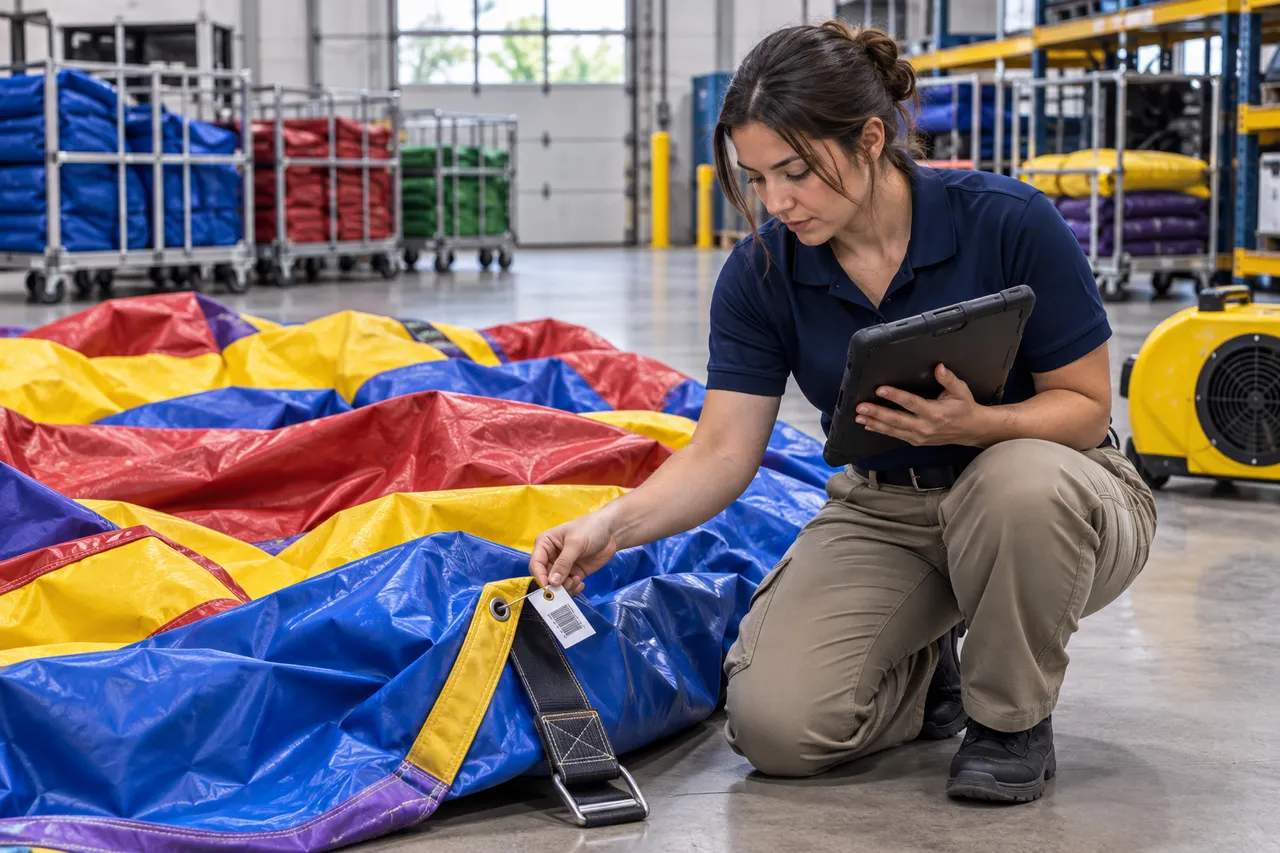
An inflatable comes back on Sunday evening. The driver says it was wet at pickup, so the warehouse puts it in the return area. On Monday, a worker sees a cleaned tag attached to the cart but cannot tell whether that tag belongs to the unit, the blower or yesterday’s load. The reservation desk sees that the booking ended and offers the inflatable for Tuesday. What the team needs is a record that identifies the actual unit and states which work has been completed, who verified it and which issues still prevent release.
Build the cleaning record around the decisions people make from receiving through dispatch. A worker should know which approved procedure applies and where to report a problem. A supervisor should be able to see what evidence supports a release. The booking desk should be able to tell that the unit is ready without calling the person who cleaned it. Start with the real work on a normal return, then try cases that arrive late, wet, incomplete or needing repair.
Identify the unit before recording any work
Use a stable asset identifier that staff can match to the physical unit and its model documentation. Keep the manufacturer information the team needs for verification. A listing called “Blue Castle” may refer to more than one similar inflatable. A note attached to a shared cart cannot reliably distinguish them. Record the actual unit at pickup, return and release. The next employee should be able to find its condition and service history using the same reference.
Record relevant related equipment separately. A blower, storage bag or other reusable component can have its own identity or a verified count, depending on how the fleet is managed. A worker can note that the main unit arrived while an assigned component is still outstanding. Check whether a verified alternative is permitted under the manufacturer’s guidance and accepted procedures before making the complete offer available. The cleaning record and packing list should agree about what is included.
Teach the employee to resolve a doubtful identifier. If the tag is unreadable or the cart has two labels, compare the available records under the shop’s approved verification procedure. Put the work into a hold when the match is uncertain. A complete form on the wrong unit gives the business false confidence. An explicit identification issue gives the next shift a specific problem to resolve.
Establish the procedures the record refers to
Start with the manufacturer’s current instructions for the exact unit and applicable requirements. Use qualified guidance to develop cleaning, drying, inspection and release procedures. Record which procedure or revision the worker used. Keep approved documentation where staff can reach it at the point of work. Similar-looking inflatables may not have the same approved practices. Do not use a general checklist as a substitute for the correct documentation.
Separate the meaning of cleaning, disinfection and equipment inspection. Cleaning removes dirt and material. Where disinfection is appropriate, use only products and methods that are allowed by their labels and compatible with authoritative equipment guidance. Give staff the right references for products and workplace precautions. The EPA explains the difference between cleaning, sanitizing and disinfecting surfaces, and the CDC provides general facility guidance. EPA surface product guidance CDC facility cleaning guidance
Keep policy decisions out of a free-form field a rushed worker must interpret. Define which conditions require qualified review, who can authorize a different procedure and who can release a unit. Record a clear hold if the applicable instructions cannot be verified. If a condition could require specialist handling or repair, route it before routine processing. The record should make the need for review immediately visible.
Capture condition at receiving and again after processing
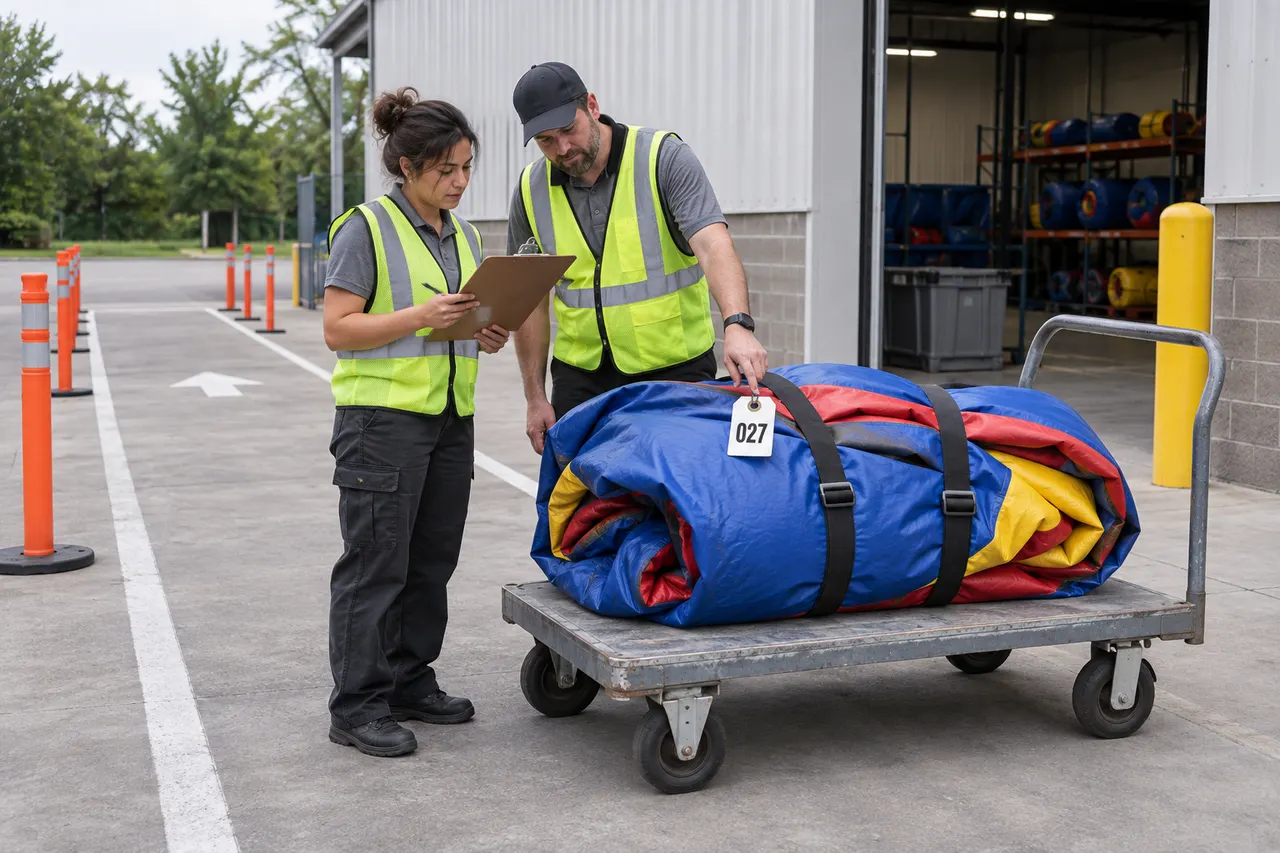
At receiving, confirm the booking, unit, date and worker, and note the condition as observed. Include whether the unit came back wet, visibly soiled, damaged, incomplete or already marked for service. Give staff a way to report another uncertainty. Use simple observational wording and put any photos in the authorized place. Avoid guesses about when damage occurred. Staff can separate what they can see from what still needs investigation.
Give returns somewhere to go before they are ready. Label the physical area and corresponding status. A wet return waiting for a work bay should not go back on a ready rack. A worker who receives a late item can document it and hand off the next action without having to finish everything before closing. If the team changes the location, record where it is now so the next shift can reliably continue.
After processing, record which steps were completed and any conditions that still need follow-up. The condition after cleaning may reveal a hold the worker could not see on receipt. Provide a way to note rework and the required review. Keep a timestamp for when the reported process finished. If drying or inspection remains pending, expose it as a separate state. A recorded step should help the next worker know what to do.
Keep the form short while preserving evidence that matters
Use required fields for the decisions people need every time. A typical record might include the asset ID, relevant booking or task, receipt condition, approved procedure, completed steps, worker and timestamps. Include exceptions, readiness and an authorized release where your process calls for it. Use choices that can quickly be understood at a busy bench. Provide notes for facts that do not fit the options rather than making staff write the whole record in prose.
Avoid recording decisions the worker cannot verify. A person who starts a cleaning task can report that it began. They should not have to mark the entire unit ready to save their progress. A useful status sequence may include received, processing, waiting for drying or review, and released. Use terms the shop already understands and give staff a way to reopen a task when a later issue appears. Preserve earlier records and write down the correction.
Test it on the device and surface employees will use. A large worksheet might be easy to view in the office and difficult to use at the bench. Keep a reliable fallback for ordinary loss of connectivity. Match its identity, timestamp and key decisions to the regular process. Assign a person to reconcile entries made on paper or another approved format. Staff should know when a record is saved and which issues have reached the next role.

Give repair and unresolved conditions a separate path
An inflated amusement device can need qualified inspection or repair independently of its cleaning status. Give staff a way to record a location, time and factual description for a concern, then assign it to the person responsible. Keep the unit out of the availability pool until it meets the approved conditions for release. Do not clear a hold by tapping another cleaning checkbox. The business should be able to see the concern, work completed and appropriate verification.
Rehearse a case with an item promised again the following day. A worker may find a concern at receiving. The booking desk needs a hold and the next review time, while the supervisor needs the specific issue and authority to decide a remedy. If another verified compatible unit is available, use the ordinary approval and customer communication process. If there is none, give the customer an accurate update. The team should not count on an assumed repair before a qualified decision.
Review how a service record relates to later cleaning. An item returned from service may still need the normal preparation or inspection before it can go out. Record those activities separately under the applicable procedures. Check which worker verified the final status. If a fault recurs, compare the actual unit history across bookings and make it visible to the person reviewing it. That is much easier than piecing together tags and old screenshots.
Use real turnaround in the booking schedule
Estimate available work space and staffing for returns, especially after groups of weekend jobs. Count the time between actual receipt and verified release, including waiting for the next shift and appropriate review. If several units return at the same time, the schedule needs enough time and space for each one. Include ordinary variability. Selling adjacent bookings based only on expected pickup and delivery may leave too little time for unavoidable work.
Review the first booking after a busy day. Look at the latest return times, any untreated holds and which type of unit the customer needs. If a held or unverified unit is the only one that could fill the job, flag it while the business still has time to communicate. Offer alternatives only after checking them. A schedule with an explicit ready status helps the office protect the customer’s plan without asking the warehouse to rush.
Compare actual and projected release for several jobs. If the gap is mostly waiting for available work space or a qualified reviewer, changing a cleaning estimate will not solve the underlying problem. Adjust the facility, staffing or booking windows based on the observed limit. Check the next comparable shift. More ready equipment can come from making an existing routine dependable as well as from increasing fleet size.
Show the crew what the record looks like for a late return
Suppose two similar units arrive at the end of Sunday. The first is physically complete, but the driver observed that it was wet. The second has a separate accessory recorded as outstanding. Receiving logs the units as distinct items and assigns a place for each. The first unit shows the correct next processing step under the approved procedure. The second has a shortage note linked to the outgoing assignment. Neither becomes immediately available for the first Tuesday booking. A worker at opening can see why and knows which person is responsible for each next decision.
Follow the first unit after it goes through the required process. The employee records the procedure used and the time their work ended. If the unit still needs drying, it stays pending. Later, the authorized person verifies the final state and releases it when all required checks are satisfied. The system should record when and by whom that happened. If the business spots a concern as it stages the unit the following morning, staff should be able to reopen the hold and preserve the earlier trail.
Follow the second unit through the missing piece. The driver might find it on a vehicle. Receiving can record the recovery and verify it under the applicable procedure. If the replacement is another unit from stock, an authorized person needs to confirm compatibility and then update the next order. Do not overwrite the original report to make it look as if the part arrived at the same time as the inflatable. The original timing tells the business why preparation was delayed and what it can change at pickup.
Make exceptions visible beyond the warehouse
Choose where supervisors see open concerns. A review list might show receipt time, issue, current location, assigned reviewer and next scheduled job. Sort first by when decisions are needed. If a unit is already committed to a customer, make sure the office can see the hold and when it expects an update. Keep sensitive details and any private photos in the appropriate record. The person booking the next date usually needs the status and decision, along with enough context to explain when the shop will respond.
Add a way to close a follow-up deliberately. If a trained worker inspects and approves a released unit, link the result to the issue and the actual asset. If the business retires a unit or sends it for outside review, keep it out of ready stock and record where it went. A change to ownership and a release following cleaning represent different outcomes. Give the person reconciling the fleet enough detail to understand why an item no longer appears in the expected places.
Keep the shop’s contact and escalation path current. If someone receives an unfamiliar model or a concern they have never seen, the process should let them stop and seek the right guidance. The more concrete your instructions are about who to ask, the easier it is to get a decision during a busy weekend. A hold that sits without an owner may prevent work for longer than necessary. An item that gets released despite a missing decision can create a more serious problem. Review both outcomes.
Review when and why the record needs changes
Compare a few entries each month with the physical process. Ask staff which values they enter from observation and which are copied from another system. If two entries get out of sync, have one record own the current value and link the other to it. Use updates to clarify the work rather than adding fields for every isolated issue. Keep a short note about what changed and when, so staff can interpret past records without applying the newest form to every previous job.
Review a full shift before asking everyone to adopt it
Run several practice returns with people from different shifts. Start with one ordinary unit, one wet or incomplete return and one item that requires a hold. Ask receiving to record condition, then have another person locate the item, see what work remains and route any exception. Follow one record into the next day’s dispatch view. Check that a worker can identify the valid ready unit without needing a familiar person to interpret it.
Update the form where people hesitate. If the model-specific procedure is hard to locate, place its reference at the start of the record. If the person responsible for review is unclear, assign that role when the exception is saved. If a return checklist has several words for the same status, pick one and tell staff what it means. Rehearse the revised steps using a busy but realistic example. Good instructions should remain usable at the end of a long shift.
Include the office in the test. Have it look up a unit whose expected return passed. The record should show whether it is still out, back and waiting, or released. Give the employee a way to find the next review time. The records can also help a supervisor inspect process quality over time. Use reports to identify recurring issues rather than minimizing the number of recorded holds. A documented hold can show that the procedure is working.
Check the ready record at dispatch and improve it over time
Before another dispatch, compare the actual item and supporting equipment to the accepted rental and verified release. Make instructions for a last-minute issue easy to find. A worker who identifies a problem should know how to stop the assignment and update the office so the customer is not given conflicting information. Record which unit ultimately went out. The release and condition trail should stay connected to it, even when staff select a verified replacement.
Keep historical records reachable to the roles that need them. Trace back from a recent booking, an equipment issue and a question about an accessory. Check that each leads to the same unit and procedure. Decide how long the business should retain records based on its needs and applicable requirements. Review the form when equipment, cleaning guidance or staffing changes. Record the revision so a past entry remains understandable.
A useful cleaning record shows why a specific inflatable can go out again. It connects the return, the approved work, any exceptions and the release. When everyone sees the same condition and status, the warehouse can prepare the order and the booking desk can offer it without guessing.