Build an event quote customers can review quickly
Build an event rental quote that makes equipment counts, service scope, delivery timing, prices and approval easy to check.
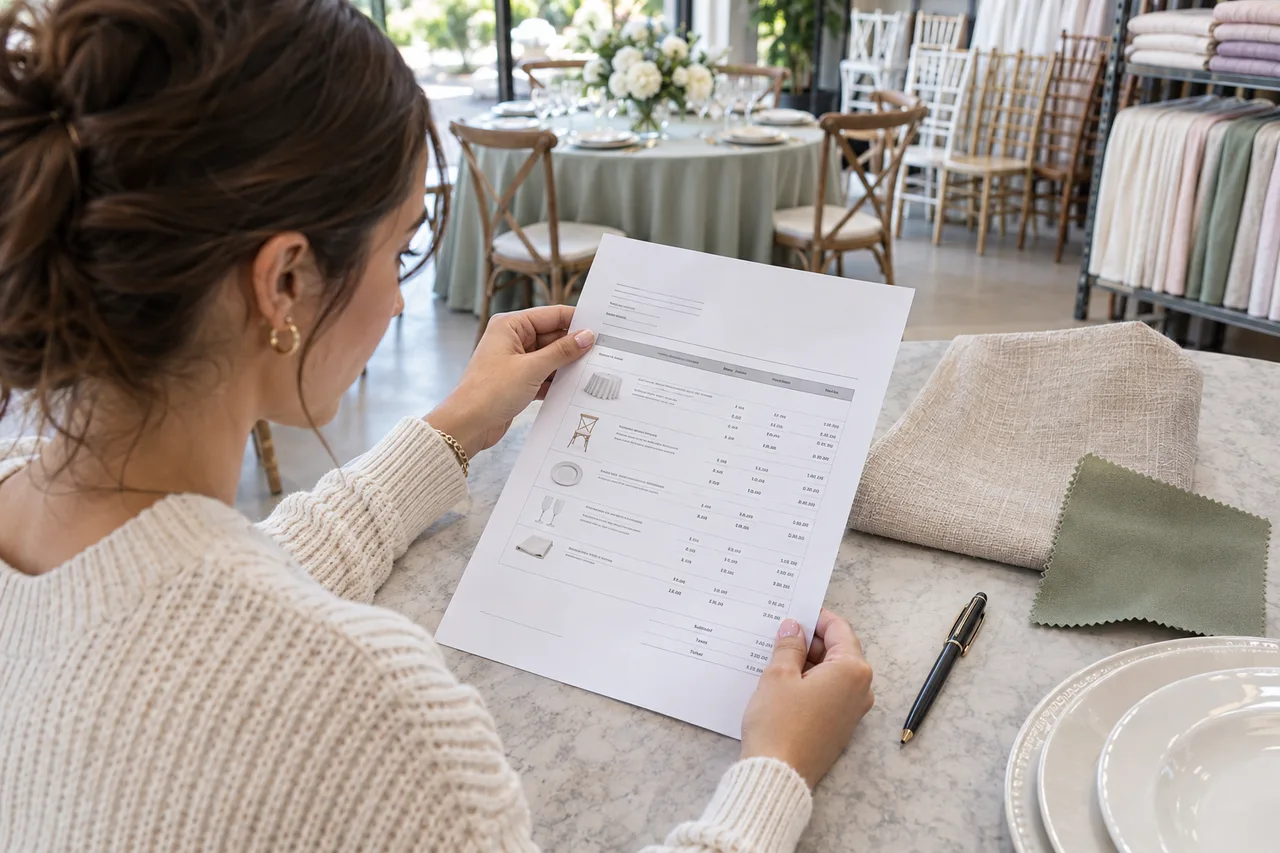
An event planner opens a quote while walking between appointments. The first page shows sixteen line items, three versions of a delivery fee, a billing address, and a large total. The planner has one question. Does this cover enough seating for both the ceremony and dinner? If the answer takes a call to find, the quote is creating work for both businesses.
A quote that customers can review quickly gives them enough structure to understand the offer, verify the details, share it with the right people and approve the version they intend to book. It also gives the rental business a clear record that can be used to reserve inventory, schedule the crew and check changes later.
Begin with the order the customer recognizes
Use a short heading that connects the quote to the event. A wedding with two events on consecutive days can have a ceremony and reception quote. A venue manager might prefer a reference such as “June 14 client dinner, West Hall.” Choose the name with the customer or take it directly from the inquiry. Put the event date and venue near that label.
Identify the people or teams who need the quote. It can name the event organizer as the primary contact and the organization that will pay as the billing party. Keep billing and delivery addresses in clearly labeled places. A planner may work out of a different city and put the organization’s address on the client’s internal paperwork. The crew will need the actual delivery address when it receives the order.
Give the quote a reference number, issue date and clear status. A short quote number lets staff find the right order when customers call. Show whether the quote is an estimate, ready for approval, or a revision that supersedes an earlier version. When the order is already accepted and a new version is awaiting approval, make that distinction obvious. The customer will often have both links in the same email thread.
Use the short summary to describe the event outcome. “Dining furniture for 96 guests with a staffed delivery to the second-floor ballroom” tells a reviewer where to start. The line items can carry the details. If the current plan includes assumptions, put the ones that affect cost, quantities or service beside the summary.
Put the time commitments where they can be checked
Show the date and time equipment is needed at the venue, the expected delivery or pickup window, and the planned collection or return window. If these times are tentative, say who still needs to confirm them. Use the business or venue time zone if there is any chance of ambiguity. A trade show planner arranging vendors from another time zone may otherwise interpret a venue deadline incorrectly.
Separate an arrival window from a setup deadline. “Delivery between 8 and 9 a.m.” describes when equipment reaches the site. “Setup complete by 11 a.m.” describes when the customer can use it. Both may belong in the quote if staffing is included. If the customer is responsible for setup, specify the handoff point and any venue timing they need to account for.
Use the same period consistently. A weekend pickup can involve three calendar dates and a single weekend rate. A quote might say that the rate covers pickup on Friday afternoon and return by Monday at noon. That helps the renter understand the period without calculating from a label. It also gives staff a deadline they can apply when equipment availability is tight.
Confirm that the time promises fit together internally. An item returning Monday morning may still be unavailable for another Monday morning pickup if it needs counting, cleaning or repair. The quote should reflect a window that dispatch and inventory can fulfill. If an order needs several trips, show which items come on each trip when that would affect the customer’s plan.

Organize equipment by how the customer will use it
Group line items around an event area or decision where that makes the quote easier to read. A ceremony group might have chairs, an arch and a signing table. A dinner group might include tables, linens and place settings. If identical chairs move between areas, show the one rented quantity and identify who will do the move. Repeating the quantity under both areas can make the customer think the quote contains twice as many chairs.
Use customer-facing names that distinguish similar products. “48-inch round cocktail table with fitted black linen” tells a planner more than an internal code. Keep the code nearby for staff if the same quote feeds the pick list. For a product whose color, size or finish matters, make that attribute easy to spot. A thumbnail can help a customer confirm the item, with the name and measurements still visible in the document.
Show quantities prominently. State whether the price is per unit, package or ordered period. A rental for 12 tables with 12 linens should let the reviewer quickly see that the accessory count matches. If a separate quantity covers extras, name the reason so the customer can verify it. A label such as “two spare place settings” makes an intentional surplus easier to distinguish from a counting mistake.
Give a package enough detail to define it. A booth rental package can list the backdrop, booth, operator hours and delivery included in the base amount. Where component dimensions or stock matter, describe them in the item list or attach the specification. The customer should be able to tell what they will receive without opening an old sales brochure.
Show the total and the payment due at approval
Start with a subtotal for equipment and a subtotal for services if the order has both. Show discounts, fees and any applicable taxes clearly enough that the customer can follow the arithmetic. A service description should tell them what a separate charge covers. “Timed room setup and chair placement” is more useful in a review than “delivery adjustment.”
Distinguish the full order total from the amount due next. As an illustration, a quote might show a $1,240 order total, a $310 booking payment at approval and a $930 remaining balance due before delivery. Those numbers need to appear near the approval step. If the order includes a separate refundable deposit or authorization, describe the amount, when it is handled and how the business treats it under the stated terms. If taxes or payment calculations are still being verified, describe what remains open.
Keep optional lines visually separate from the approved base. A $110 linen upgrade can appear below the base amount with a short description of which material it replaces. A customer should see how choosing it affects the total before approving. For a choice between two packages, provide the complete price for each option with the inclusion differences listed next to it. An approver should be able to read the amount aloud without doing mental arithmetic.
Make discounts understandable. If a price includes a package adjustment, show the adjustment on the group it applies to. If a discount depends on a minimum equipment quantity or a date window, spell out that condition. Staff can then recalculate a revised quote correctly when a customer removes equipment or changes the dates. Put any explanation that affects what they pay close to the number.
Describe who does what at the event
List the agreed handoff. For pickup, include where the customer goes, the window, who is collecting and any preparation the customer must make. For delivery, state whether the order goes to a driveway, a dock, a room or an arranged placement in the venue. “Delivery to West Hall service entry” gives a customer a concrete handoff to confirm.
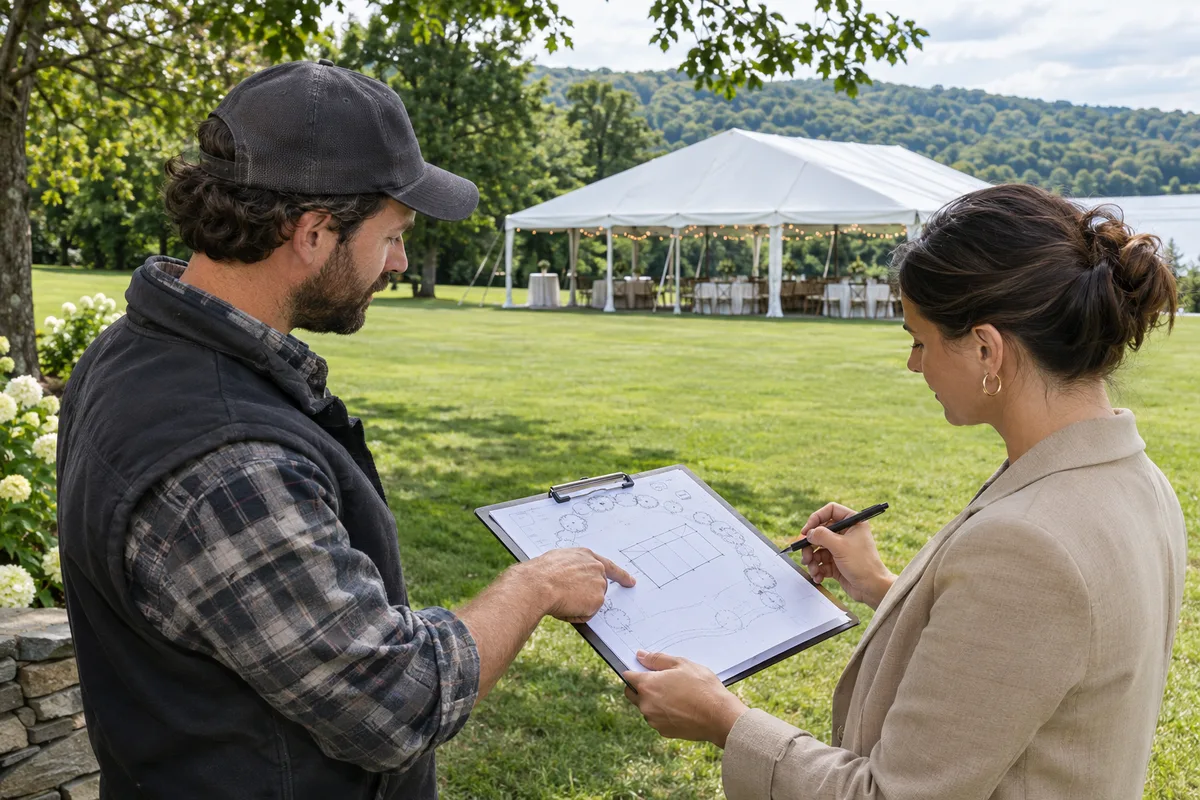
Define setup as a service that has a specific scope. If the rental business sets tables and places chairs according to a venue diagram, say so and attach or reference the diagram where available. If the customer lays linens and sets place settings afterward, include that division in the service description. State the collection condition the team expects, such as stacked chairs or loose racks staged at the delivery door, based on the actual agreement.
Put special dependencies near the relevant line. A covered loading area, freight elevator reservation or venue approval can affect whether a delivery quote is ready. Mark these conditions as pending if someone still needs to confirm them. Give the relevant party a deadline and a way to supply the detail. This avoids sending the customer a quote that looks final while staff are still deciding how to do the work.
Check that the description makes sense to the person who will be on site. A customer who rarely handles deliveries may skim “standard service” without realizing it means curbside delivery. A venue coordinator will know exactly what it means to receive a truck at Dock C during the assigned window. Prefer the description both readers can use.
Make the next step unambiguous
Put the approval method and price validity date beside the total or immediately after it. Tell the customer what happens when they approve. Some businesses confirm after receiving a payment and signed terms, while others confirm only after an employee reviews the site details. Describe the sequence your business actually uses so the customer can plan time for it.
Explain inventory status in words customers can act on. An item may be available at the time of the quote and still open for another booking. It might be held through a specific time as an accommodation. If the hold ends before the quote price expires, show the two deadlines separately. A quote can remain valid as a price and still need dates rechecked.
Give the customer a way to request a correction or ask a question. A reply address, a contact number, or a clear request-change option all work when the office monitors them. If the quote goes to a group email, identify the person expected to approve. Keep the approval link specific to the current version so an old email does not send the customer through a version you retired.
When changes are requested after acceptance, show how they affect the existing commitments. Put the revised quantity or service in a new version and show any additional amount or credit. Keep the date of the original approval available. Staff should be able to tell which pieces of the order are already agreed and which ones still need a customer answer.
Walk through a seating quote with two decision-makers
Consider a planner arranging a ceremony for 100 guests and a dinner for 96. The planner needs to compare using the same chairs twice with hiring separate chairs for each room. The venue manager needs to check that the equipment can arrive before a hallway closes to deliveries. Start by giving each person the parts of the quote they need to review, while keeping the complete order in one version.
In the first option, 100 chairs cover both rooms. The quote describes the ceremony placement and who will move 96 of those chairs for dinner. It states when the room change happens and what the move service costs. In the second option, the quote shows 100 ceremony chairs and 96 dinner chairs placed before guests arrive. The higher equipment quantity increases the price and reduces the scheduled move. Put the two complete totals beside those differences.
The venue manager signs off on a morning dock delivery but tells the planner that only the second option can use the ballroom before noon. That changes the service assumptions for the first option. The account manager updates the affected price or timing before presenting the revised choice. The planner can now identify which version reflects the agreed access window, even if they forward just the PDF to the client.
At approval, capture the chosen option and current quote version. The crew order includes each item quantity, room, and any planned move. If the customer asks for four more dinner seats after approval, the office can route the change against the exact option accepted and check whether the existing chair count covers it. The quote remains useful after the payment stage because the choices have been written down in practical terms.
Keep a short internal field list for the next quote
Create a field list with the people who prepare offers and the people who fulfill them. Begin with the fields every quote needs, such as the customer reference, amounts, dates, and a next step. Then add conditional fields for services such as room placement, after-hours access or a split return. Use the list when you configure the quote form, so the person preparing a small pickup sees the relevant fields without wading through instructions for a convention venue.
Identify which fields should carry through to the booking automatically and which ones a human must check. A quote can carry its final item quantities and delivery address forward. A requested time may still need dispatch approval before someone treats it as a route assignment. An internal status makes that difference visible. Ask the warehouse to point out any fields they still copy between systems and verify the resulting booking on a test order.
Assign responsibility for fields that have a habit of staying blank. A sales coordinator can usually resolve equipment choices with the customer. The event coordinator may be the best person to confirm the dock and elevator. Give them a short example of a complete answer. Review it after several real quotes to see whether the information reaches the people who use it.
Test the quote from a phone and as a forwarded document
Open a realistic sample quote on a phone and ask a colleague to find the date, equipment count, total, amount due next and how to approve. Then ask them where the delivery ends and whether furniture placement is included. Observe what they open and reread. If they have to scroll through internal addresses, codes or general text to find those answers, move the most-used information closer to the top.
Send the same sample to someone who did not take the original inquiry. Ask them to explain the order to a third person. Any unanswered question that the customer could reasonably expect to find in the quote belongs in the layout or the booking information that feeds it. Use the exercise for a small pickup order and for a large venue arrangement. A layout that makes two items easy to read should still support a practical event with several rooms and teams.
Check what happens after revisions. Verify a private test order lets a customer find the new version, view the differences and see the right payment amount. Confirm that an old link communicates the status you intend and that internally the updated order reaches the correct team. Review the printed or generated PDF as well. Page breaks can separate an important time note from the item or service it describes.
Track recurring questions over the next few weeks. If customers keep asking whether labor is included, adjust the item labels before adding a general explanation to every quote. If they ask when their first payment is due, move that information beside the approval control. One small change can help the next customer more than a longer cover letter. Measure whether the team spends less time interpreting quotes and whether customers can approve the correct offer with fewer exchanges.