Build a local search presence around real delivery areas
Describe real rental delivery areas and pickup options consistently across local profiles, website pages and quote requests.
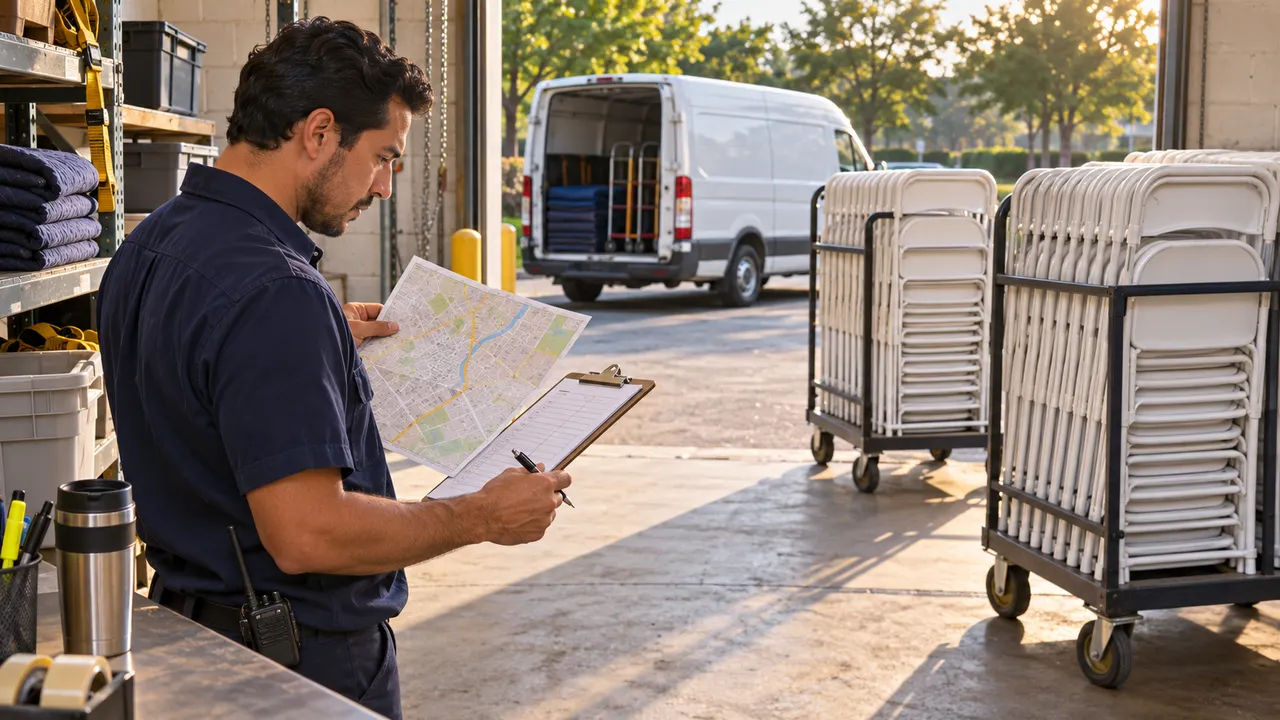
A planner finds a rental shop under a search for the next town over. The website says it serves the whole region. The quote form accepts the venue address, but the office says the next morning that trucks rarely go beyond the river on weekends. If the planner had seen the real limits and a pickup option when she opened the site, she could have made a better decision earlier. The apparent reach of the listing created a lead the business could not use.
Build your local search presence around the places you can reliably serve. Start with real trips and booking conditions, then make the public profile, website and quote path agree. A useful local page helps people identify the equipment they can rent, learn whether pickup or delivery fits and submit the details the shop needs for an accurate answer.
Draw the service area from completed work
Pull a sample of recent deliveries and pickup orders. Group trips by city, postal area or another boundary that makes sense to the people serving the route. Look at what the team carried, when it was able to reach each site and what the trips required. Include return travel and retrieval when the shop handles them. A town may look close on a map and still require two separate loading periods, a congested crossing or a narrow setup window.
Write down where delivery is normally available, where it requires review and where you generally do pickup only. These can be useful internal labels. A common route may work when customers select a broad arrival window. A further venue may be possible on a weekday, for a qualifying order or when another job already goes that way. Use historical visits to check what actually happens. A one-time exception for a major customer should not become a default promise on a page.
Check the size and type of rental. The business might deliver chairs in an area where there is no qualified crew to set up a staging package. A compact photo booth may fit in the available vehicle while a large lounge order needs a truck. Public descriptions can expose those differences where they affect choices. Give the office a single place to see how a postal area, pickup window, order size and actual crew schedule combine.
Separate receiving customers from delivering to them
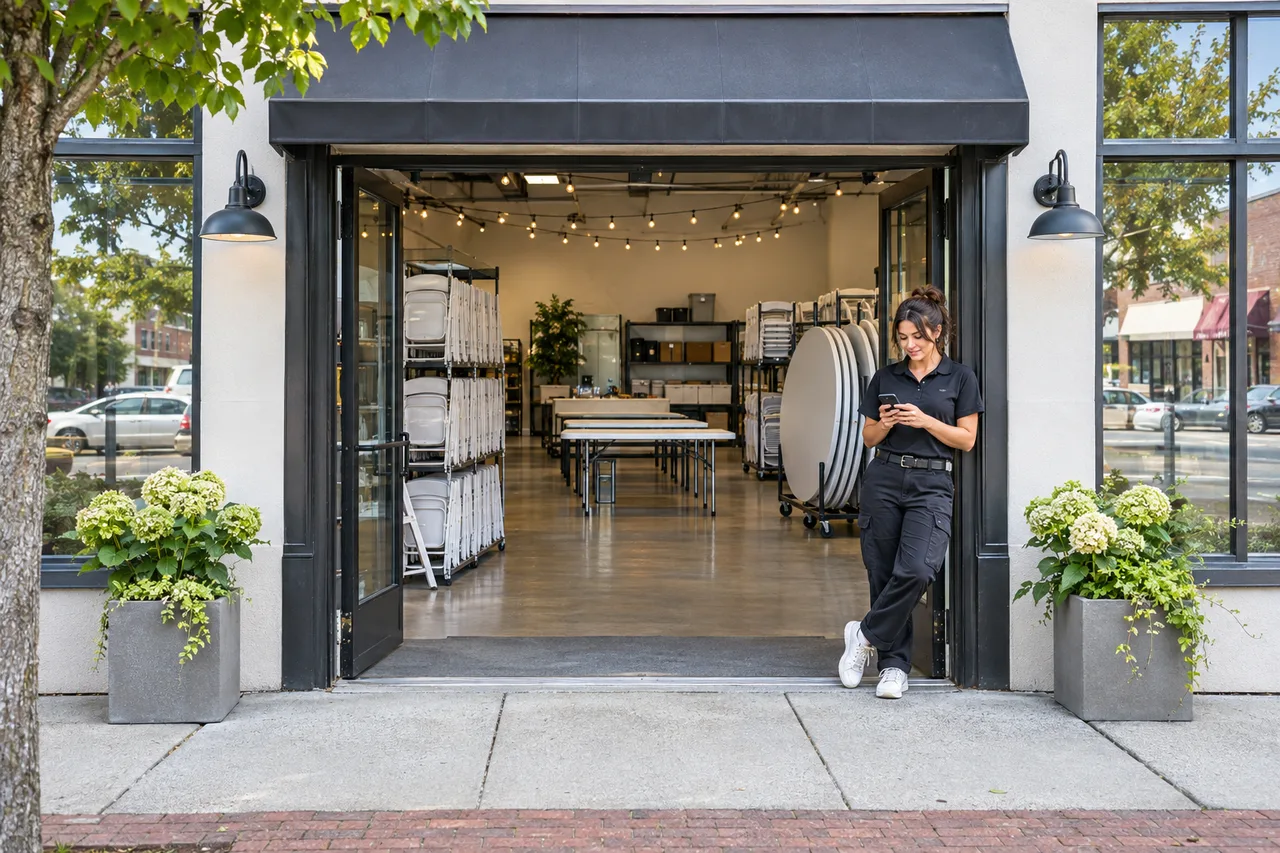
List the locations where customers can really visit. If a showroom has posted hours, staff and a pickup counter, make those directions easy to find. If equipment is stored in a private warehouse and all handoffs happen at event locations, explain delivery and how to contact the business. A receiving point used only by vendors has a different purpose from a staffed showroom. The website should guide people to the appropriate place without assuming every business address is a place they can show up.
Google distinguishes service-area businesses that visit or deliver to customers from hybrid businesses that also receive customers at a qualified location. Its guidance asks businesses that do not serve customers at the listed address to remove the displayed address. Where customers can visit, confirm current address and eligibility rules, including staffing and permanent signage. Use the documented location and service-area settings that match what the shop does. Google Business Profile service-area guidance and Google’s business representation guidelines.
Give the quality of pickup information the same attention as delivery. A shop may advertise pickup at a staffed location, but a large order can need a scheduled window or a particular side of the building. Put this information where it informs the decision. Confirm which directions belong in public and which details should go only to confirmed customers. Avoid publishing entry codes, private storage locations or personal contact numbers as a way of filling out a local page.
Make the profile describe the actual business
Use the shop’s current public name, suitable business categories and an official contact method. Make it easy to tell whether customers can visit, call for a quote or browse and request their dates online. On Google, use the supported service areas for cities, postal codes or other eligible places. The shop may have a travel-cost radius in its scheduling system. Keep that operational rule separate from the published provider settings and explain location review in the customer flow where it is needed.
Check basic consistency across places customers actually use. Look at the profile’s website link, directory entries where the business has a legitimate presence and any venue page that directs customers to the shop. Confirm name, hours, location and current destination. A direct link to the shop’s catalog or delivery page can reduce extra steps. Make sure an old referral still leads to the correct storefront. Save the page owner and date of each meaningful change so staff can fix a directory listing that becomes outdated.
Choose photographs that answer ordinary questions. A picture of the actual showroom or loading entrance can help customers recognize a pickup site. Images of staged tables or commonly rented equipment can help people understand the offer. Make sure items and locations represented are appropriate to show. Tell the web team when a photo depicts a setup no longer offered or a building the shop has left. Location images work best when they reassure people who are about to act.
Give the website one reliable delivery explanation
Start with a main service-area page or corresponding section. Describe where the shop regularly serves, how to check the date and address and what conditions determine the quote. Explain the role of equipment type, order size, setup, timing and vehicle access if those affect service. Give customers an easy way to see the catalog and supply the location details. The best page gives a concrete answer where one is available and a short next step where dispatch must review the job.
If a provider lists cities around the metro area, keep wording on those cities consistent with the business’s rules. Suppose the shop normally delivers basic furniture on the north side, serves the coast by review and offers pickup for distant destinations. Describe all three options in plain language. The customer can see how to proceed even if they do not know which side of the dispatch boundary their venue sits on. Give suitable alternatives such as pickup where the actual item and customer arrangement support it.
Explain fees at the level the site can keep accurate. A clear delivery minimum or price range helps customers plan when it applies and the business maintains it. If fees depend on location or setup, say which details produce an estimate and when a confirmed quote follows. Avoid using a broad “free local delivery” phrase if only limited routes and products qualify. Staff should be able to explain the same offer on a call without revising what the page said.
Create location pages when the details are useful
A separate city or area page earns its place when the shop has genuinely distinct information to provide. A cluster of downtown venues may require booked receiving slots, known freight elevator procedures or commonly used small carts. A coastal area might have different routes or tighter scheduling limits. Give examples that fit real work and disclose location details only where appropriate. A customer should learn something about completing the booking that they could not learn from a generic list of towns.
Choose the right level of detail. If several adjacent towns all use the same conditions and have few operational differences, one strong service-area page may cover all of them well. If a page is mostly a copied catalog introduction with place names changed, write a better explanation on the shared page. Use the words people recognize for the place and connect them to the real categories and service options. Keep marketing and dispatcher language close enough that a customer can follow both.
Make pages easy to maintain. Each needs someone to keep hours, pickup instructions, policies and linked items current. Link collections, service pages and the request form where a customer would naturally move on. Retire instructions for inactive routes and update common inbound links through your website workflow. Keep an internal list of location statements and the rule or policy that supports each. This helps when a truck comes off the schedule or a route changes for the season.

Connect the next click to an actual eligibility check
Test what happens when someone enters an address. If the site can check known delivery areas, ask for the least information necessary to give a useful answer. For a venue near the boundary, allow a clear request for a review. Ask for the date, equipment and the relevant location or arrival needs the team can use. Show when a result is an estimate or a request so customers can distinguish “we serve the area” from a specific reservation that has been accepted.
Follow a request to the office. The email or booking record should carry the actual location and order details, plus the website’s result if it is relevant. Ask whether staff can identify why review is needed. A postal code might be listed but a crossing, restricted access or short setup period could change the decision. Give staff a consistent explanation of how to quote a workable alternative. Update the public rule if a pattern of apparently eligible requests gets declined.
Handle hard cases explicitly. A customer could have a postal address in a served region and hold the event at another location. Ask for the destination the truck would actually visit. Keep a distinct warehouse pickup selection so home addresses do not inadvertently trigger delivery charges. Test a destination that is outside the covered area and a venue that is inside it but normally requires dispatch approval. Customers should come away knowing which path is available.
Use a small feedback loop to refine the area
Count inquiries by the location of the work, the type of order and what happened next. Use broad areas and operational notes that staff can maintain without creating an unnecessary store of personal details. Include declined requests and why they could not be served. If many people from one town visit the catalog but inquiries often fail because of dates, the problem may be a scheduling mismatch. If eligible inquiries are few but customers regularly call about pickup, provide a clearer pickup path.
Compare results with actual bookings. Look at accepted quotes, complete deliveries and time spent checking requests. A location page with little traffic can still answer a useful question for customers referred by several local venues. A well-visited page may create work for staff if it repeatedly attracts a service the shop does not offer there. Use a comparable period and note major changes such as a new vehicle, peak season or a move. The decision is whether the description helps customers find appropriate work and the office respond efficiently.
Keep a short change log. For each important update, capture the page, the public statement, the operating reason and the evidence you will check later. For example, “Regional furniture delivery page now explains weekday access, because Saturday trucks are already committed” gives the next employee enough context to interpret changes in inquiries. Review after you have meaningful comparable orders. A well-labeled change is easier to keep or revise than a page that was silently rewritten.
Apply the same process to one practical expansion
Suppose the shop receives six inquiries for a neighboring location during the first part of summer. Staff can deliver small furniture packages there on Thursday afternoons because a route already goes nearby. Larger installs require a different vehicle or service window. Start with a limited real offer and say when people can ask for it. Update the website and profile where appropriate after checking the conditions. Write an internal quote note explaining when a request can be accepted and what details might require a different plan.
Try a booking with someone outside the dispatch team acting as the customer. They search for the location, open the service area page, choose one product and submit an address and date. Ask the receiving employee to explain whether the job fits and what the final quote needs. Verify that what the customer heard matches what dispatch can deliver. Try the same example on a date outside the offer. The practice exposes mismatches that a tour of the homepage would miss.
When the limited offer ends, check the outcomes and the actual resource cost. If the shop completed additional work within the planned hours, decide whether it can maintain that service. If the trips created fragile schedules or the office spent time rerouting customers, adjust the scope and instructions. Update pages and messages for future bookings while honoring accepted arrangements. A reliable local search presence reflects the places and services the shop can actually deliver.
Decide who owns an exception when a venue sends referrals
A venue may list the shop as a preferred contact even where ordinary delivery requires review. Agree on the language the venue can send to customers. For instance, the venue can invite a planner to request a delivery quote for their proposed dates. The rental business can tell the venue which common furniture packages usually fit and which requests need staff to check access and logistics. Keep the published statement aligned with the real arrangement so the venue has a reliable answer if a customer asks whether delivery is included.
Make the handoff concrete. Give the venue one maintained page to link to and a way to contact the office when an event has a special requirement. Test the path with a hypothetical reception using a tight delivery window. The website should explain the usual scenario, and the office should see the venue and date details it needs to review an exception. If the venue goes through a renovation or changes receiving hours, have a named person update the materials that customers use.
A referral in a neighboring market is also a good way to detect a stale condition. If a planner says a website promised weekend delivery, record the page or message and have the owner compare it with the current rules. Check that any correction reaches the referring venue and each relevant public page. Keep accepted bookings visible to dispatch while the public statement changes. This gives the next planner a more accurate expectation without creating confusion about an existing commitment.
Check the location information routinely
Review the public profile and main delivery page before a season change. Confirm opening hours, the quote URL, supported equipment and any temporary limits. Ask the person responsible for dispatch to read the page as a customer and identify a promise the team can no longer keep. Use earlier examples to see what has changed. If customers keep arriving at the wrong door, recheck both the listing and the confirmation directions.
Put one review on the calendar after a move, new pickup site or major route adjustment. Match the data where customers find you with the guidance they need at the delivery address. Search from a phone, follow one link to the catalog and ask the office what it would do with a request. The business should be able to detect outdated statements at the same place a real customer would encounter them.