Build a baby gear rental service parents can plan around
Plan baby gear rentals around verified products, predictable lodging handoffs, travel changes and time to inspect each return.
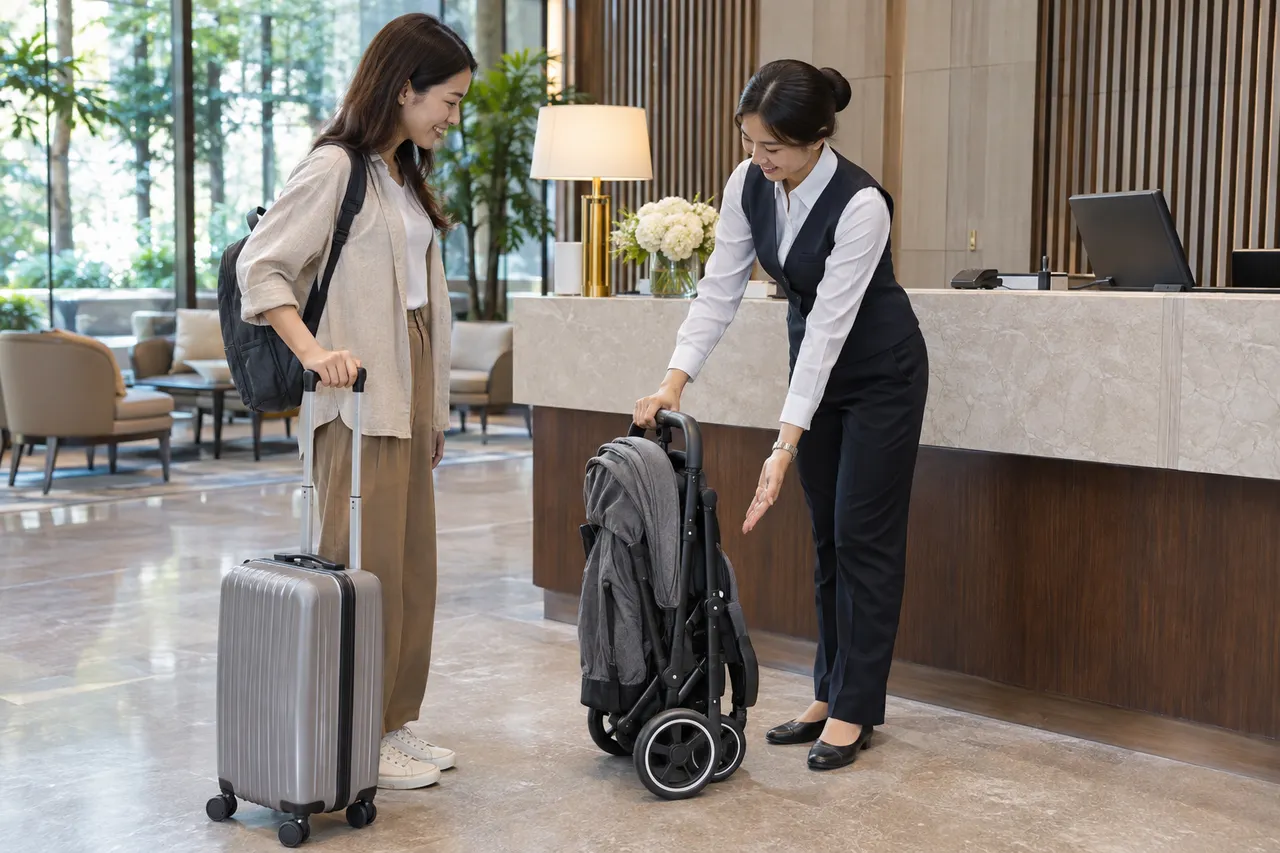
A family lands in the evening with luggage, a tired child and a booking for a stroller. The rental company sent a message saying the item would reach the hotel “after four.” The front desk has no delivery name on its list, and the family has another hotel under the same chain across town. The stroller itself may be a good fit. The service still depends on whether the family can find it when and where it is needed.
Build a baby gear rental service around a planning advantage for parents and caregivers. Give them the exact product information they need to choose, agree on a verifiable handoff, and reserve time for every item to be checked before it is used again. A narrow catalog with dependable product and delivery records can serve families better than a wide catalog built around uncertain stock or vague promises.
Start with a product range staff can verify
Listen to families, hotel staff and property hosts. Ask which items parents regularly have to pack, what they need at the time they arrive and what constraints affect their choice. A family might need a compact stroller for several days, while another wants a distinct type for a specific use. Find out how often people ask for an item, the quantities they need and whether they can collect it themselves. Choose a range the shop can describe accurately and support using manufacturer instructions.
Record the make, model, item identification and relevant specifications for each unit. Use the manufacturer’s current documentation and follow applicable product requirements. A photo that shows one model should not introduce a different model under the same description. Staff need a way to verify the unit behind each listing and know which accessories ship with it. Define situations that need review rather than trying to match every family to one broad product entry.
Set clear boundaries for what the business supplies. Equipment such as car seats, infant sleep products and certain other child products calls for its own specialist knowledge and product-specific requirements. Assess each category with qualified advice before listing it. A service can start with a limited selection of stroller models it can properly inspect, maintain and explain. Families should know where to get model-specific instructions and when the shop needs them to confirm a detail with the manufacturer or another qualified source.
Give parents the facts needed to make a choice before they travel
Publish useful product details next to availability. A person comparing strollers may need folded dimensions, listed suitability and use limits from the manufacturer, as well as what comes with the unit. Keep accessory descriptions precise. If customers need a particular compatible item, confirm the exact model and variant before reserving it. Show the product that is actually offered so a family can compare it with their own packing and transportation plans.
Ask for only the information needed to serve the booking. The shop may need dates, contact details, location, delivery instructions and specific product requirements. If a manufacturer’s criteria make a suitability check necessary, follow your approved process and explain which details you need. Avoid collecting personal details the shop cannot use to support the order. The family should be able to review a clear selection and total without sharing unrelated information about a child.
Set expectations for a substitute. If a booked item becomes unavailable, another model may have different compatibility or features. Tell the family which item is proposed and confirm it follows the same verified model and readiness process. Describe what they need to compare and ask them to approve the change before treating it as accepted. A shop may need to reschedule or decline the order if it cannot supply a suitable option. Record the approved item so the warehouse and family can see the same answer.
Put arrival, delivery and return on the same booking
Ask when the family can actually receive the equipment. A travel date can mean a morning arrival or a late flight. Give the customer a delivery window and a plan if the handoff cannot happen at the first time. Explain which times represent when they can use the item and which represent collection or travel. The last day of a rental might end before a hotel checkout or after the family has already left. Confirm the schedule in language they can apply to the trip.
Record the exact property and approved receiving method. A hotel may accept items at a staffed desk or require the guest to meet the driver. A vacation property may only be ready after the previous group leaves. Check who can accept equipment for the family and how the worker verifies delivery. Do not leave equipment in an unapproved place. Give the parent an easy way to recognize the driver, pickup desk or order number without placing unnecessary personal details on a visible label.
Treat return as its own event. Provide the date, location and usual process in the original confirmation and make the information reachable from a phone. If the family drops the item off before a flight, confirm who can receive it in that window. If the shop collects it, agree on what the family must do and how they will know it was collected. Record the actual receipt and any difference from the original plan before releasing the equipment.
Make the unit traceable through the full rental
Assign an internal identifier and retain appropriate manufacturer labels and model information. Give staff a way to record which unit leaves on which rental and when it returns. If an accessory is compatible with more than one stroller, verify the specific accessory and attach it to the right order. A photo or scan can help someone identify the unit, but the label and record should be sufficient to find its history. Where a product’s own documentation calls for a more specific identification record, preserve it.
Schedule a review of product notices and recalls appropriate to your region and inventory. For U.S. operators, the Consumer Product Safety Commission offers a searchable recall and safety warning database. Check relevant identifiers against official information and manufacturer updates. If you identify a potentially affected unit, isolate it from available stock and follow the qualified process, including contacting renters where required or appropriate. Track the result by unit rather than assuming all units with a similar listing are affected in exactly the same way. CPSC recalls and product safety warnings
Check what happens when a unit has an unverified history or its identification cannot be confirmed. The shop must be able to verify the model and condition before relying on it. Give receiving a way to hold an item and direct questions to an authorized reviewer. Maintain the distinction between an item physically returned to the shop and one approved for rental again. Staff should be able to see the last completed check before they make a promise to another family.
Make preparation and inspection fit the work schedule
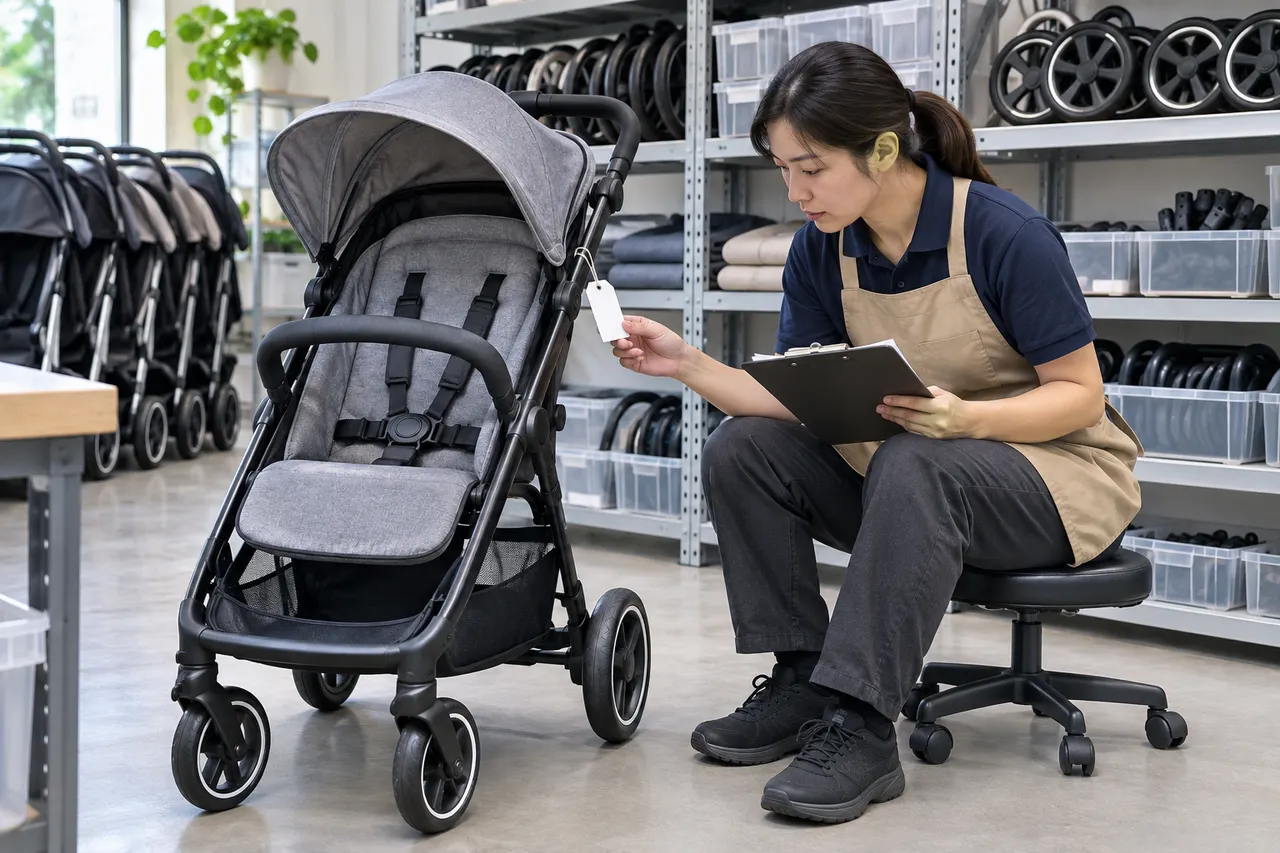
Create a model-specific checklist grounded in manufacturer documentation and applicable requirements. Use approved procedures for cleaning and inspection. Record when the unit was received, processed, checked and released. Keep the area for returns separate from ready units so an employee can recognize a hold during a busy shift. If something is missing, damaged or uncertain, route it to the person who can make a qualified decision before it goes back into circulation.
Reserve enough time between rentals for the shop to do the work. If a stroller arrives at eight in the evening, staff may not verify it until the next morning. That matters if a family needs the same model at eight thirty. Build realistic turnaround into the schedule and count the employees available to do it. A unit due back on paper provides less certainty than a unit inspected and ready. Plan a default margin for ordinary delays and make any actual problem visible.
Make handoff records usable across shifts. The worker who cleaned the equipment may not be the one delivering it. A packing list should include the actual unit and approved pieces. Before the driver goes, verify the item against the booking and confirm the destination. On return, compare the condition and contents with the outgoing record and note what still needs review. This gives the next shift a clear account of what is available and why.
Rehearse a late arrival and a location change
Give a coworker a practice case where a guest moves to another property the night before arrival. Ask who can confirm delivery to the new address, whether the route still fits and where the family should find the revised instructions. If the change adds charges or cannot be accommodated, send a clear decision through the shop’s normal process. Do not leave two delivery addresses active. Tell the driver which version is current and verify the family saw the update.
Try a flight delay that moves the expected handoff past normal hours. The appropriate response might be a confirmed receiving arrangement with the property, a later delivery or a different pickup plan. Decide in advance what your shop can offer and who is allowed to approve an exception. Where you need consent or access details, collect them in the appropriate place. The message should distinguish an update request from an agreed new time.
Practice an early checkout too. If the family asks to leave the item with the front desk, confirm that the desk accepts it and that the shop can identify it. An employee should be able to see whether a pickup is still outstanding. When the item reaches the store, complete the normal assessment before releasing it. A change that appears simple to the customer can create several operational steps. Keep the steps in the order record so the next worker does not have to follow a string of texts.
Explain the service and the charges in plain language
Show the rental period, equipment and any delivery or collection charges before the customer commits. If a price covers a specific route, explain when staff need to review a different area. Clarify the process for changes, cancellations or missing items in the actual agreement and confirmation. Give the family one reliable way to contact the shop about a reservation. At handoff the person receiving the gear should know which documents and instructions belong to their unit.
Track the work behind the price. Count preparation, cleaning and travel, including the return trip. A short rental may use the same delivery time as a longer one, while a longer rental can block the unit on multiple useful dates. Record whether a price or minimum works for the normal service. Use actual orders and direct expenses rather than assuming every inquiry can be served on an existing route. Make limits visible where someone requests a date.
Ask a worker to explain a revised quote and confirm the expected payment without opening several unrelated screens. If a family extends its stay, check both the unit and return route. Keep the revised dates and amount linked to what the customer accepted. Confirm the update in the customer-facing record. A business can offer a friendly change process and still protect future commitments if staff can reconcile the outcome.
Make lodging partners part of the handoff plan
Before relying on a hotel or property manager, confirm what they can accept, when they can receive it and how they identify a delivery. A hotel may have several desks or a dedicated delivery location. A rental home may use a manager whose office hours differ from guest check-in. Keep each property’s verified instructions in a place the office can update. Recheck arrangements when staff, access or operating hours change. An employee’s experience at a different property should not substitute for checking the current one.
Practice a booking where the family has not checked in yet. The driver should be able to see whether equipment may be handed to an authorized person or whether they need to wait for the guest. If the property will not accept the gear, follow the rental company’s agreed escalation path. Let the guest know where things stand and offer the approved next step. A driver marking delivery complete should be able to say who received it and how the family will find it.
Keep the exchange of personal information proportionate. The property might need an order reference and guest name but no details about the equipment’s intended user. Decide what the driver and desk need, and use the approved route to confirm access. If lodging contacts refer customers, give them a current description or link they can share. State that delivery and model availability are confirmed by the rental business. This prevents a property contact from inadvertently promising an item or a time window on the company’s behalf.
Give the next shift a view of unresolved bookings
Build a short list of orders that still need review. It may include a property handoff awaiting confirmation, a unit held for an identity or condition check, and a family whose pickup time has moved. Give each entry an owner, a time to check again and the next decision. If the family needs a reply before leaving for the airport, make that timing visible. An accurate exception list can reduce uncertainty without requiring all workers to read every message.
Rehearse this review with staff from the receiving side. Ask them to find which model is due back first and whether it is promised again. If the return is late, identify another verified unit or a customer update rather than assuming the first one will be fine. Use the same booking number and reference before and after a change. The shop can be flexible when the office and warehouse share the same current plan.
Review the comments from the first few families alongside staff observations. Someone might be satisfied with the equipment and still have trouble finding the pickup desk. A return might go smoothly because a single hotel employee knew about it, while the written instructions would fail on another shift. Look for the detail that made the handoff work and add it to the verified booking instructions where appropriate. Keep track of which locations need a different arrangement. Improving one ordinary handoff can make the service more dependable than adding several product choices at once.
Pilot with a route and calendar the shop can serve
Start with a limited number of products and an area you can reach dependably. Use a few representative orders to verify product selection, hotel or home delivery, collection and release. Compare expected versus observed travel time and the time needed for inspection. Ask what families needed to know before leaving home and what they learned only after arrival. Put the recurring questions in the catalog, booking form or confirmation as appropriate.
Review cases that did not go ahead. A customer might need a model the shop cannot verify, a reception handoff the property does not allow or a delivery after the last available route. Decide whether to clarify the offer or build a narrow service around a repeated need. Keep the boundaries clear while the team tests any change. Families benefit when a worker can give them an accurate answer early enough to make another plan.
Add equipment only when the team can identify it, find authoritative guidance, plan a suitable handoff and check its return reliably. The family’s view of the service is simple: they can choose a known item, find it when they arrive and return it before they leave. Build the schedule, stock and staff process around that promise.