An equipment sign-out form that helps at return
Capture asset IDs, kit parts, condition and custody at sign-out so any crew member can verify the return.
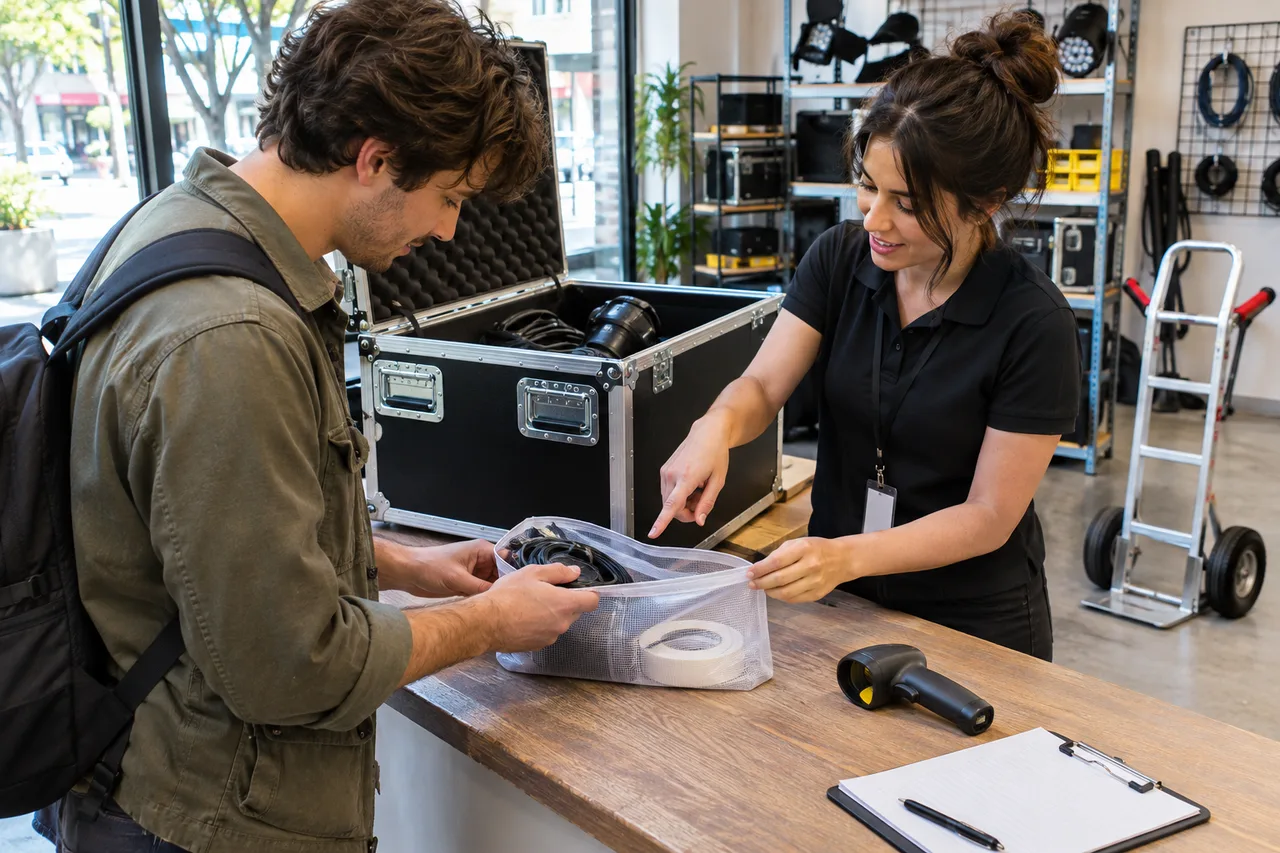
A customer returns a closed case marked “wireless microphone kit.” The case looks right and has the right booking sticker. Inside, both transmitters are present, but the short adapter that fits the mixer is gone. The return clerk has a choice. They can finish the return and hope the next person finds a replacement, or hold the kit and try to work out what was handed over.
A useful sign-out record makes that choice easier. It describes the equipment that actually left, the person or crew who received it, and the condition and parts the business should check at return. It can be short enough to complete at a busy counter and detailed enough to help a different employee several days later.
Decide what the record will answer at return
Start with the questions your staff ask most often. Which of several identical-looking cases belongs to this order? How many chairs were taken in the first pickup? Was the scuff on the camera case present earlier? Did the customer take two power adapters or one? Use those questions to choose the fields. A generic field called “equipment” can describe an order without answering any of them.
Keep the sign-out linked to the confirmed booking. The agreement explains what was promised or accepted. The sign-out captures the physical handoff. If the customer asked to collect only half the order and return later for the rest, keep the agreed order quantity visible, then record what left at each handoff. That makes an incomplete pickup an ordinary event instead of a discrepancy the return crew has to untangle.
Test an old form by giving it to someone who never saw the pickup. Ask them to identify the rental, locate its due time, tell you which parts to check, and explain how they would handle an exception. Note where they call another employee for an answer. Those are useful places to improve the record. A field is worth adding when it changes a decision or saves a follow-up that regularly happens.
Use a short header that identifies the handoff
Put the booking or order number, collection location, scheduled return, and actual handoff time at the top. Include the customer name or authorized pickup contact and the staff member completing the handoff. For a delivery, record who received the equipment or how the crew confirmed the handoff. Use the contact information already held with the booking where possible so it can be updated in one place.
Make the return destination and due window easy to see. A customer taking items from one location may be returning them to another under an agreed arrangement. A printed time described just as “Monday” leaves the next reader to guess whether it means before opening, anytime during the day, or a specific appointment. Show any agreed return window clearly enough for both staff and the customer to recognize.
When the order has several stages, give each stage its own line or handoff record and link them to the same booking. One customer might collect an AV kit at noon and send a crew member later for the stands. Record what the first person took and what remains staged. At the end of the day, an employee should be able to check which part of the order is still at the shop before they call anyone.
Match the identifier to the type of equipment
For individually tracked assets, record the exact asset ID, and include the brand or model when using the ID alone would be confusing. Scan the tag while the item is physically in front of staff. If a case has a different ID from the equipment inside, tell the reader which identifier they are seeing. Pairing a mixer with its hard case can help the return crew recognize a swapped component even if the two cases have the same shape and color.
For interchangeable inventory, use the quantity and the useful identifying detail. “Twenty-four black folding chairs” gives a better return count than a list of chair serial numbers that the store never tracks. A labeled full cart can be counted by its verified contents, with loose items counted separately. Record whether the count is in individual pieces, bundled sets, or complete carts. A full cart plus a partial stack is an easy place to mistake a packaging unit for the number of rentable items.
For supplies that are sold or consumed, note the units delivered and the expected treatment at return. A repair tape roll included for use during an event may be handled differently from a rented cable. Tell the return crew which pieces belong on the equipment list and which are expected to remain with the customer. The same form can include both if the expected return column makes the distinction clear.

Make small parts visible on the record
Give high-friction accessories a count and a recognizable name. Power adapters, specialty cables, mounting plates, stand hardware, remote controls, and battery chargers are often inexpensive compared with the main item. A small shortage still makes the next rental hard to fulfill. Find out which missing pieces repeatedly stop orders, and list those first.
Use a kit checklist when the same configuration goes out regularly. A separate line can show two matching transmitters and one charger, or a numbered pouch can contain an agreed set of small adapters. Count items individually when it matters. A unit labelled “adapter pouch, one” confirms that the pouch is present, while “adapter pouch containing two short XLR adapters and one power adapter” gives the reader enough information to check completeness. A photo of the normal layout inside the case can help staff identify unfamiliar hardware.
Handle substitutions on the same record. A compatible stand taken from a backup kit needs to appear as the stand actually issued. If a specific model was part of the agreement, capture any customer approval needed before the change goes ahead. Update the relevant sections of the booking, then use the new identifier and parts throughout the return process. The original reservation and the physical record are both useful when someone later asks how the change happened.
Describe baseline condition in words people can use
Use specific descriptions and an agreed inspection process. “Normal wear” can mean many things. “Two scratches on rear case panel, latches close securely” gives the next store employee a useful baseline. When a condition check affects the function of the item, record the appropriate time and the person who performed it. Keep specialist equipment inspections separate and link to the relevant record when necessary.
Take photos if they help establish what was handed over. Show the asset or identifying tag in the same sequence so people can tell which item the photo belongs to. For a recurring mark, a close photo and a wider photo often give enough context. Avoid turning a fast counter handoff into a shoot of every minor blemish. The useful evidence is clear enough to compare later and easy to find from the booking.
Make it simple for staff to hold or replace an item that fails the check. If a latch is loose and the case cannot safely protect its contents, route that issue to the right person before issuing it. Update the sign-out list with the replacement if there is one. Keep the underlying condition issue attached to the original asset so it can be repaired before it is offered again.
Give the customer a copy they can use
Show the customer what is in the rental and where they can report a problem. Walk them through the return window and location. Highlight the parts that are easy to leave at the venue, such as a small charger or mount. A customer who has access to the parts list can check their own equipment during teardown and avoid leaving something behind.
Provide the details in a practical format. A link sent to the agreed contact can be useful for a multi-day rental. A small printed copy inside a kit makes the reference available when the crew at the event is different from the person who collected it. Where the handoff requires acknowledgement, explain what the customer is confirming and keep the acceptance with the booking. Record only the information needed to manage the rental, and give staff access according to their role.
For deliveries to an unattended location, confirm the drop plan with the relevant parties before dispatch. The crew should know what evidence to capture and how to report it. A photo of the correct stock and identified drop point may help when the customer needs to find what was delivered. Record any equipment the driver took back because the agreed handoff could not be completed, then give the customer an updated account of what was received.
Use the same fields during return
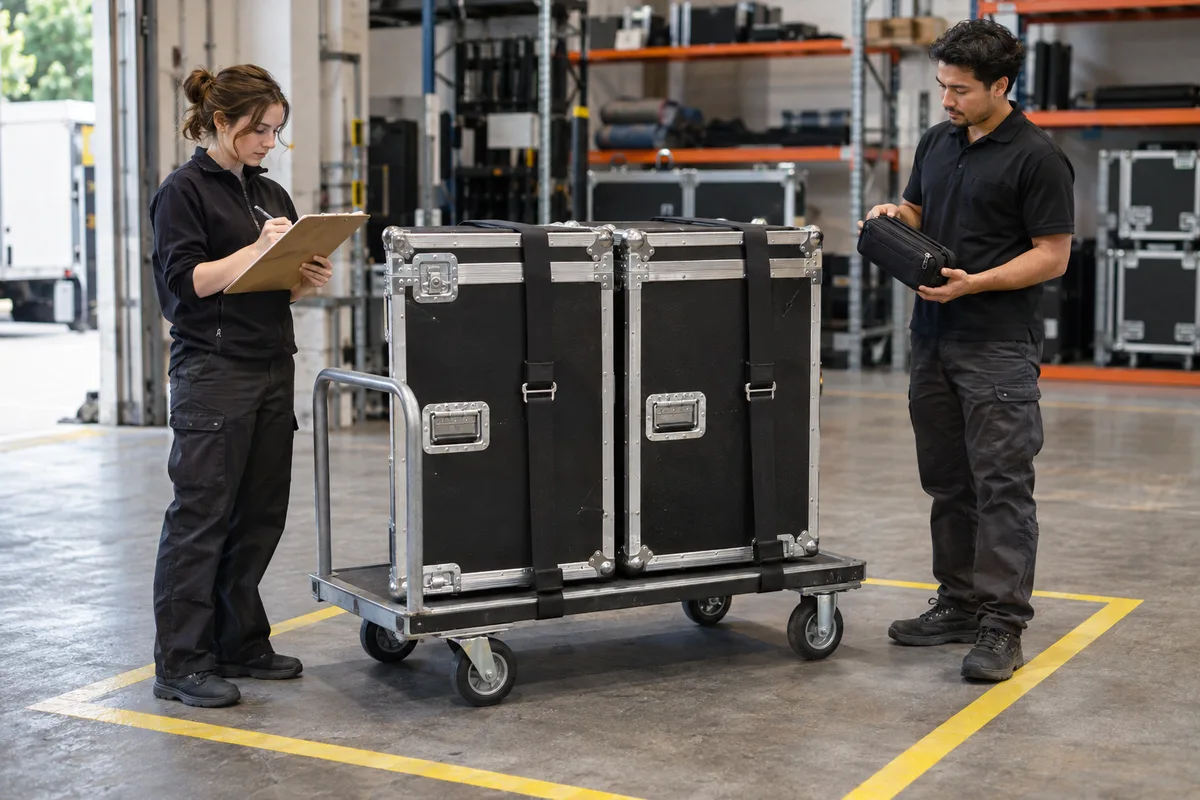
Put the issued quantities and descriptions within easy reach of the return clerk. Give the form separate places to record what came back, what is waiting for inspection, and what remains outstanding. A return should preserve the original outgoing record. Someone investigating a missing part later needs to see what left alongside what was observed during check-in.
For a closed case, record its return and open it in a designated work area before releasing the kit to ready stock. Some businesses have rush arrivals where staff need to take custody before they can perform a full count. Give that work a separate state with a person responsible for inspection. The next salesperson needs an accurate availability answer while the equipment is still being checked.
When the rental comes back in pieces, confirm the quantity and the person who received each part. A customer returning ten chairs now and ten the following day should have a clear record of what remains due. If the second part comes back to a different branch, use the same booking or handoff reference. This helps the original storefront avoid calling the customer about an item that is already awaiting inspection somewhere else.
Keep the booking readable when different teams handle it
Some handoffs go directly from a warehouse to an event crew, then through a collection driver and a separate receiving team. Use the same booking or order number through all four steps. Each person can append their own observed count and time with a note when custody changes. Make clear who still has the equipment when the truck is yet to unload. A driver can have the complete order on their vehicle and the receiving team can still be waiting to confirm what came back.
Decide how staff record handoffs if a scanner or tablet is temporarily unavailable. A dated paper record with the booking reference and asset identifiers is usable while a device reconnects. Give one person responsibility for reconciling it with the shared record. If someone records the same issue from two devices, a consistent booking and handoff reference makes it easier to see the duplicate and retain a single count.
Give a pickup clerk a way to distinguish a routine move between warehouses from a customer handoff. When a kit moves from another branch to your collection counter, the transfer establishes who received it and which site is responsible for it. The sign-out confirms when the customer actually took it away. If the customer moves the pickup date or sends a different contact, update the booking so the warehouse can see which handoff is still outstanding. The employee returning the kit to ready stock should have a clear date and person for each event.
Write discrepancies as observations, with a next step
A useful note captures what the return clerk can verify. “One short power cable missing from pouch P14 after opening case C27” gives the office something specific to follow up. “Customer returned an incomplete kit” is less useful if the remaining parts can be prepared for another order or the cable can be found at the previous venue. Capture a photo when it clarifies condition or a label, and use the earlier issue record to check for a discrepancy that was already known.
Assign someone to contact the customer or venue. Keep the incoming inspection status separate from any later decision about a fee, repair, replacement, or return of a deposit. The person handling that decision needs the agreed terms and the recorded facts. While they review the issue, the warehouse should know whether the affected item is safe and complete enough to rent again.
Update the record when the issue is resolved. If a specialist determines that the equipment is usable with a compatible replacement, capture the approved configuration and revise the kit inventory accordingly. If the original missing part comes back later, record the actual handoff and where the item went. This turns the discrepancy record into something the next staff member can use rather than a collection of old warnings.
Walk a small AV kit through the process
Suppose a customer collects a speaker and two wireless microphones for a panel discussion. Staff issue a speaker marked SP42, a case with two identified transmitters, a charger, and an audio cable. They record which case and pouch went out, the return time, and a visible scratch on the case lid. They offer the customer a copy that shows the cable and charger as separate pieces.
The customer returns the speaker and case together. The return clerk scans the speaker, matches both transmitters, and finds the charger. The long audio cable in the case is a different model from the one listed. The clerk records the observed model, checks the issued list for substitutions, and lets the booking owner know. They can hold the kit for compatibility review while releasing the speaker after its normal inspection, provided the speaker can be rented separately.
The booking owner asks the venue team to check its mixer station, and the original cable turns up in a drawer. The team arranges the handoff and records when the part comes back. The warehouse updates the kit to a complete and ready state. A clear record kept the next order from inheriting the mismatch and gave the customer a specific place to look instead of a vague request to find missing equipment.
Improve one field at a time
Try the form on a simple collection, a serialized equipment handoff, and a return that comes in parts. Ask the returning staff what would save them time. If the same accessory is reported missing, add its quantity or a photo to the default kit. If someone regularly records the case number in the asset field, change the labels so the difference is obvious. If the booking reference is hard to find, put it at the top of the page and on the equipment label when appropriate.
Review a few records after a busy weekend. Look for missing timestamps, equipment released before a count, or multiple people working the same follow-up. Agree on the person who will close the discrepancy. Keep that responsibility visible without adding extra steps to uncontested returns. The form should help the staff member who received the stock and the staff member who plans the next job.
Use the smallest record that can answer the right questions. A chair pickup may need a model, quantity, date, and receiver. An expensive AV kit may justify individual identifiers, a parts list, and photos. The payoff is the same. Everyone can trace what left, what came back, and what action is still open before the next customer needs the equipment.