A Website Checklist for Rental Companies
Build a storefront that answers customer questions before they have to call.
Section heading
Make browsing intuitive
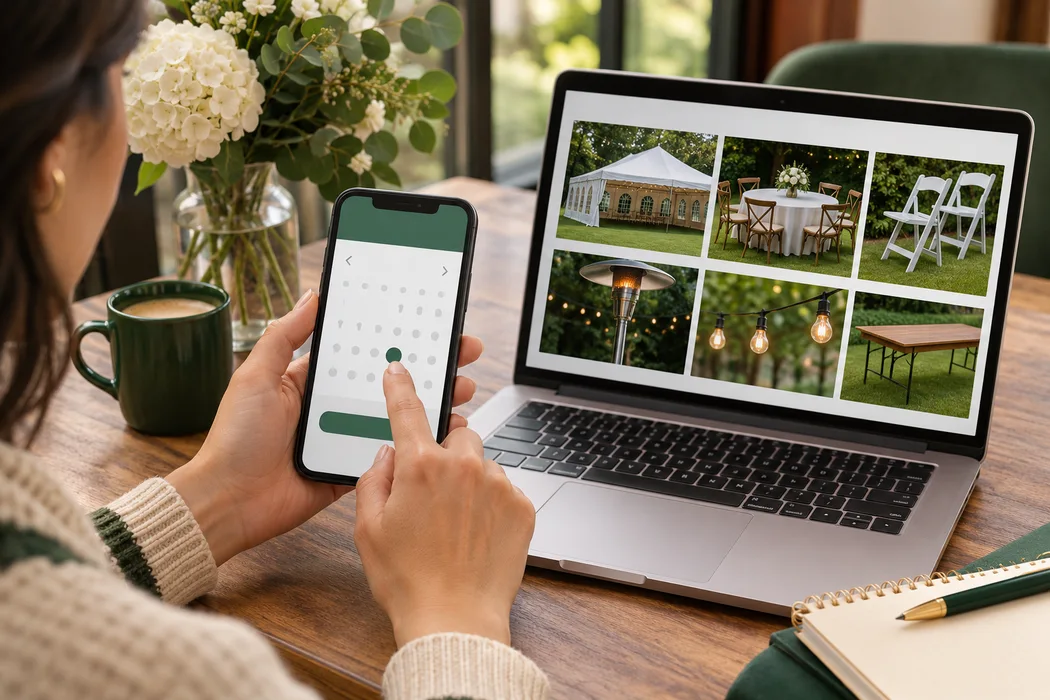
Show clear product categories, useful photos, what is included, and the price or quote process. Place date selection and availability information near the product details. Use navigation that works on a phone, not just a desktop.
Reduce checkout uncertainty
Explain rental duration, delivery and pickup choices, deposits, taxes, and any required agreements before asking for payment. Customers should receive a confirmation and a simple way to review their reservation.
Include trust and contact details
Publish real business contact information, service areas, rental policies, and helpful FAQs. Verify that forms work and pages load quickly. A polished design is valuable, but dependable booking behavior matters more than visual effects.
Try booking from search on a phone
Give someone an event date and ask them to find a suitable package, check common fees and request it. Watch where they reach for contact information. Add missing delivery, size or available-date details to the page where that question first came up.